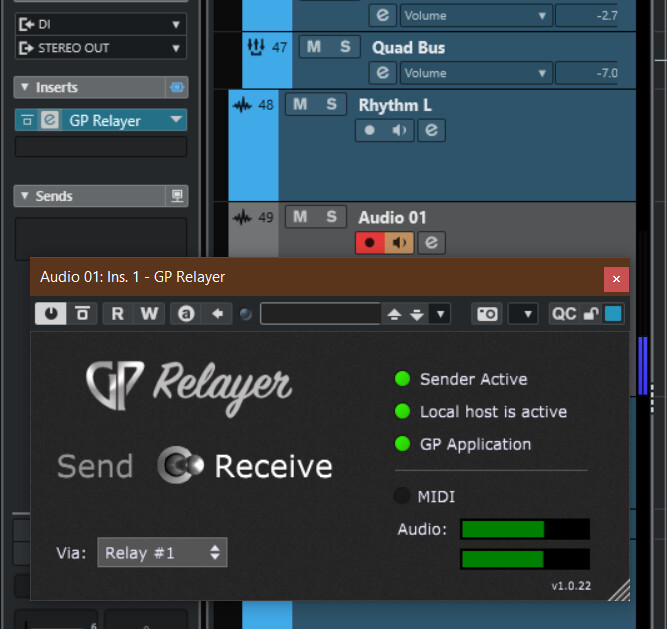
Im currently not able to record with the new GP Relayer. Of course im doing something wrong here but i cant figure it out. I have all the connections running and i can even hear my guitar rig coming through Cubase when I monitor through Cubase directly muting GP. At the moment im only able to record my di track and not what I hear when I monitor.
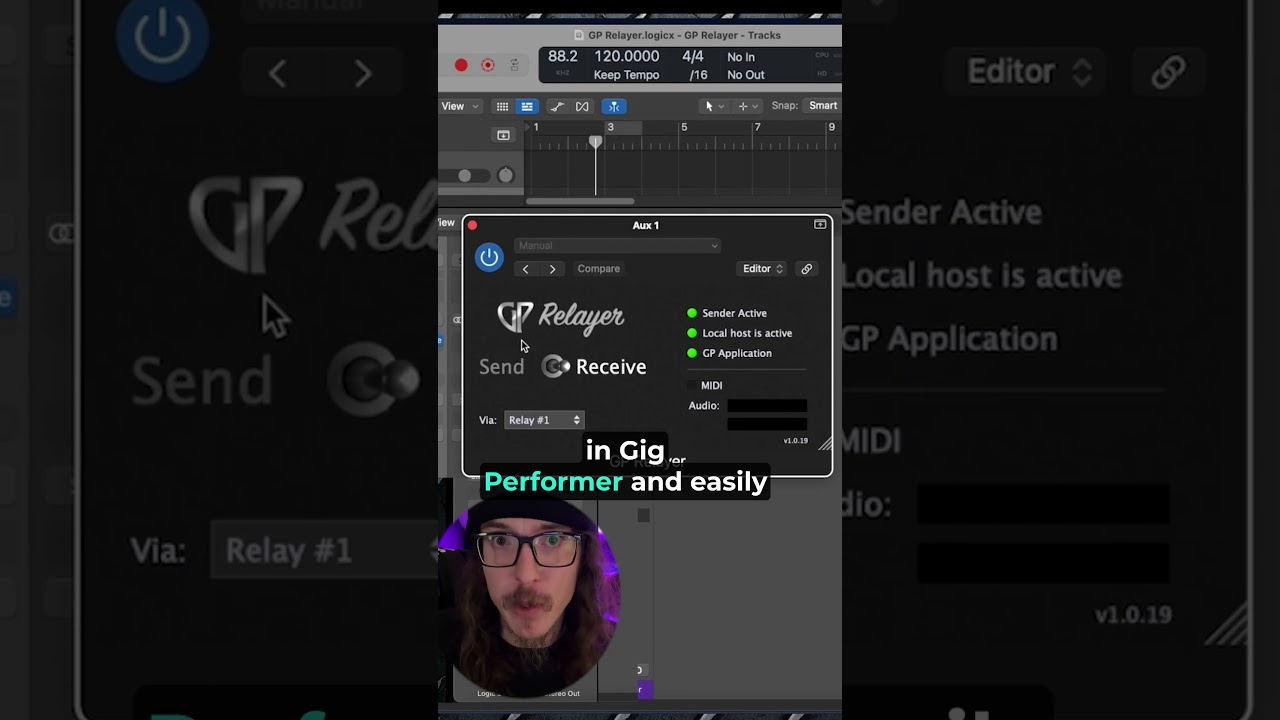
I’m having the same problem in Luna and Logic. I just posted another thread at the same time you were posting this… oops.
Damn same lol, hopefully we get an answer
For logic
Any clear way to set up your tracks? I’m trying different combinations of group tracks and different sends and I’m not getting anywhere it seems.
You can do it a few different ways.
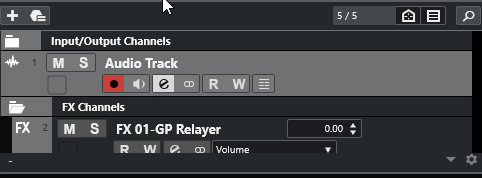
Try adding an Effect track, inserting GP Relayer as an effect on that track, and routing it to an Audio track. That Audio track should be able to record the signal from GP Relayer then.

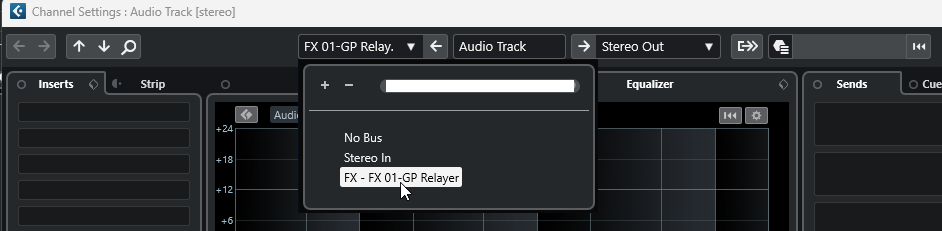
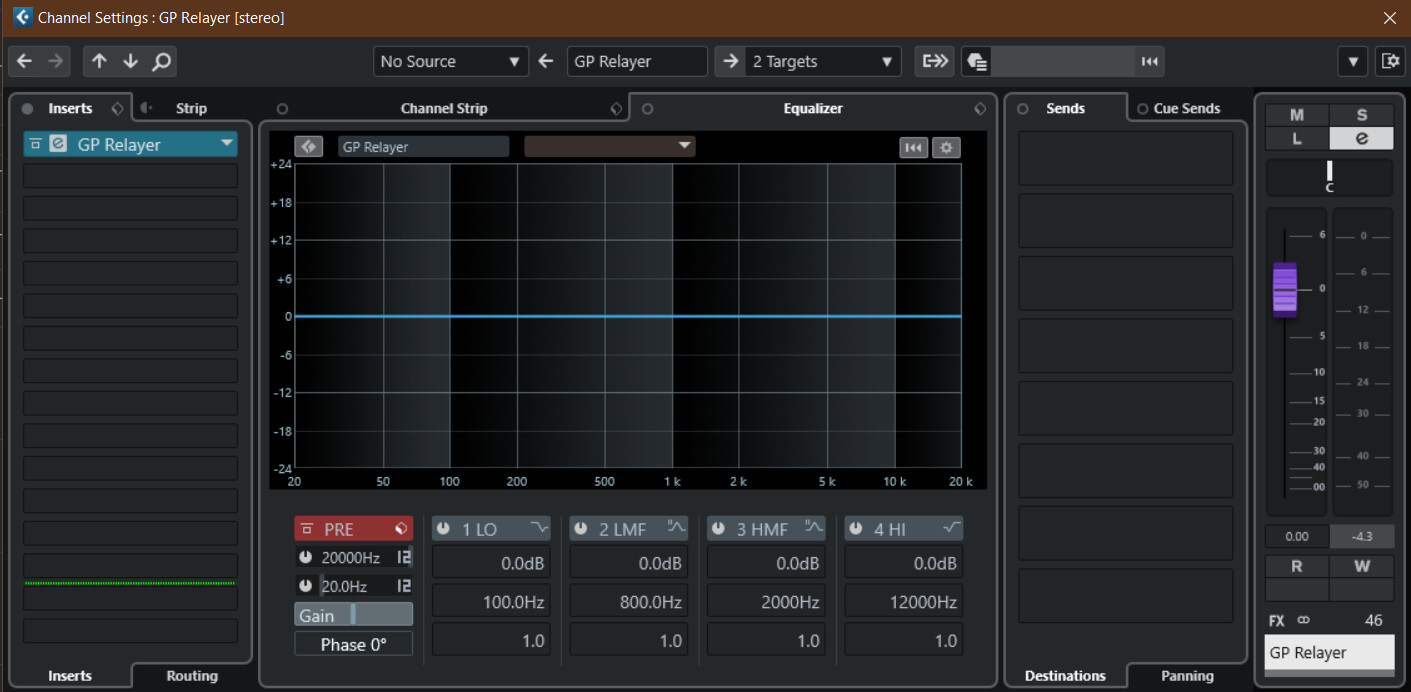
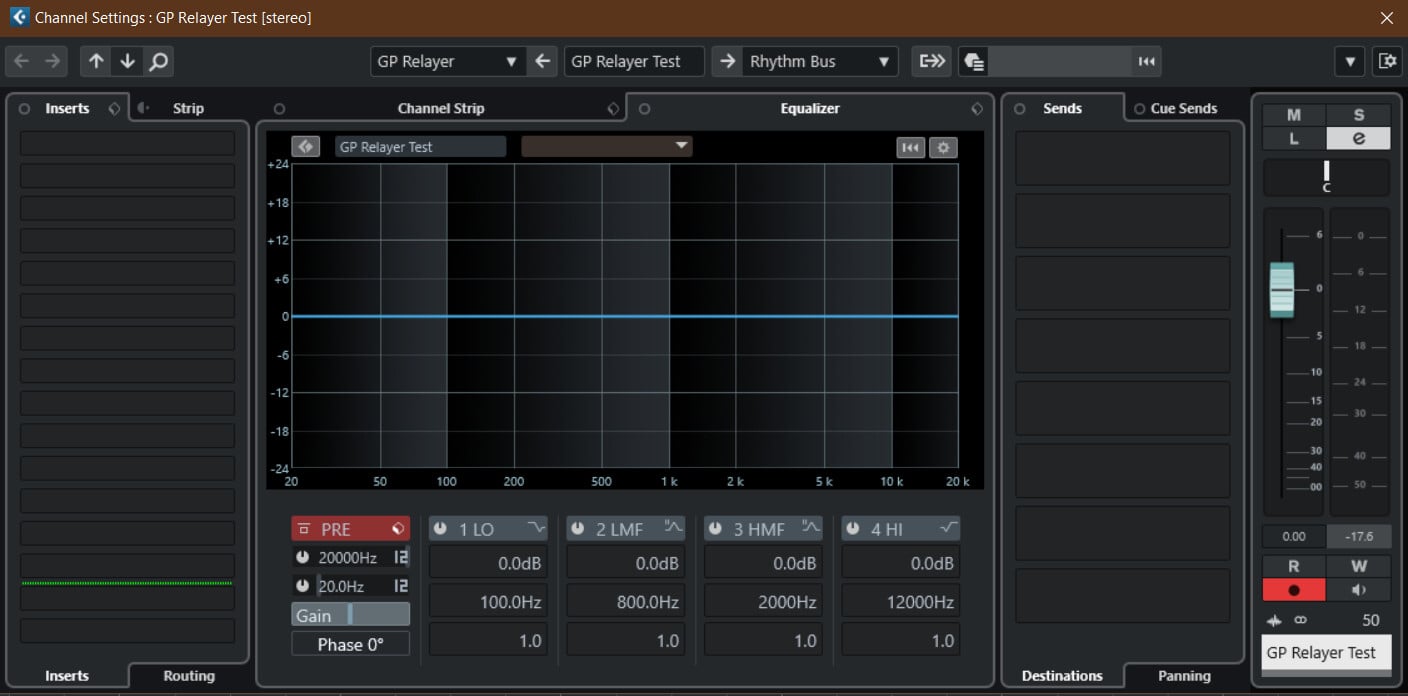
The Relayer in GP has to send, while the one in your DAW has to receive and both have to be on the same relay channel. In GP you have to route audio into the Relayer.
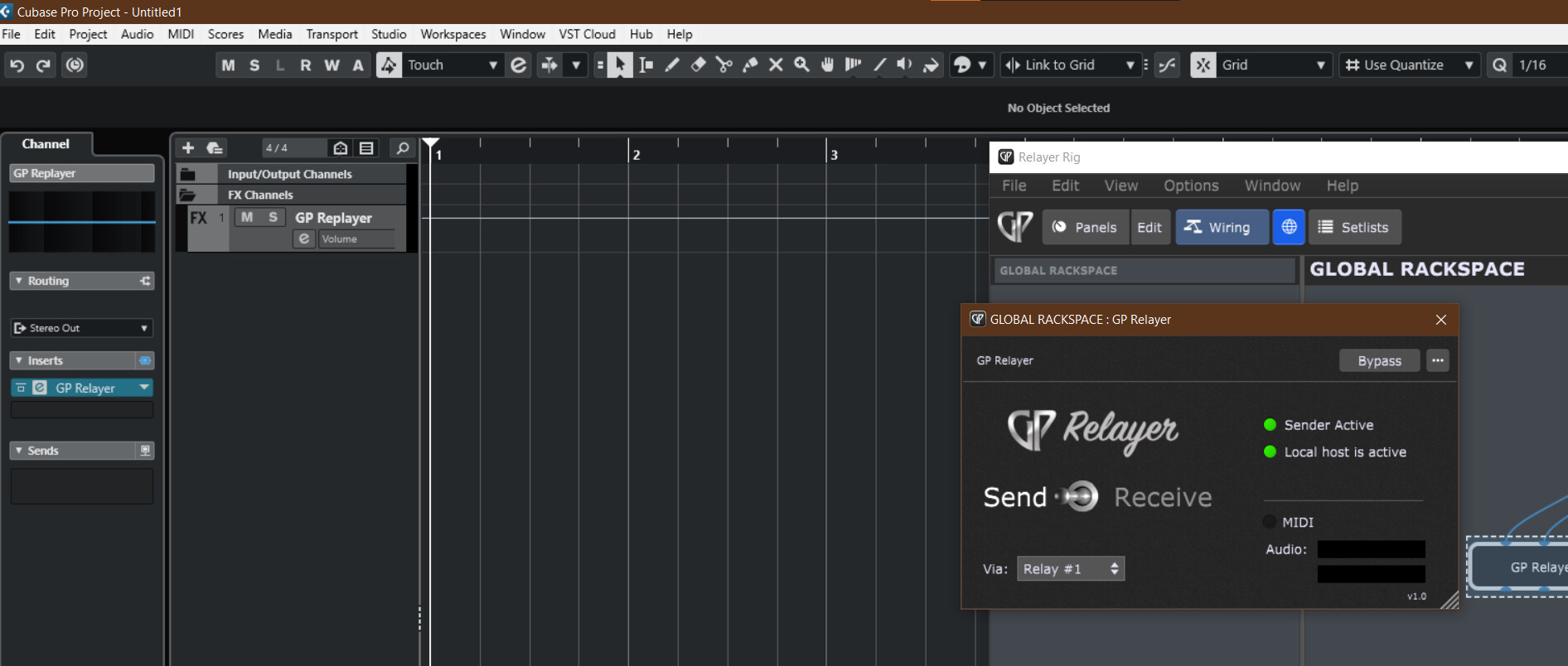
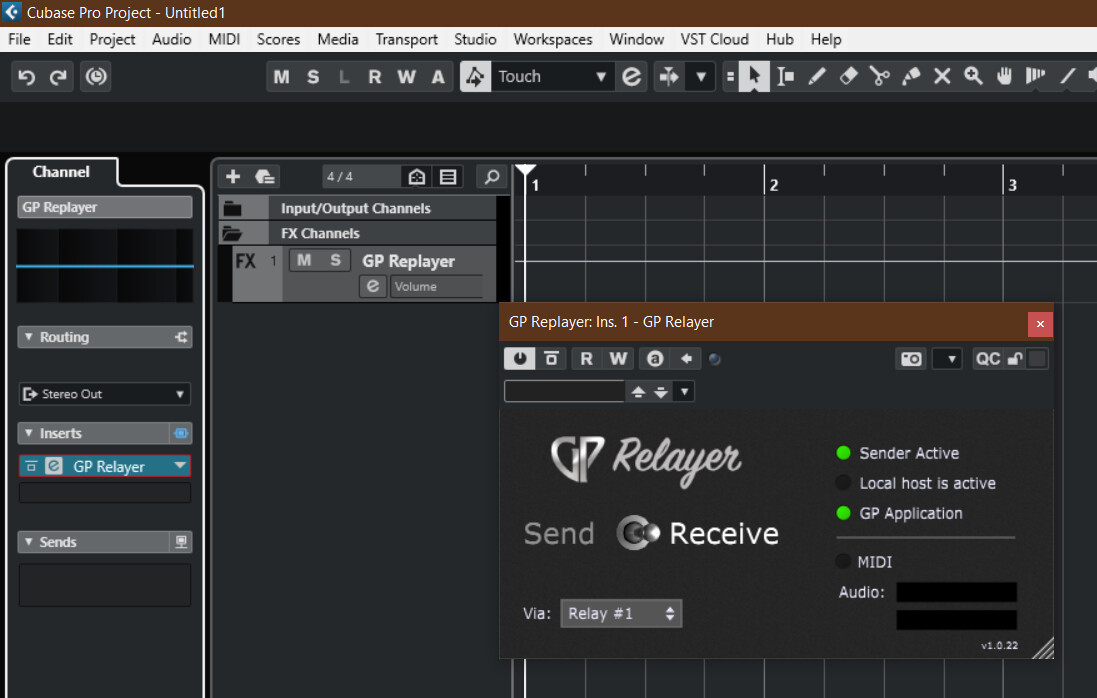
You can try changing the relay number, and then switch it back to Relay #1 again.
If that doesn’t work, remove the FX track and try re-adding it again.
I would even keep another Relay# channel for testing.
@Combo, did you use several Relayer at the same time in GP on Relay #1?
I’m using only one instance of Relayer in the global rack space. I was using multiple in a project file in cubase but when I was having problems I made an empty project just to get it working.
Did you tried to do what @edm11 suggested? I don’t know if it would work, but it is worth the try…
I also have to admit, that I am a bit lost, as you explained you have difficulties to have le “Local host is active” LED activated in the “Receive” Relayer. And I just noticed that in the first screenshot of this topic, it is perfectly activated. What did change which could explain that it is no more activated now?
So when I first downloaded the update, I just placed the plugin on a track and I had set it to input 1 of my interface. That’s the only time it was able to connect. When I did that though I was only able to record from input 1 and not the Relayer. So I was recommended to try putting it on an fx bus and send it to a track. That’s when I no longer have local host active.
Here’s a screen recording of the issue. Maybe this will describe it better than I can explain it. Here I’m attempting to set up GP Relayer with a single channel in a blank session in Cubase.

Try it this way instead.
I don’t know what exactly the problem is, but I am successfully using GP Relayer in conjunction with Cubase as follows:
I insert the GP Relayer plugin directly into the input as an insert.
You can create extra stereo inputs without assigning an audio device - only with the respective Relayer plugin.
Then you can simply select the respective input channel for each audio track.
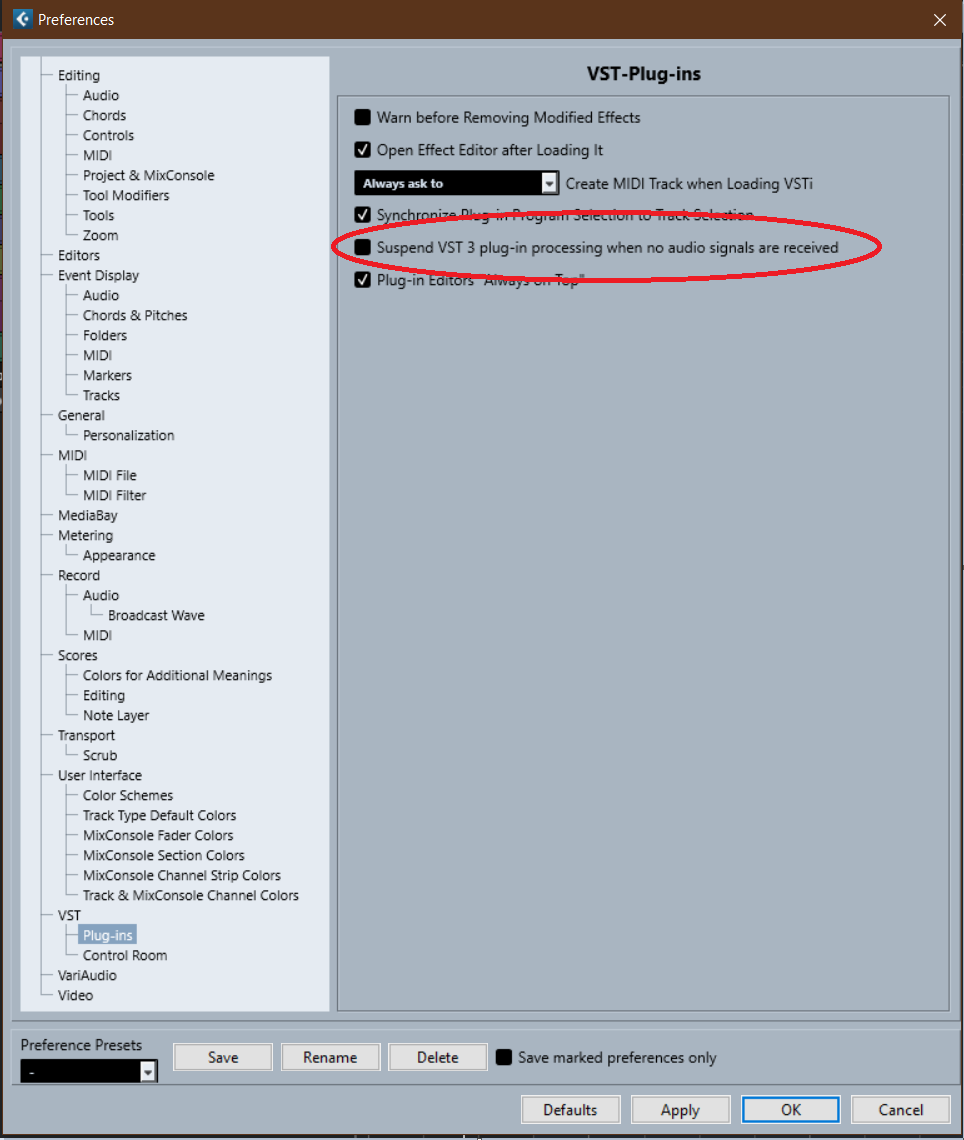
Ok so I figured it out on why its not working for me. A friend of mine has pretty much the same settings, and was having the same issue in Cubase so I thought maybe there’s a setting issue. Turns out there’s a setting “Suspend VST 3 plug-in processing when no audio signals are received” that is making the local host turn off seconds after enabling the plugin. The unfortunate thing is, that setting enabled saves a ton of cpu usage on our project files. I’m hoping there could be an update to GP Relayer where it can fool Cubase into thinking its constantly sending audio or something.