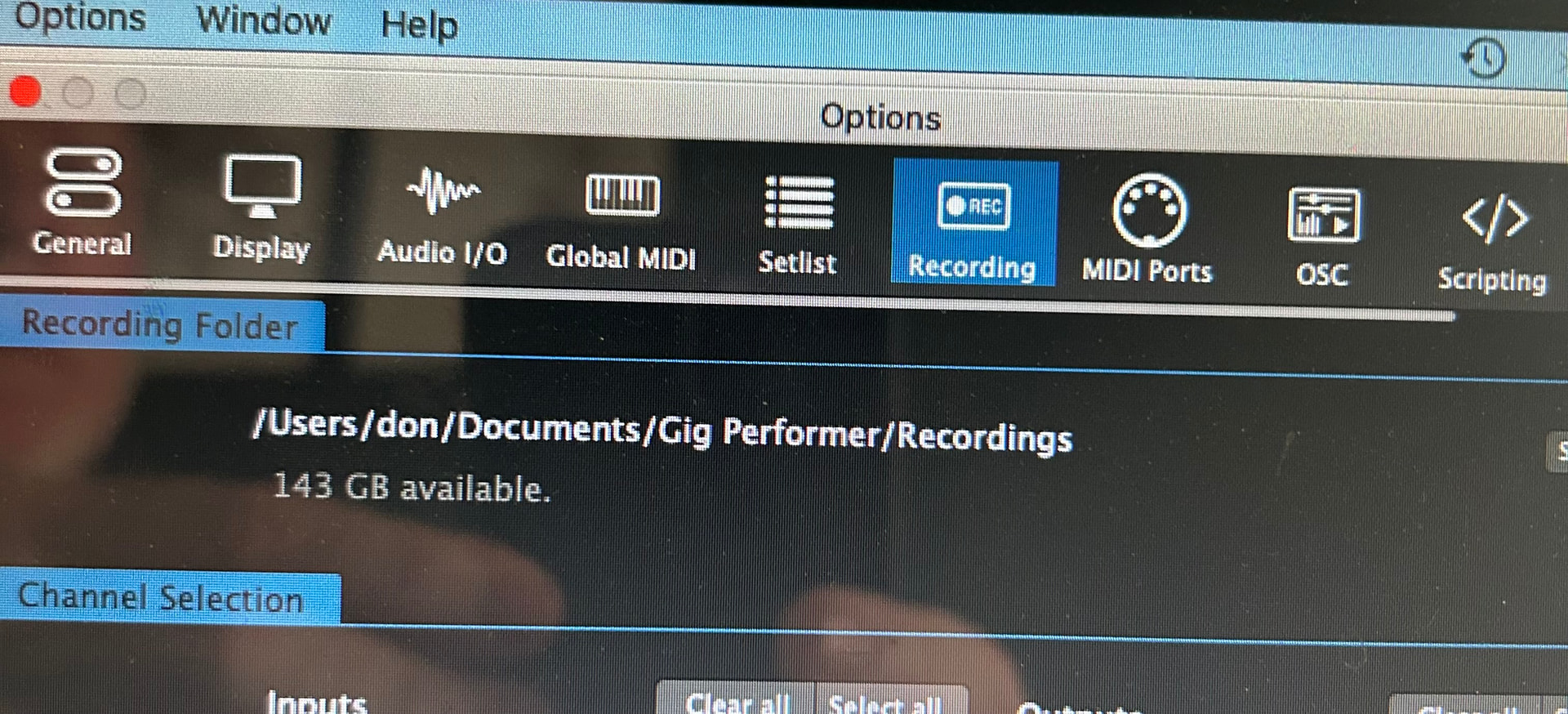
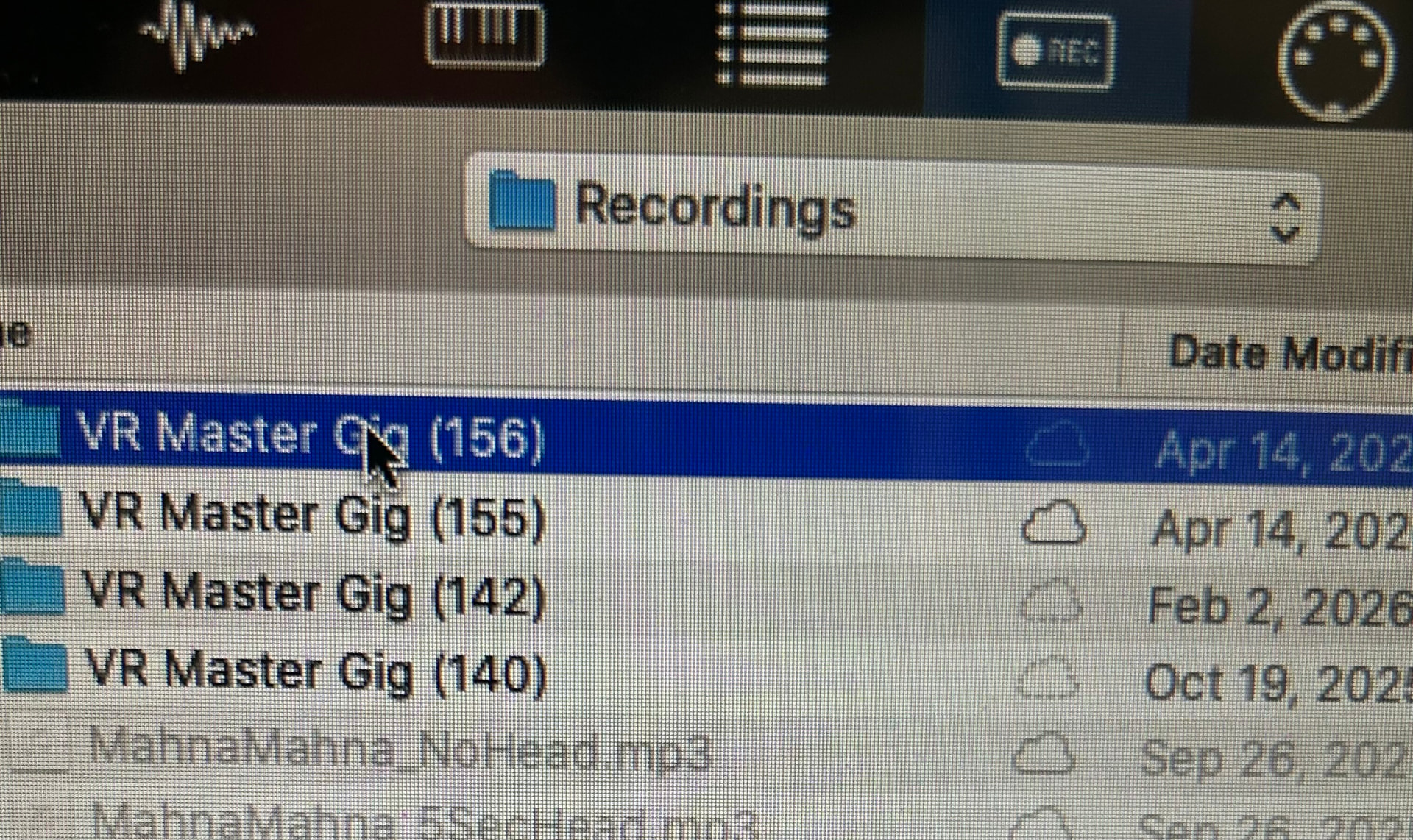
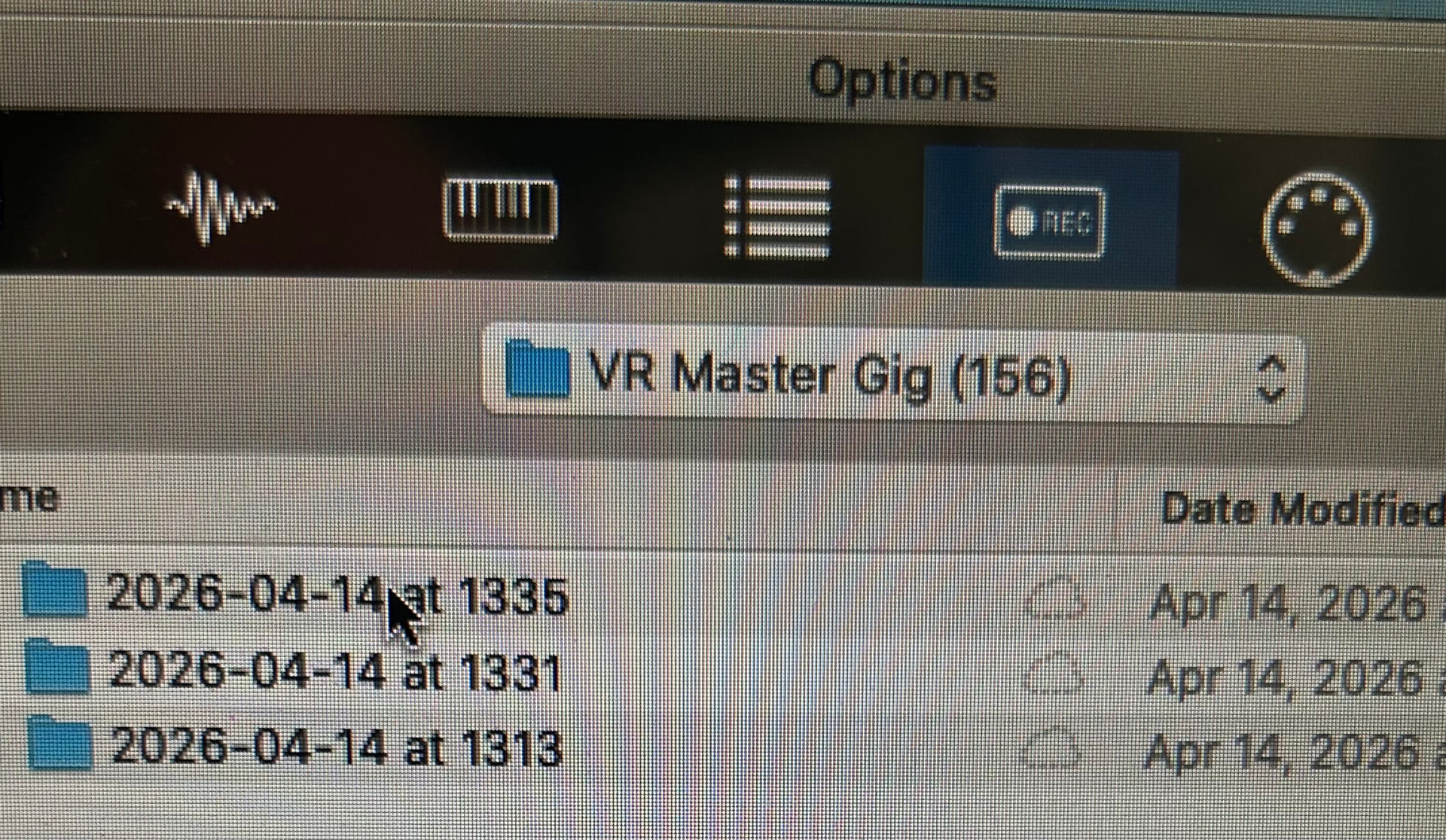
Instead they are saving within multiple threaded subfolders associated with the currently saved gig file and the timestamp of the recording, making it difficult to navigate to or find in the future:
However, some File Managers have so called “Flat view” where all files in a folder and its sub-folders are displayed. This is on Windows. MacOS users probably have the same functionality.
Ok, thanks. I guess to work around this issue I’ll just immediately copy the recording files as they are created to the desired single folder and point my rackspaces to that folder.
The recording folder is basically just the parent. The whole point of the timestamped subfolders is because the feature is intended for touring bands that record every show. The FoH engineer can just press “Record” and the show will be recorded to a folder with the date (and time).
This has two important purposes:
Users can quickly find a specific show (e.g, I want to hear what the bass player was doing on last Tuesday’s performance)
When a band wants to create a CD - they can more easily find songs from particular performances that they want to use.
Having everything in a single folder would not be that useful because every audio channel is recorded (input and outputs) to individual wave files and if everything was in one folder, it would be impossible to find the file one wants.
For my uses however (and maybe some others in this community) I use this feature a lot just on my own personal keyboard rig to record “one shots” or samples coming in from my audio interface input jack that is connected to (for example) a YouTube recording playing from an iPhone. I then later manipulate those small recordings and map them to audio file player or whatever I use for one hit samples.
In any case my workaround above is great for now. Thank you for the helpful responses!