I’m planning to use only my GP rig for my upcoming show in two weeks.
We’ll be playing 8 songs, and I’ve already created all the necessary sounds using VSTs. Now, I need to organize them. I’m setting up a “gig” file with all the sounds required and would like to arrange them by song. Could anyone point me to a guide on how to create a single gig file with multiple songs and multiple rackspaces? Thanks in advance!
thanks for the link, i actually got this. Would you help me with how can i put multiple songs into one gig file?i dont want to create 8 different gig files for the show.
Gig Performer has many options to achieve things. FWIW, I just have one gig file for the show and each rackspace has its own song name, if there are some parts in the song with changes, I just make a variation inside the rackspace. I can arrange the order of the rackspaces based on our setlist. One button on my controller steps through the rackspaces and a foot pedal steps through the variations.
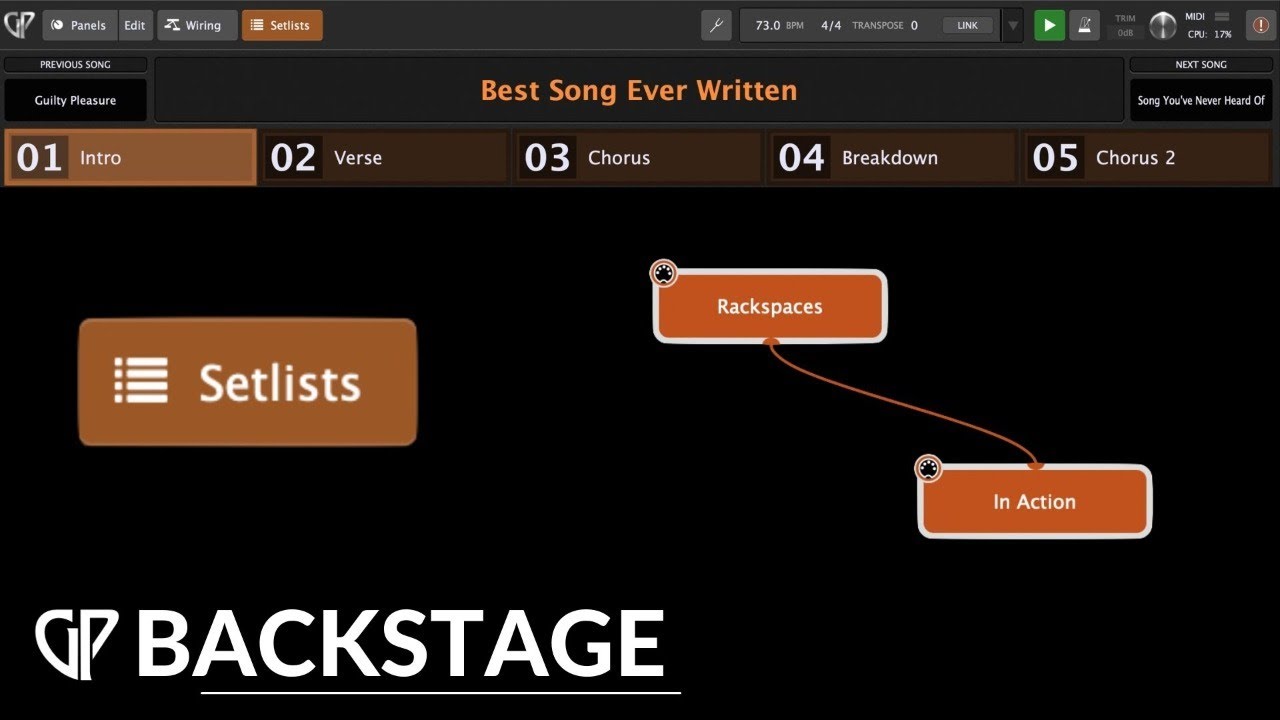
So, I think first thing you need to so is set up a set list based on those rackspaces.
So, you would create songs and possibly separate song parts within each song.
Each song part would be connected to one rackspace variation.
If you have separate song parts (I usually do), you would need a way to move through song parts (which would move you through rackspace variations). I use a button on my controller.
Once you have the full set list, you could decide to save it as a separate gig file.
But, you don’t need to. You could just use the setlist within your Gig file.
One downside of creating a Gig File from a setlist and opening that for a gig is you cannot quickly access songs that are not in that set list (because they are not in that gig file).
For my learning style, videos are great. Here are some to check out:
Beware that these may be older versions of Gig Performer, so there might be some changes since they were created.
Hi Jeff, thanks a lot… When I found out how to create a song and create a song part I was like OK that’s it !
First I did create a new empty gig file … then made all the sounds I would need in the upcoming gig in rackspaces… then creating widgets in panels, linking them with gain & balance plugin, (I found out Kontakt doesn’t provide master volume value so I had to add a gain&balance plugin and control them via widget … later I discovered it was the right thing to do )
Then I chained reverb, limiter (limiter for having balanced output for all the sounds) to global rackspace , audio routed for the guitar as well… all my rackspace’s out goes to global rackspace instead of going to audio out of my interface for each sound…
Then I created new song and added new song part according to my need … assigned two switches of my arturia for switching between song parts … I will switch it to foot pedal … Save the gig file and that’s it ! I’m saving all the 8 songs in one gig file … let me know if I’m doing something wrong …
I haven’t had any issues doing it this way. The CPU isn’t stressed by how many rackspaces I have, only if I try to have a rackspace with too many VSTs that require CPU power, like using a ton of SWAM instruments simultaneously. I might look into using the setlist and see if that is a better way to accomplish things. But I’m not sure it would make any difference in CPU usage.
If you have 1,000 songs as mp3’s on your phone, do all 1,000 eat up cpu while you’re playing one of them? (In case you’re not sure, the answer is “no”.)
It’s the same principle in GigPerformer. If it’s not in an active rackspace, it’s not using CPU. (There are some minor caveats to that, but for the most part that’s the right mental model.)
Thanks for the clarification . Beauty of GP! … I see a spike of 39% usage of cpu in one rackspace ( three triton extreme VSTS together ) how much percentage is considered alarming any idea ?

 )
)