I am having trouble with Pianoteq 9 glitching out when I play too many notes, and am in the middle of troubleshooting it. I recently upgraded it, I did not run into this issue with Pianoteq 7 or 8
Did you report the issue to Modartt?
What does GP’s CPU meter indicate when this happens?
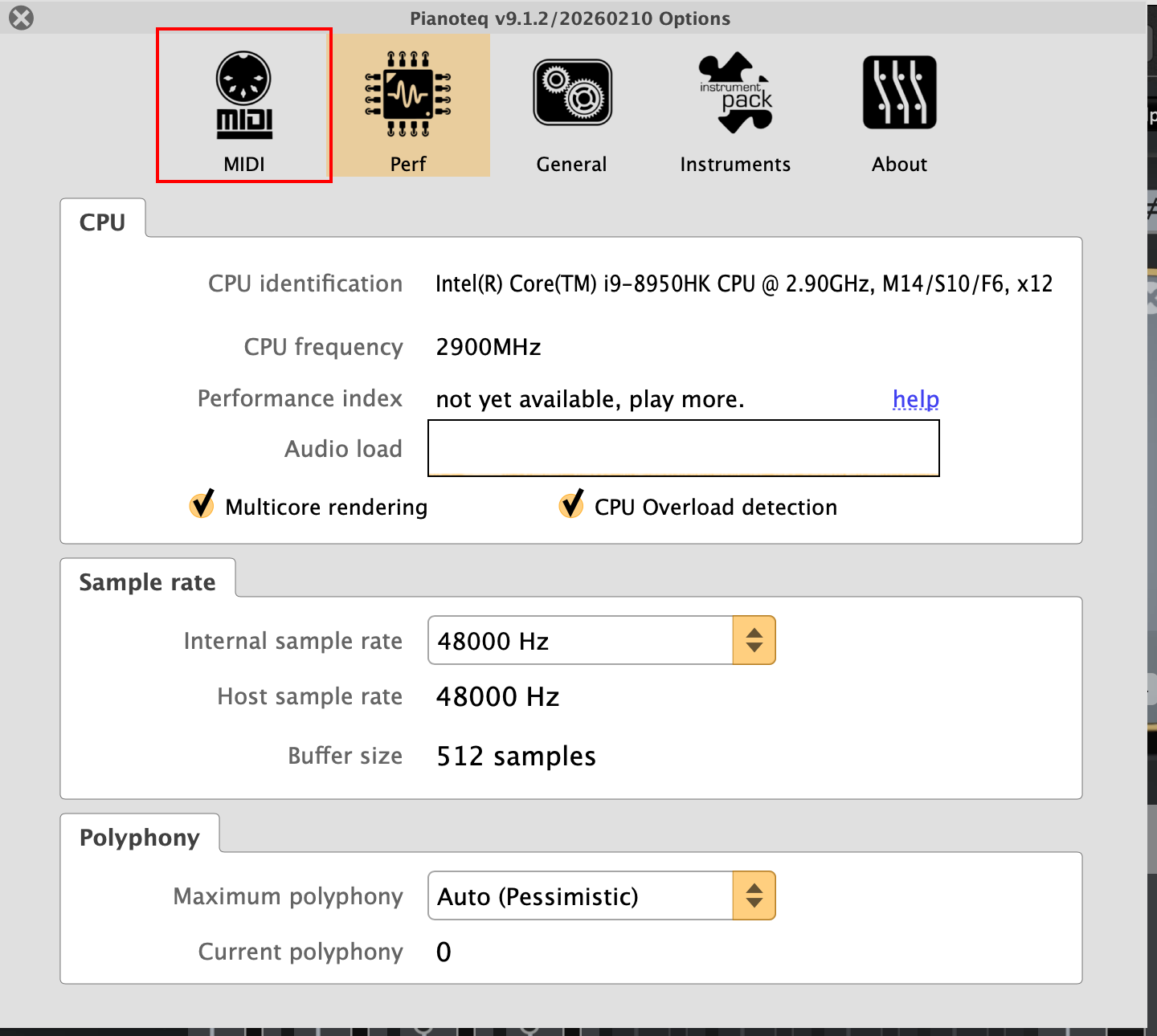
What polyphony are you using?
What is your sample rate?
What is your buffer size?
I just tried both 9 and 8 on my system and I’m not seeing any issues - the CPU usage seems pretty identical for both
Charles should be on Windows.
Yes, but that should not matter - P8 and P9 seem to use the same amount of CPU cycles
That’s not my experience at all. P9 is much more CPU intensive here.
Are you using layering or morphing in pianoteq?
What effects are you using?
Here’s an example:
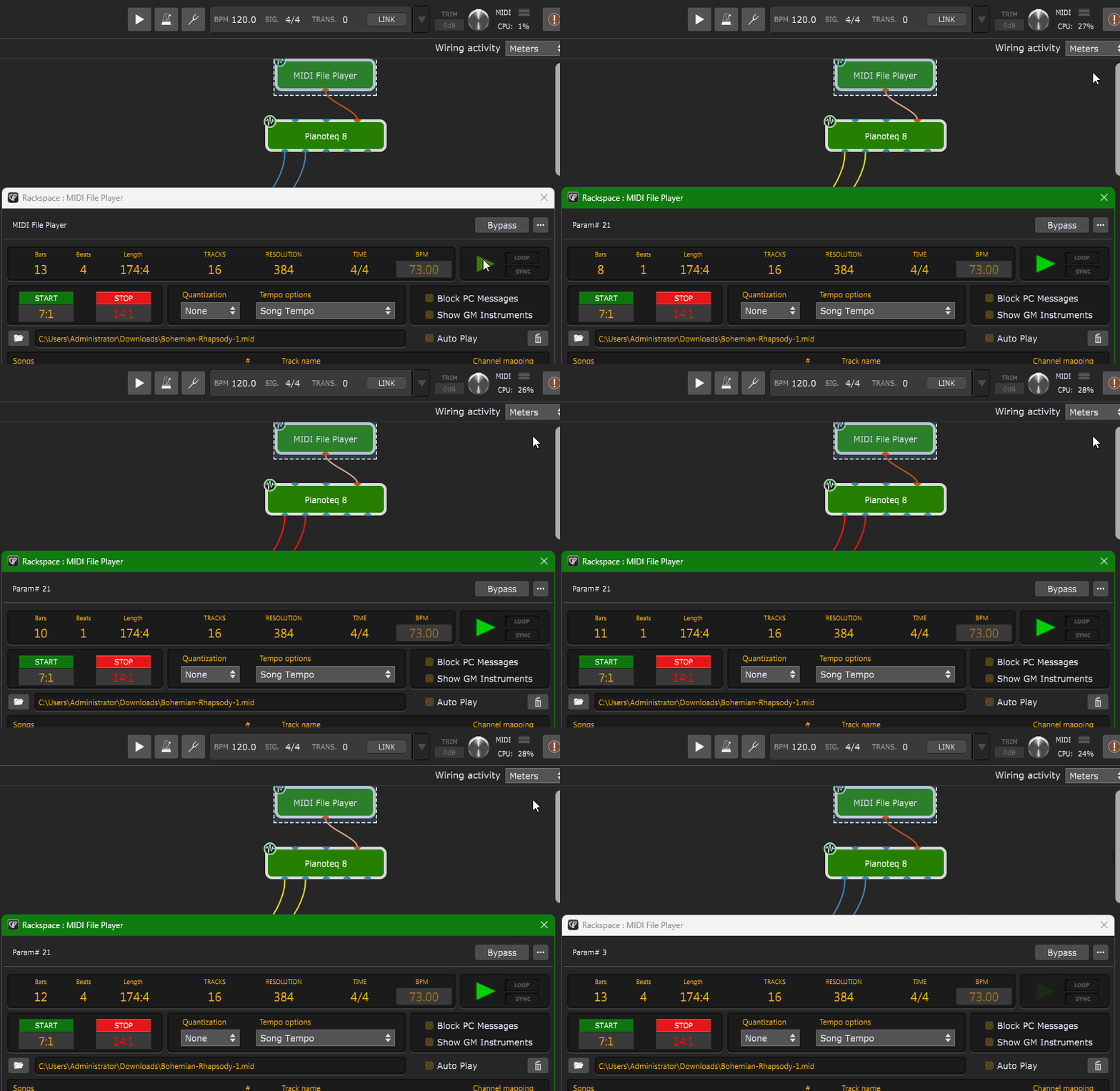
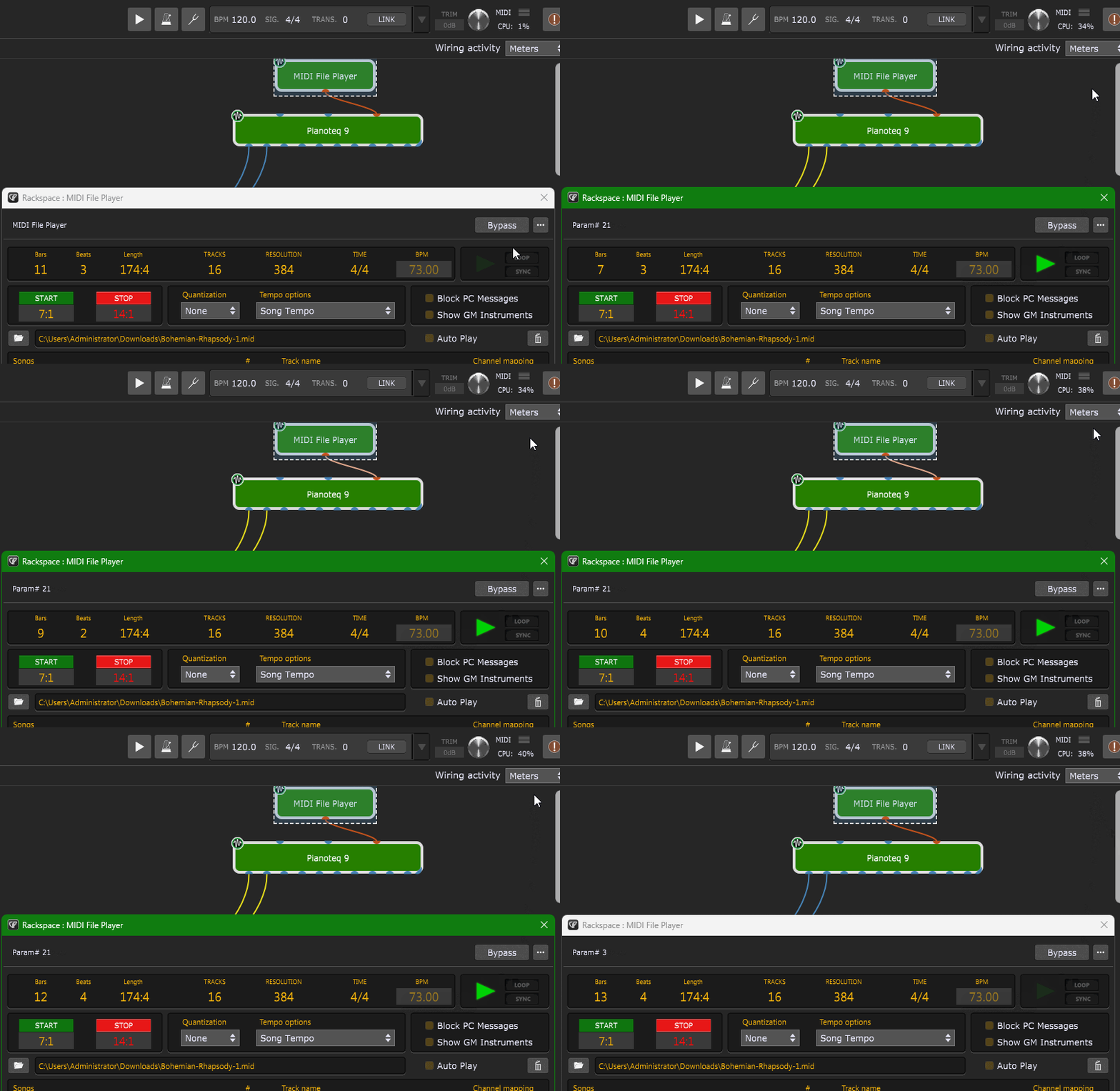
The same stock Steinway D piano and settings on P8 vs P9, playing the same portion of the same midi file.
CPU usage is quite a bit higher
Pianoteq8
Pianoteq9
Can you upload the MIDI file, I could double-check
Sure. It’s just a random midi file off the internet.
Bohemian-Rhapsody-1.mid (53.1 KB)
I can confirm Pianoteq 9 VST3 is more expensive than Pianoteq 8 VST
I think that is caused because the sound is improved
Yes the sound quality is improved in P9. Much of what is needed is dependent on the context for which one is using the piano. For a solo performance, certainly better quality is preferred. As an instrument in a larger, amplified band I doubt the improvements of P9 over P8 would be noticeable.
I wonder why you’re seeing a difference? Interesting.
Not yet, I noticed it on a gig and have not had time to troubleshoot the issue.
It was my first gig after switching over from P8 to P9. I am looking into it this afternoon
and will update asap. Yes I am using Windows 10…
Did you not do any testing before your gig after making this change?
I took this gig in order to test things in a “live” environment, I fing the best testing is done
under fire. I do some light testing in my home studio, but that computer has better specs,
its an I7 7700K 4.2 ghtz 64GB Ram.
The rig I most often use live is an I7-9700T 2ghtz 16GB Ram.
I assume that things may run differently on my live rig as its about half the processor speed.
The preset with Pianoteq 9 on the bottom keyboard and Blue 3 on the top keyboard takes up
19% CPU on my studio computer and 46% CPU on my live rig.  Might be time to upgrade…
I found that the polyphony had changed to 128, and I changed it to 256. That should fix the
issue. I do not understand why the polyphony would change when I move my rig file over to
another computer…I guess it is a plugin dependent setting and not GP dependent.
I have a number of instances of Pianoteq 9 deployed, each for a different piano sound. I
found I had to select 256 note polyphony on each instance individualy which was annoying.
This is like being a test pilot and not having a parachute.
Just for the record (and for anybody else reading this), we strongly advise against this idea. Installing new plugins or applications (not just Gig Performer), updating the OS, changing audio interface drivers or even hardware changes without thorough deep testing of your gig before actually going on stage is far too big a risk. You open yourself to possible crashes with the inability to recover (at least not quickly), the possible need to reactivate licenses, not something you want to have happen during a show.
Another user recently updated a plugin right before an show and had it crash on them in the middle of a show.
In the Windows world, you also have the risk of an installer replacing a runtime library with an older version, thereby screwing up plugins that depend on newer runtimes.
Please….just never change anything unless you have a week or two to deal with any issues.
You were lucky that you just had a few audio glitches.
True! But this was not a “serious” gig. It was a “testing” gig. More of a VWAP actually…
(Very well attended practice/bar gig). I won’t make any changes before a wedding or corporate gig 
I’ve been using GP for four years for keys and guitar and its been super reliable.
Unrelated: I wrote a cool script that locks the keyboard onto a preset where the piano is wildly
out of tune, and stops Program Changes from working, in case anyone decides to “sit in” on a
break without asking…
I don’t know what that means but I still want to make sure that customers understand that they should test deeply after any changes