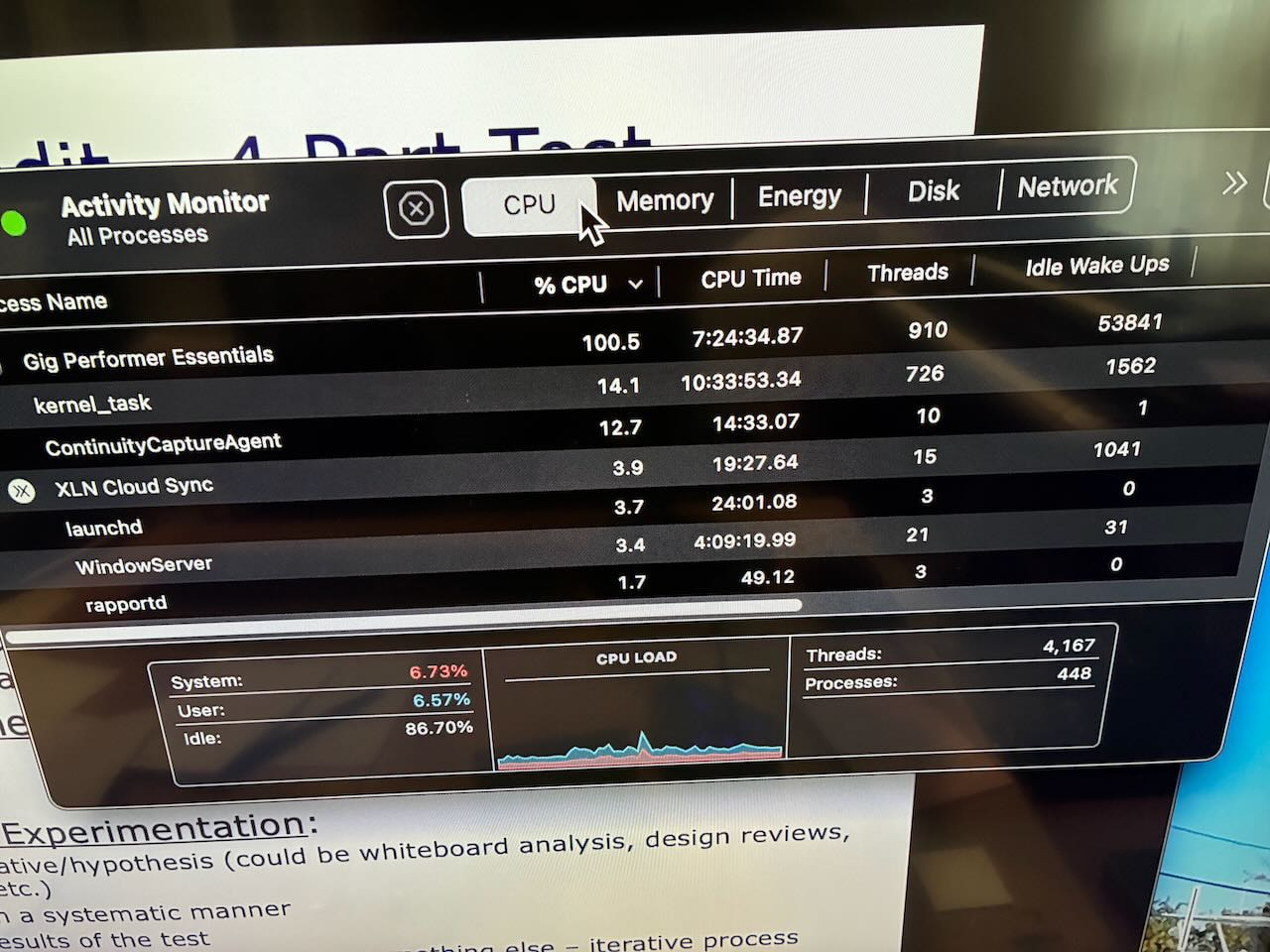
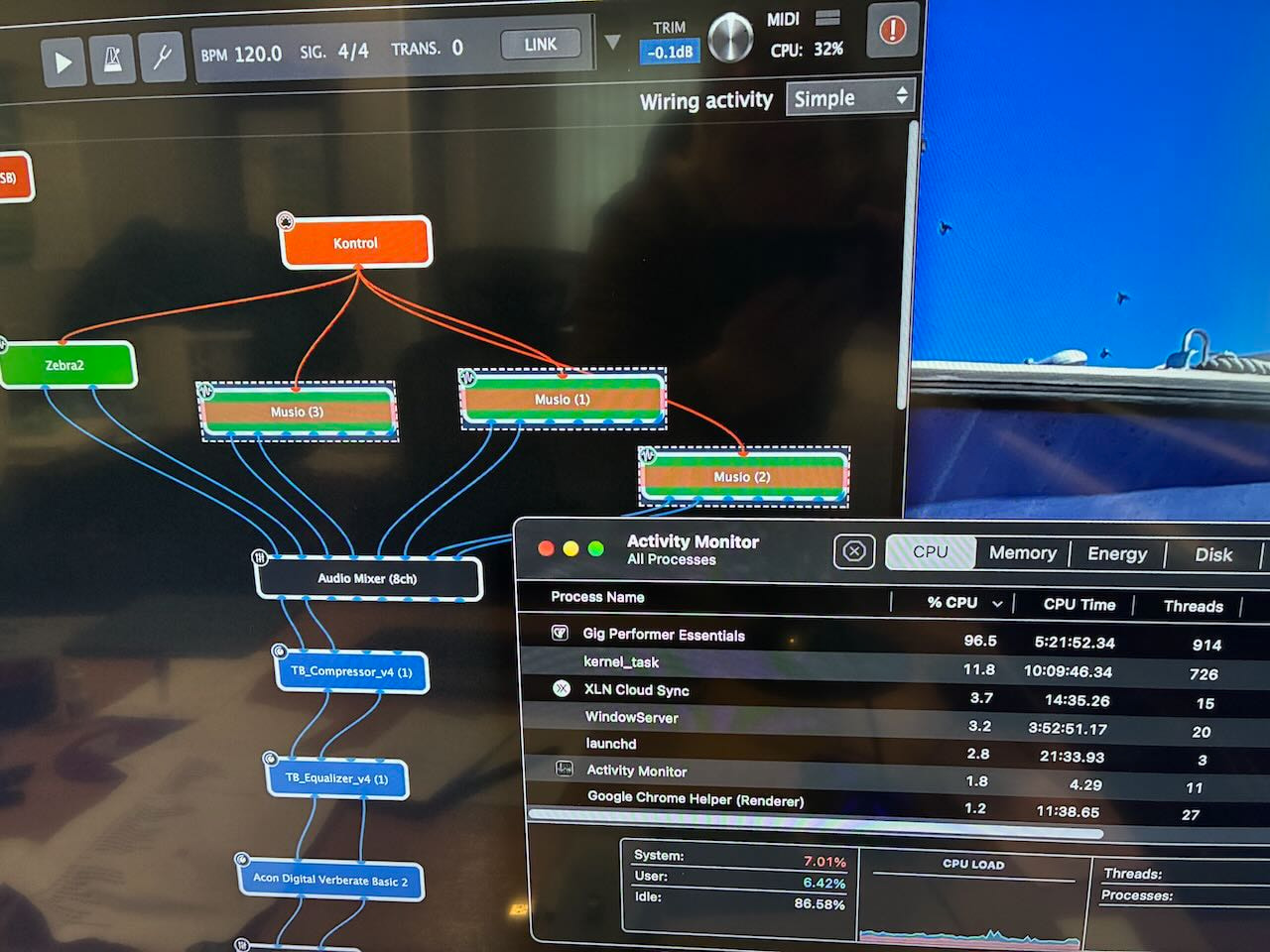
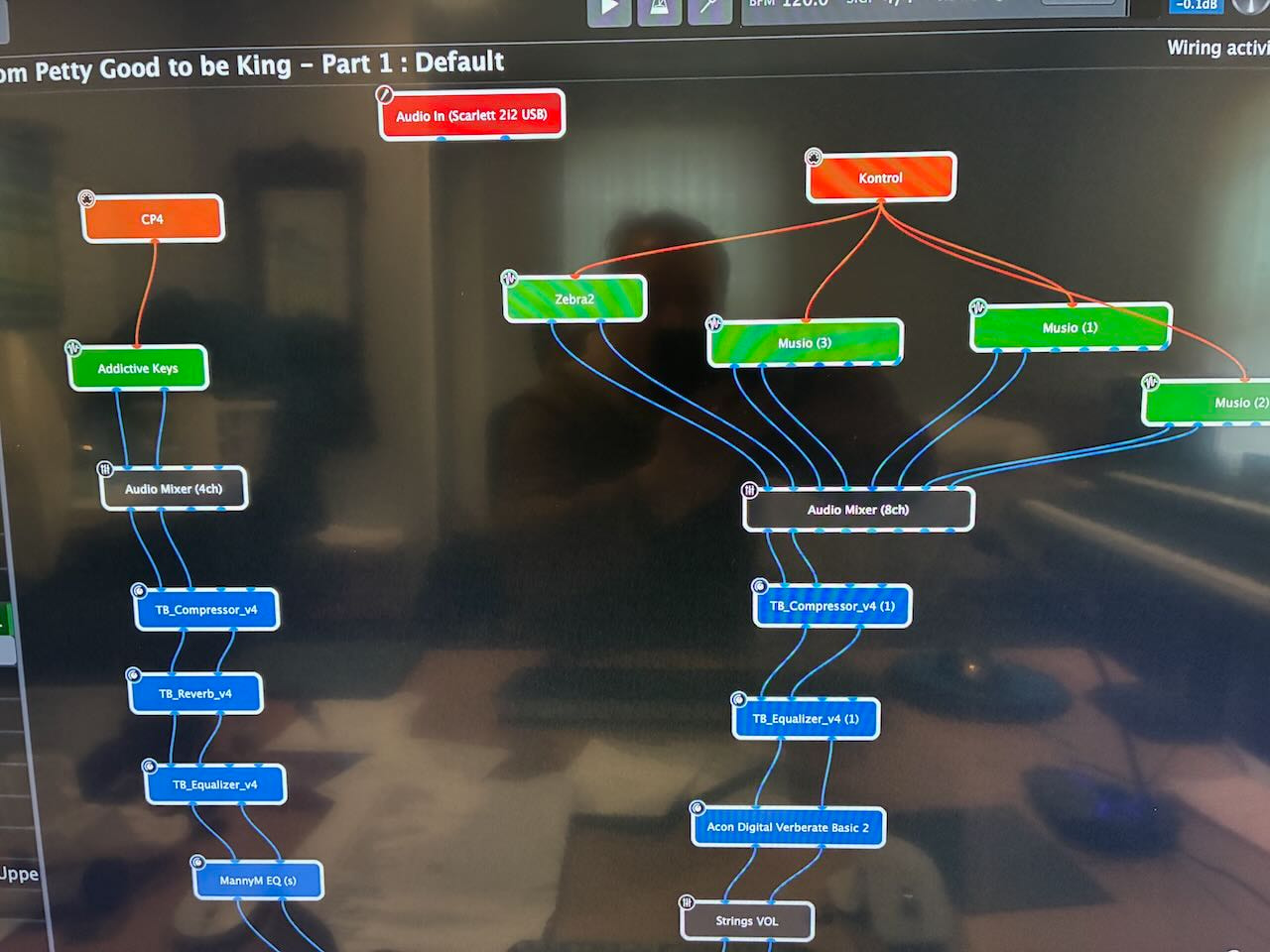
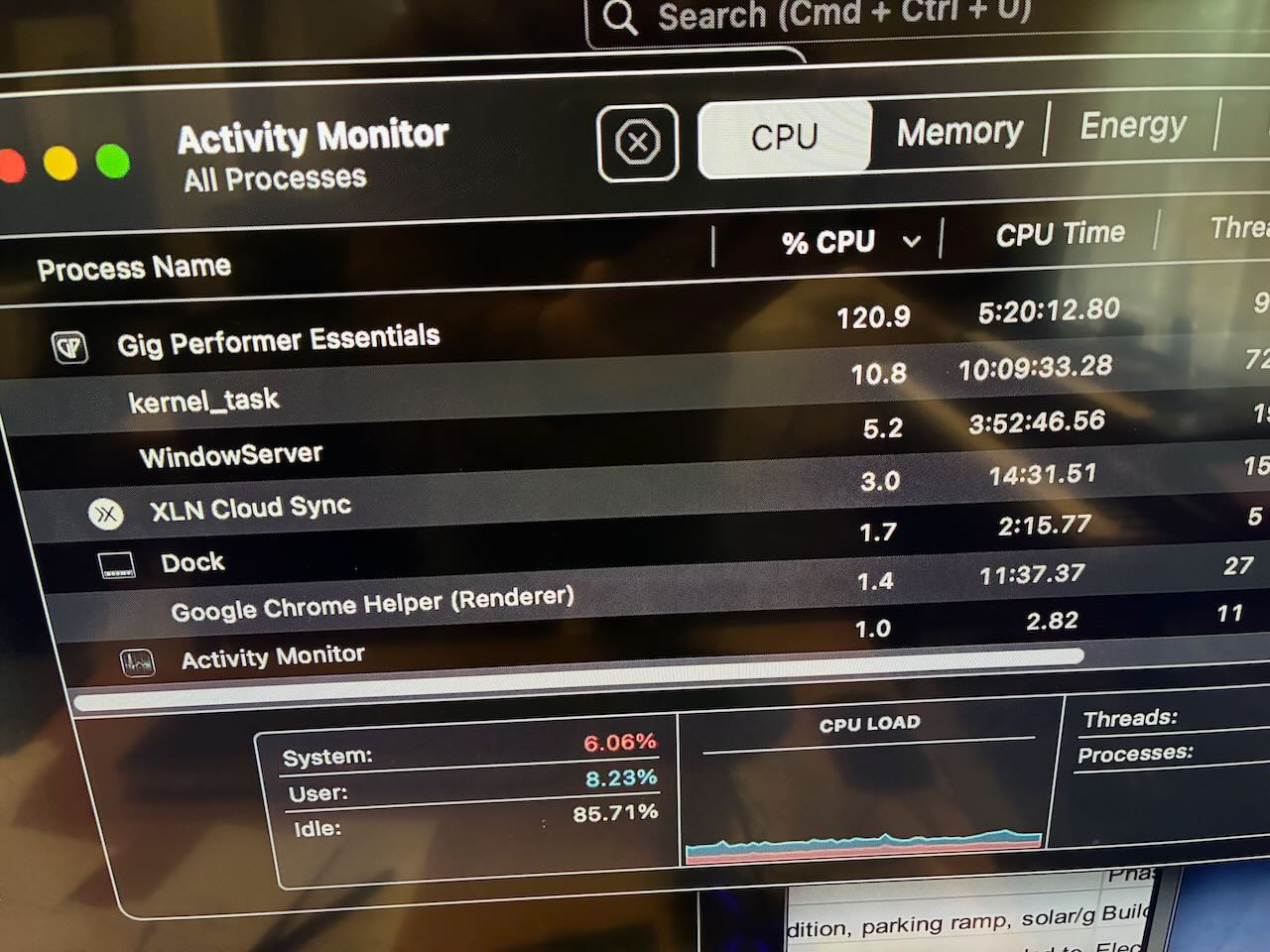
Hi - I’ve been struggling with high CPU and can’t seem to pinpoint a specific plugin or cause. My set up is 2023 Macbook Pro M2 with 16 gigs (so a pretty decent machine) with Focusrite Scarlett 2i2 3rd gen (so not the 4th gen) and in the screenshots, you can see my wiring - several instances of Musio. Lots of missing notes, pops, etc. and CPU over 100% per my Activity Monitor (and GP monitor showing around 30%). Not sure why the large difference between GP CPU and Mac CPU monitor. But then I both bypassed Musio, then completely removed Musio so only have Zebra AU plugin in this rackspace. Overall GP file is like 23 rackspaces loaded for my gig.
Using GP Essentials so no predictive loading (and not sure that will really help with CPU vs. memory). You can see not a whole lot of other programs using any CPU so it’s not like I have a ton of things open that are consuming CPU. My CPU load (GP) using the Macbook Activity Monitor is never less than about 80% since I’ve been using GP (so like 5 months) and usually CPU is over 90% (and now in some cases over 100%) - so I get these metrics regardless of which rackspace I have open. So hard to say if it’s a specific plugin, but if you think so, I can keep troubleshooting plugins (and I know there’s a number of posts already on that topic). Screenshots attached.
So any suggestions would be appreciated. If predictive loading is related to CPU and could solve the problem, then that is certainly something I would consider (getting the Pro version).
Make sure you’re not running the Intel version of GP Essentials
Make sure the Focusrite Driver is Apple Silicon (we’ve seen this issue before where that driver was being run under Rosetta)
Only the active rackspace and the global rackspace will be using CPU cycles.
This won’t impact anything unless you are running out of RAM and the computer is swapping - that will absolutely create pops
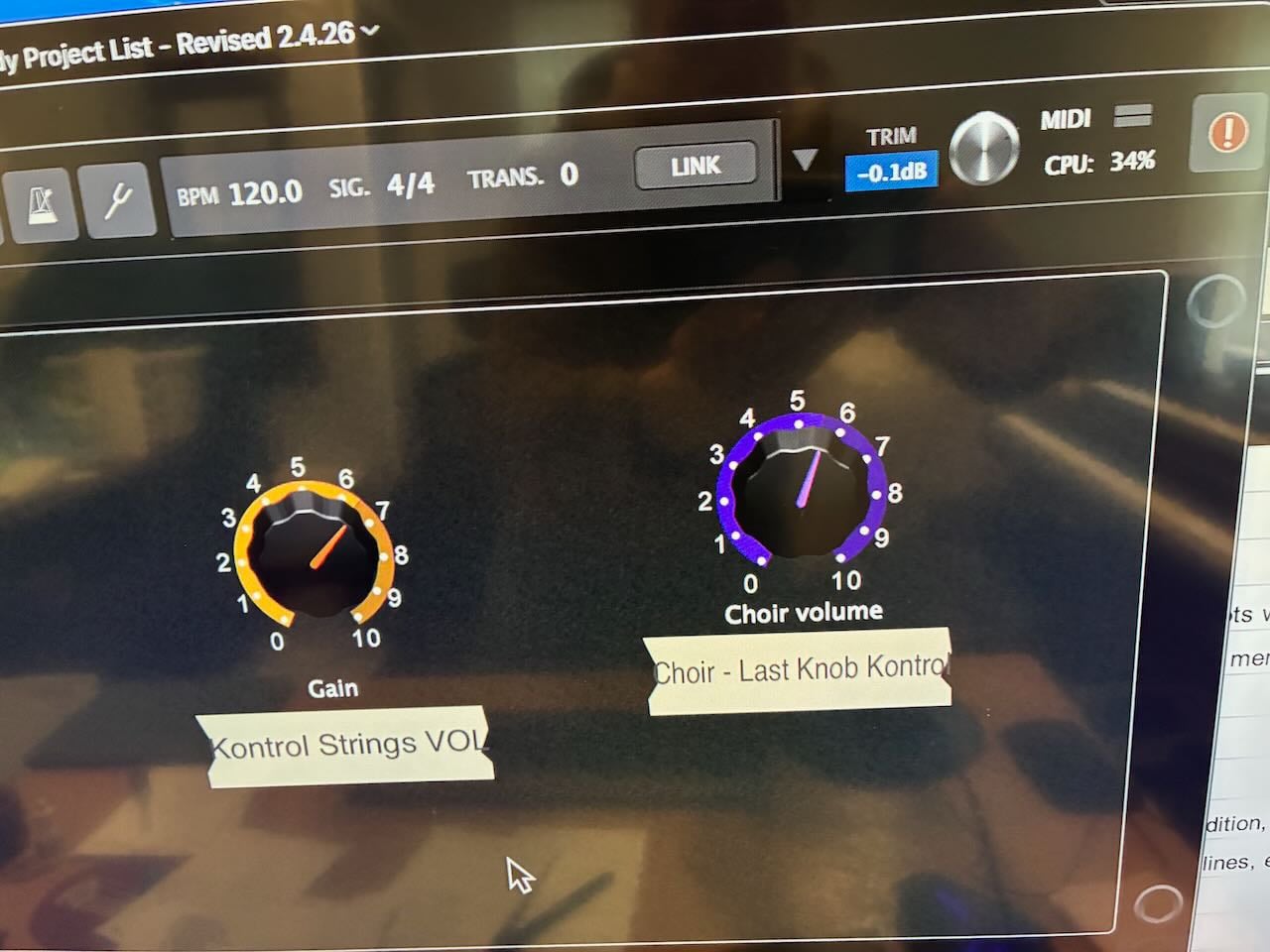
In your screen shot of that particular rackspace, the audio thread is only using 32% which should absolutely fine - the other rackspace you showed was only 34%
Consequently, I suspect either not enough RAM (in which case predictive loading will help) or somehow you’re running stuff under Rosetta
Maybe look up what the Activity Monitor says about ram? (16 GB is not much if you are using sample libraries, better than 16GB in a Windows machine, but still on the low side, I think).
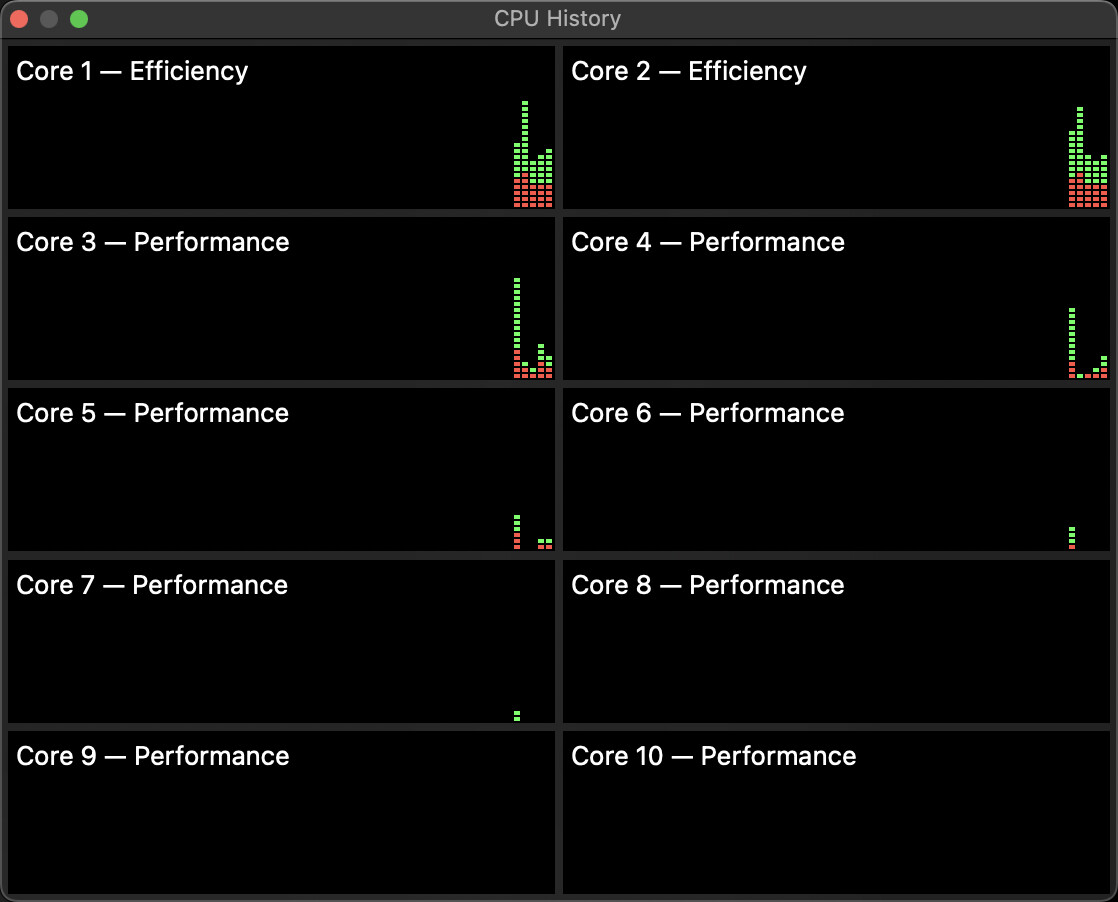
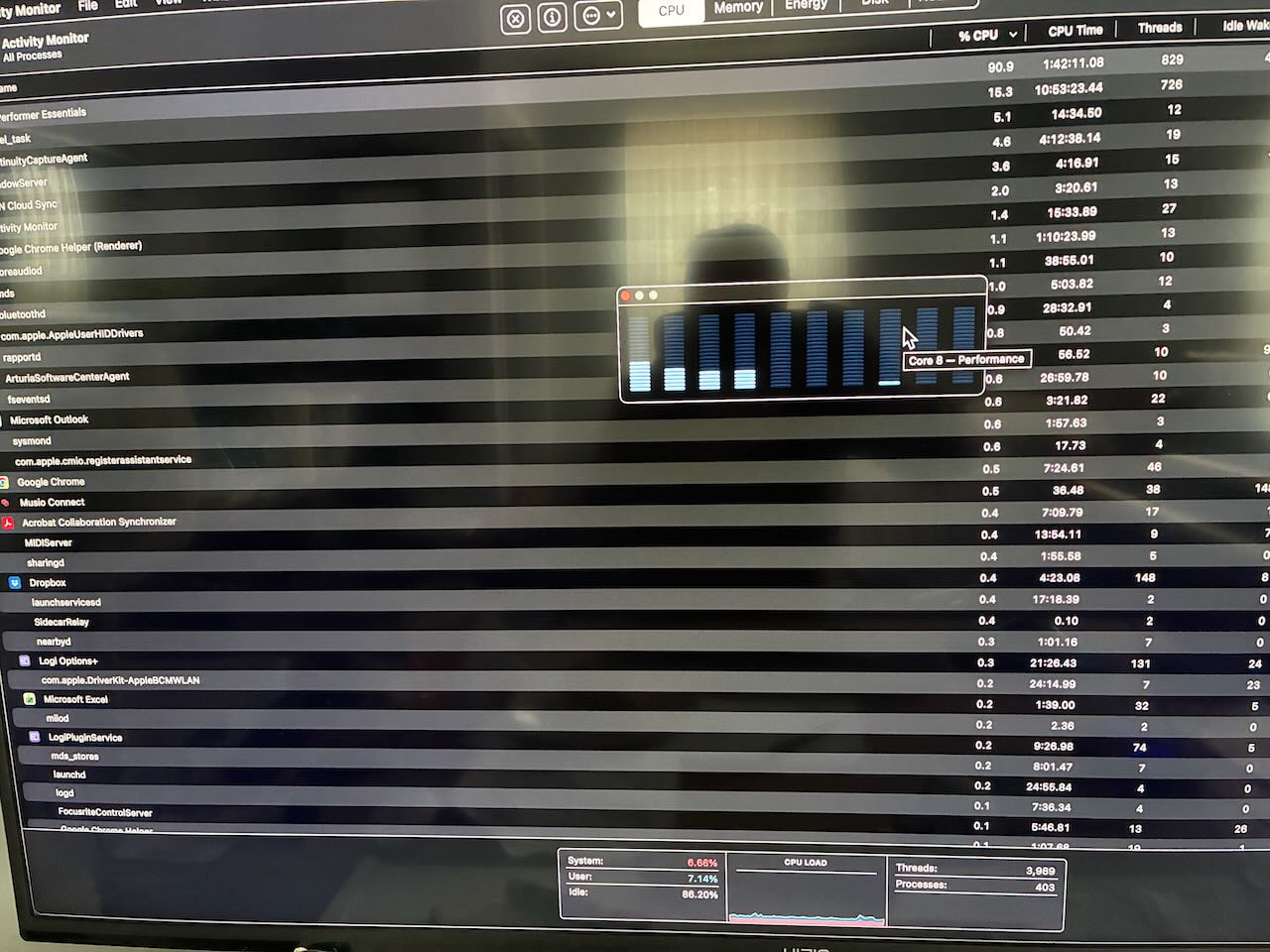
Yes so here is that screen shot by core. Again conflicting metrics - you can see at the bottom it ways my CPU is 88% idle, but main activity monitor (same screenshot) shows GP is 90% usage. GP itself CPU monitor in GP app when picture was taken was 23% CPU load. So 3 data points, not sure I can rely upon any of those except my ears which hear dropouts in the audio.
The 23% CPU Load that GP shows is solely for the audio thread and that’s an absolutely fine number — meaning that your plugins are not overloading anything (I assume that number is when you actually play something, not just the quiescent value – if it’s not - what is the number when you play a chord, say?)
However, that 90% usage for GP in general means that
a) Some of your plugins are using a huge amount of non-critical CPU cycles
b) You’re running out of RAM and your computer is swapping
Have you checked that
All your plugins are available in Apple Silicon? If you have AUs that are Intel only, they will work but they will pull in Rosetta which impacts CPU
Your audio device driver is Apple Silicon?
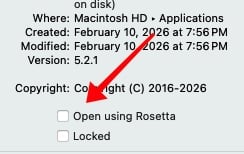
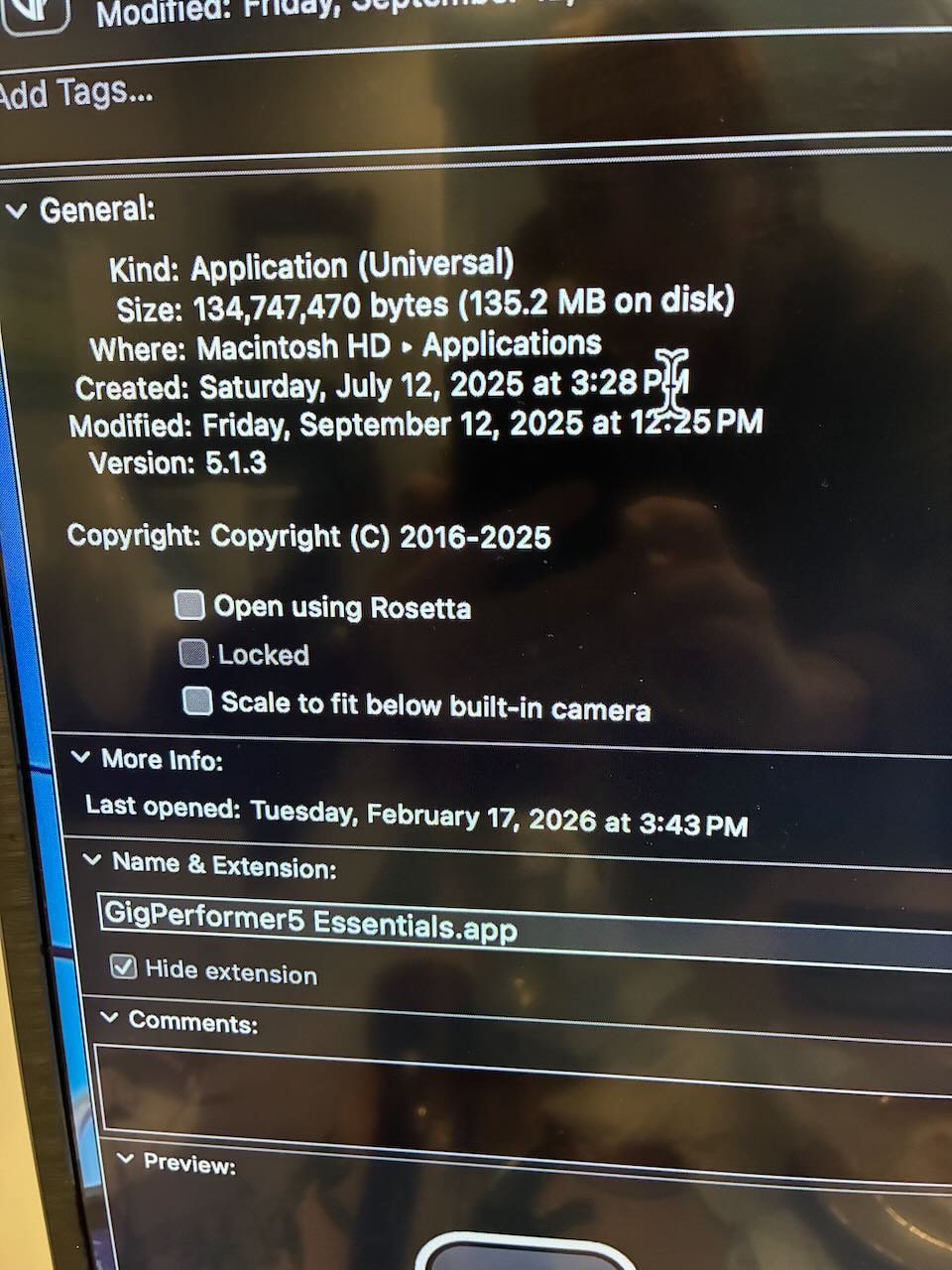
You are definitely running GP in Apple Silicon mode? Make sure this checkbox is NOT checked for Gig Performer
Confirmed not using Rosetta - see screenshot. But correction - @pianopaul asked about sample rate - it actually was set to 48 vs. 44.1 and I changed that so that did make a decent difference and on that same rackspace, no dropouts! Thanks for that tip but not sure it completely solves my issue but for now that helped! Also for Mac users, note that the Activity Monitor (per chatGPT) is measuring only one core (out of 10) (which @keyman mentioned above) so it’s not uncommon to get ‘cpu usage’ above 100% - whereas CPU idle is like 80% which is good. So I’ll just use GP’s CPU meter as the better measurement of what’s going on inside GP. I’ll keep exploring plugins including maybe using non-AU versions. Thanks for everyone’s help !
I can’t check the driver on a Mac. But I did download the latest mac software (focusrite control software) from Focusrite and confirmed I’m using the latest version for Mac which is ver. 1605. Focusrite website states the ver3 scarlett is fully compatible with Apple silicon so I’m pretty sure I’m not using Rosetta.
Just as a final thought and if this helps other Apple M2 chip users, I’ve lowered buffer size down to 256 from 512 and apparently, this is (rumored) to reduce load on CPU and RAM due to the M2’s architecture and how it uses the multiple cores. And so far, yes RAM seems to be down/improved and no dropouts - the M2 should be able to handle the lower buffer size - I tried one of my larger rackspaces and holding down 10 notes at a time - no dropouts, GP CPU meter only 15% and Ram only 14 gigs - both of which are an improvement. So my settings in GP are now 44.1 rate and 256 buffer. Thanks and so far so good with these settings!
Where did you hear this rumor? If you lower the buffer size by half, as you did, then the audio driver has to trigger the audio thread twice as often so I’m not sure how this rumor could be true.
What MIGHT be the case is that one of your plugins doesn’t work well at 512 buffer size - but that’s purely speculation on my part.
I’ll keep exploring plugins including maybe using non-AU versions.
As mentioned in several other threads on the community forums, if a plugin is cross-platform and supported as a VST3 plugin on both, that version of the plugin is likely to have richer support and testing than an AU (Mac Only) plugin. At this point, I will only use an AU plugin if there isn’t a VST3 availalbe, or I run into problems after using the VST3 version.
I hope you have an amazing time with your GP journey and continue to engage with the community. United we’re strong.
Yes this is an interesting topic on the lower buffer size = better performance on M2 silicon - so the cite below - Ableton published a tech note on this topic cited below. Then I watched this video as well below discussing how we want the M2 chip to keep processing on the performance core and not switch over to an ‘efficiency’ core which is when the audio could drop out (so the theory goes). I’m certainly no expert or computer science person but my cites are below if you want to check them out. Thanks …