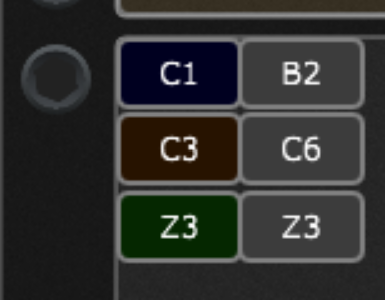
I understand that. What I’m saying is that if you have a “Bank Foo” with a widget that when “on” switches you to “Bank Blah” and “Bank Blah” has a widget that when “on” switches to “Bank Foo” then you have an endless loop if both end up “on”.for some reason. Any time you have widgets that can change each other you have that potential problem.
The extension is designed such that feedback loops are not possible. If the original version I had widgets that could be pressed to change banks. I eliminated them because they created these feedback loops that would hang GP.
What you’re suggesting can be done, I just need to think about how to do it in a way that can’t lead to feedback loops.
I understand. I once tried something similar in GP - switching from one Rackspace to another and there was a loop. Then I somehow solved it. I’m not a programmer, and I would really like to master the programming, but there is no time for that. I’m happy to play some music. You don’t have to bother with it at all, unless you want to. It was just an idea. Thanks again for your work.
I didn’t anticipate having two different MK3’s connected at the same time being a likely scenario, so the existing code makes no provision for it. As the extension is now, you could make use of multiple MK3’s by running two different instances of GP. The two keyboards would have different MIDI port names, so you’d just have to define them appropriately in each Gigfile.
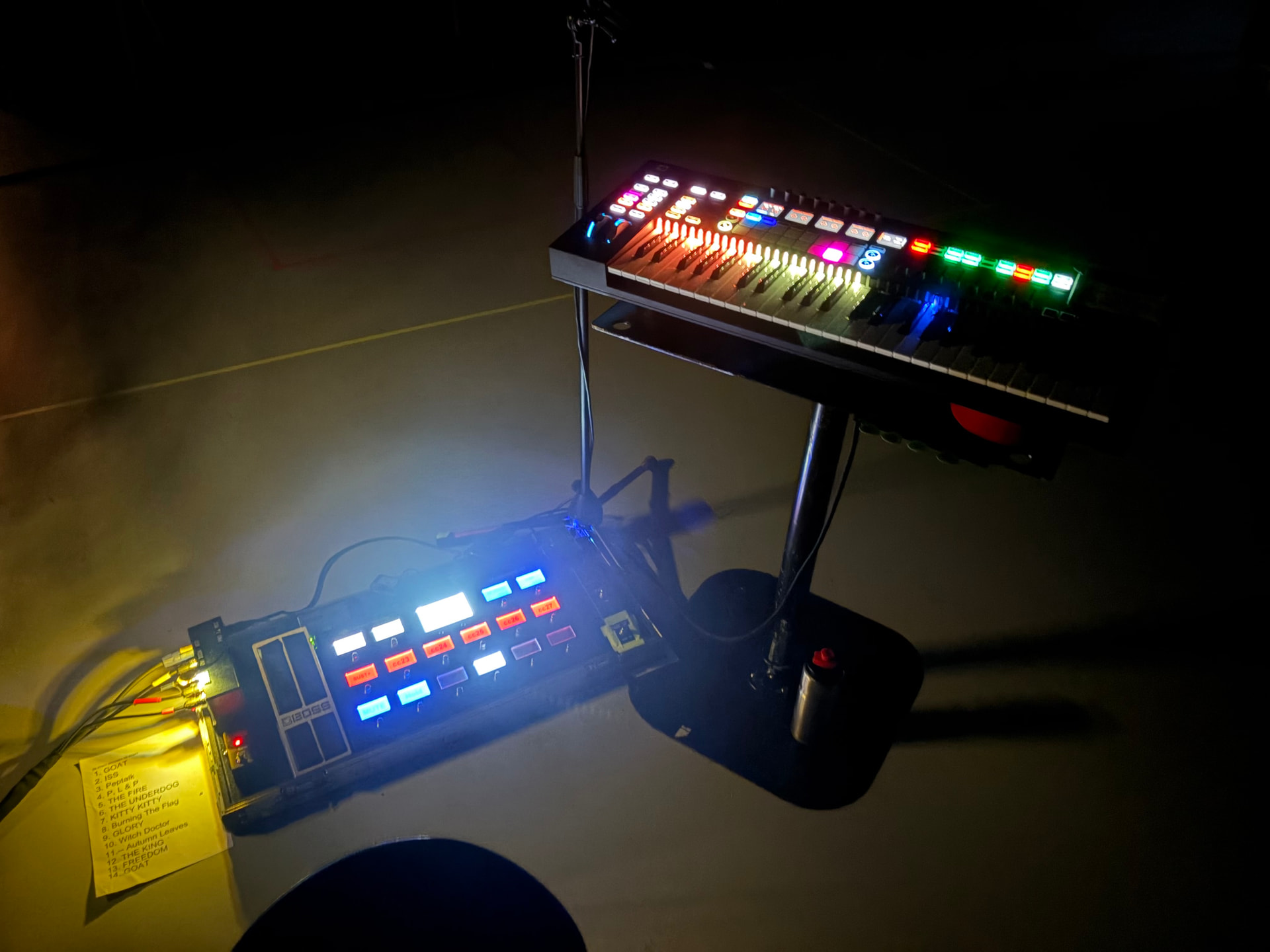
Is this still the case? I use Two Novation 61SL MkIII’s in my setup.
If so, can I use one controller with the extension and use the other just as a controller?
The extension will try to identify the “In Control” port automatically and grab the first matching one that it sees. You’ll probably want to manually specify the portname using sl_midiin and sl_midiout widgetnames in the global rackspace.
Hello Vindes - I have to say a Big THANK YOU for this extension. I have incorporated this into my rig and it works Amazing!! It definitely too some reading of the manual and looking at the demo Gigfile to help me understand all that is going on with each subset of buttons, knobs, pads and faders. I ended up creating one panel from your demo Gigfile and imported into each rackspace as a template. Again… Amazing work and Thank You!
Hello Vindes,your Novation sliiii extension was the reason i bought that MIDI contrroller from novation.
i’m still struggeling understanding it fully.
Is it possible to program zones on the controller? Would be very nice!
Thank you for the work you invested to make the controller work in HUI mode, it reminds me at the time mackie controllers were still made, but unfortunately they were not affordable to me.
I hope you understand my (wannebe)( rusty) english.
When using GigPerformer you should create your zones inside of GigPerformer, not on the controller. That’s usually done by setting the min and max notes of a zone using a midi in block in the wiring view.
If you want visual feedback on where your zones are you can use widgets to light the key leds different colors for your different zones. That is described in the extension documentation and illustrated in the example gigfile.
I’m not sure what you mean by that. The SL MK3 controller has its own midi protocol, which is completely different than the HUI protocol. There is a different extension that handle MCU protocol, though, which has a lot of overlap with HUI protocol.
2 hours of searching i still don’t find out even not in the extension documentation, and not in the example gig file
how to set ledcolors for the zones, in your example gig file (blue key-leds above c1-h3 , yellow c3-b6 (i know thze highest key cannot be lighted),
but; please help me to find it in the example gig
the information down the line did not help me either.
"SL Keylights" isn't documented, as I haven't really thought of a way to make it useful. In short, if you route midi notes to a virtual midi port called "SL Keylights" then the extension will light MK3 key LEDs as you play them. The "SL Keylights" midi port has to be named that on your system, so you need some software that creates virtual midi ports to do that. The color of the LED will scale from blue to red depending on velocity
How they work is described in the second to last page of the documentation. The documentation is in the Github repository. See GP-SL-MK3/SL-MK3 Extension.pdf
From page 9 of the documentation: “The fill color of the ‘0’ widget will be used for the RGB zone color.” In edit mode, click the widget, change the fill color.
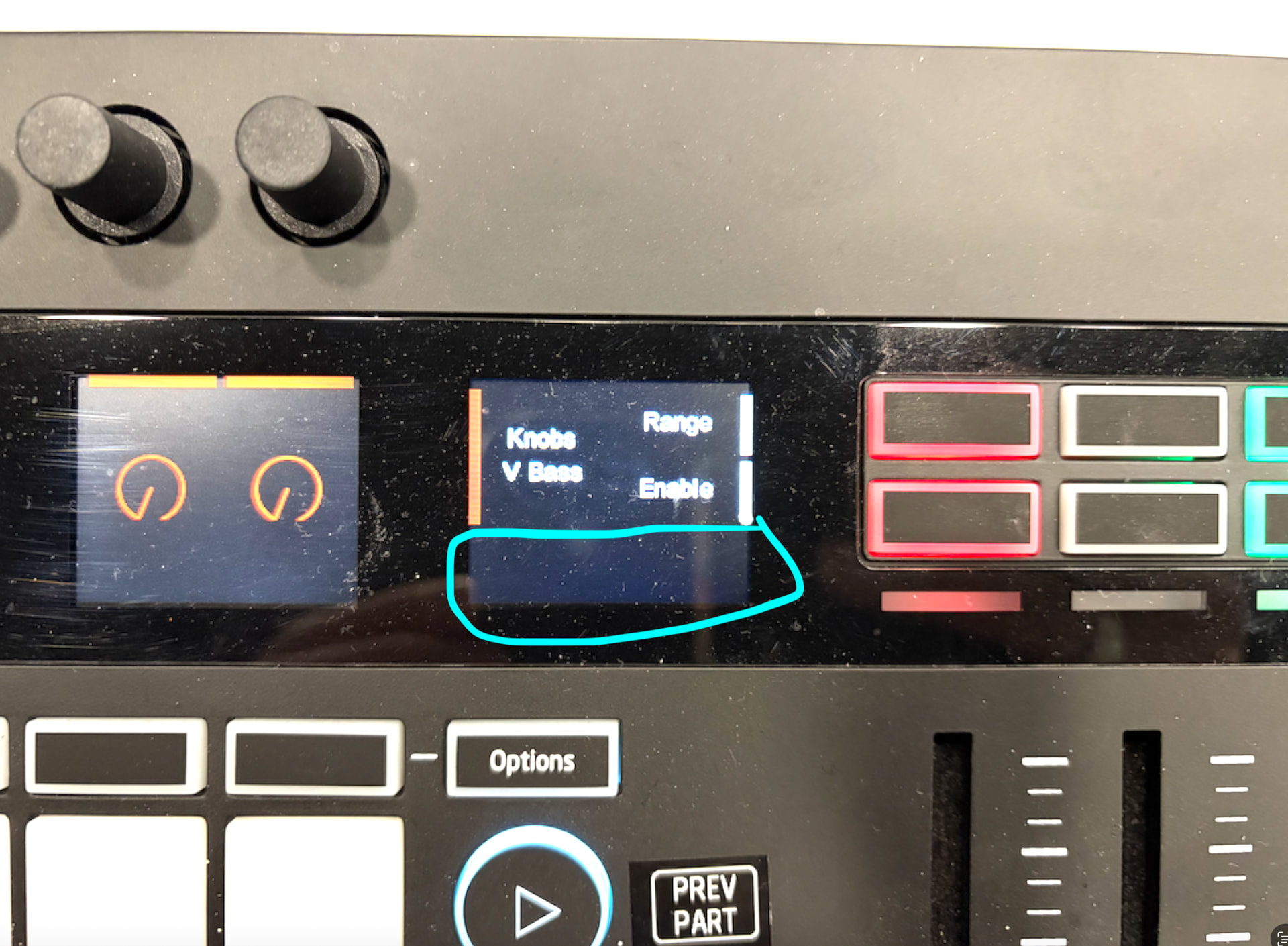
I had an idea, could it be possible in setlist mode to still have the song title displayed when the buttons are displaying the song parts? Perhaps over here (behind the midi ‘popups’)?
The SL-MK3 reserves that space for “notification text”. Anything that is displayed there is automatically cleared by the SL-MK3 after a couple seconds. Can’t change the text or background color of that area either.
In theory we could set a timer so that we automatically re-write the text for that area every 1.5 seconds, or whatever the appropriate refresh would be. I haven’t tried that, so I’m not sure what it would look like. It might look like a steady display, or it could be flash or glitchy and irritating. I’ll mess with it and see how it looks. If it looks OK I’ll see what I can do.
Love the Witch Doctor video, by the way. The others are all very well done also, but I guess I don’t need to tell you that.