Nord stage 3 drawbars as faders

Hi everyone, has someone been able to assign the drawbars on Nord Stage 3 compact as volume faders in GP?

Is it possible?

I have tried with the “learn” in the Midi section but the drawbars acts very weirdly and doesn’t work as a faders and keeps goi g up and down randomly and when I get out of the learn mode it stops moving at all.

Any information will be greatly appreciated.

Thanks

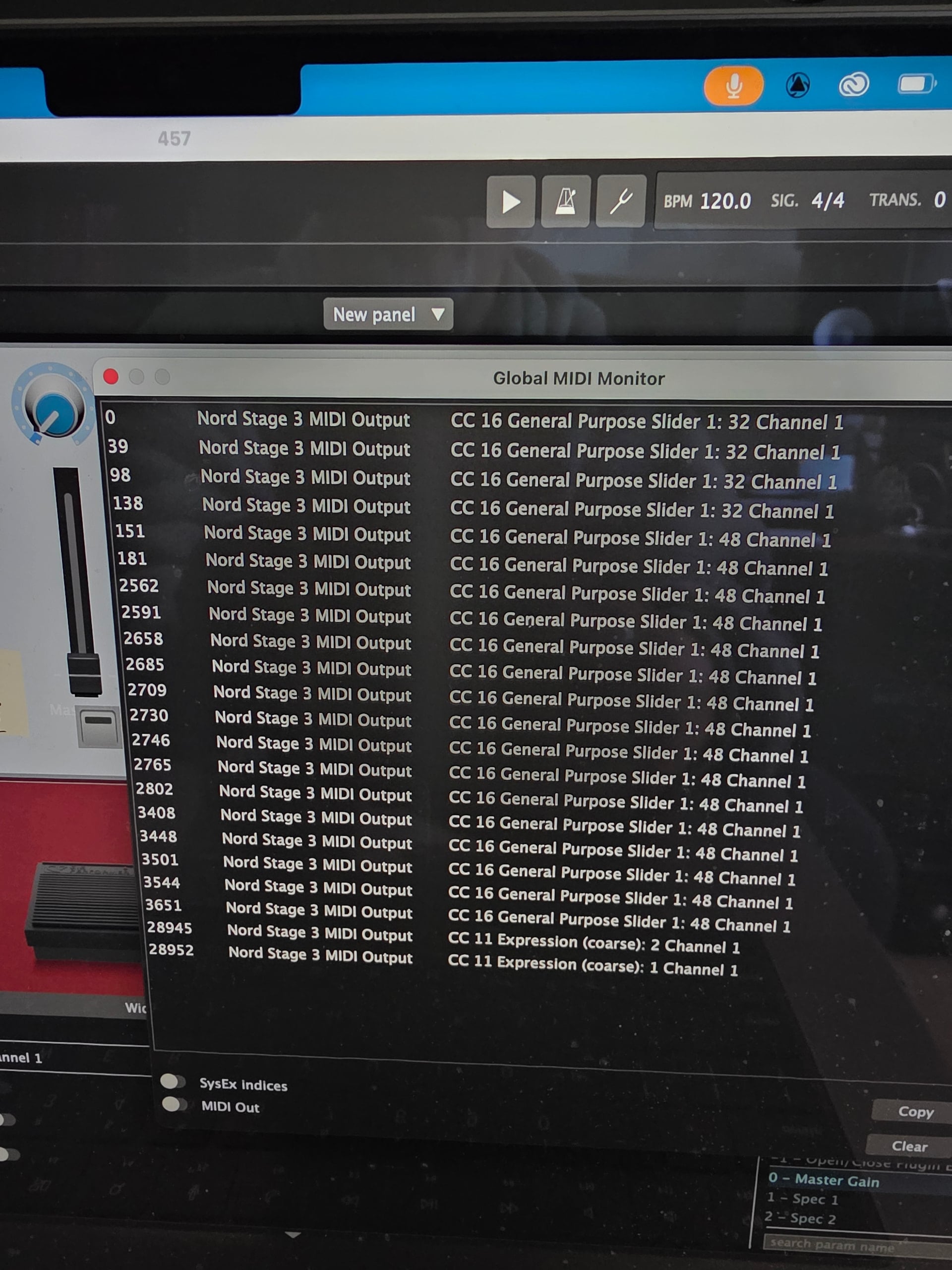
What MIDI messages does the Nord send when moving the drawbars?
You can check this in Gig Performer’s Global MIDI Monitor. Paste the screenshot here.

Did you try setting it manually?

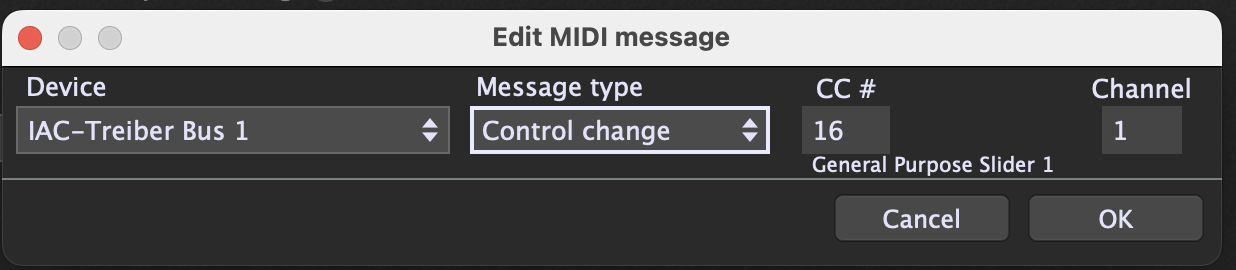
Yes, try assigning assign the CC manually, instead of clicking the Learn button.

So, click Edit in the widget’s MIDI assignment and set:

  • Device: Nord Stage 3 MIDI Output
  • Message: Control Change
  • Channel: 1
  • CC#: 16

This avoids the Learn feature accidentally capturing another message.

Afterward, watch the widget; after assigning CC16, does the widget itself move smoothly from 0–100 when you move the drawbar?

Could defining the controllers in the Rig Manager help?

The thing is that the controller is sending different messages and when you learn a widget always the last received messages before learning is stopped is learned.
So doing that learn in Rig Manager faces the same challenge.
And in Rig Manager a manual edit is not possible as it is in the Widget Properties.
That should probably be addressed for a future version​:wink: