What specifically did you change to channel 1? Did you remap incoming channel 2 to channel 1?
Hi David - I changed everything to channel 1 - in the app (send/receive), in GP (Global MIDI, on the Keyboard Controller, etc. Anywhere I could change a MIDI Channel setting I set it to channel 1
I assume other plugins are working properly? If so, then you probably need to reach out to Yamaha. I don’t know anything about that plugin.
Have you set the correct channel in the Montage M setting, as following?
You have chosen a performance?
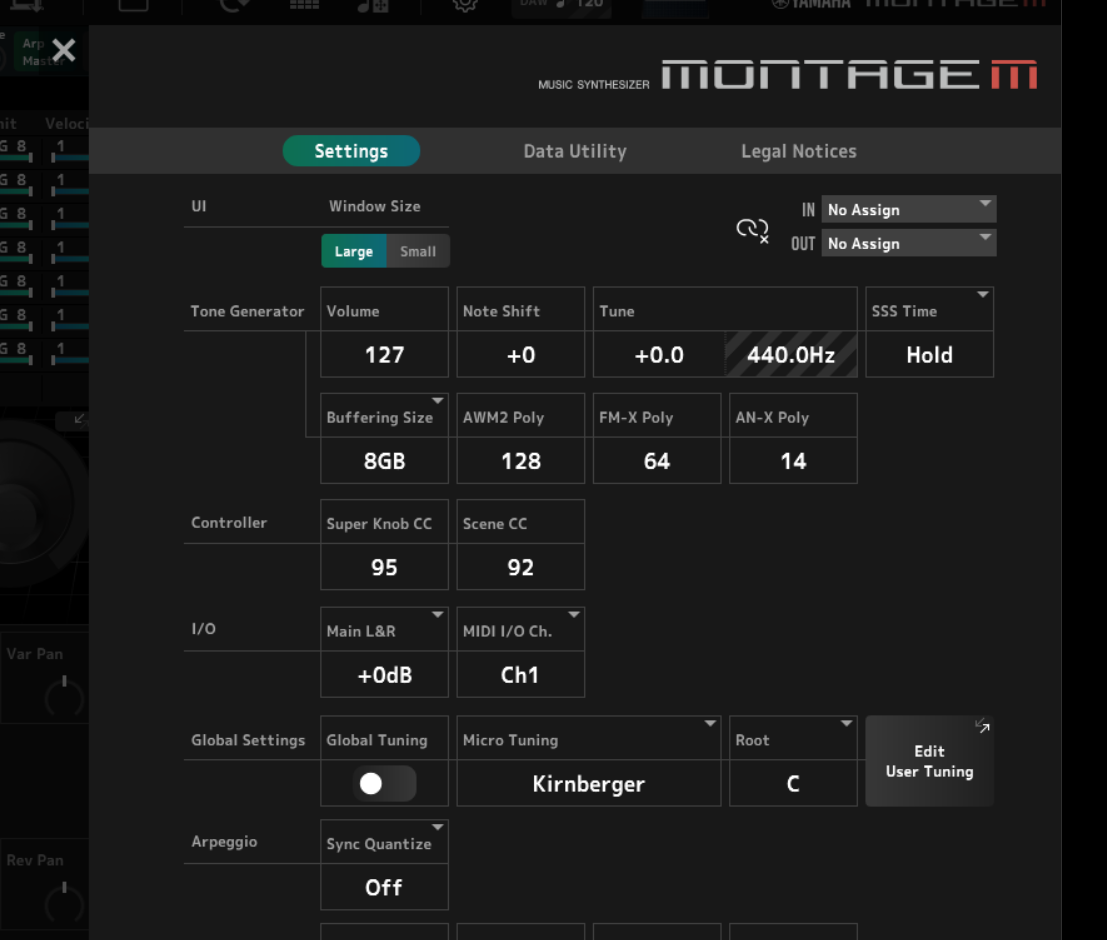
Im about to start using ESP myself soon, so asking for myself. What settings are you talking about? He isnt using a Montage from what i can see, those screen shots show a Launchkey so how does the Montage effect this?
This is a Screenshot of the ESP setting.
In this you can set the midi channel.
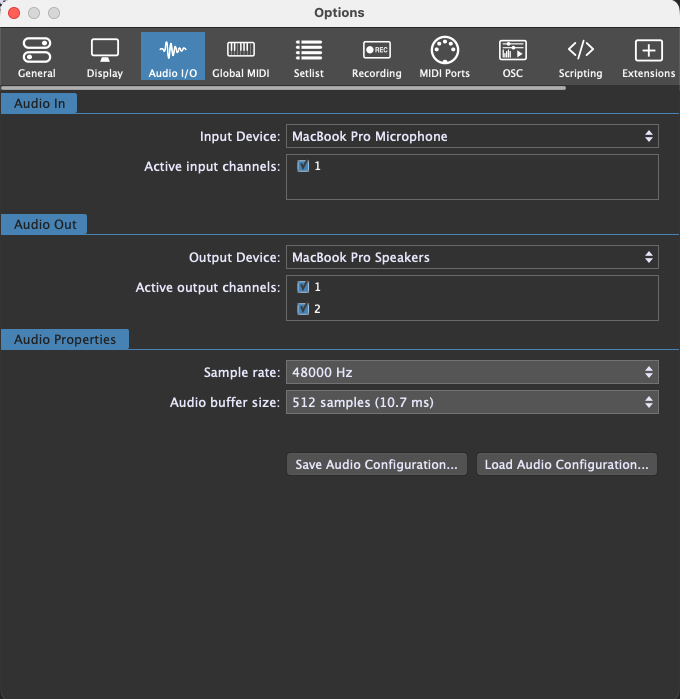
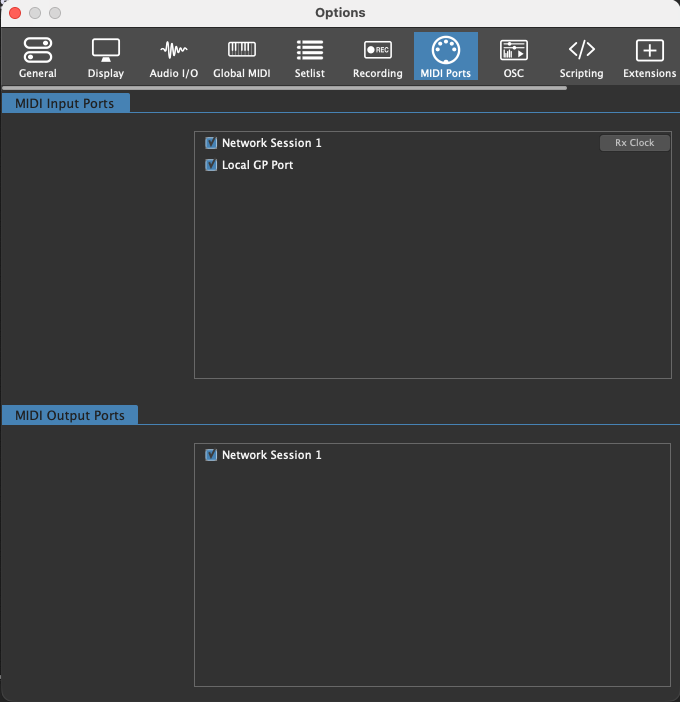
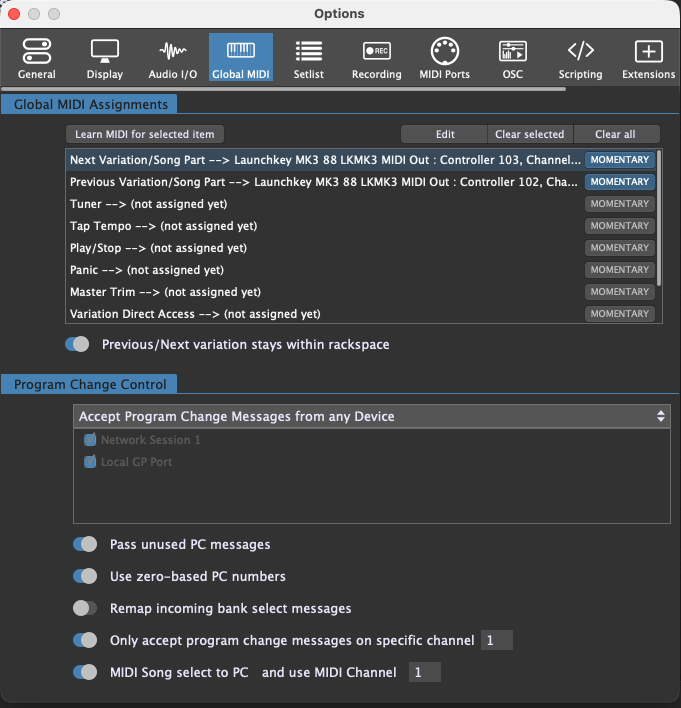
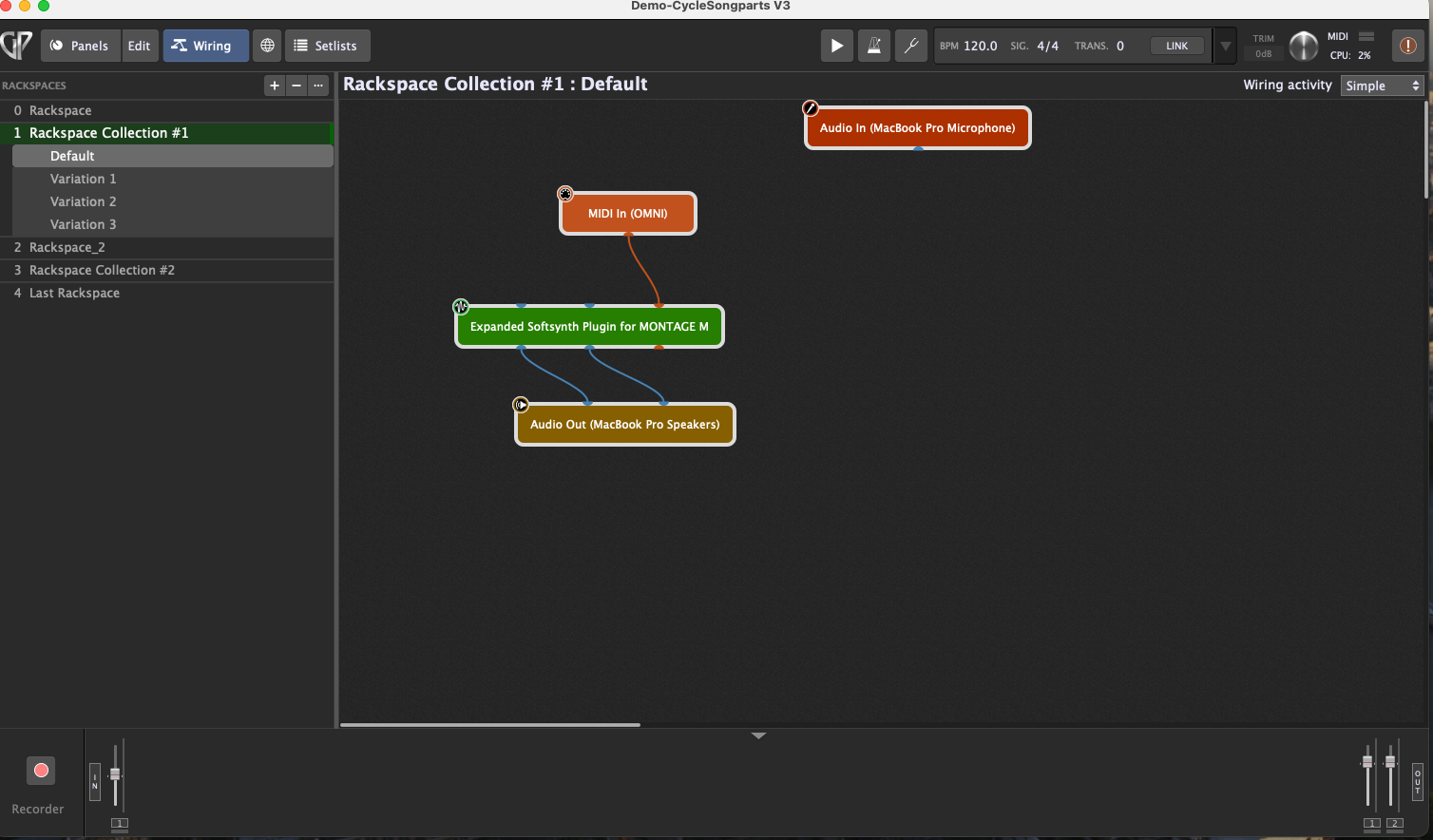
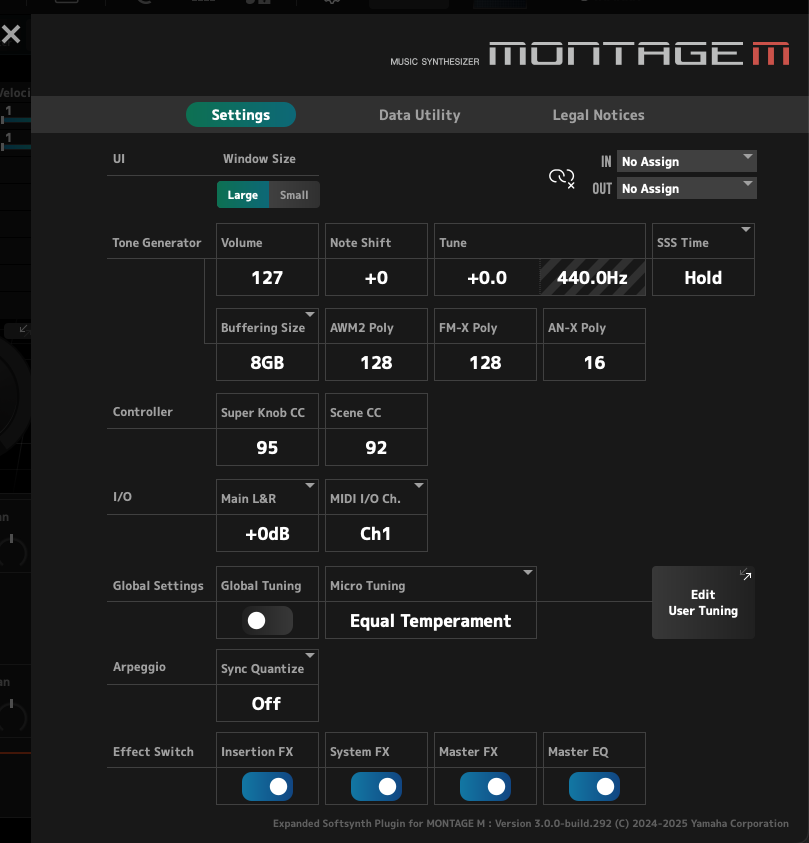
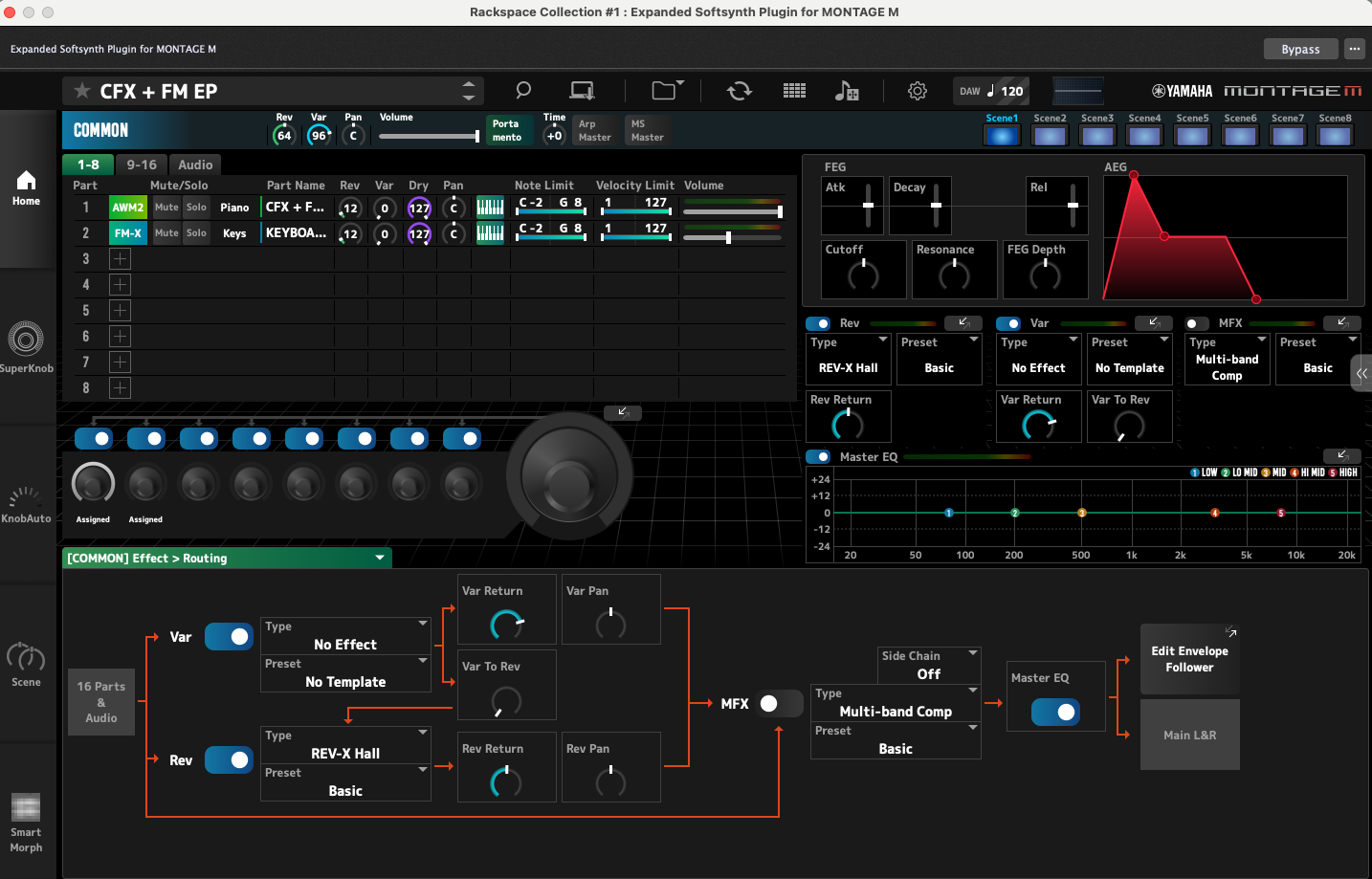
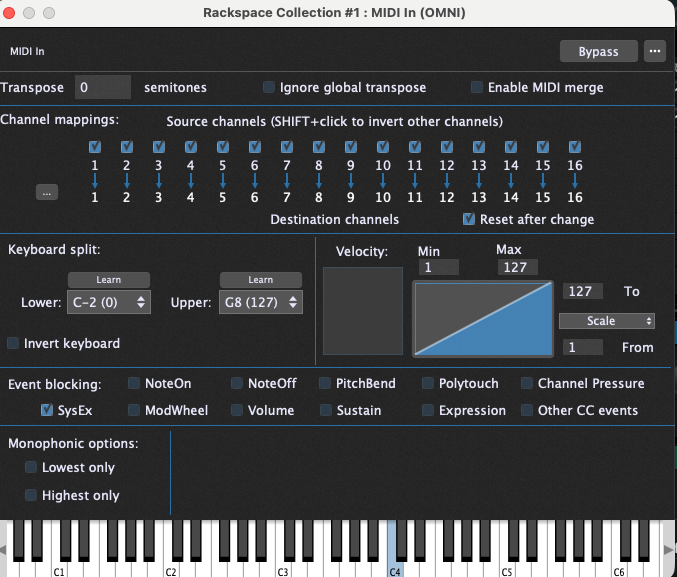
Question - do you have to have a MIDI keyboard connect to produce sound? With other VST’s I can just open up the MIDI In block and press notes using a mouse to generate sound and I’m assuming you can with the Montage ESP app as well (Note: I did have a midi controller hooked up before and still didn’t get sound). The screenshots I took were w/o the MIDI Controller connected.
If your other plugins are working then the issue is 100% a problem with the ESP
What format are you using? Also, are there different presets from which you can select and if so did you try any of them? Is it possible it needs samples and they’re not installed properly?
I figured that is the case but what I can’t solve for is what the issue is. I know others use this same VST with no problem. Yes, there are hundreds of presets and I tried a number of them randomly. The samples question is an interesting one. I don’t know enough about the VST to say whether it has samples that are used and if so, where they are stored so I can see if I have them or not. Maybe someone more familiar can chime in on that one?
You might want to ask on a Yamaha forum
I see also this related issue in other DAWs: https://www.facebook.com/groups/7045294658929728/permalink/9978088302317001/
I’d first uninstall it and then install it as Administrator.
All - quick update, problem solved! I had somewhere along the line checked the “Use Rosetta” box even though I was using the Universal version of GP. Once I unchecked, restarted, the VST worked fine. Hope this helps anyone else with the issue and a big thanks to @DHJ for hanging in there with me and helping figure this one out!
1 Like
glad you figured it out.
I just got the MODX-M version of ESP and it worked fine first time, but i was quite surprised at how much CPU its using, In an empty gig file with just one midi in block and ESP, GP is reporting 15% on my MBP M4 Pro. I have yet to start adding it to other rackspaces. Cant wait to start using this with the band.