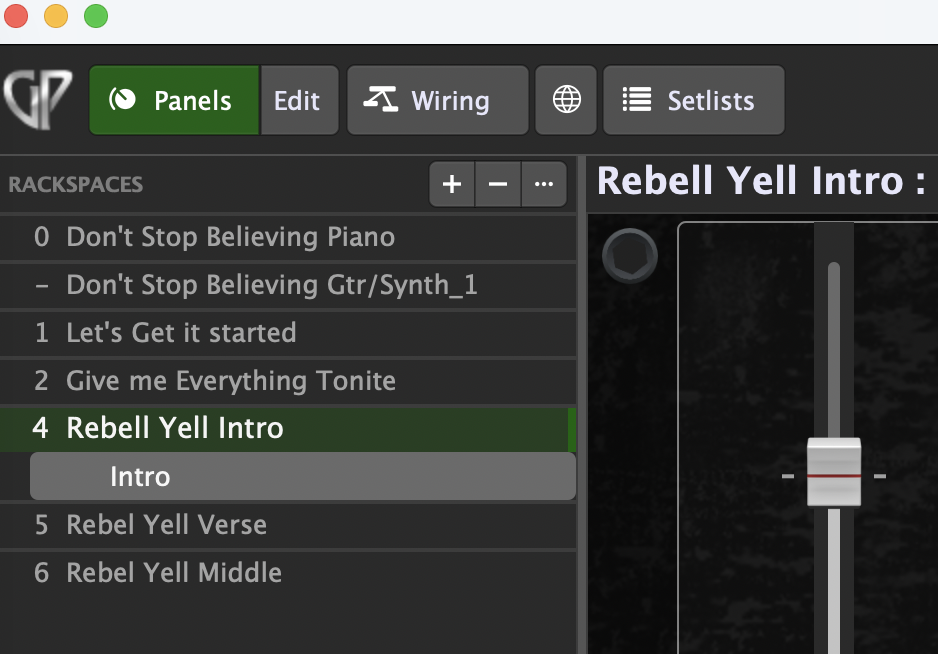
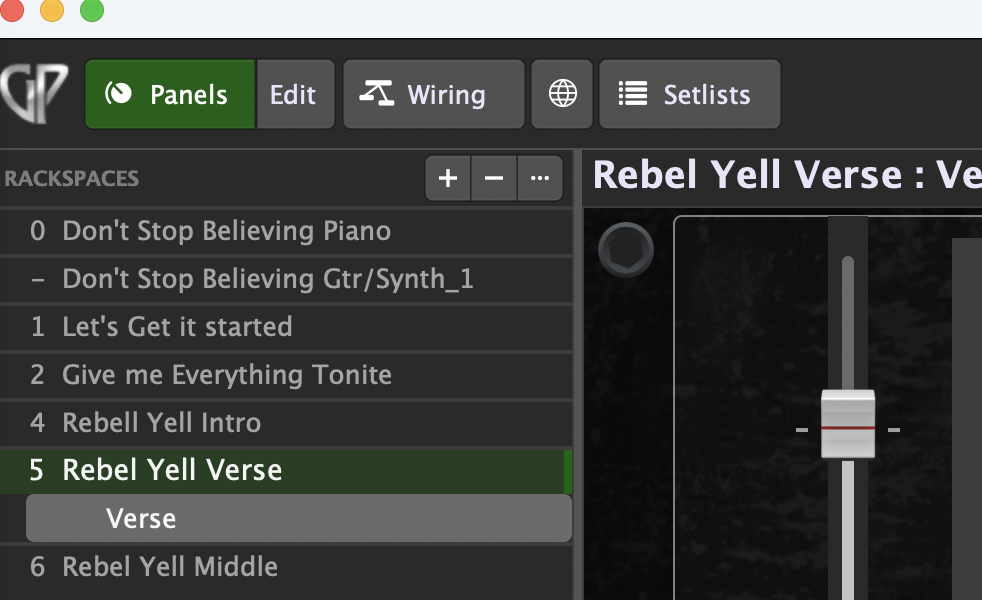
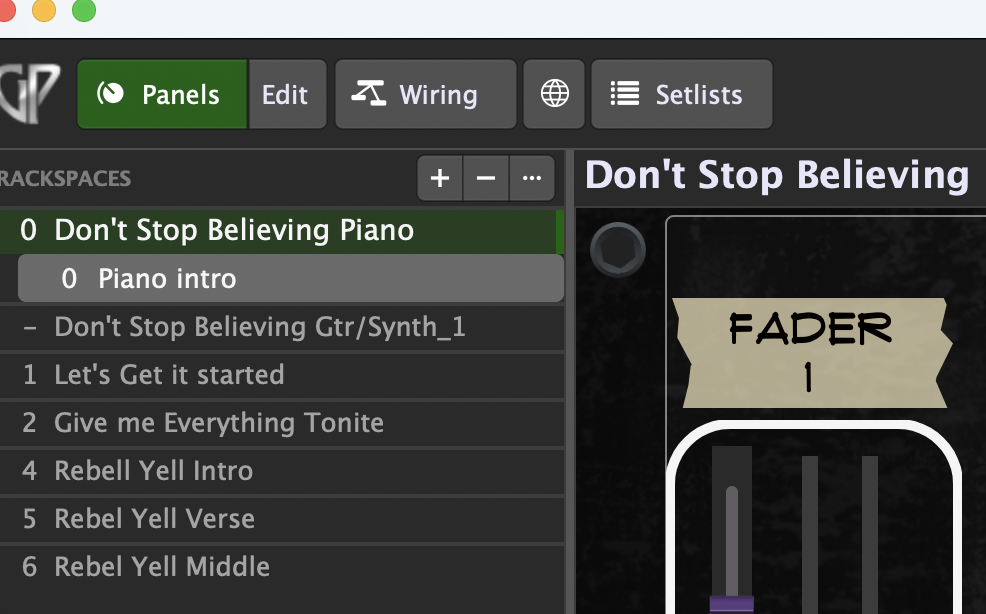
I attached a few pictures, but I can’t figure out how I was able to organize the backspace for Don’t Stop Believing, where they are listed under that song, but if you look at Rebel Yell, the 3 parts/rackspaces are all new entries, how do I get it like Don’t stop Believing?
If you look at Don’t Stop Believing , you see it has 2 rackspaces that are under the main name “ Don’t Stop “, so I have 2 sounds , 1 for intro, 2 for verse and chorus, basically there a sub entries, But if you look at Rebel Yell, each part has it’s own dedicated entry. I’m not sure how I was able to to it with Don’t stop, but not with Rebel Yell
Don’t stop believing piano is a rackspace with the variation named Piano Intro.
Don’t stop believing guitar synths is another rackspace with variations.
No, they do not reside.
Each rackspace is separate.
When you click on don’t stop believing gtr you should see that there are more than one variation or the variation has no pc number.
The - sign before the rackspace name is an indicator wich pc numbers are used in the rackspace variations.
That’s absolutely right… and if you are thinking in terms of “intro”, “verse” and such, you should consider to use the setlist mode - right after you got familiar with the above mentioned!
A rackspace is basically a collection of plugins, and in the Wiring view you can hook them up any way you want. If you want to tweak those sounds, you can build a panel with widgets and link them to plugin parameters — things like filter cutoff, delay feedback, reverb time, toggling chorus on/off, etc.
A rackspace can have one or more variations, where you save different widget values — but every variation uses the same plugins and the same wiring setup.
In Setlist view you can create songs, and each song has one or more parts. Every part points to a rackspace (variation).
If you change widget values in Setlist view, those changes go back to the saved state of the linked rackspace variation as soon as you switch to another song (or part).
But you probably already know all this since you were watching the videos and reading the manual while I was typing