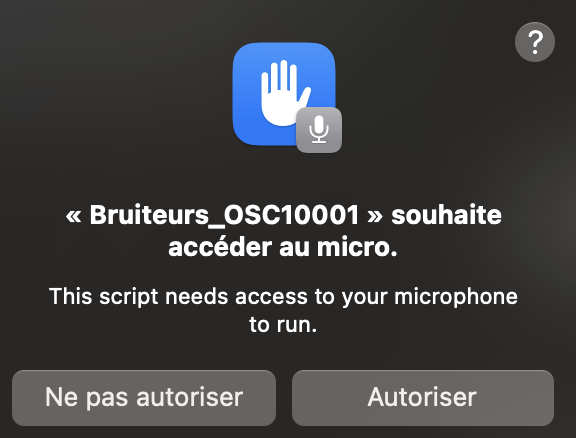
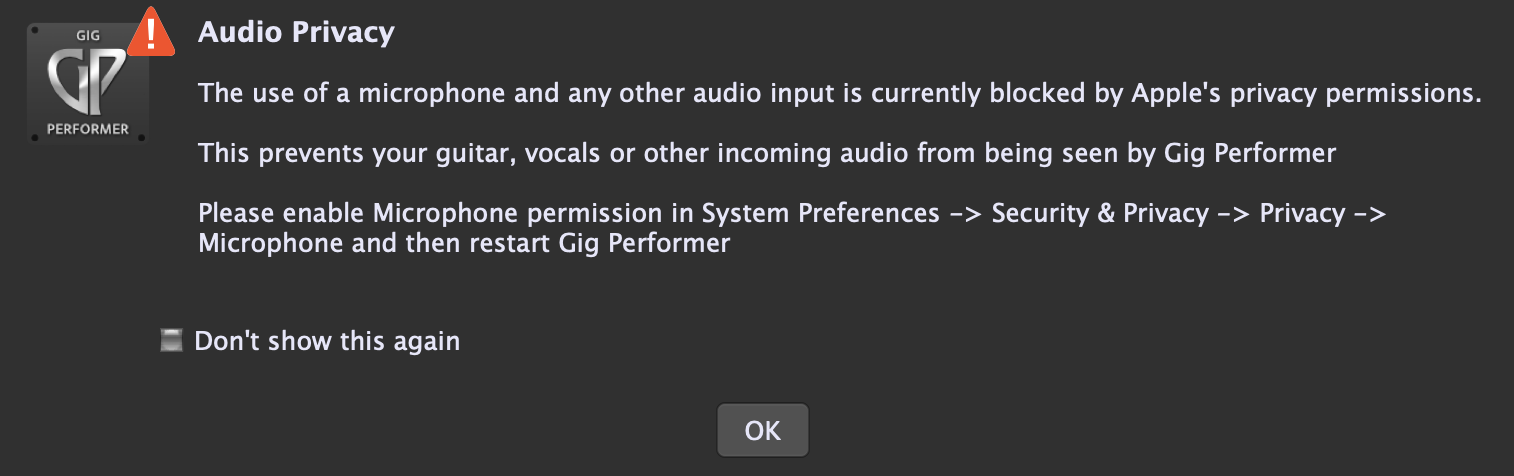
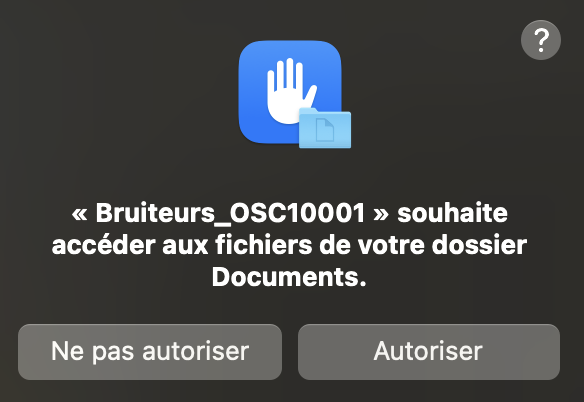
I use several GP instances that I launch with scripts like this:
do shell script "\"/Applications/GigPerformer5.app/Contents/MacOS/GigPerformer5\" -in=Bruiteurs_OSC10001 &>/dev/null &"
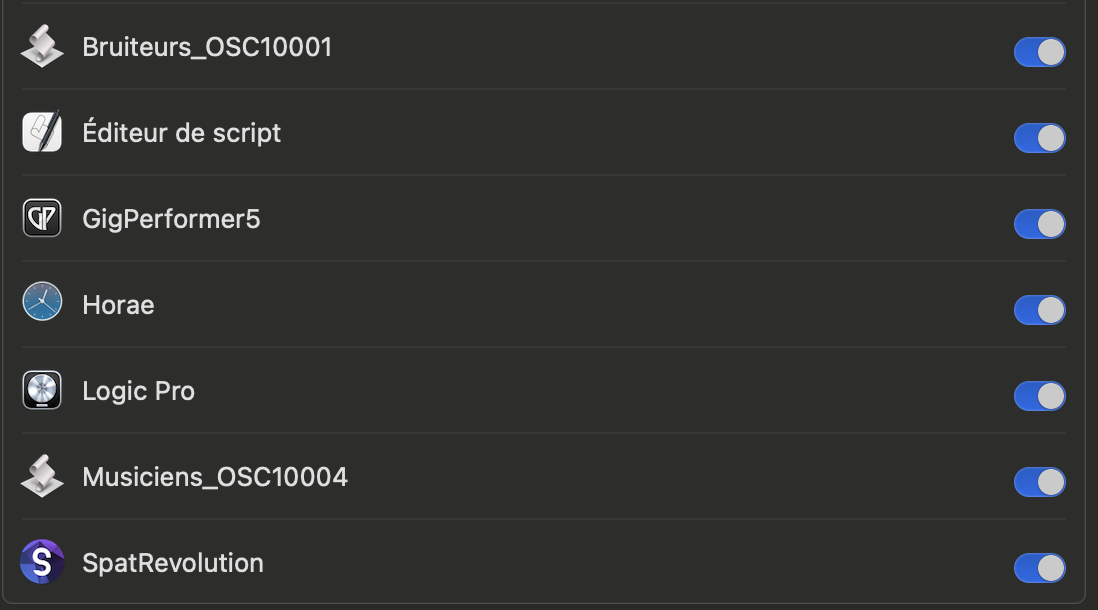
But I have the problem that my Mac constantly asks me to re-authorize access to documents and the microphone, even though I’ve already granted permission to GP and to the scripts I use. (I also tried deactivating and re-enabling permissions, etc.)
It’s really annoying to have to keep clicking “OK” on these dialogs all the time.
Does anyone know of a way to authorize access once and for all?
If I load it from the main instance it doesn’t ask for permissions anymore. But I really need to be able to automate the openning of my setup . I have a complex setup with many software programs running simultaneously, and a very specific startup sequence that I need to automate (I prepare scripts and then use Automator to launch the programs in the correct order with precise timing). This is because I’m working on a theatrical production, and I need to provide this ready-to-use setup for later use…
Say no more — that particular version has been a pain in the neck for me as far as authorization is involved, and not just for Gig Performer and/or audio apps.
I’ve had apps complain that they don’t have access to files despite Full Disk Access having been enabled for the apps in question. Sometimes, disabling access and starting again works.