Maybe…but I’m still skeptical about the device driver. There is just no way that one instance of the CS80 should be using 74% CPU
What’s also suspicious is that a blank rackspace should take 7%
Didn’t even notice that….should be at 0%
Unless there is something running in the Global Rackspace, I guess.
1 Like
Yes but if you have decently implemented plugins and you’re not actually playing, that shouldn’t matter. CPU should still be close to zero
Wow! Thanks for all this amazing input. Let’s see if I can cover it all.
Intel(R) Core™ i7-8850H CPU @ 2.60GHz
32GB RAM with 500GB SSD
I’ve already tried many sample rates and buffer sizes.
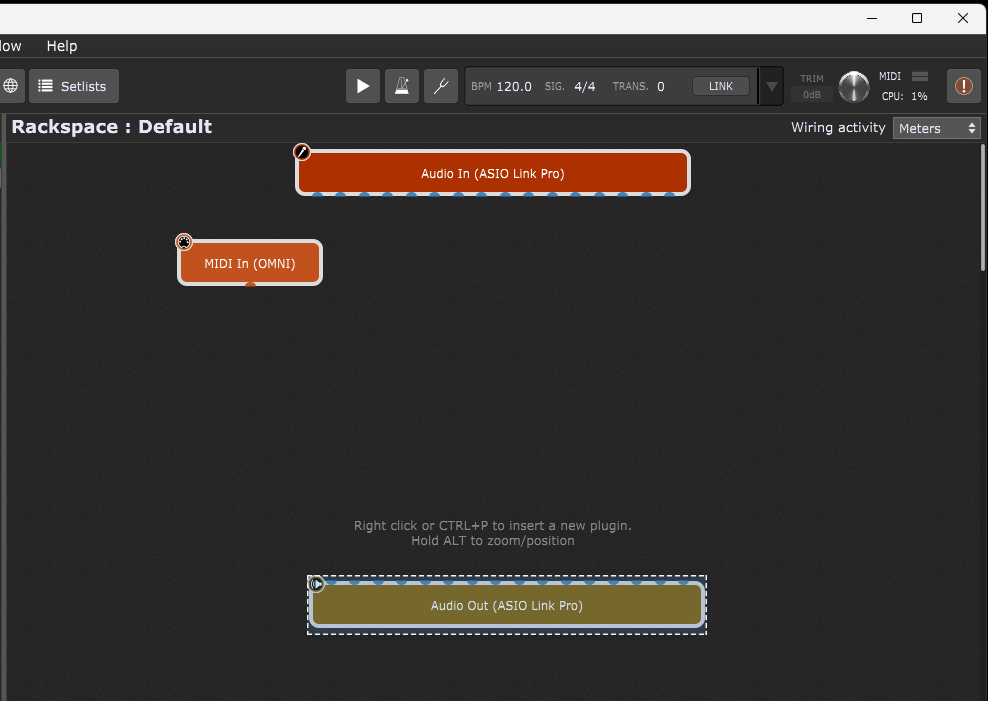
What I meant by a “blank rackspace” is 7% is the rackspace just didn’t have any plugins. However, creating a genuine “blank” rackspace with only the 2 necessary blocks is still at 6%.
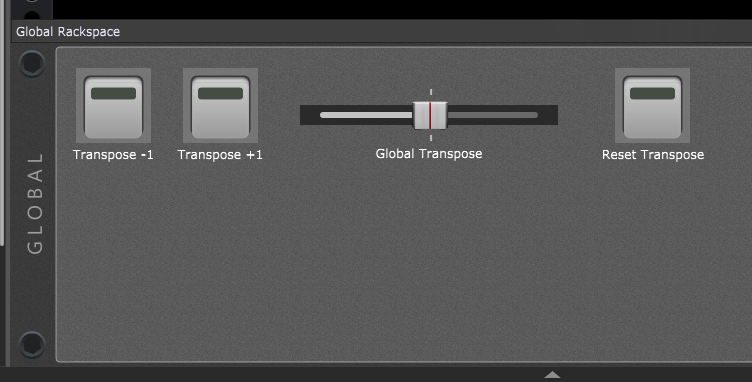
The Global Rackspace looks like this…
I suppose I could try the ASIOforAll driver, unless it’s obvious that my laptop’s CPU is actually too slow.
Something definitely isn’t right there.
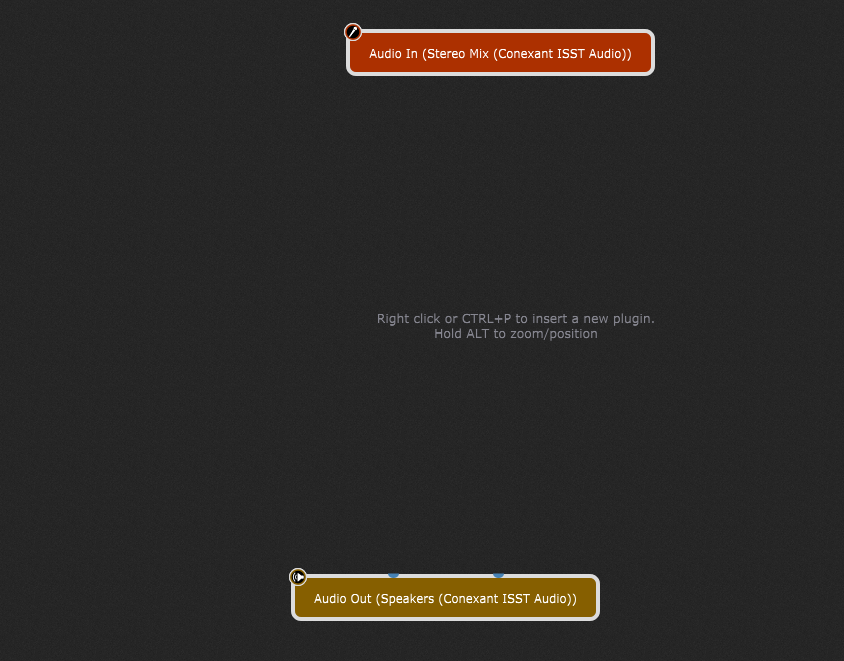
Here’s what my blank rackspace looks like, using a laptop with an i7-7700HQ processor–which is one year older than yours.
How are those widgets in the Global Rackspace connected? Is it a scriptlet? or mapped to the System Actions plugin?
Script editor. I found the code on the forum somewhere. But this crackling issue was happening before I built this global rackspace. I have my laptop completely disconnected from any hardware right now - no audio interface. Loaded up GP and the CPU readings are the same. I say that in case there was a possibility having the audio interface connected contributed to this problem.
I also installed the ASIOforAll driver. Same percentages.
You didn’t do anything that would prevent intel boost/turbo from working by any chance?
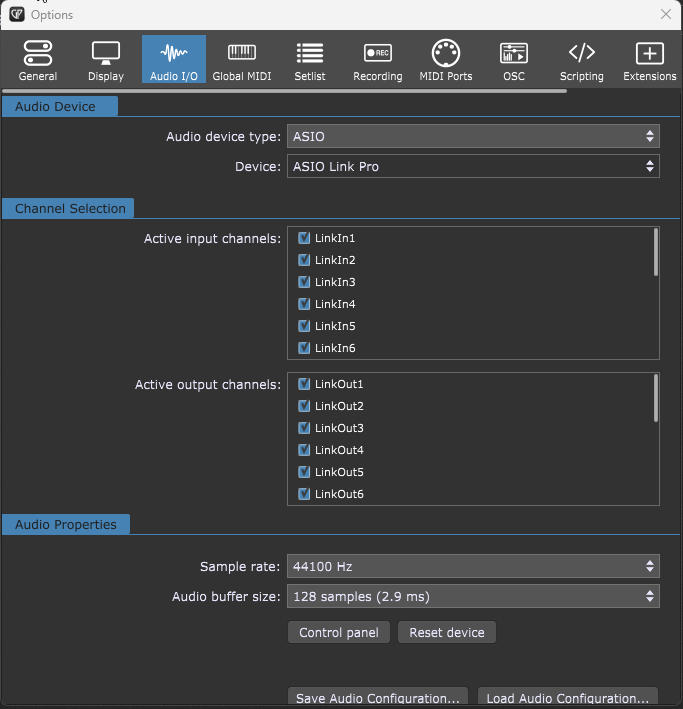
Certainly not intentionally. Isn’t that a BIOS setting? I had run through that manual referenced earlier in the thread, which had me changing some BIOS settings. When I discovered no difference, I changed those BIOS settings back.
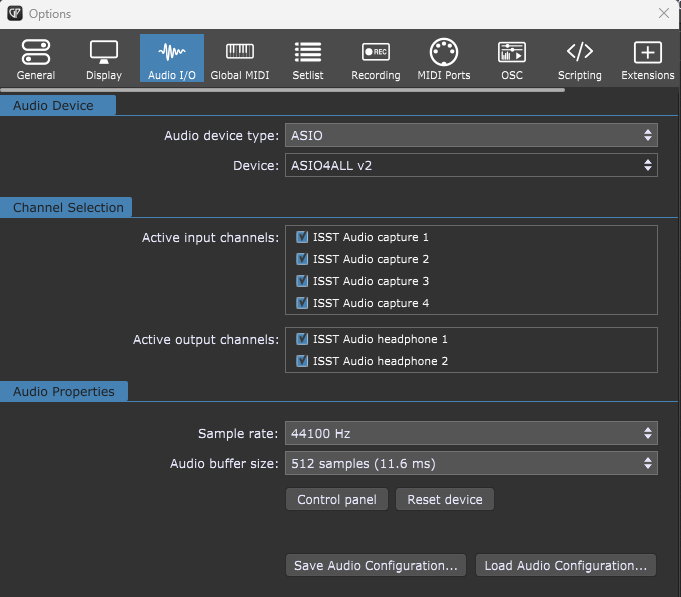
Here is a pic of the current Audio I/O options after installing the ASIOforAll driver.
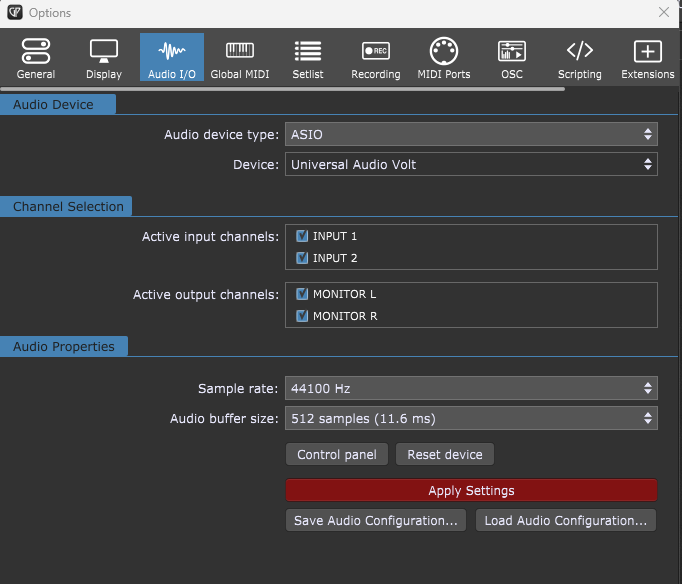
Here are the settings with my UA Volt interface selected as the “device”.
There’s something definitely wrong with your system somewhere and I still suspect the driver.
If I just start GP with nothining (so just a single rackspace), I show 0%
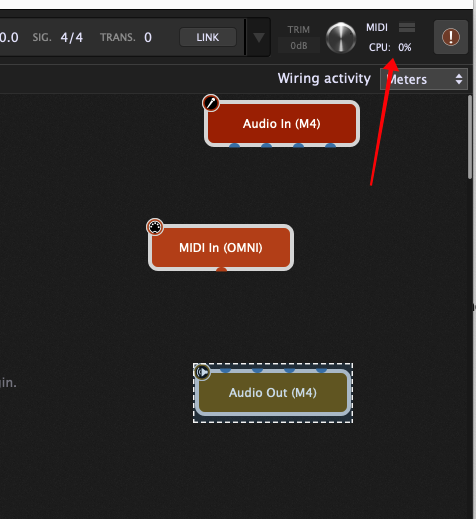
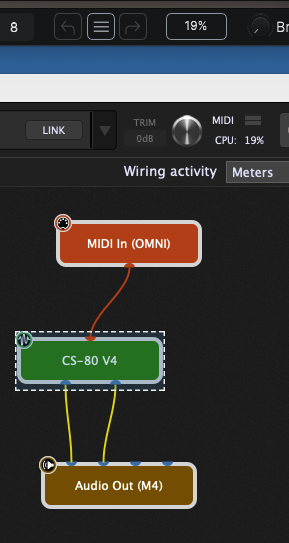
If I throw in a CS-80 V4, the CPU goes up to 6% even when there’s no sound. I don’t know what’s it’s doing to cause that but that’s the baseline for that plugin.
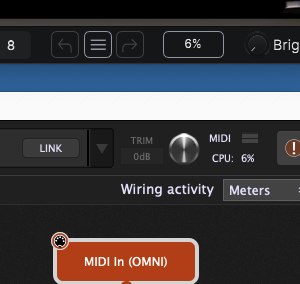
When I play a significant chord, it goes up to 19%
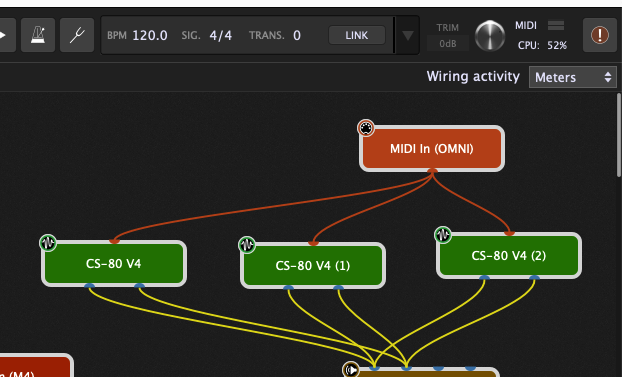
If I dupliate 3 times and play, CPU goes to 52% but no glitching whatsoever.
This is with a sample rate of 44.1k and a buffer size of 128
Any idea where I should start? I’ve tried selecting the Universal Audio Volt driver for my interface, and the ASIOforAll driver. Both are current versions.
Wow! I can’t get even close to that. I can maybe get away with one instance of the CS-80, but definitely not more than that without glitching. The CP-70 does the same thing, as do many other plugins, even ones from other manufacturers. But not all, only the higher-CPU plugins, I imagine. But whichever it is, anything above 40% and the glitching starts. Gets worse the higher the percentage.
Is there anything else running on your system? Maybe malware? Is the computer exclusively used for GP?
Maybe do an alt-shift-delete and see what else is running?
I’m in the IT field and take very good care of my computers. I have anti-malware apps running on everything. Now that doesn’t mean something can’t sneak in, but I see no evidence of malware on this laptop, nor anything out of the ordinary running in the background. No, it’s not an exclusive GP laptop. It’s my personal laptop. I don’t have another device to dedicate to GP yet.
I think, this is not the worst idea!
Something seems to eat up your resources - doesn’t have to be malware.
Actually, those themselves can suck up huge amounts of CPU cycles