Hello,
I’m having a problem across different set-up scenarios.
I use GP in various bands and set-ups. For instance, I have a rehearsal setup with an RME Babyface and a band setup with a Soundcraft UI 24. Now I’m adding further setups for individual gigs.
I can find a USB audio device everywhere, which would minimise the hassle of transport.
However, it’s very annoying that I can’t save the different devices in GP and simply switch between them.
Currently, GP reports that it can’t find the device, so I have to re-enter the new environment. After that, the system always re-reads the file.
This always takes about 3–5 minutes.
How can this be simplified?
Yes, I’d like to take one device with me and work via an audio connection.
Thank you for your support and comments
Muddyhopkins
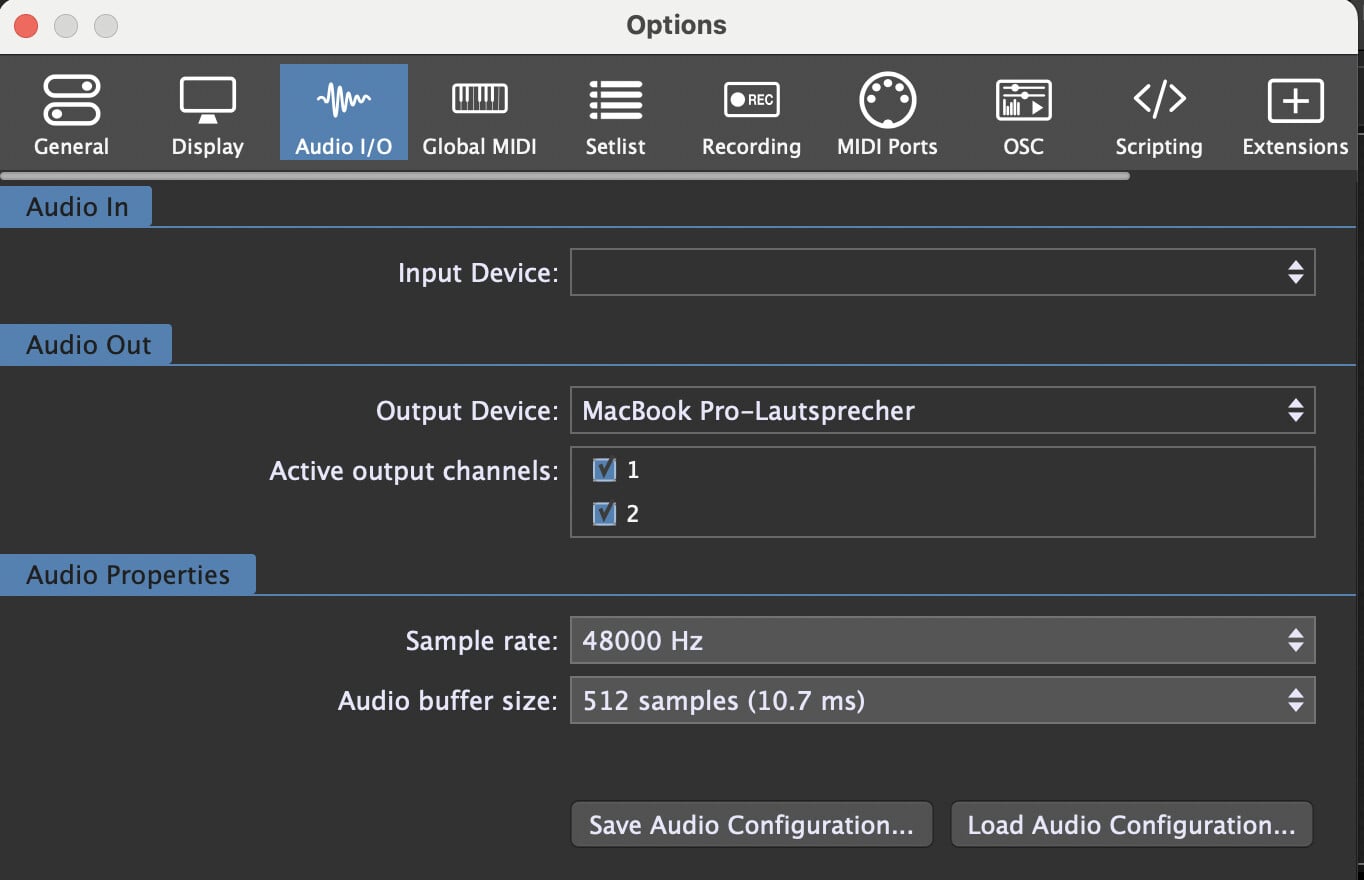
You can save and load audio configurations in Gig Performer
I have the same situation and the first thing I do after starting Gig Performer I set the correct Audio Interface and then load the gig file.
Alternatively, you could create instances for the different audio interfaces and start these instance directly by command line options. This avoids reloading of the plugins due to the interface change.
I use this on my Macs for the same reason. I think there are some examples for Windows and how to create shortcuts here in the community
OK, I actually do use this settings option. But it seems I’ve been using it wrong all this time!
I always thought I had to select the correct AISO interface first and could only use the ‘Load’ function to enter the number of channels and the channel numbers used.
I didn’t realise I could also configure the entire interface here.
Thanks a lot for the info
OK, when we have our holiday break with the bands I will check the way with the different instances. For the first step I will use the tipp of @pianopaul and will load ALL of the configuration