I’m new to Gig Performer but not to Plugins, electronic keyboards, synths, etc. My first efforts to set up a rackspace are giving me some issues. I’m starting with baby steps to get acclimated. The rackspaces that are pre-installed with GP work great, but when I try to insert my own plugins I’m hitting a snag.
I have indeed read the Gig Performer 4.x User Manual, combed through the forum and FB pages to see if I can find answers - lots of suggestions involving syncing MIDI channels on controllers and instruments, but I couldn’t find this specific problem addressed.
My rig:
MacBook Pro 16" 2.3 GHz 8-Core Intel Core i9 on Sequoia 15.6
Kurzweil KM88 controller keyboard - MIDI transmit channel OMNI
I began by utilizing the Piano, Organ, Stage template rackspace and attempting to insert my own plugins.
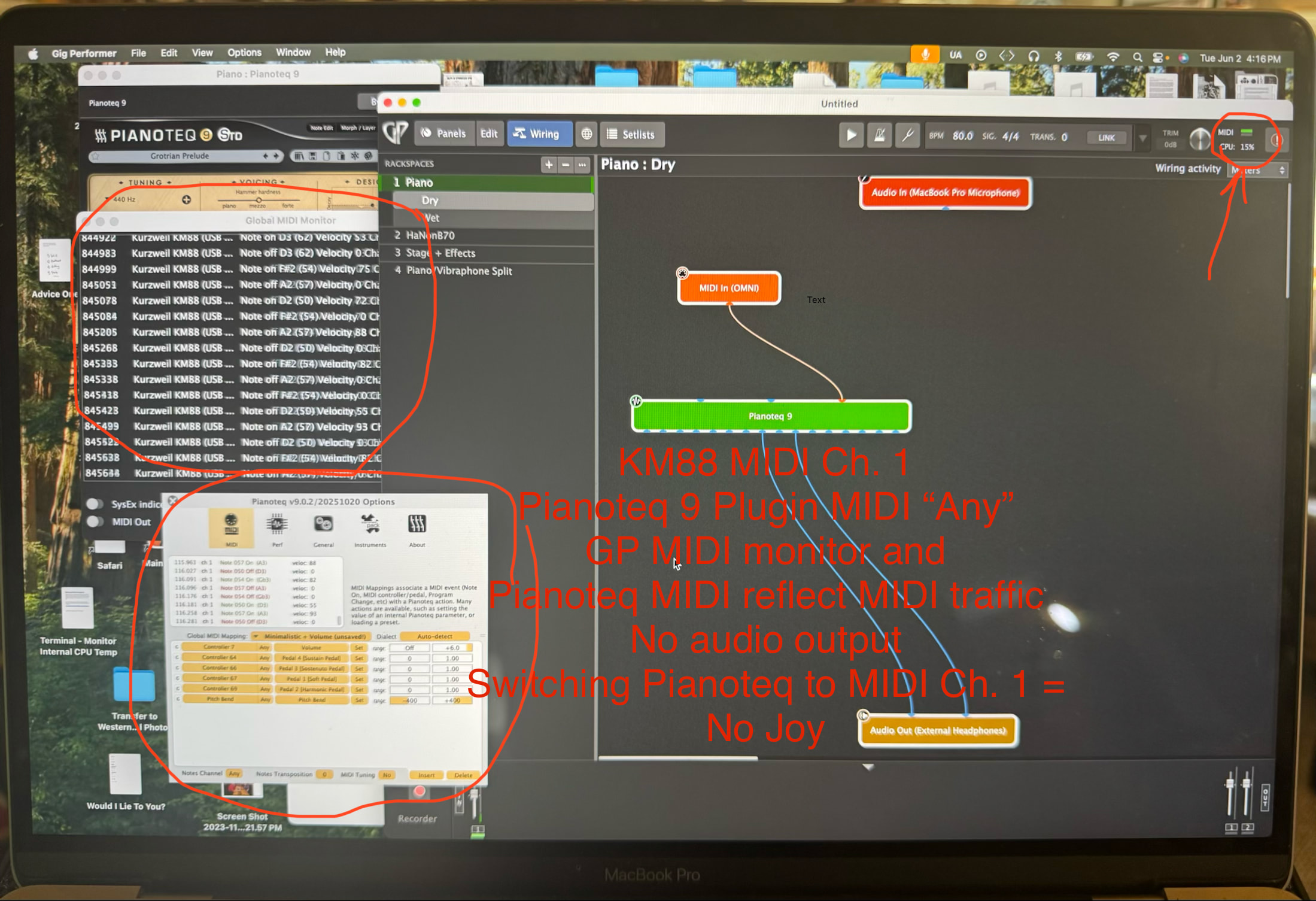
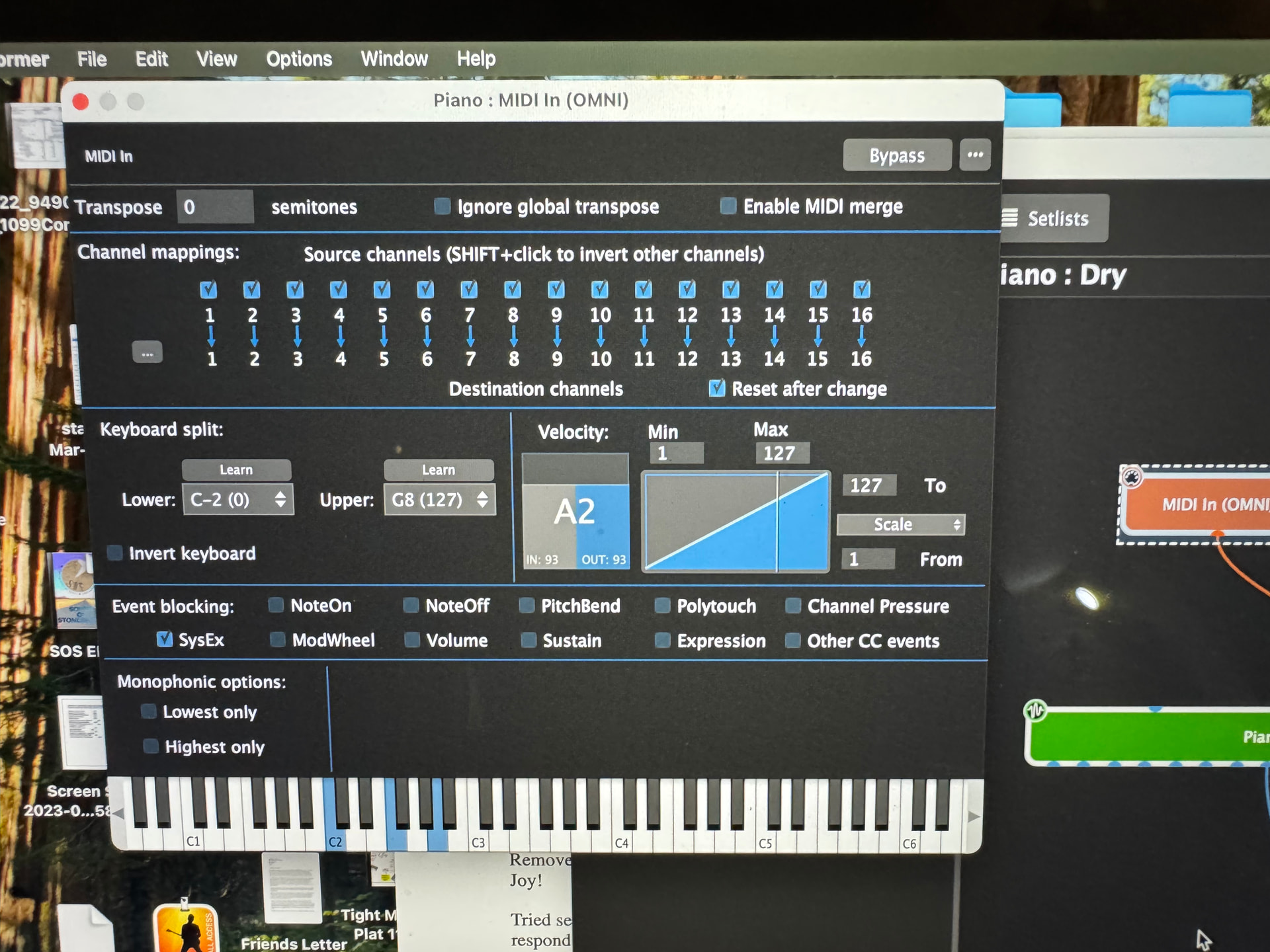
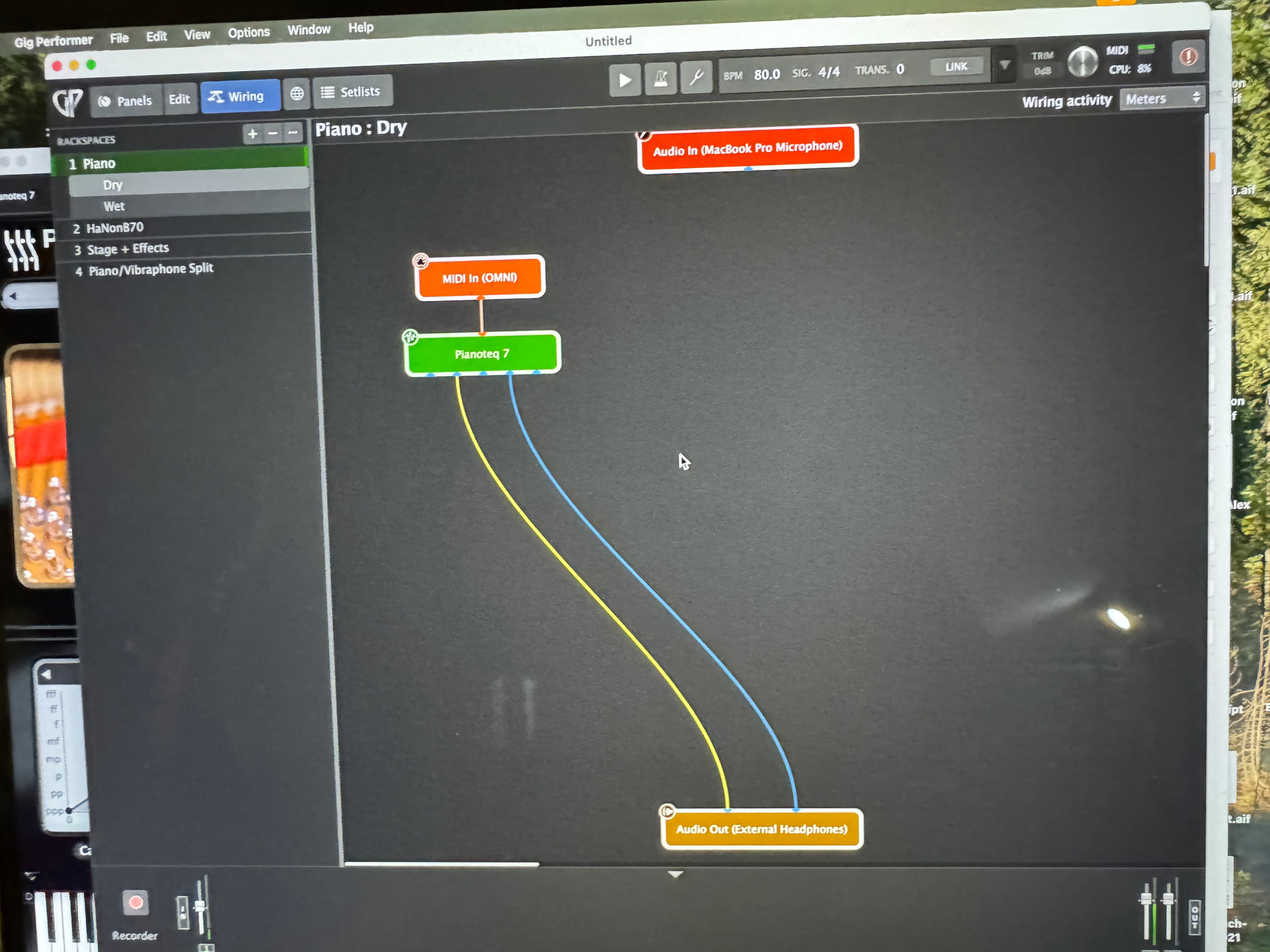
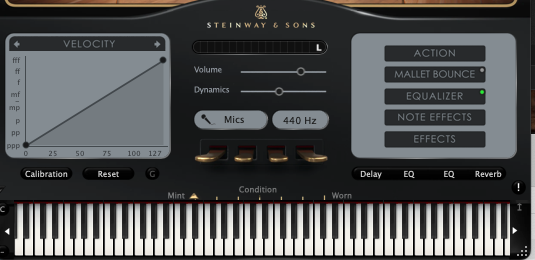
First attempt - Insert Pianoteq 9 VST as my plugin. MIDI in signal to plugin lights up on GP wiring diagram, Pianoteq window indicates input signal (virtual keyboard plays), but no signal to Audio Out block on GP. Tried several troubleshooting chores (switching through MIDI channels, yes the volume is turned up, etc.) - no joy.
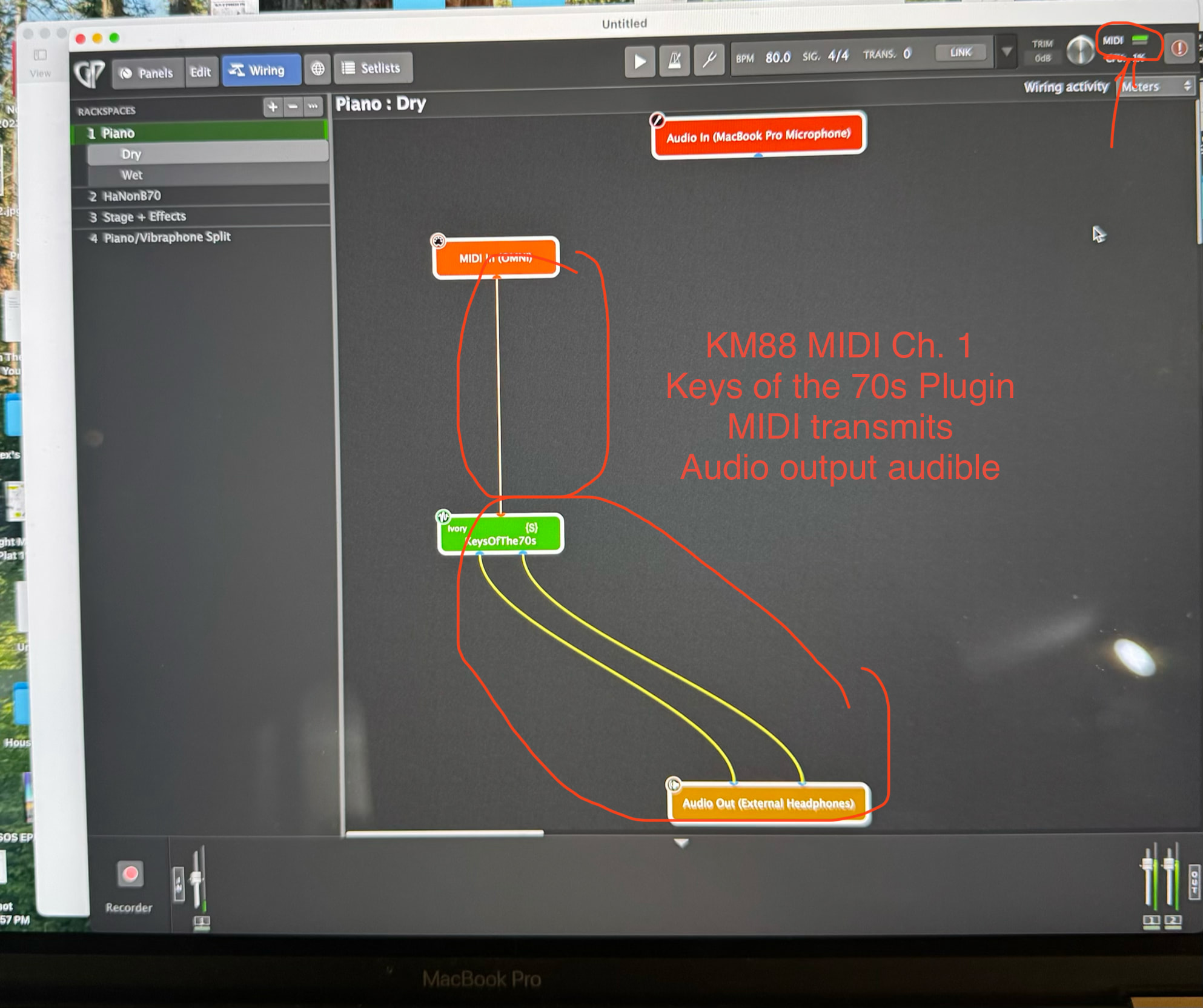
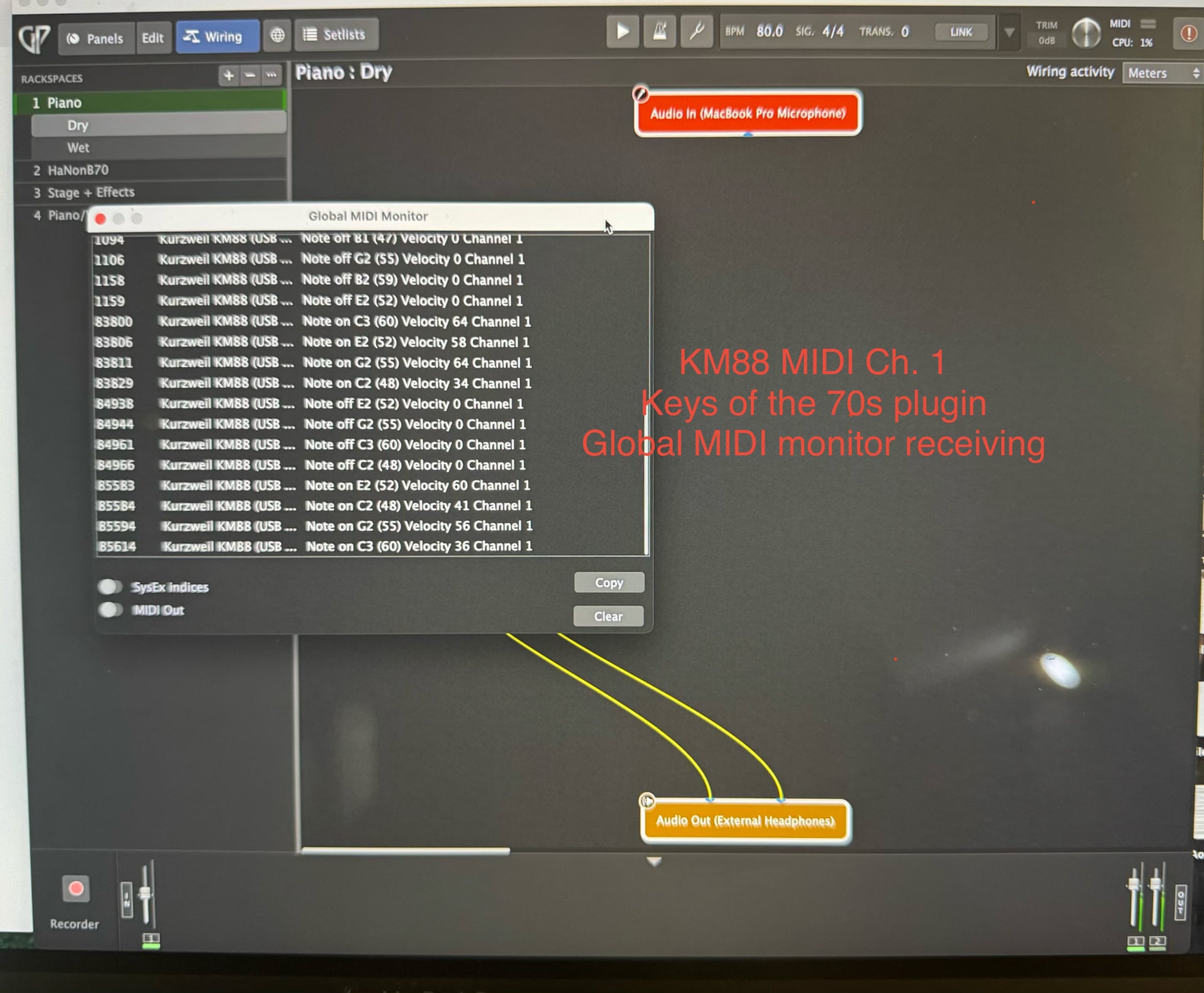
Removed Pianoteq and inserted Dexibel T2L plugin - signal reaches Audio Out block on GP. Joy!
Tried several Kontakt instruments and East West Opus instruments - all receive MIDI and respond but do not pass audio to the Audio Out block on GP.
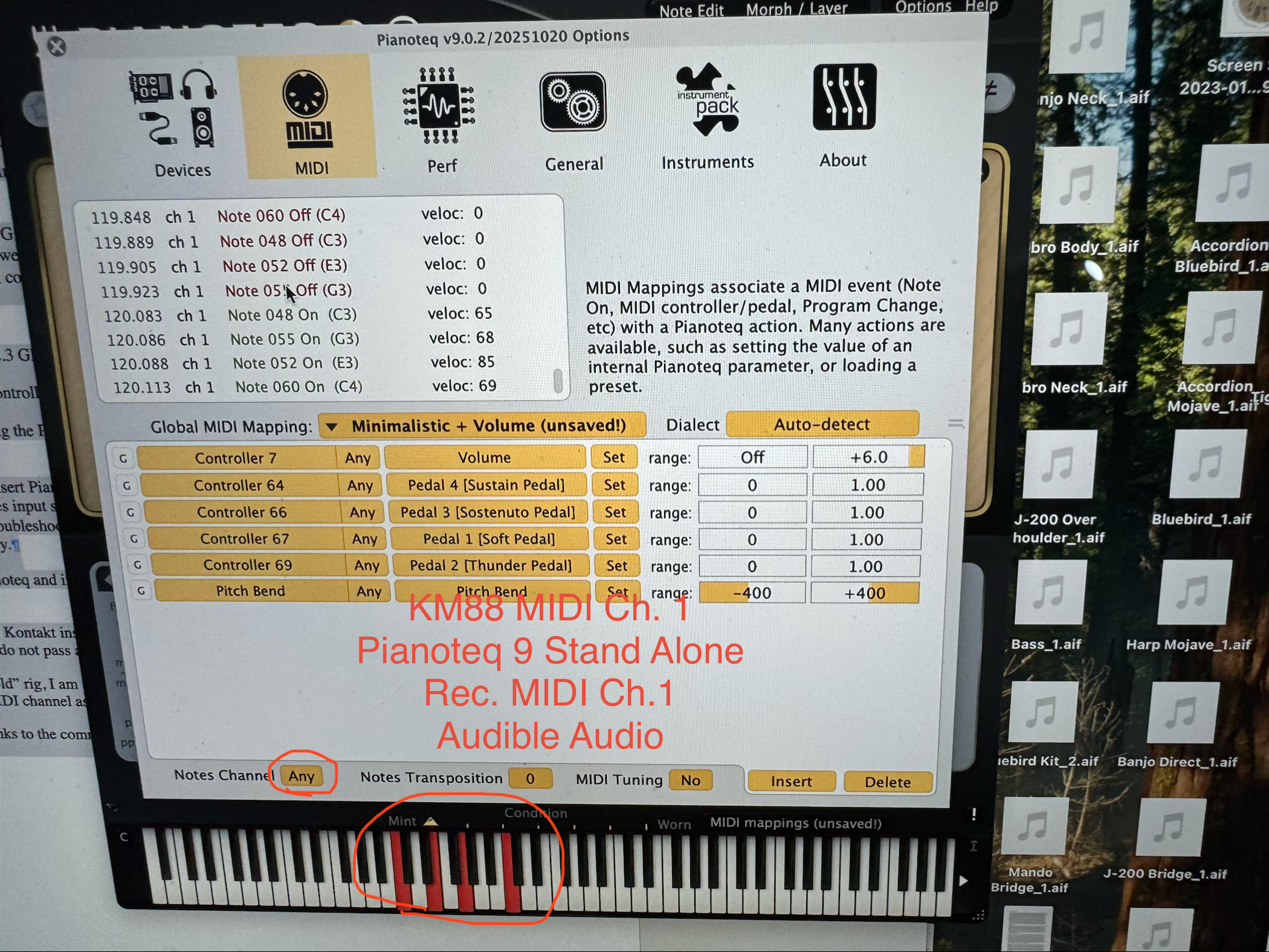
With my “old” rig, I am using Pianoteq, Kontakt and Opus successfully in standalone mode, with discrete MIDI channel assignments, so I know the equipment can and does play nice together.
Many thanks to the community for your assistance.