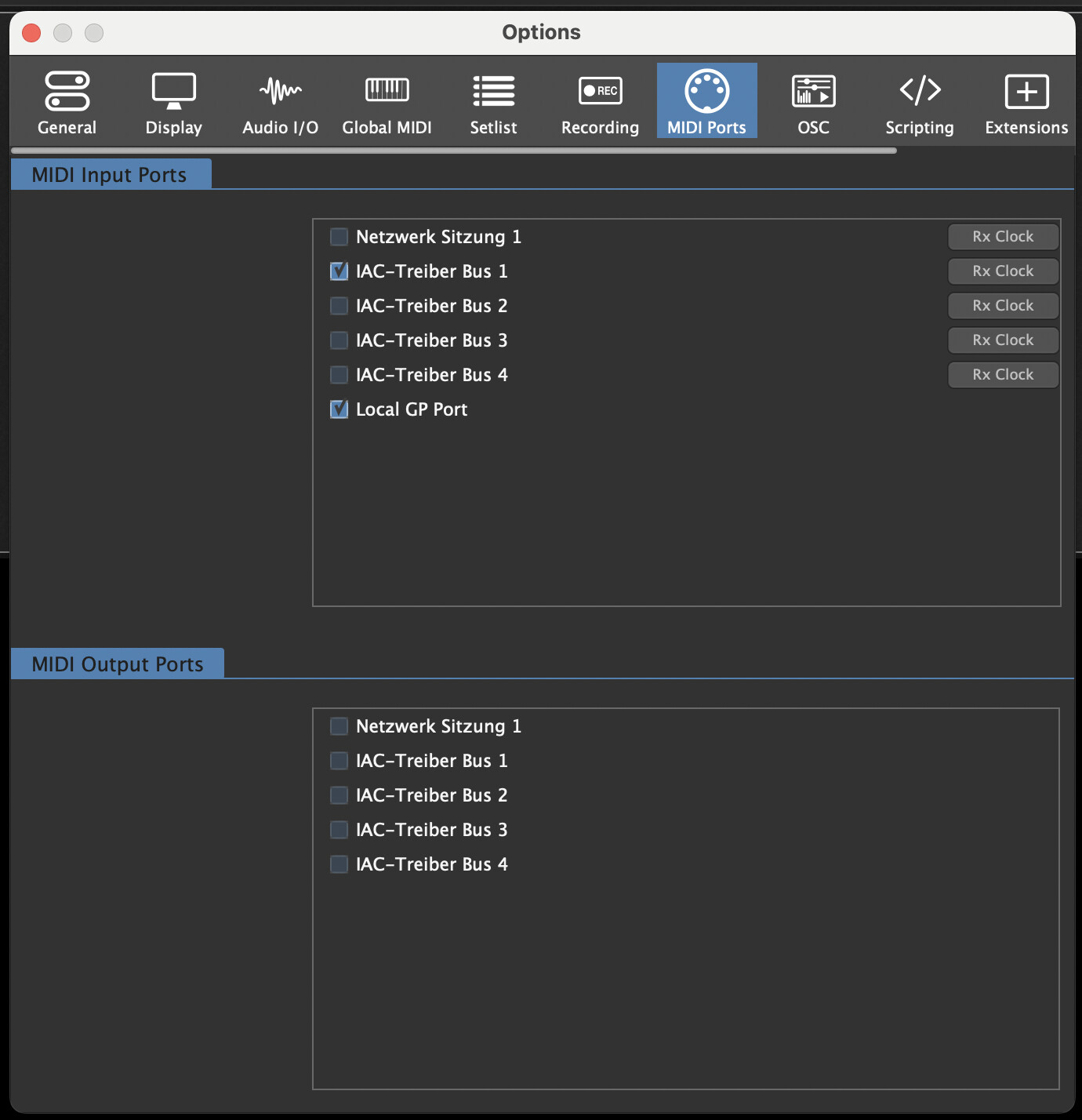
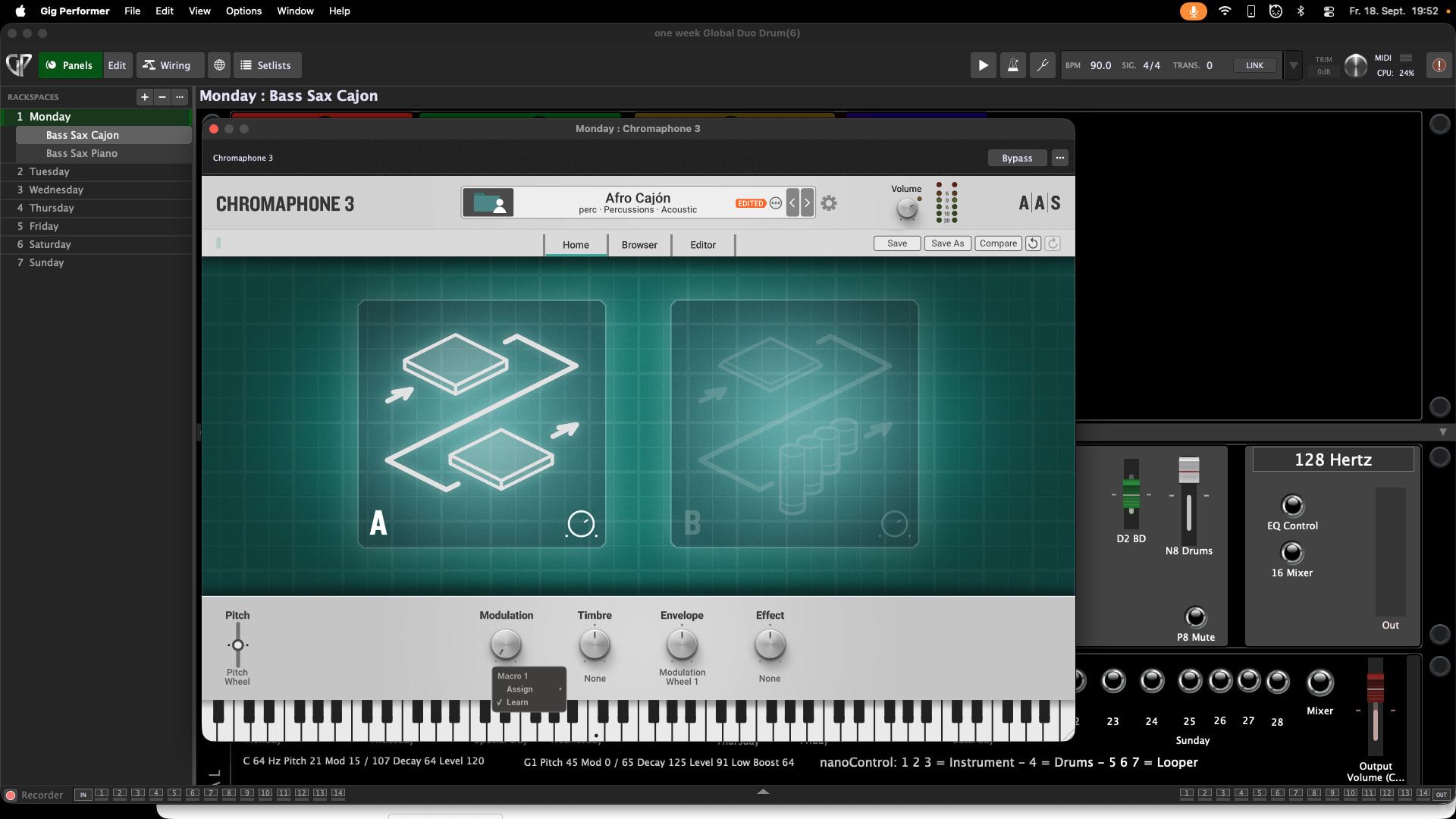
After updating to version 5.3.3, the MIDI Learn function on my Mac Mini (MacOS 27) no longer works.
It’s not the controllers; they are fine. Everything works in Cubase and in the standalone instruments.
I mean midi-learn. I use midi-learn to control instruments. For example the change the cutoff of a bass vst3 bass instrument or a vst3 percussion instrument.
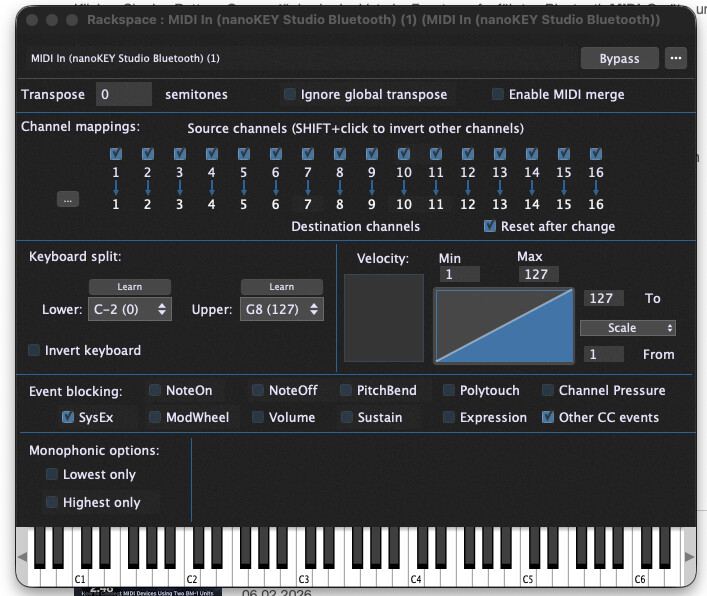
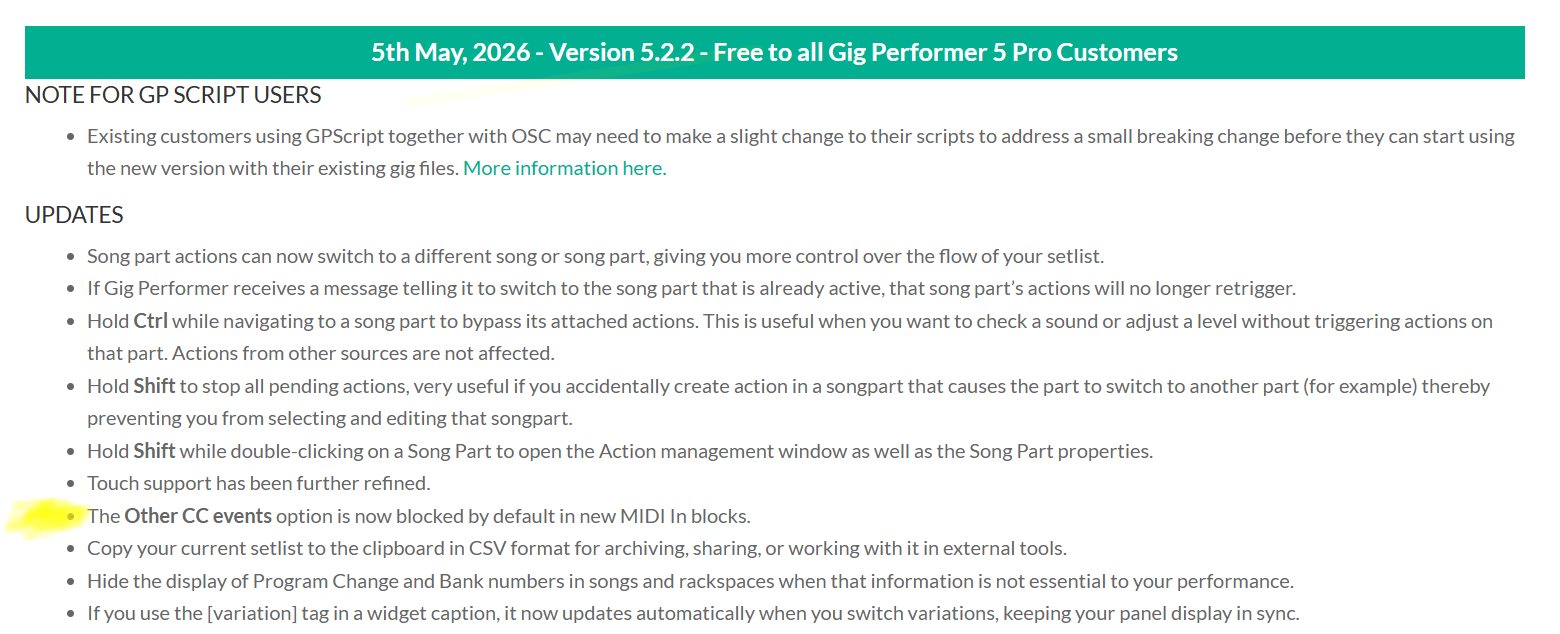
I found this: when I add a new Midi in - a midi controller - then event blocking for other other CC events is selected. Has it always been like that? I can´t remember. I use Gigperfomer for many years…
OK - so to be clear - the confusion was around “Midi Learn” because you weren’t in fact trying to have GP learn your MIDI messages, you were trying to have a plugin learn them and that requires all messages to pass through a MIDI In block.
We decided to block CC messages by default because we were seeing too many issues where CC messages were being passed to plugins inadvertently by moving sliders or even by having sliders move slightly due to vibration, and consequently often screwing up the sounds.
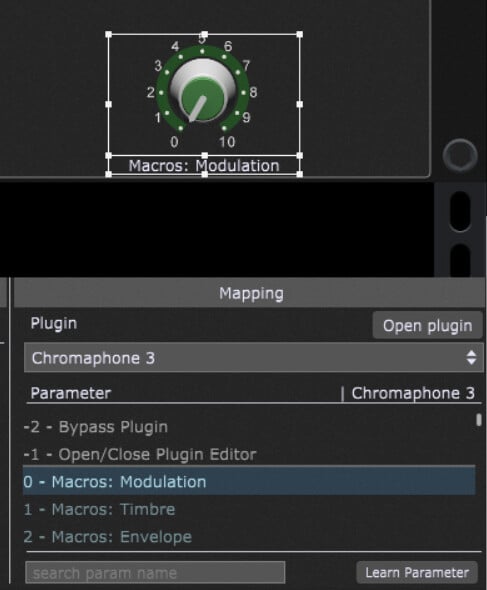
I would encourage you to read this blog article and switch from having your plugins learn MIDI messages and instead use Gig Performer’s support for host automation which is far more flexible.
Thank you for the information. I usually use widgets too, but sometimes—especially when things need to be quick and spontaneous—I need direct access to the instrument.