I’m using a roto control - from melbourne instruments.
It has motorized encoders.
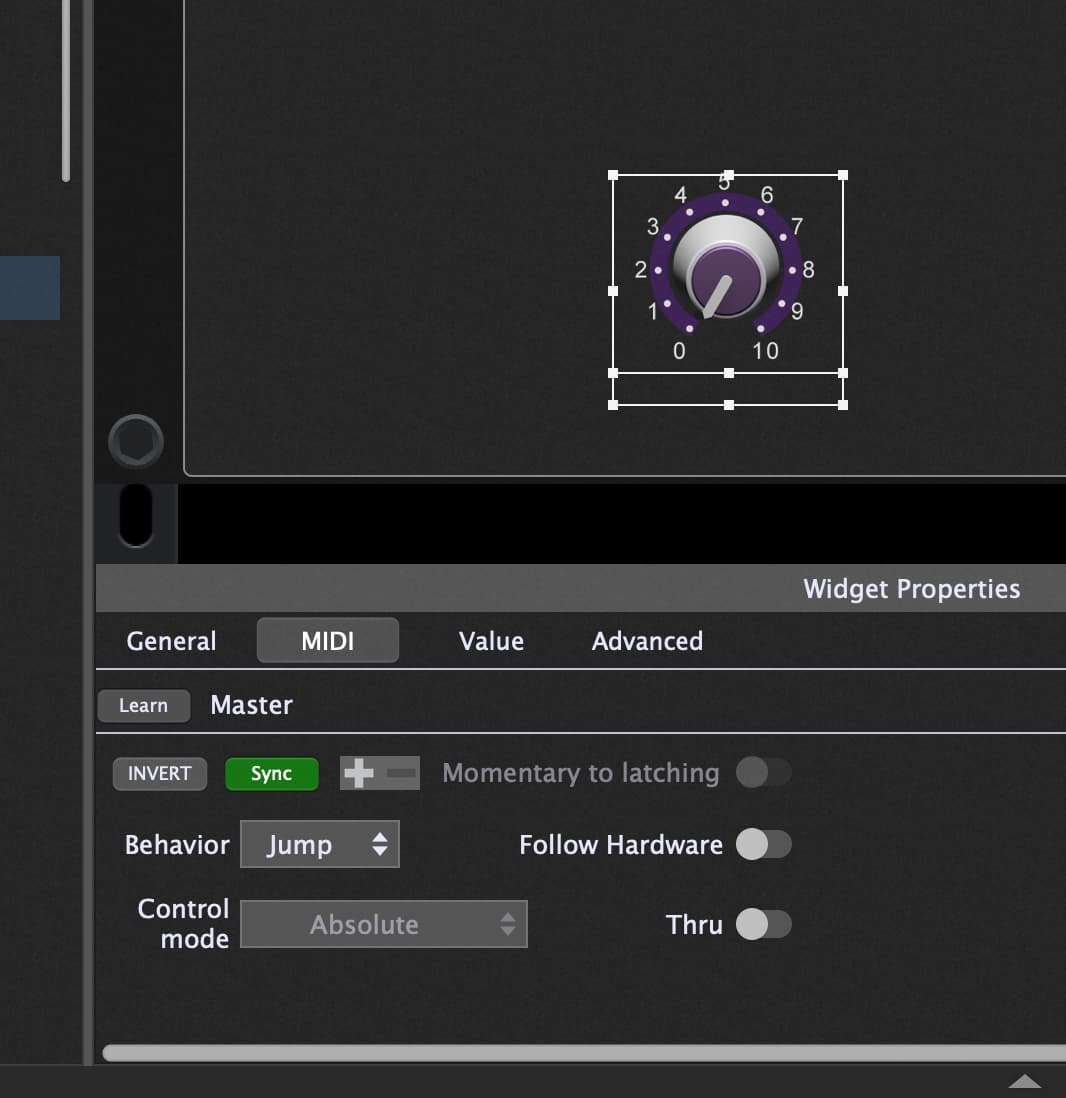
I would love to be able to use the sync feature, but currently it sends the sync messages while turning the knob, which causes the motors to glitch between the slightly delayed sync message and my manual input.
I could see this being fixed by having an option to only send the sync message on rack space load.
or possibly specifying a delay, no sync sent until x time after input received from control.
Otherwise I’m really loving GP, and plan to buy if i can fix this issue.
Well, yeah – that’s how it’s supposed to work. I know other users are using motorized faders with GP. This actually sounds like a bug in the roto-control. Have you reached out to Melbourne about this issue?
The documentation I see on the Melbourne Instruments website seems pretty minimal, so it’s kind of hard to know exactly how it works and what the options are.
Other motorized controllers that I’ve used get around this problem internally, by having a sensor that detects your fingers on the controls and doesn’t try to move the controls out from under you. I’m a little surprised that’s not already built into the controller.
The question I have is why isn’t this same problem happening with every other application?
I watched one of the videos and he’s controlling parameters in Live in one part, and doing automations for some external device in another. It appears the knobs are being commanded by the external devices when the tracks/sequences are playing. It would seem to me the knobs would fight you in those applications as well, unless there is code running somewhere that knows when to break the feedback loop.
You can certainly achieve that same “break the feedback loop” thing in GP, but you’d have to do it through GP Script or through an extension using the external API.
I imagine the logic for it could be pretty simple. Rather than using the widget sync feature you’d have a GP Script intercept the midi message, tell the widget to move, and not echo that midi back to the controller if the controller was the source of the move.
The tricky part is that if something else causes the widget to move (other than you touching it) the script needs to send the midi to tell the knob to move.
If I had a controller with this “issue” I’d probably try to approach it using a timer. If the controller reported a knob movement I’d assume the user’s fingers were on the knob, so I’d refrain from commanding the knob to move for some period of time (say 50 ms). When that time was up I’d command the knob to move to whatever the widget position was. If another movement from the knob came in during that window I’d reset the clock.
None of that should be necessary, though. The controller itself should really be handling this.
Ok, when you move your controller, the mapped parameter in Ableton Live is changed also, right?
When you change the mapped parameter in Ableton Live then the Hardware Controller is moved also?
I checked the sync option using a different controller.
I connected a hardware knob to a widget knob and activated sync. Now:
Moving the widget using the mouse - it updates the external controller. That’s correct!
Changing rackspaces updates the external controller - That’s correct as well.
Moving the external controller knob - updated the widget position (that’s good) -
but (!) it also send the same incoming MIDI CC back to the device (loop). That’s not good!
I didn’t check it yet, but I assume that when Ableton live or other DAWs receives the CC messages from the device then it is not looping them back to the device as we do, this is why it works fine in other DAWs.
Do we really need to loop the same CC messages back to the device? If yes, then what is the rational of it?
This can definitely cause race conditions, and it explains the behavior described by @josiahgish .