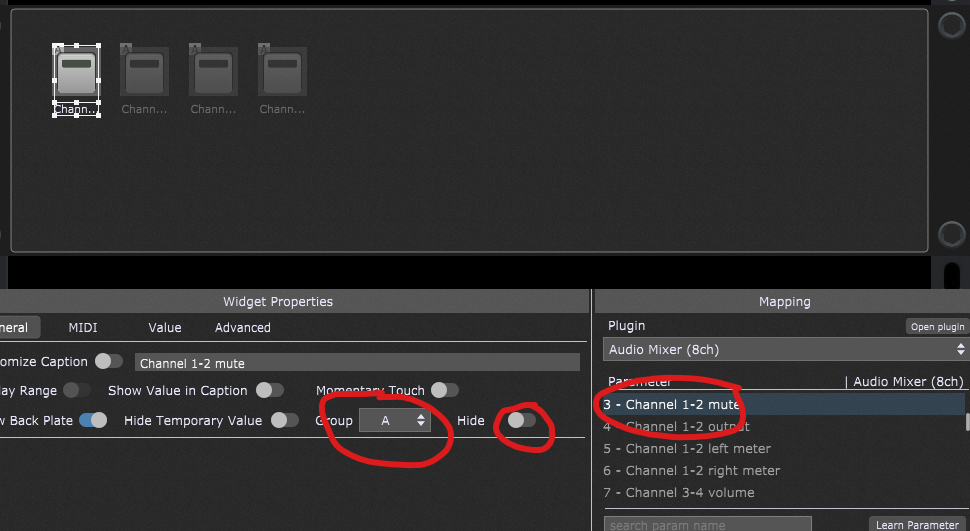
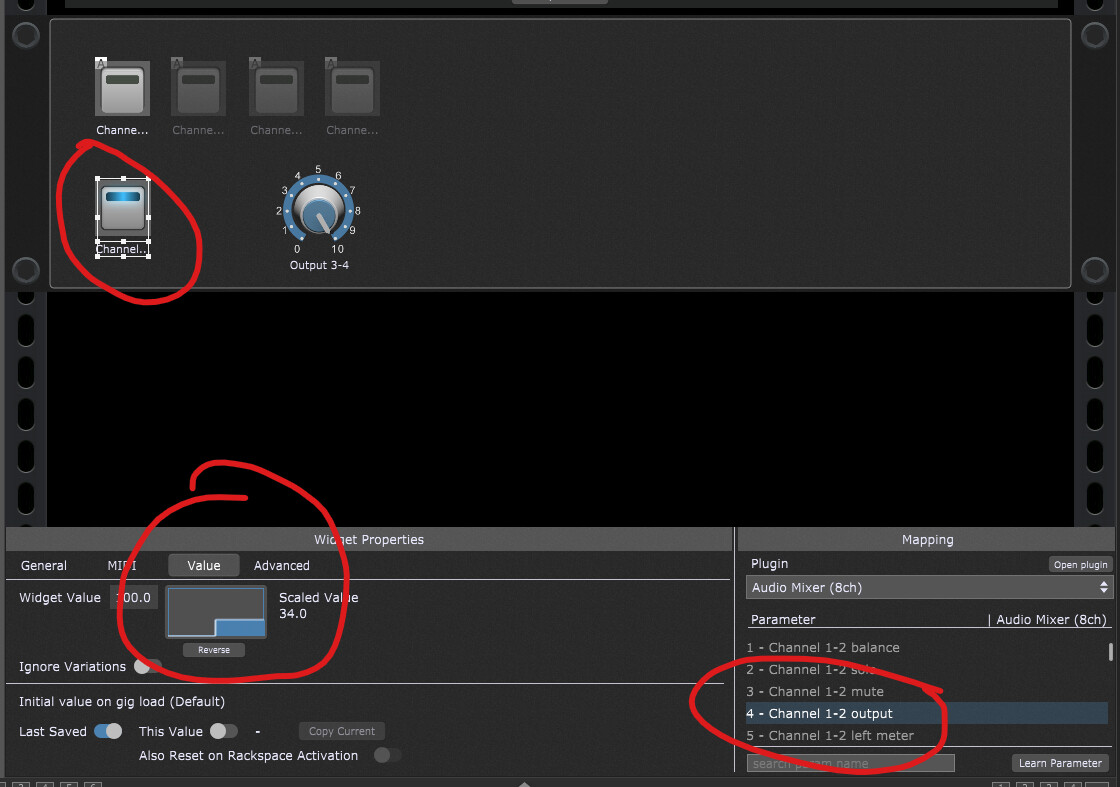
Is it possible to have a widget to master-mute all the mixer channels (outputs)?
also
is it possible to have a widget to change the output channel IE 1-2 to 3-4 on channel strips so I could use the mixer for like routing to different effect paths?
The mute group is not practical I have 5 mixers with two 24 channel and I’m already using 18 groups, I’ll give the curve a go thanks, maybe a feature request for mixers, master mute or mixer on off would be nice as well as bypass?
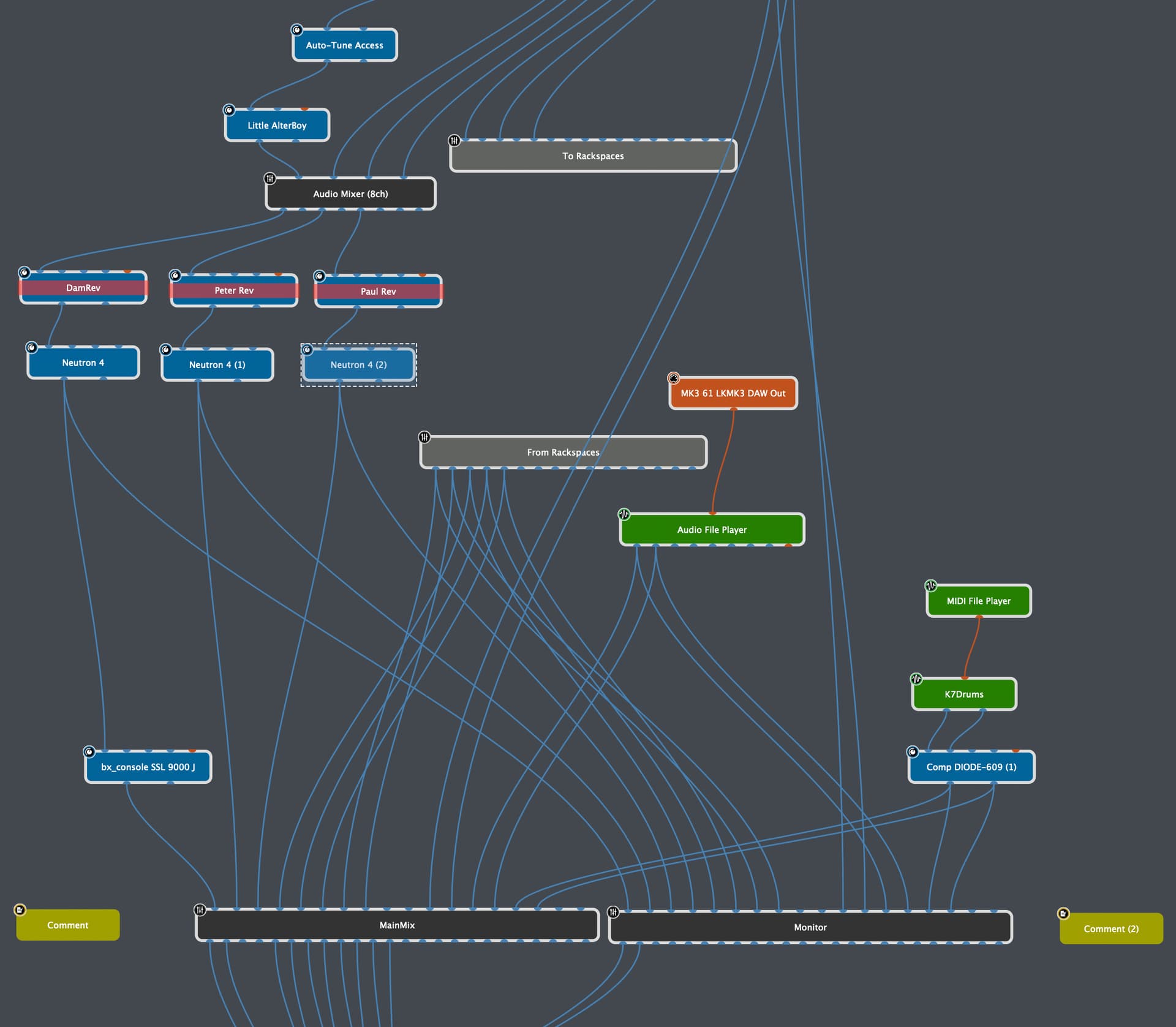
What @David-san said. The beauty of GP’s Wiring view is you can build the solution in many ways. Add a Gain block after the mixers, which can act as your global mute. Easy.
Want to have a mute all; the same as any other audio mixer for when you’re setting up and plugging in at the start of a gig or during set changes?
I had thought of the script route but you would need to check every channel to see its state, then mute all
and when done reinstate the original settings
there are multiple outputs to an eternal master mixer.
any help with scripting would be great.
The monitor mixer is because we don’t have a monitor bus in the mixers, if we had a master mute and monitor bus it would be fab.
Regards
Damian
I’m still not following. The Global Trim in the GP header will mute everything going out of GP. You can use the System Actions plugin if you want to map a button widget to Global Trim, for it to act as a mute switch.
I can follow your code but it would need to store the original state of muted or not for each channel and then store it so it can be restored when switched off.
I do not know how to store the global variable in Gigperformer so you save state.
Regards
Damian
That’s a possibility, but takes away the level of granularity, when someone wants to un-mute just 1 channel while the ‘Mute All’ is active.
Furthermore, the global trim is not without issues if you do not trim all the way to -infinite, but for example to -12 dB. The effect of the trim increases linear to the output channel number…
Thats a great start for me,
from the code I take it the var’s are in scope while the rackspace is valid,
My mixers are in global rackspace so should work good for me
That’s great Frank, finally got some time to rework the code, actually having the state saved works great as the mutes can be moved about with mutall on, and when the muteall is removed it goes back to the original state, so I do not need to worry about how it was before.
Thanks again