I’m in the market of updating my struggling M1 Macbook Pro 16gb ram to either the latest base model M5 or a used M4 Pro. Both with extra ram (32 or 48 would be the maximums I can afford).
As I understand it Gigperformer it self depends on singe core performance but multicore can be utilized as well from the plugin itself.
Does anyone have recommendations based on actual experience or technical knowledge of which one of the 2 computers would run Gig Performer better?
I use Omnisphere, Keyscape, String libraries, Vienna, Ample sound, Fabfilter and many more. Pretty demanding setups at shows, theatres and concerts where reliability and glitch free performance is essential.
My biggest concert about the M5 is the single fan, so I could imagine the computer isn´t performing at its best banchmark values due to heat. But maybe Gigperformer isn’t heavy in that sense compared to eg. Exporting video files where that could be an issue.
On the other hand M5 has higher single core performance and faster access to the Ssd.
Looking forward to some input from you guys
P.S How much does Ram actually matter if the choice is between 24 gb and 48 in Pro M4 since it is using memory Swap anyway and Gigperformer has Predictive loading. I can see that my 16 gb is clearly the bottleneck at the moment, but as I understand it the computer can swap up to 50-100 gb ssd into ram if needed.
—
UPDATE:
I ended up buying a 16” M3 Max 36gb ram / 1 tb HD at a really good price second hand. It has been exactly the upgrade I needed in terms of avoiding glitches, lowering buffersize from 256 to 64 or 128 depending on gig type and higher overall stability. The value for money ratio was really high compared to buying a new M5 pro, and I benefit from the extra graphic power as well.
For me this has been a sweet spot, and I have prioritised installing my live vst’s internally so I don’t have to bring ssd on gigs - only in the studio.
I went from the 16GB M1 Pro to the 24GB M4 Pro this year. My issue was the fact that with all rackspaces loaded i was getting too much swap file use. Stuttering on the first couple of notes sometimes. This was the only reason I upgraded.
Now I have 24GB things are better, but my full Gig file still uses about 30GB (according to the Mac memory manager), so I can still get to the point where swap is being used, and its not nice. I still have to use Predictive loading sometimes.
I did notice a speed difference though, and to the point when I can use PL set to one at gigs and not have issues (unless someone starts a song before one has finished).
CPU usage wasn’t an issue with the M1, so not an issue with the M4 pro, but it does get hot quite quickly when, like you say, exporting large files or video editing etc. Not really taxing it, but I think the fans come on a bit too early. Never had them come on when using GP though.
Personally, I wouldn’t worry about benchmarks and speed etc, I doubt you will get much of an improvement for this sort of thing going from the M1, but the more ram you have the smoother things will go
Both run flawlessly and I honestly feel the MBP is overkill.
The Air handles my 25-30 song set with ease and is lighter to lug around in airports, vans, etc.
The MBP has become my “stay at home” machine where I do most of my sound design and song building.
Are you a keyboard player? I think ram may be a bigger issue that CPU. My impression is the libraries you listed may be pretty ram intensive (although I am not sure what “String Libraries” you are referencing. Is that Vienna?).
Following DHJ’s (main developer) suggestion, I have tried to increasingly shift toward physically modeled sound sources when I can. So, maybe consider “true” softsynths instead of Omnisphere (which is often sample based), maybe Pianoteq instead of Keyscape. I would suspect that Vienna (VSL?) is sample heavy as well.
Yes - I’m a professional keyboard player who used to have a Korg Kronos as my daily driver, but this setup has so many advantages so I have switched completely.
I own a lot of different piano, synth and string libraries. My favorite piano at the moment is actually Viennas Steinway, but I also use Keyscape a lot and some Native instrument pianos. I’m not the biggest fan of Piano Teq. For strings it is a mix of Vienna, East West, NI and Spitfire.
So yes - a lot of samples, but I would rather get the right computer for the job instead of changing libraries. At least for now
I guess the M5 base model with 32 gb of ram would be a good fit for me, unless I find a really good used M4 Pro 48 gb / 1 tb.
So what did you end up buying? I am going through the same upgrade consideration from a MB Pro M1 16 G and 512SSD. I do a lot of outdoor shows and read the Pro would be better with the fans. I plan on going to 32 G (or higher) but not sure if I should spend the money for a 1TB SSD. I run very few sample heavy instruments and spend most of my time in Arturia, Pianoteq, and Korg Collection things with a couple instances of onmisphere and NI things.
Does anyone use external SSD for samples (and taking it to gigs?) is it reliable ?
Any regrets on not going higher than 32 G or 512 on Storage?
It works fine but (as dhj has mentioned), it does introduce another USB cable into the picture (with accompanying concerns about losing connection, etc.)
In terms of ram and hard drive space, I think a lot of ram is helpful. I am on a Windows machine (less efficient in using ram), but I am glad I have 128GB of ram.
But, I like to have a large gig file that contains every rackspace/song I ever finalized. Of course, that keeps growing over time. So, that 128GB (so far) allows me to have that indulgence (so far).
My SSD hard drive is not so too big actually, definitely not more than 500 GB. Unlike when I used to do a lot of composing/recording, I shy away from purchasing new sample libraries because I do not want to use them and, thereby, increase my ram footprint in my (big) Gig file.
But, it do keep an eye out for physically modeled plugins that replicate actual instruments. (But, most cases, I think sample libraries tend to replicate real instruments better than physcial modelling at this point, except for modeling synths).
Complexity is certainly subjective. I have some songs with only one or two plugins where the CPU usage reaches 15%. However, I also have songs with many plugins where, during intensive playing, the CPU is pushed to its limits and makes crackling noises. I have an M3 with 32 GB of RAM. Now the new MacBook Pro has come out. And I want to see what it’s like, so I ordered the M5 Max with 128 GB of RAM and a 4 TB SSD. I’ll report back here on how it compares to my old machine.
I hope it will be my last machine for a long time. Because money is melting away like snow in spring.
Looks like 1TB is the minimum offered with new M5s. I spec’d out the M4 with 1TB a weeks ago with 32 G ram and it came to $2,500. Not the M5 with same specs is $400 cheaper. Say yay!
A bit off this topic but I recently got the M5 Air 24Gb/1TB. Compared to my 24GB/512 M4 pro MBP its a tiny bit faster to load a full 64 rack gig file, and although both machines dont have enough ram to load everything in to memory (39GB needed), I dont have the stuttering when GP is using the swap file on the Air. This i guess is down to the faster read speed off the internal SSD. Very impressed and ive stopped using my MBP.
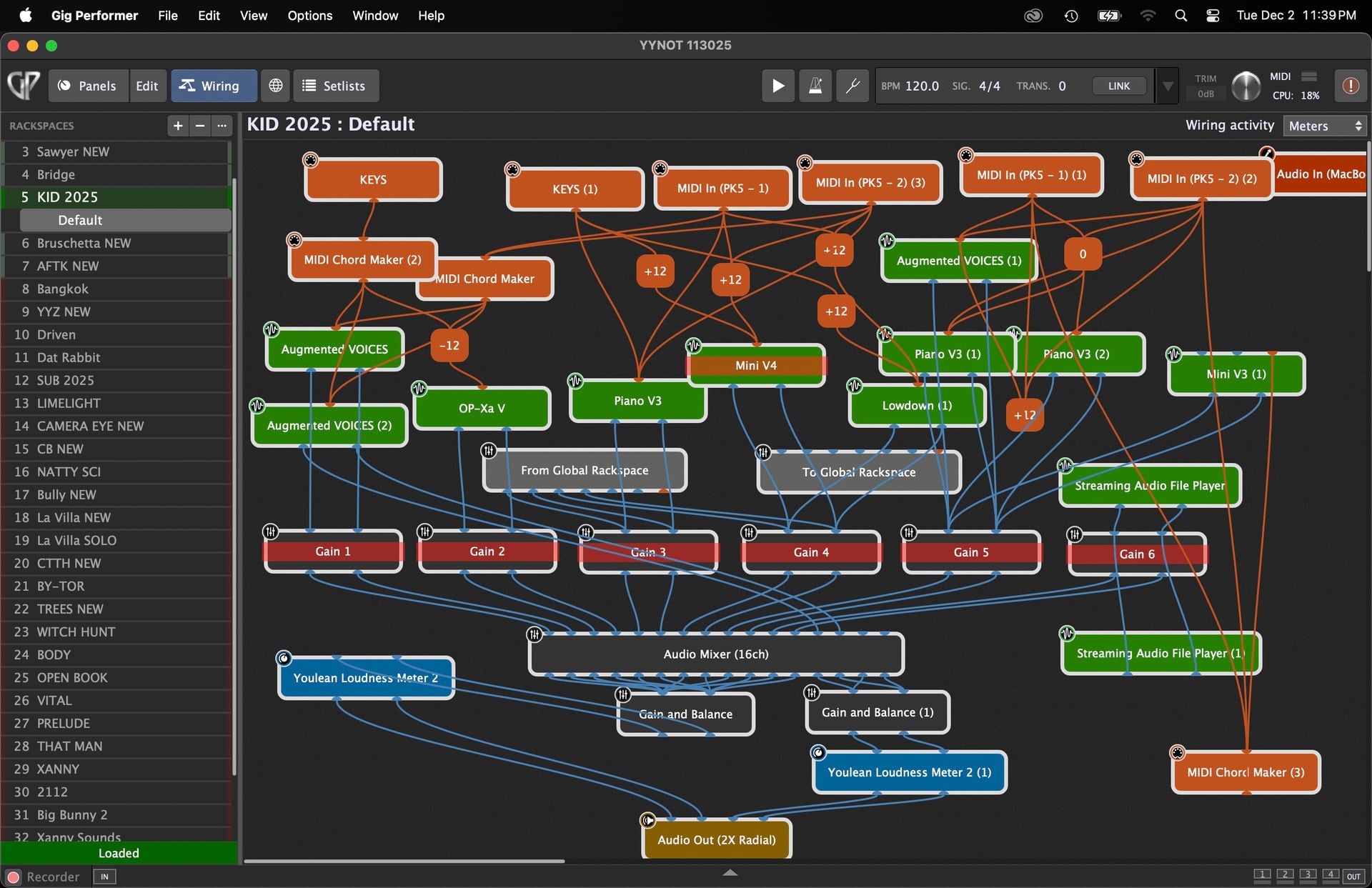
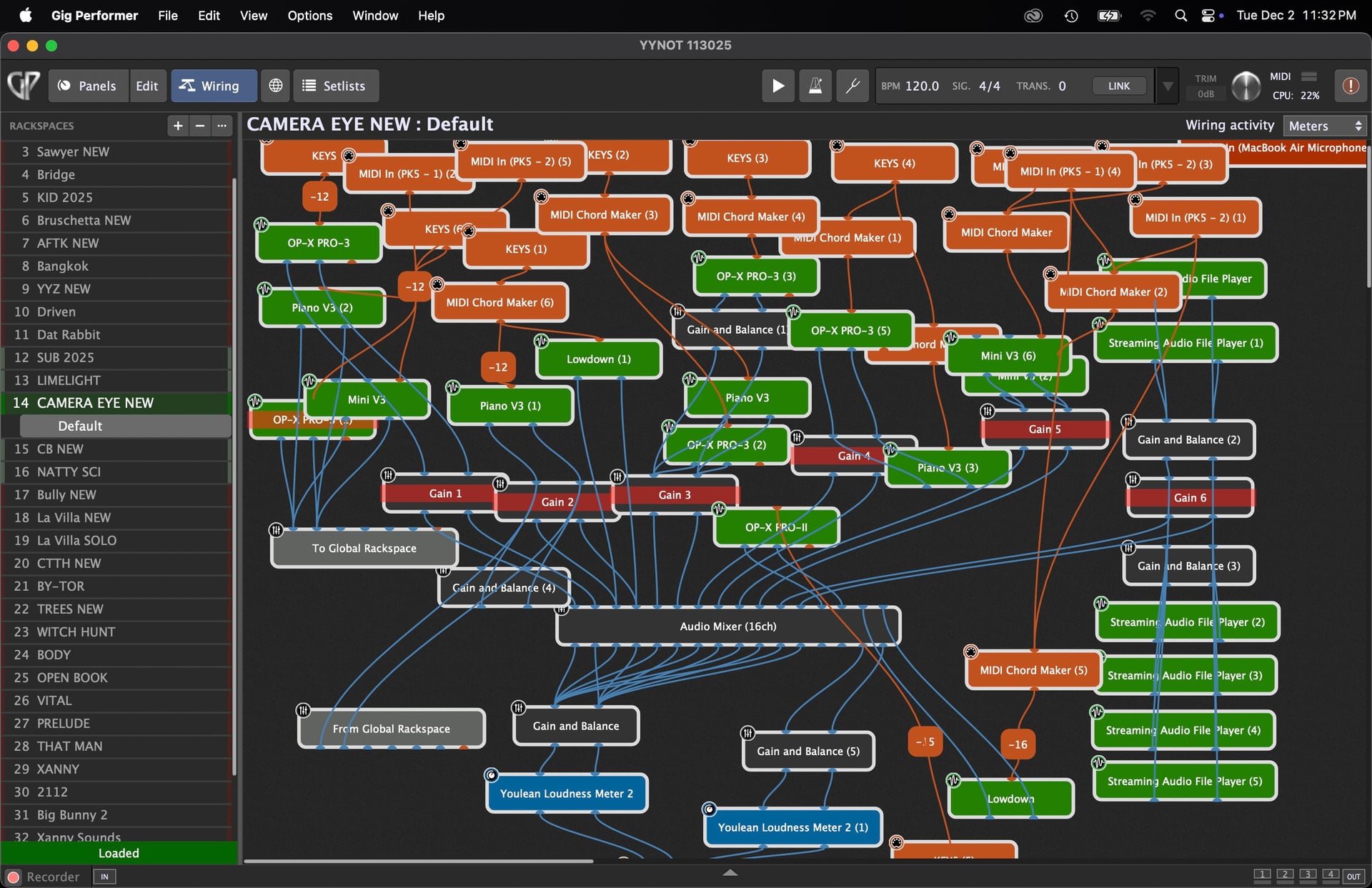
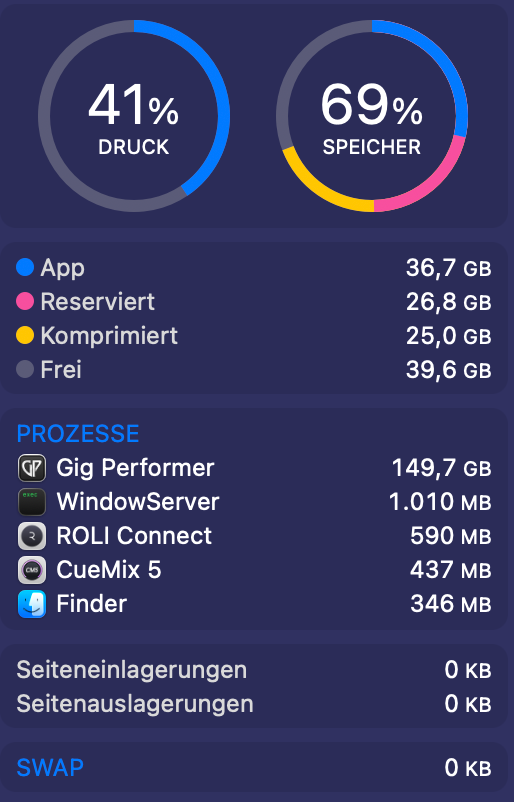
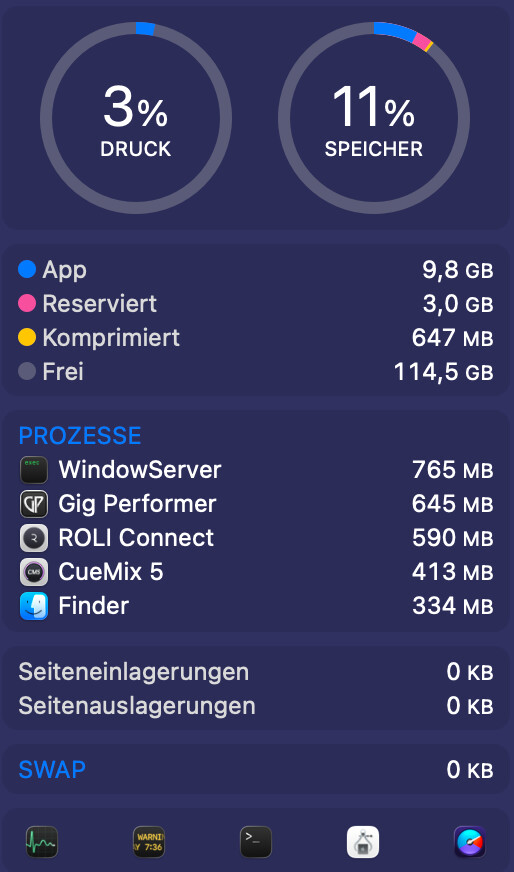
I got the new MacBook Pro on Friday. I completely reinstalled the computer and all programs without migrating. It was incredibly time-consuming to reinstall all the necessary instruments. I just finished and did a test run with Gig Performer. GP manages to load all the songs without predictive loading, and I still don’t have any storage space issues. What I’m trying to say is, it’s looking very good. I’ll give you more details next week. But now I have to go to bed. Perhaps someone can comment on the screenshots. One is of GP without any songs, and the other is with about 160 songs.