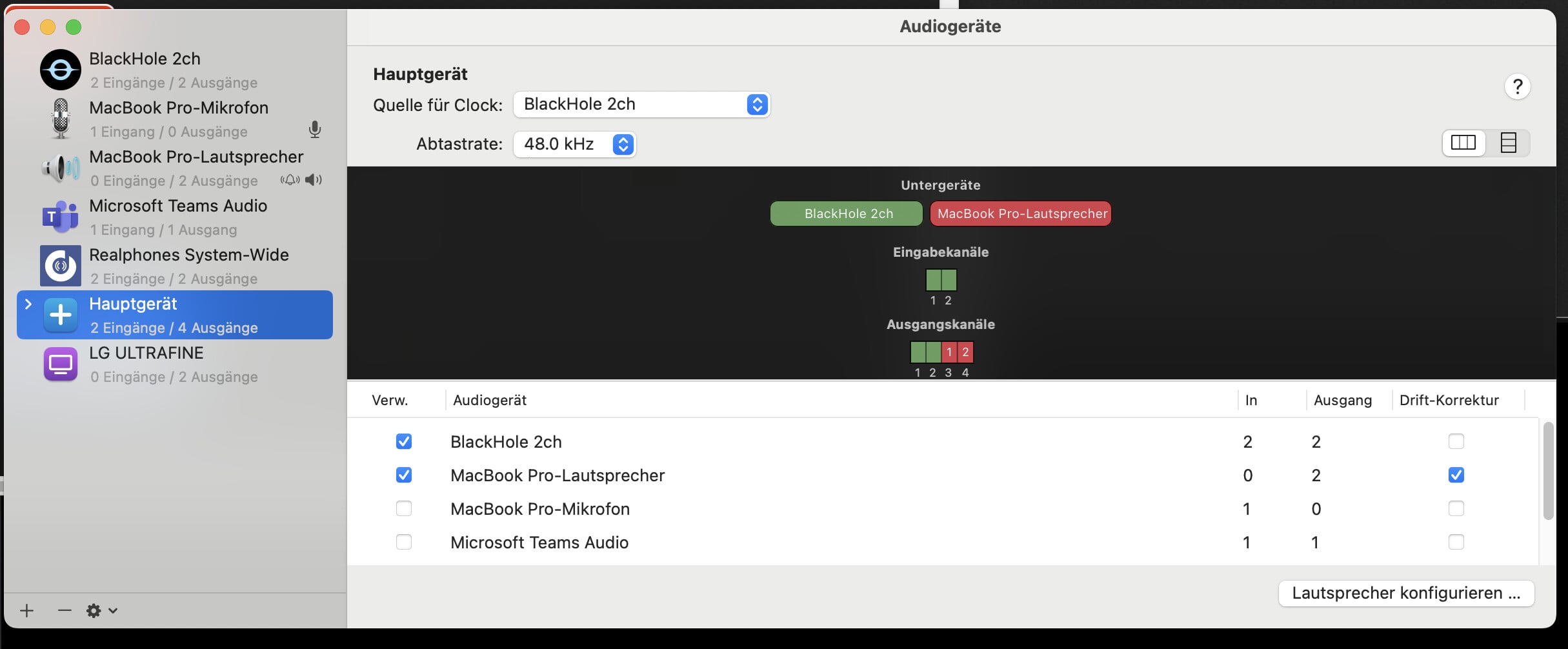
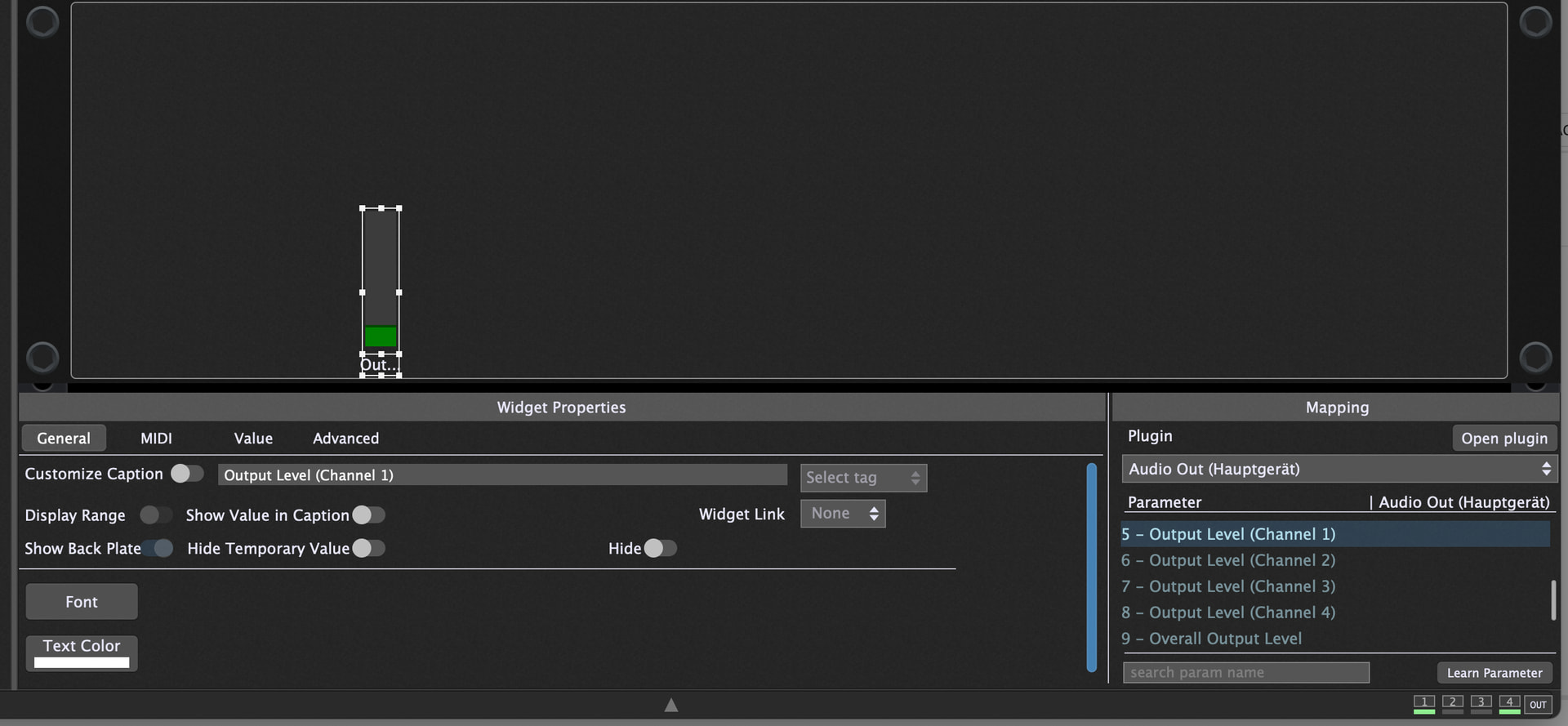
I have meter widgets on GP that show the input and output levels for specific channels on the UMC1820 audio interface. This has been working for a while and there are no issues. I recently created an aggregate device named UMC1820-WING that adds my WING Rack USB audio. From an audio perspective this is working without issues. What has broken however are the meters. GP does not show audio activity on the meters for either the UMC1820 or the WING. If I switch to a specific device (UMC1820 or WING) the meters display as expected. Once I select the aggregate device the meters are just blank.
Once again, audio works fine, it’s just the meters that stopped working. During debugging I have cycled through every input and output mapped to the meter widget to see if it’s just in a different position but there’s simply no meter activity anywhere. For reference the WING is sending 32 audio channels so any of them should light up the meter.
Is this a known issue? I have a funny feeling this is some sort of Apple Core Audio issue (maybe permissions) but I don’t really know. My backup plan is to write an On Event scriptlet then display the calculated peak value on the meter via a Get Parameter callback but I’d rather not go down that route and create that dependency.