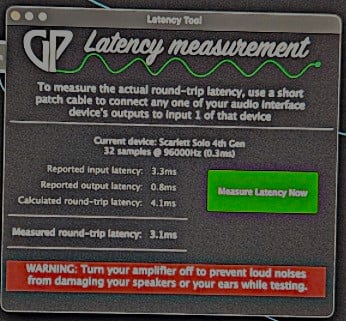
I can’t help you with your specific Nolly questions, but I can review some of the math and maybe make how it works more clear. (At least how I think it works, I can’t say if anything is different with the Mac.)
At 96khz every sample is (1/96000) seconds, or about 0.01 ms.
A 32 sample buffer works out to 0.33ms, and if you’re measuring round trip latency you have 32 samples going in and going out. So combined that’s 0.67ms that your sample buffers add to latency. That represents the fastest possible round trip.
In practice all device drivers are going to add to that. If you are measuring 3.1ms then the difference between the hardware buffer times and what you measure is generally going to be your driver overhead. In your case that would be 3.1ms - 0.67ms = 2.4ms.
To put these figures in perspective, it takes sound 1ms to travel 1 foot. And since you’re measuring round trip, what you’re actually going to hear when playing a keyboard is going to be roughly half of that. So if your one-way latency is 1.5ms the impact of that is about the same as moving 1.5 feet further from your speakers.
If you are moving around on stage during a show and regularly moving between 2 feet and 15 from your feet from your monitors then you are adding a variable latency of 13ms as you move around. I just say that to put what “Very High” latency means in real world terms.
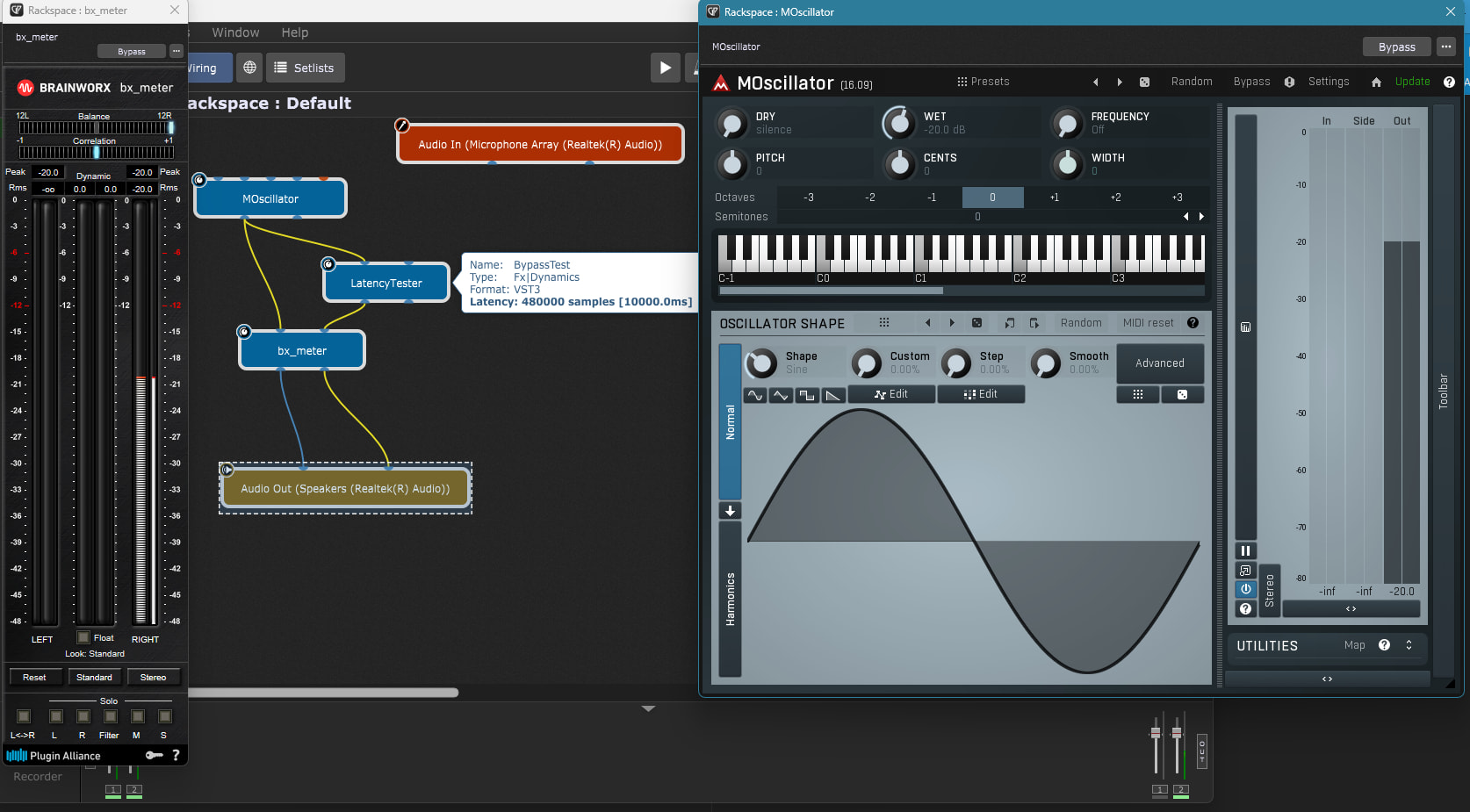
In audio apps like GP different plugins report their individual latency contributions. Many report zero, but others will report higher numbers. Those reported figures will always be additive to everything discussed above in a live playing situation.
What GP will attempt to do is determine the added latency of the longest signal path in your wiring diagram. So let’s say you have two VSTs set up in parallel. Your guitar signal comes into the wiring diagram and splits so that one branch goes to a VST reporting zero latency and the other to a VST reporting 100ms latency. From there they merge and go to your output.
In that case GP will delay the faster signal path by 100ms to ensure that the two paths are in sync when they are output.
Every time you add something with latency to that longer signal path, GP will compensate by adding latency to any shorter signal paths so that everything remains in sync when it is output.
As far as I know, none of that is going to show up in the RTL test of GP because GP is just testing your interface there, not your Rackspace.

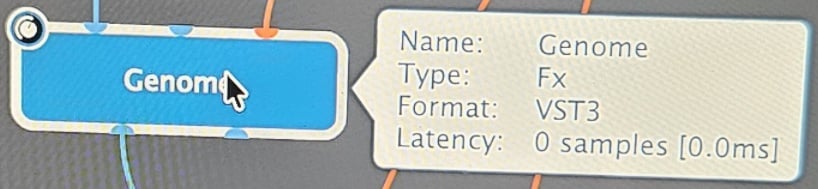

 compared to Two Notes Genome with every slot filled including running a full HQ NAM Capture … and its 0.00 ms !!!