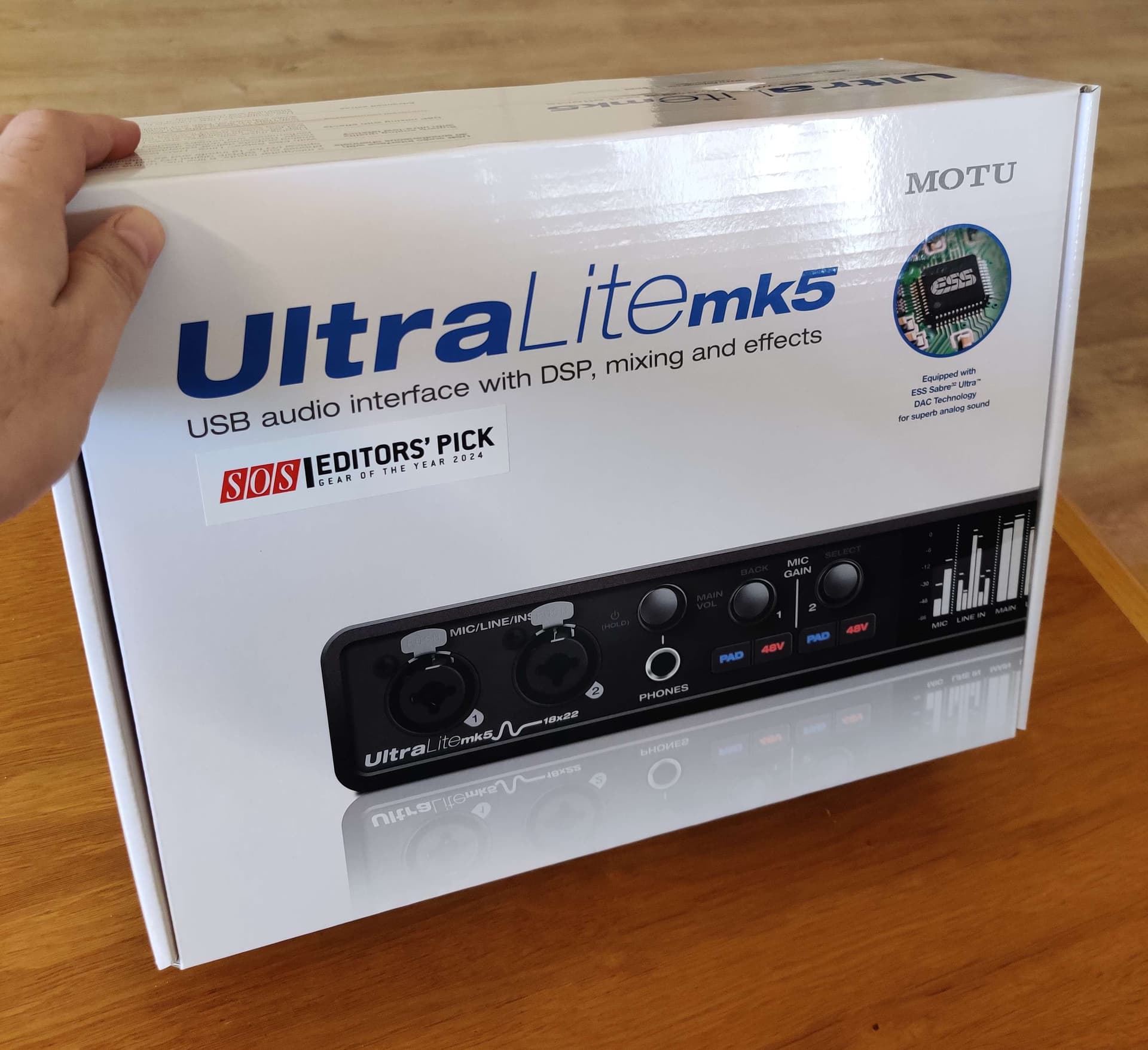
I need to buy a new audio interface for my gigs after having sudden issues in yesterday gig with Focusrite 4i4 3rd gen (actually need to buy two - for a backup).
My requirements:
Reliability.
Compact box (not rack).
6 analog inputs.
6 analog outputs (or headphones output with additional 4 outputs, as long as the headphones has their own bus mix, not mirroring the other outputs).
4 USB audio play channels (from laptop to the audio interface).
Full routings so each of the 6 outputs can have any mix of the analog inputs and USB play channels.
USB powered.
Physical knobs to control the analog outputs levels is an added value (while in live show).
Fair price.
Is there any audio interface which fits these?
(Actually, I need just 5 inputs and 5 outputs, but they usually come in pairs)
This might be a hot candidate… it’s compact, it’s not astronomically expensive, it has a sufficient number of INs/OUTs (could be expanded via ADAT) and as far as i remember, i read one or two times in our forums that people were quite content with it
Is the Pope Catholic?
You use Gig Performer, don’t you?
Then you should be able to control every audio channel, which is exposed to GP.
Maybe use a small little midi controller like the Behringer X-Touch Mini or the Korg nano control (the Behringer even works bidirectionally= better visual feedback).
I use an RME but the firmware mixers are pretty similar. I configured the routing so that each channel goes to a different pair outputs. The volumes of all the channels are set to 0dB and I haven’t touched that stuff in 10 years!
It’s far easier to just adjust volumes using a mixer in the global rackspace
I used a different version if this, Ultralite AVB, there is a matrix mixer (more advanced/flexible than CueMix), and it served as an IEM monitor and rehearsal FOH mixer for the whole band (everybody could adjust their own mixes from their phones/tablets), with some extension via ADAT. Essentially it was a super compact version of what X32 and other things of this sort do.
One other benefit of these MOTU interfaces is that they also work as standalone mixers, i.e. they fully work without being connected to a computer, remember their last state and also have routing/configuration presets.
I’m using the 4i4 for several years, worked great and stable without any issues, until this time.
It has disconnected and reconnected (right after loading the gig file) automatically after very few seconds, again and again without stopping.
One of the times it also caused shutting down the laptop immediately.
Tried a different cable and a different laptop (I always bring backups) and it happened again.
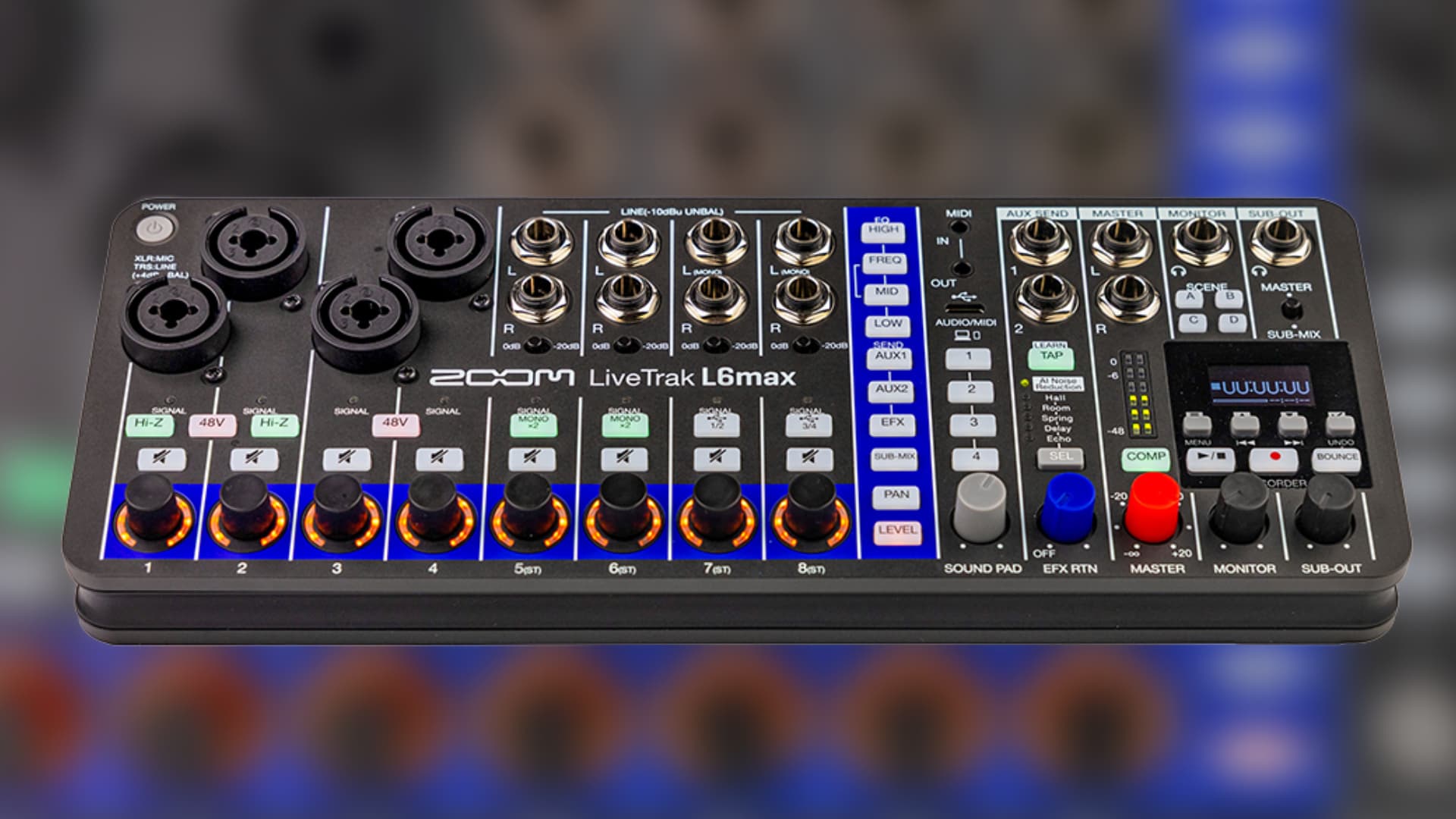
I connected a secondary interface (Zoom L6) and its connection was stable, but this interface has other issues (audio artifact noises) so I couldn’t use it as well.
After about 30 minutes I connected the 4i4 back again and this time it worked fine, towards the whole gig (maybe luck but saved the show!).
I have no idea what happened and why the initial connection failed and why it worked fine eventually.
The gig was in the open air, it was relatively hot with high moisture. Maybe that caused the issues? I really can’t tell but I expect these pro devices to handle it.
It could be a hardware issue in the DAI, something like what I went through with a 2-year-old cell phone. It just kept rebooting. It turned out that there was a component failure and it was overheating, causing the phone to do a thermal shutdown. We’re used to problems being software-based nowadays because hardware has gotten pretty solid, but it does happen.
I had a focusrite 4i4 3rd gen. Worked very well, until it stopped. Luckily I was at home when that happened. By the smell of burned electronics, I guess the voltage regulator had blew itself to kingdom come.
Since then I use a Behringer umc1820. Of which I have 2. Cheap, but gets the job done.