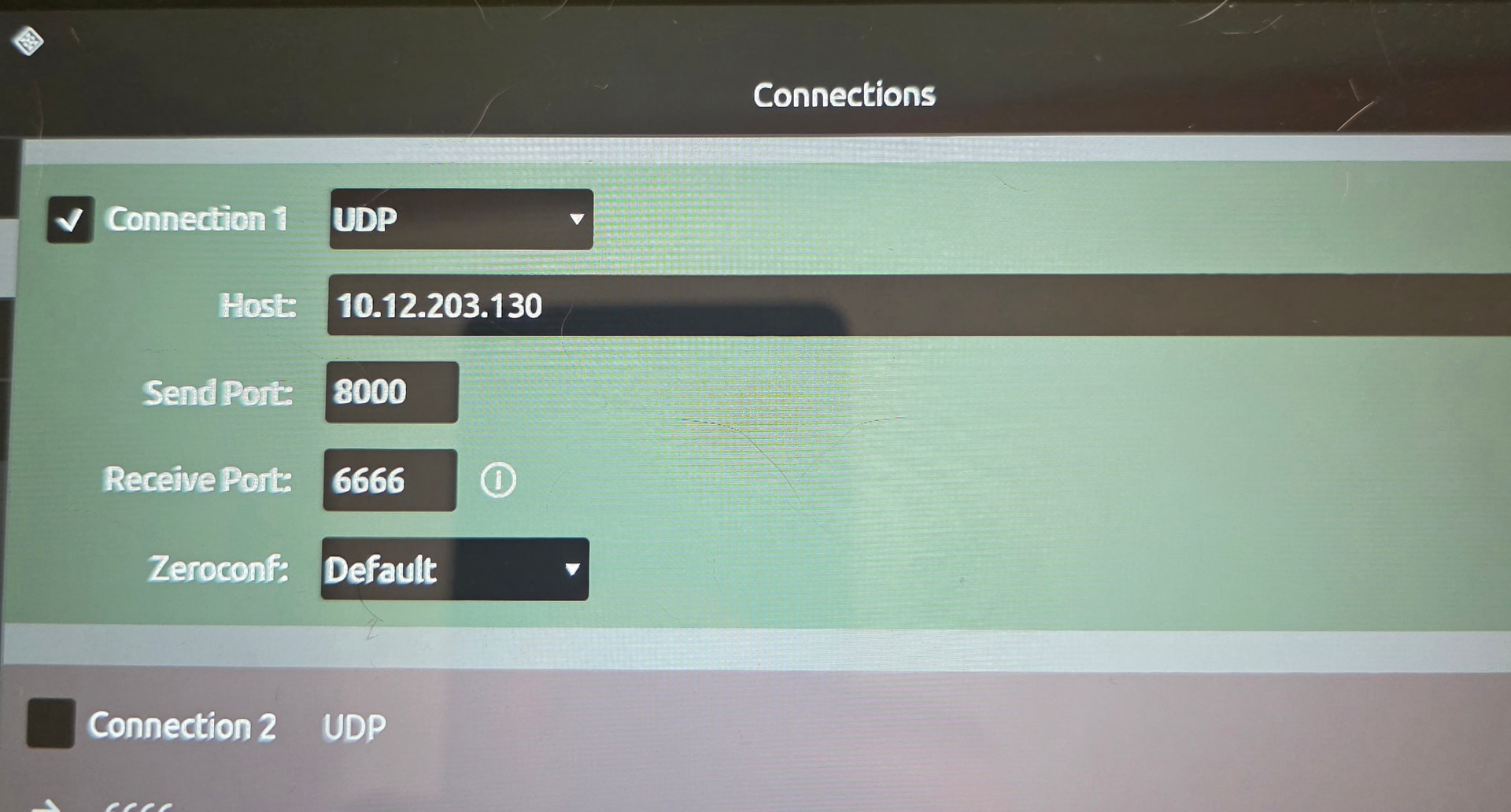
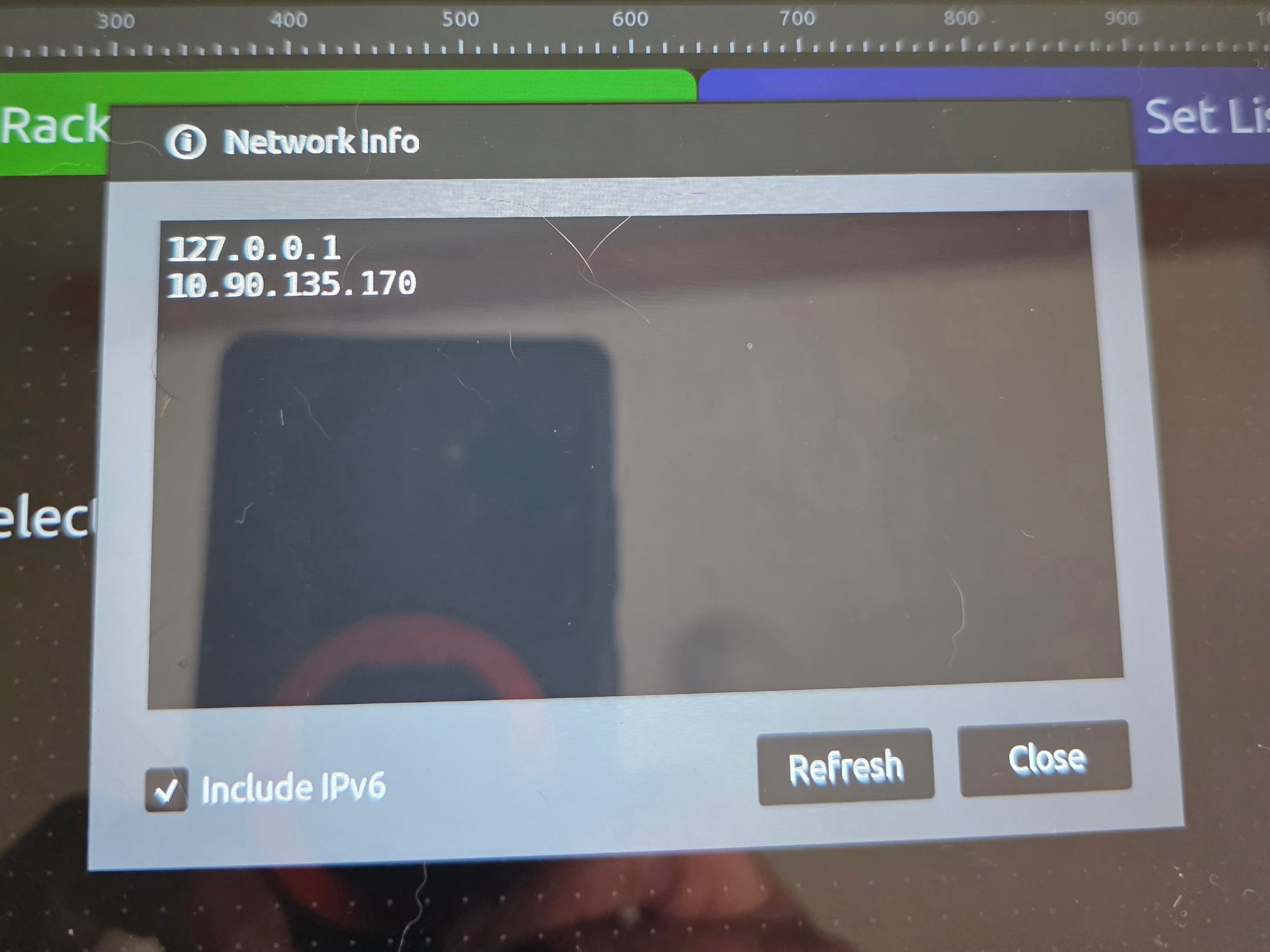
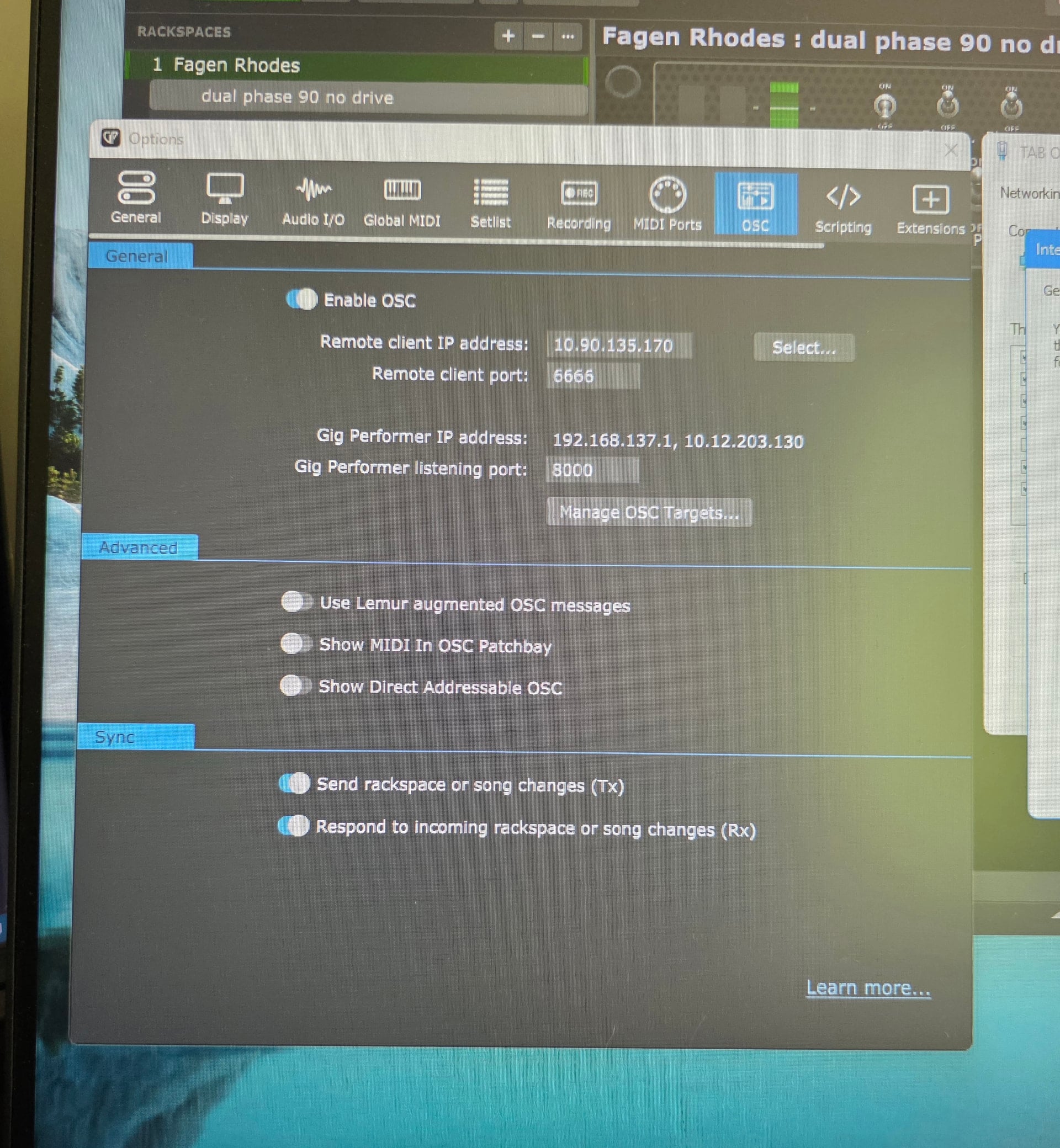
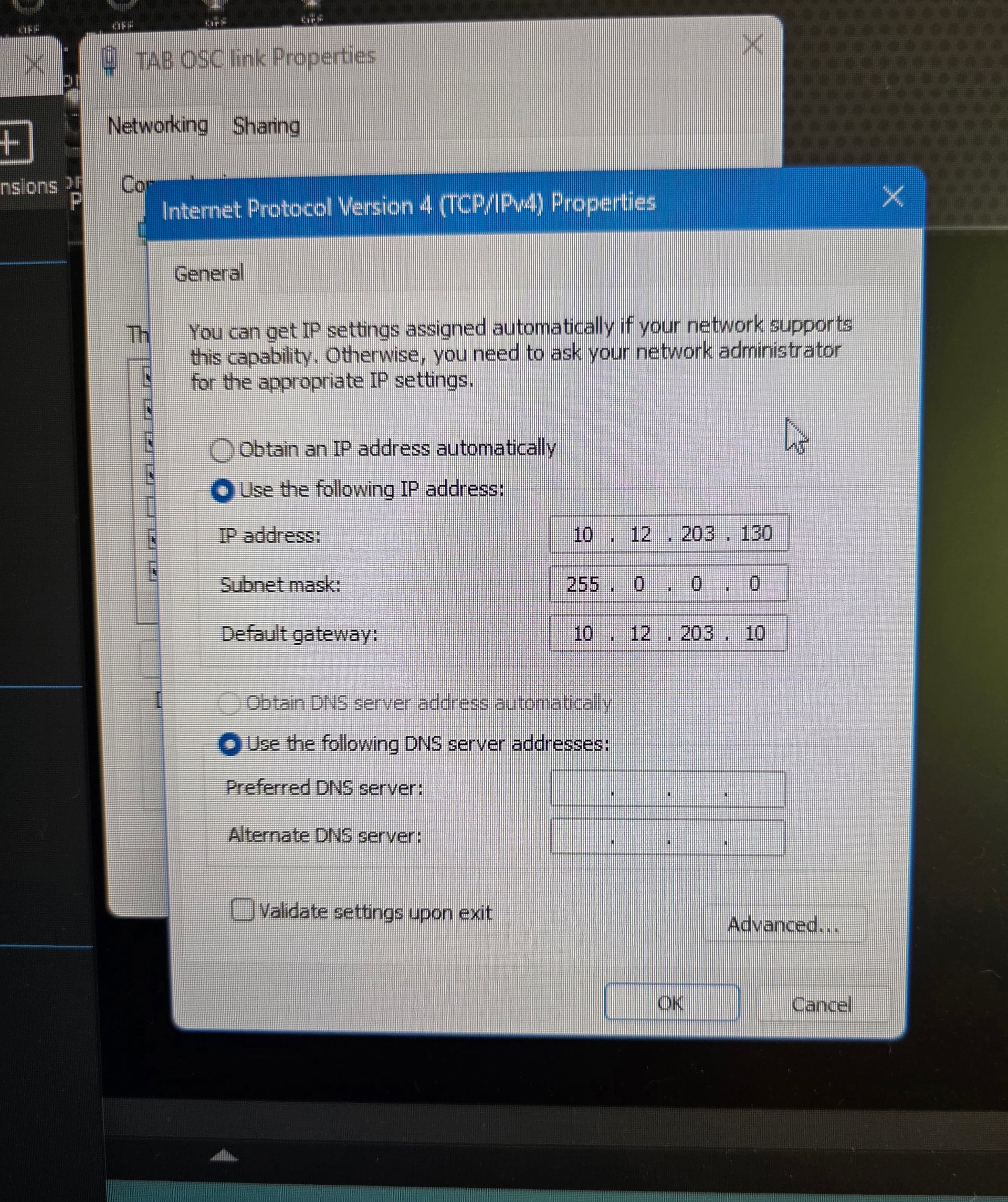
I’m trying to use TouchOSC hardwired via USB tethering on my Samsung Tab. I had it working via wifi, but would like to be tethered on gigs. Hopefully attached pictures will illustrate connections and hopefully something I’m missing. First-WiFi is off on both units.
I set the IP4 on the PC to a static setting. My understanding is that this isn’t possible on the tablet. I figured when the tab reboots I could take the new setting and plug it into Remote client IP address in GP and it should be fine. I got everything working and rebooted all to check my theory. It worked. I rebooted a second time and now it doesn’t. I can’t get it to connect again. I’ve got to be missing something obvious to someone with more knowledge than me.
Probably not relevant, but I have had issues where I had to change USB to transmit data instead of charging. It looks like you are well beyond that issue, but in case it helps…
Well, if your Android is responsible for DHCP then you need to modify your PC to use DHCP and then you’re going to have to manually configure your TouchOSC and GP with the correct IP addresses each time. Alternatively, you’re going to have to make sure that the static IP address for your PC is outside that DHCP range.
Client devices (like your tablet) should not be doing DHCP - what were they thinking?