Hi all, I’m new to GP and am a keyboardist playing musical theatre keys.
I just used GP for my first show this week and managed to very quickly throw together programming for “Into the Woods” - probably sloppy for a first attempt but good enough to get by with only 2 nights of prepping.
One thing I would like to see in the setlist editor is a way to disable seeing the numbers on the songs in the setlist.
For my setup, I was using the song numbers printed in my music in the titles - these start at 1 and frequently also have letters mixed in (for example: 1, 1a, 1b, 1c, 2, 3, 3a, 5…). Some pieces may not have a part for me to play, so I skip their numbers in sequence.
In the setlist, I see every song has a number on it - this got a little confusing, and sometimes I’d cram a couple pieces into one song in an attempt to keep the numbering matching 1:1 for the majority of the show.
If there was a way to hide all setlist numbers, then I could program every song on it’s own song and not be confused by seeing the other numbers.
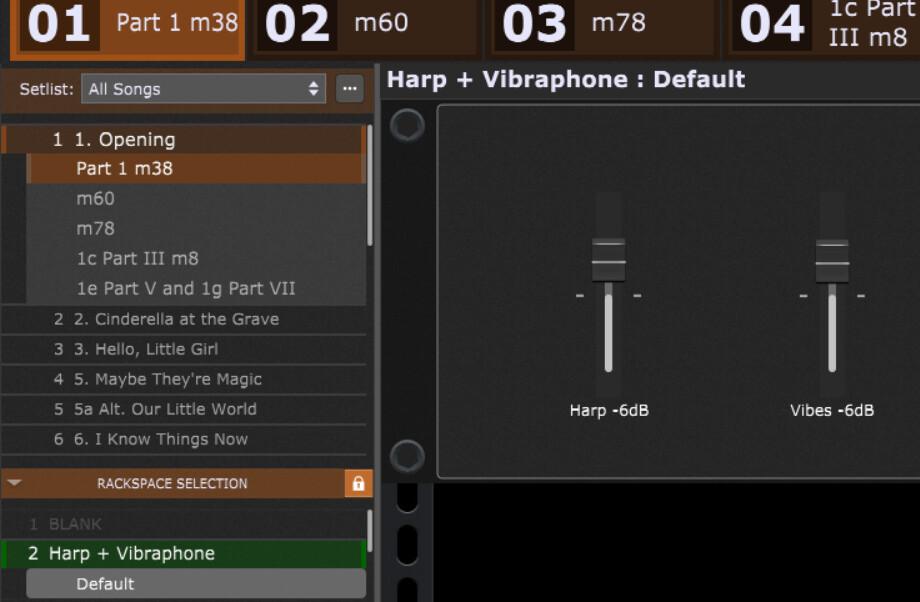
Here’s a snippet of what I ended up doing. Notice that Song #4 in my book was TACET (no part), so I put #5 in on #4 and then #5a at #5 just to try to keep the confusion down later in the numbering system.
Now, Ideally I would have rather had each subnumber as a separate song (you see 1c and 1e listed under 1), but this was my way of making it less confusing to see two sets of numbers.
I would think with song and song part names you have a lot of flexibility. (I don’t even realize/notice there are numbers. I just ignore them).
One point to note, you can always create a Song or a Songpart connected to a silent rackspace (so, you do not have to worry about triggering any sound).
[I play in a more typical cover band setting. So, I (almost) always use a silent default rackspace between songs.]
In the musical theatre setting, it’s all about sequencing the Songs/Songparts in a fixed order that will never change - it matches the book.
I can’t think of an instance where I would want to have a blank rackspace other than possibly at startup.
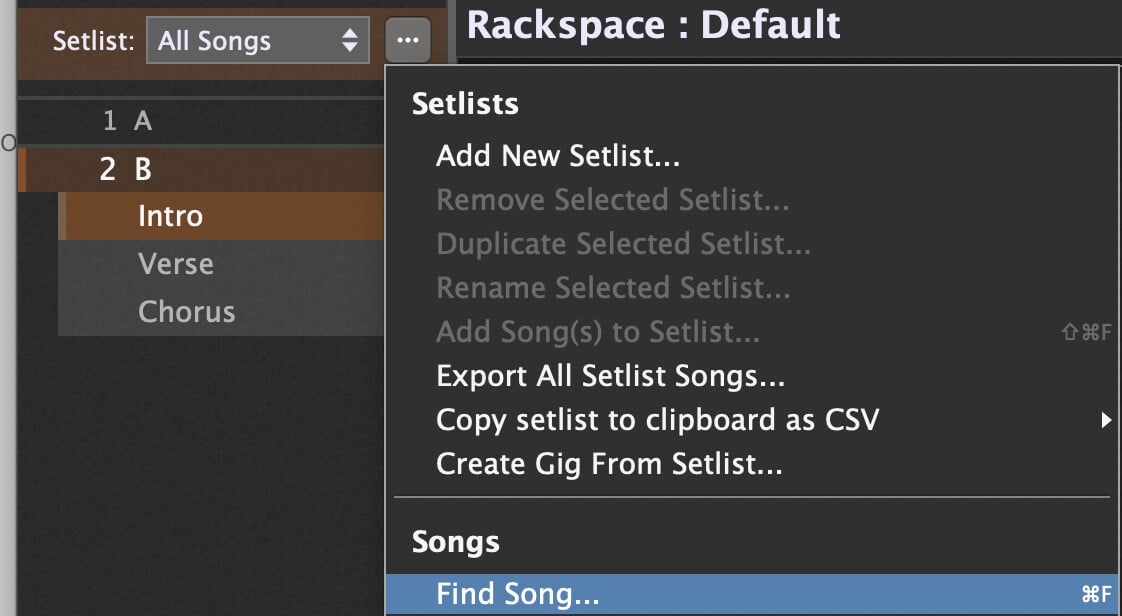
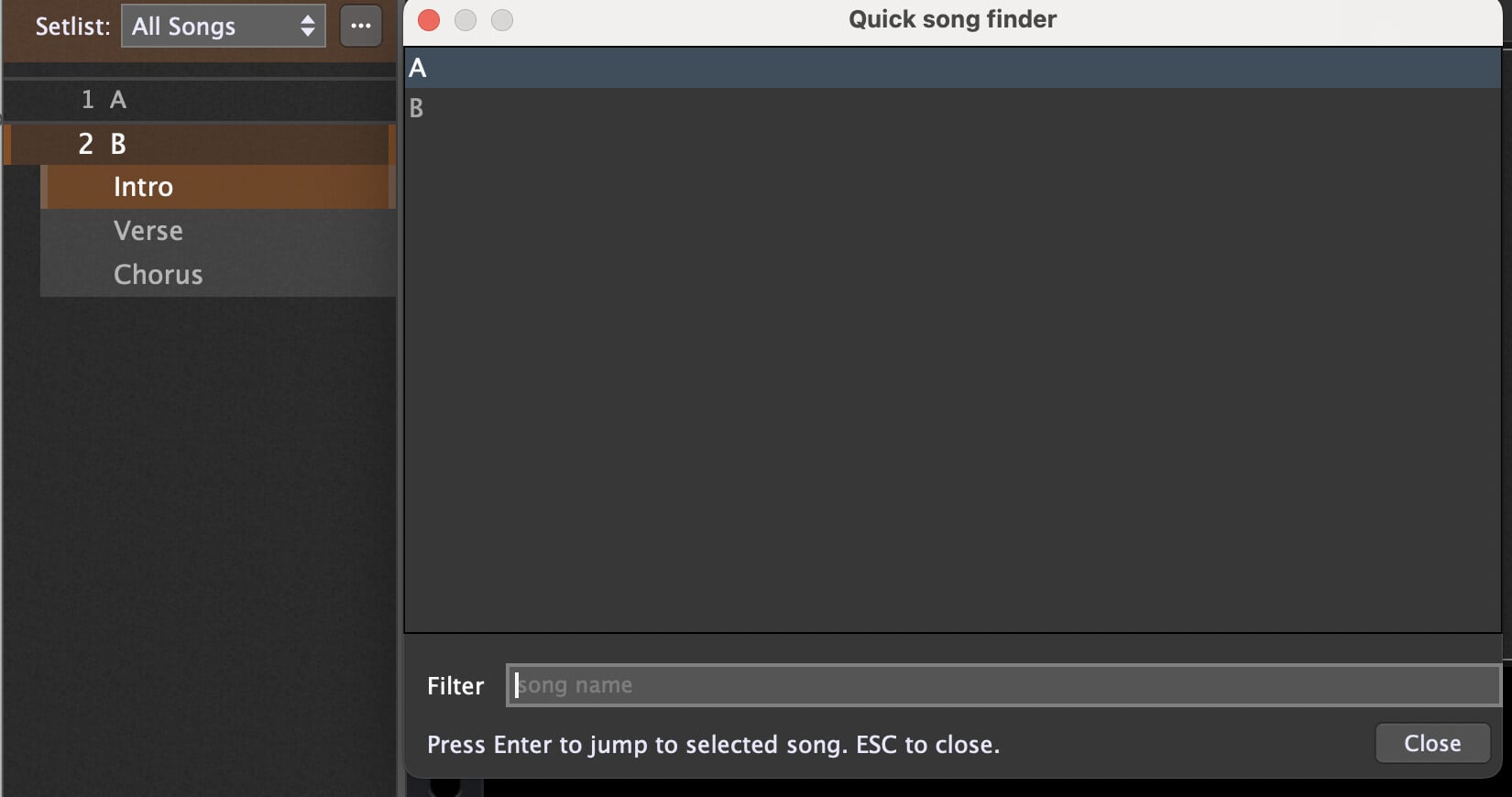
Once the show starts, it’s straight down the setlist. To me, it makes little sense to see all of the numbers if the song titles I have also have numbers directly associated to them. In rehearsal, the director will say, let’s run number 6b, so I look at my setlist and find the title that says 6b. Unfortunately, there is also another different number preceding that, and I see no way to hide this value. It’s not a dealbreaker, just extra noise to parse on the screen when you are quickly trying to find your starting point for rehearsal.
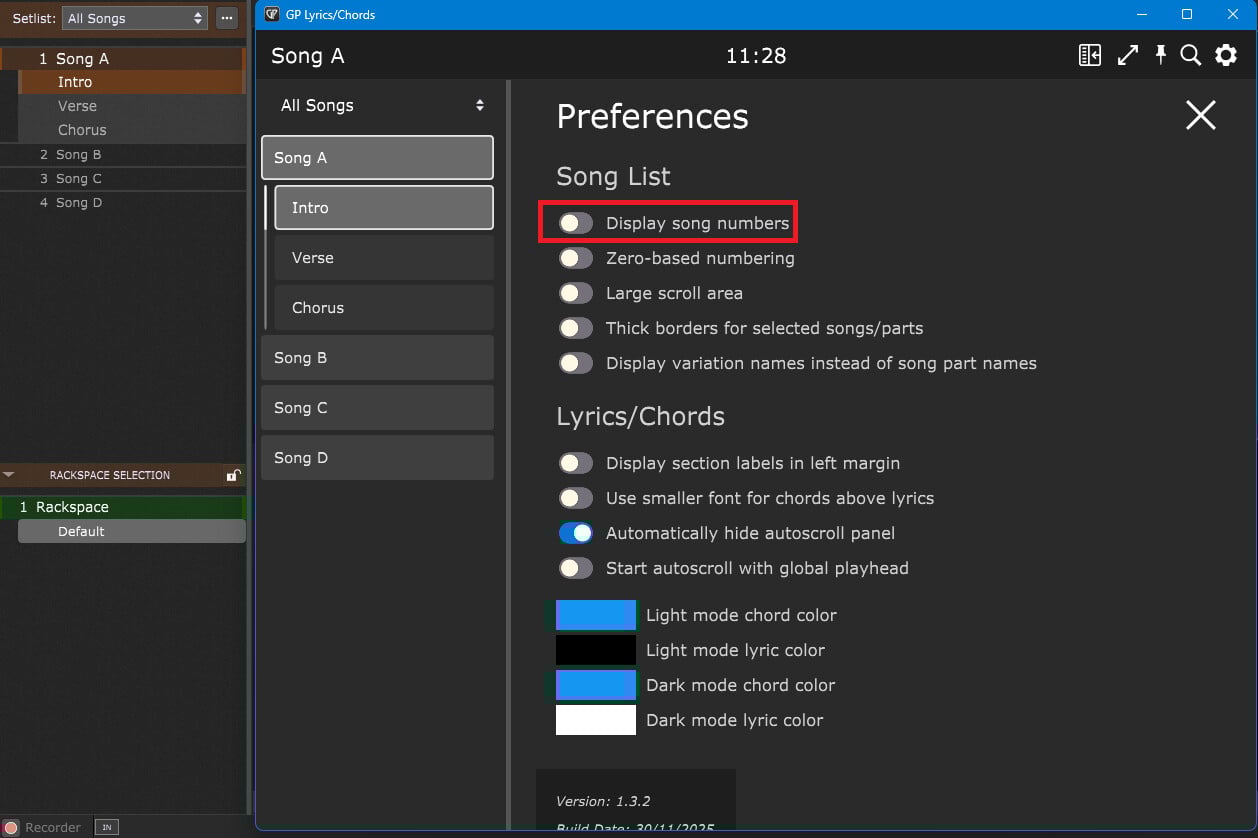
My first pick: Lyrics/Chords Extension
(I’m currently having an issue with this one – I think that you can hide the numbers. I will update this thread with the status as soon I get it working properly)