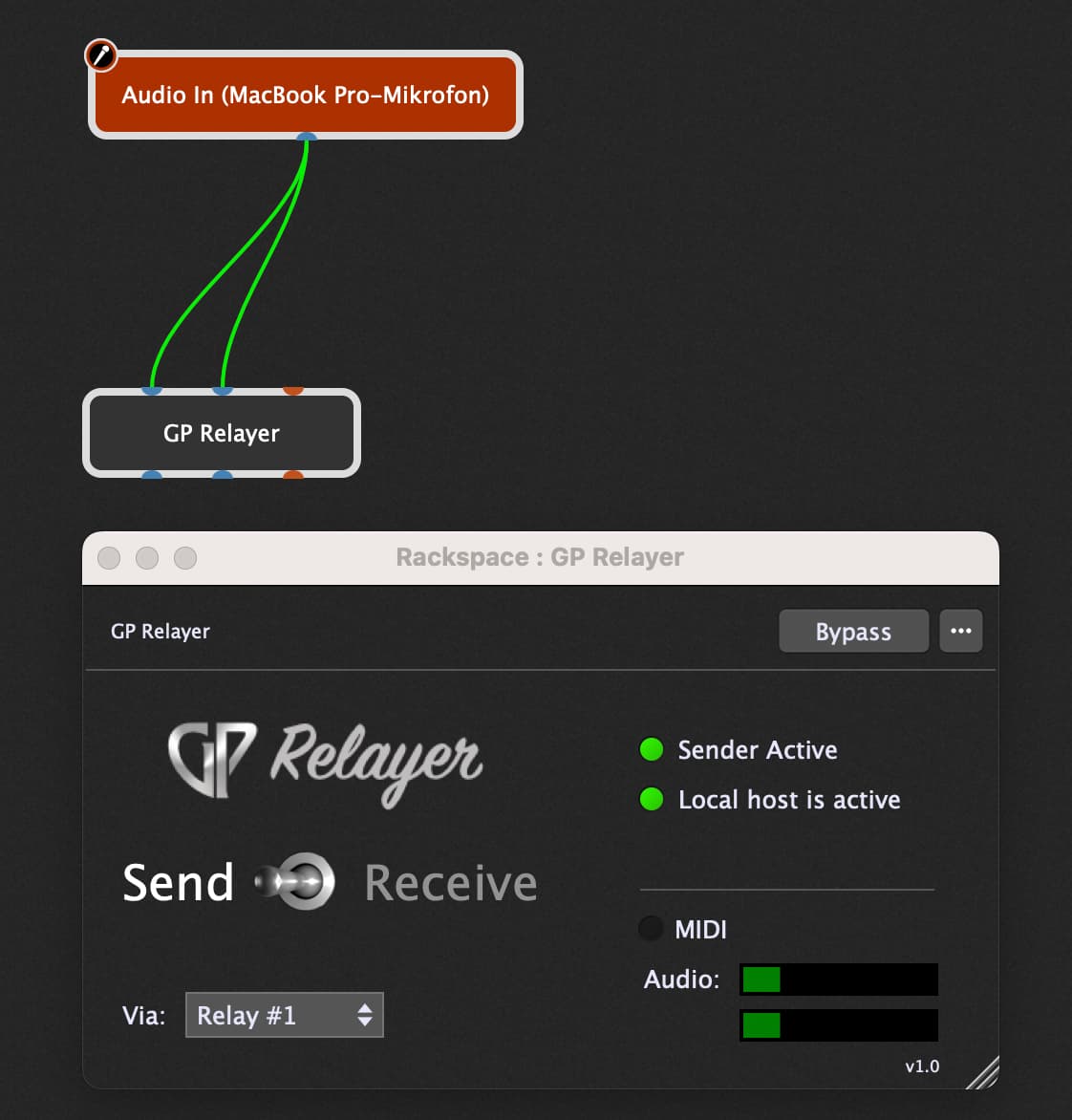
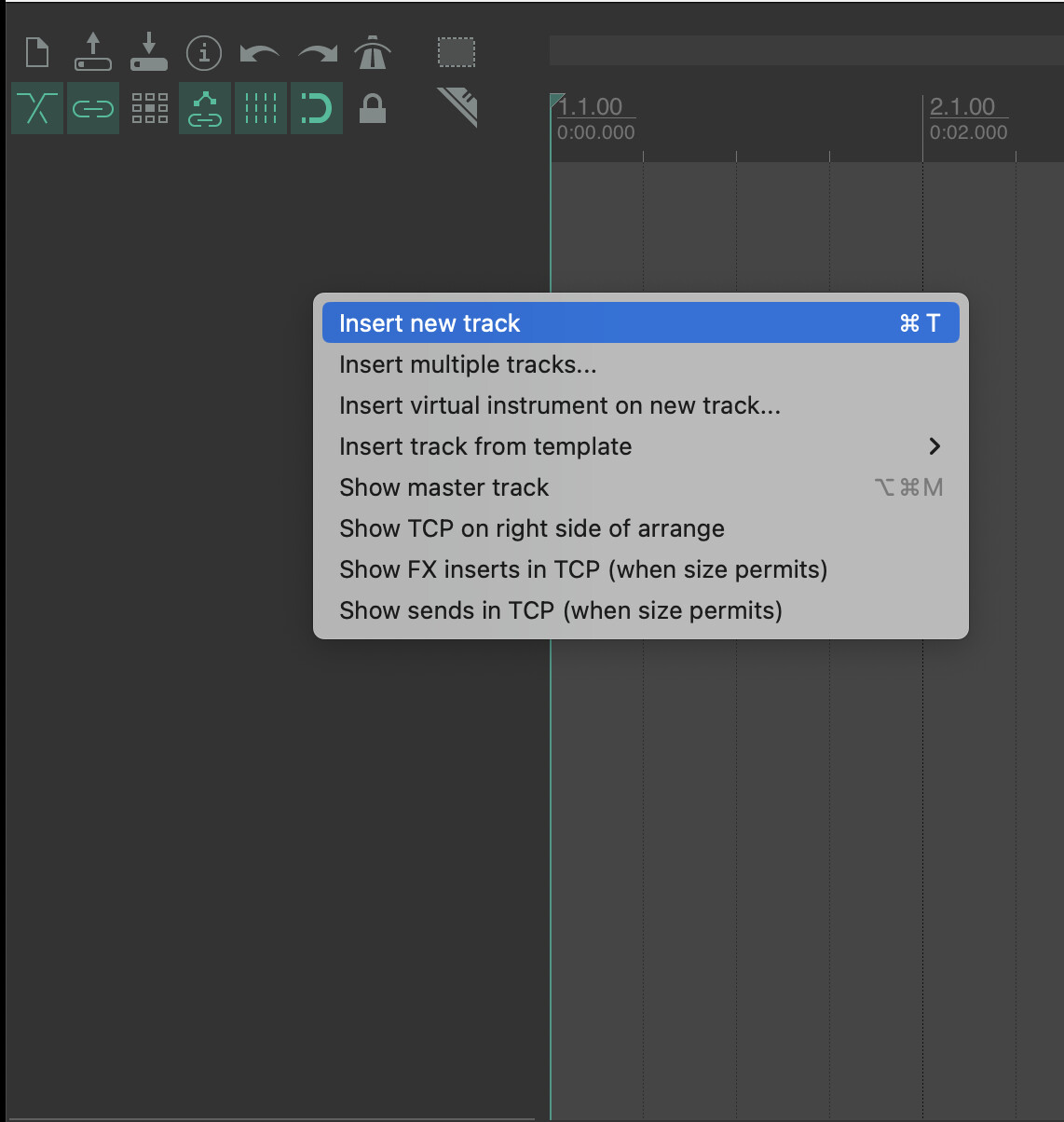
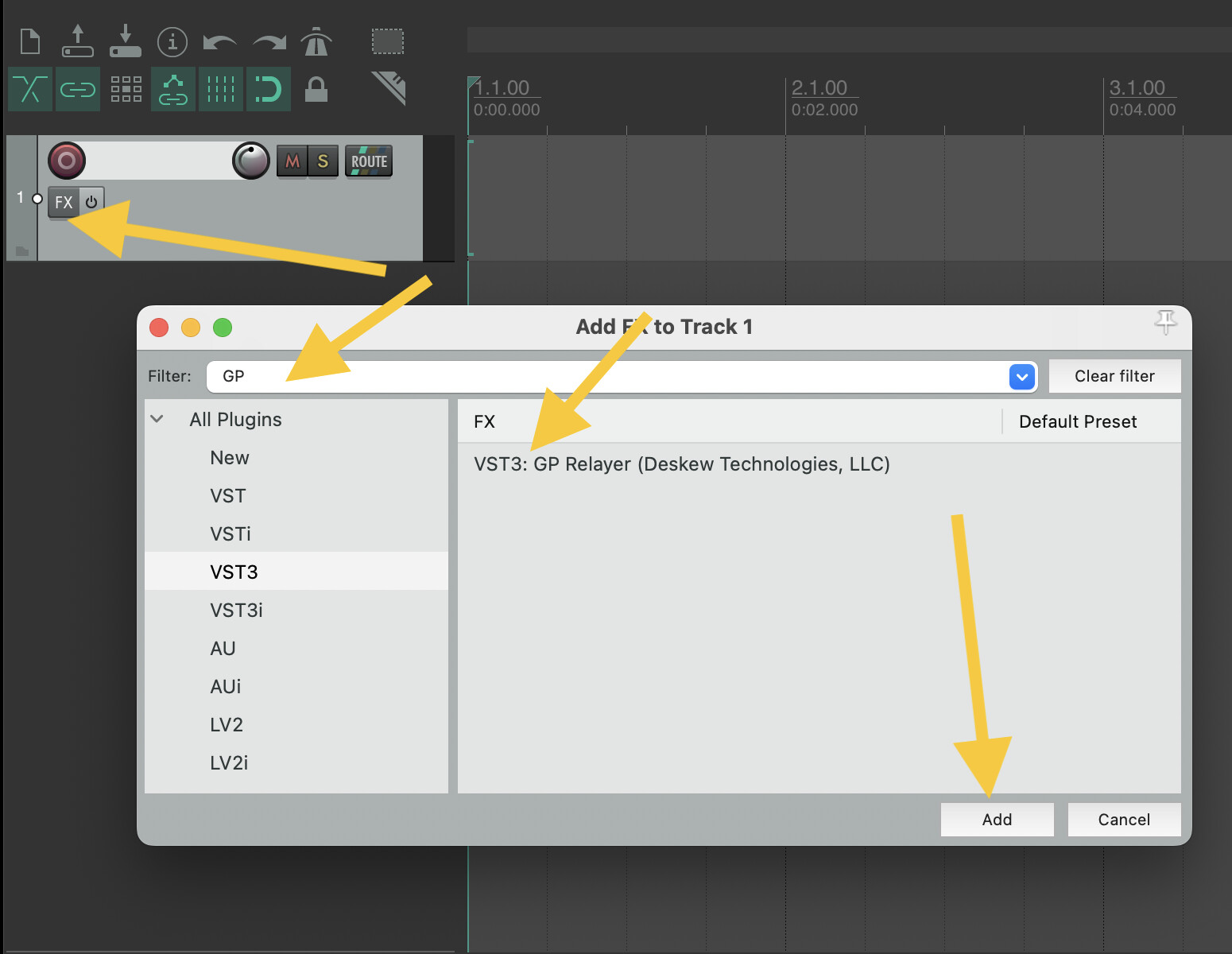
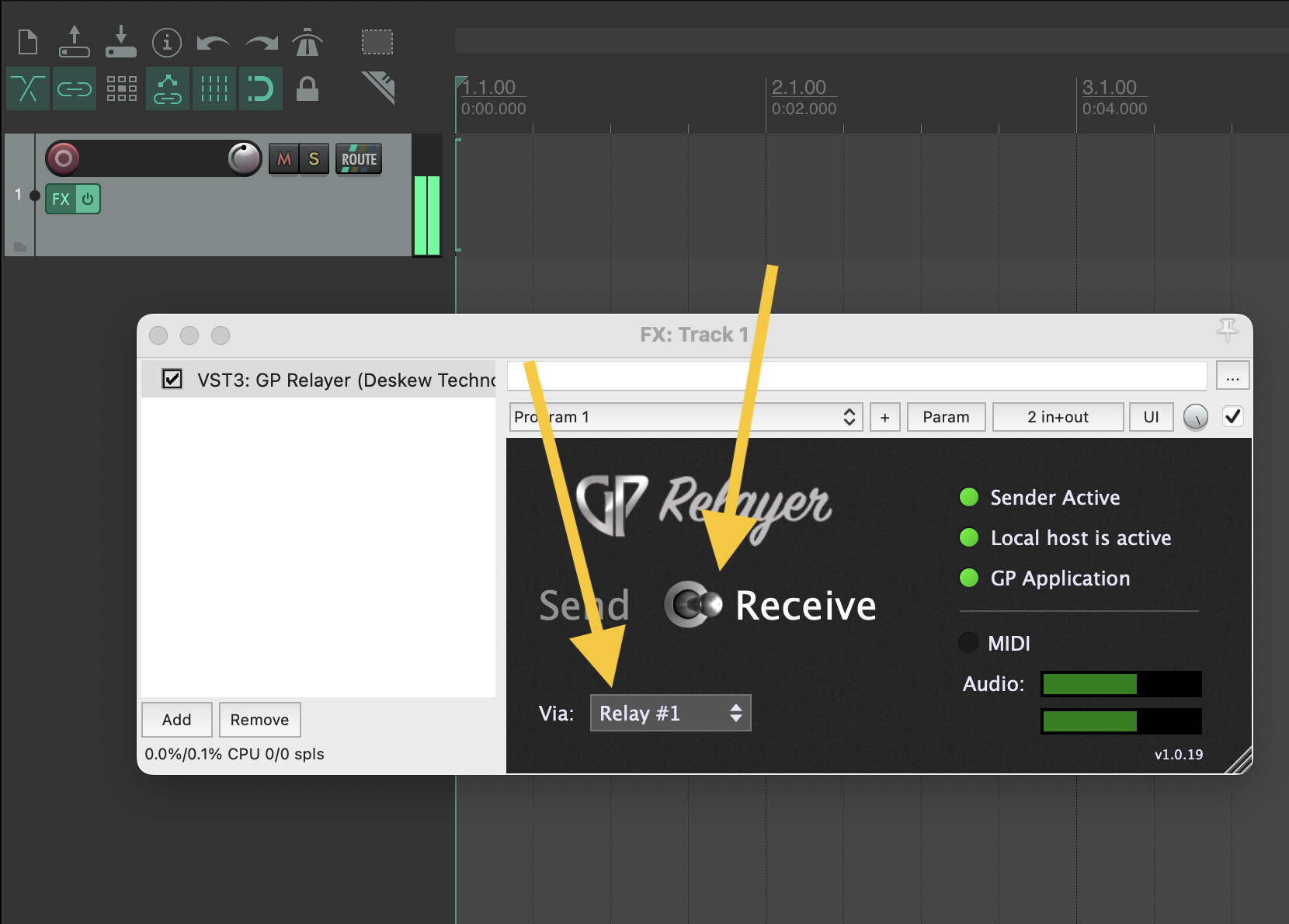
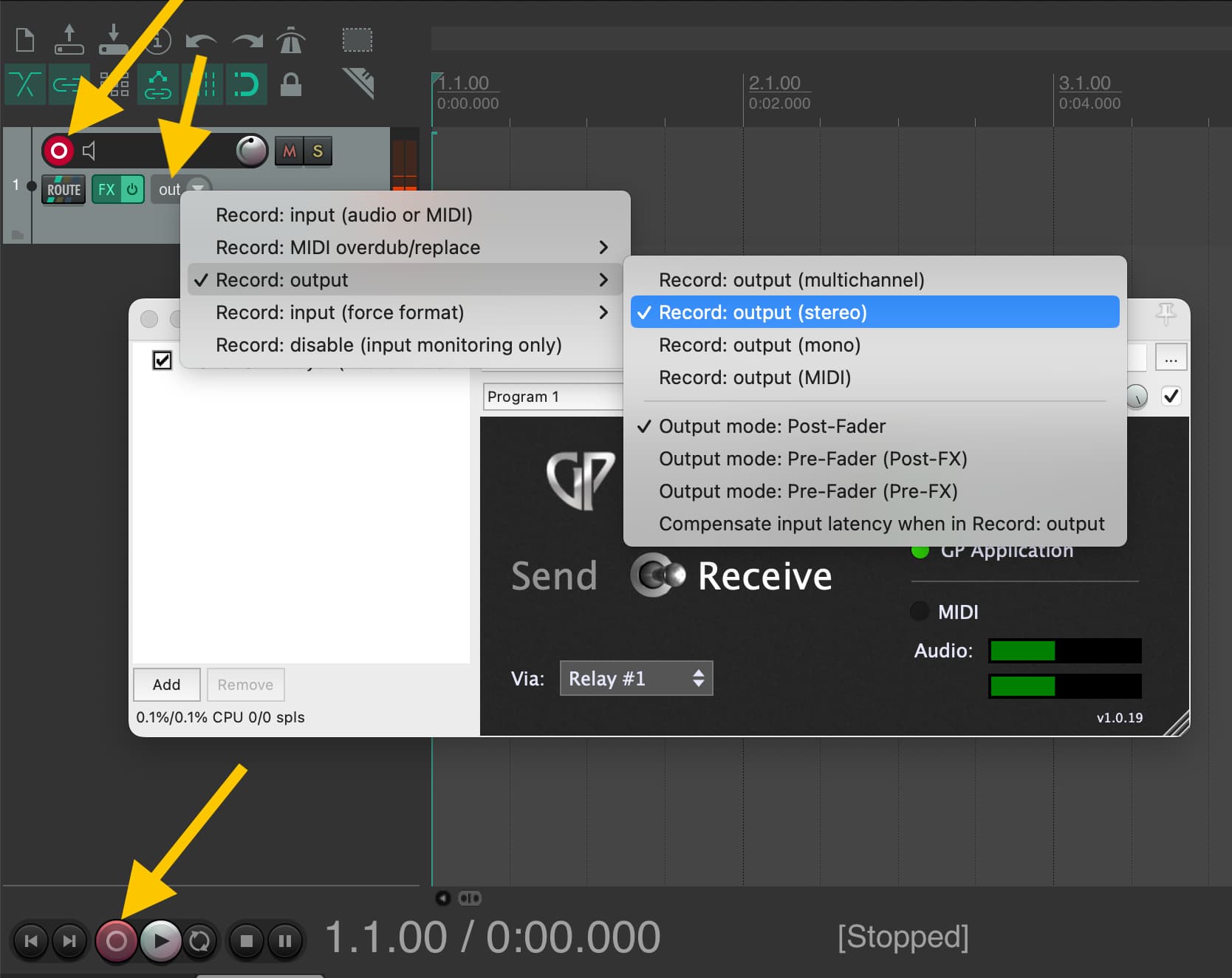
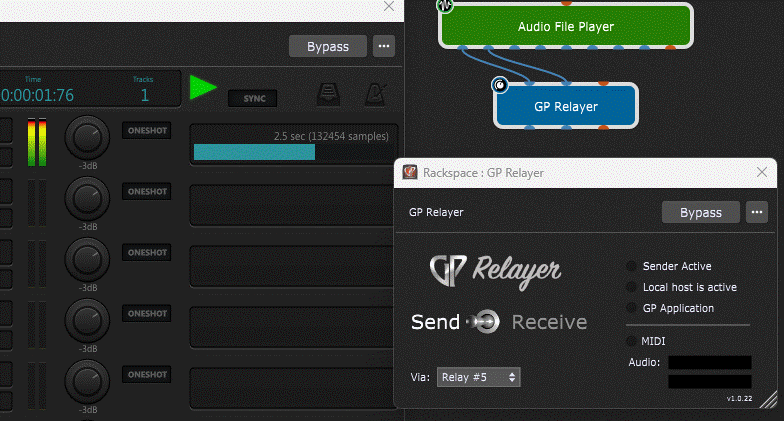
I did exactly the same thing but to no avail: from the start in GP, the GP Relayer displayed neither activity nor an audio signal from the AFP (the same thing happened when I connected the input of my audio card or any other audio source).
I’ve also changed the relay numbers, put the Relayer in the Reaper’s pre or post FX, etc.
In any case this last operation changes nothing as there is no signal passing in GP’s Relayer Send.
What did I miss?
For some reason your version of GP Relayer is not the one that should be available in GP. That version is the external app version. (the bottom right corner shows v.1.0.22-- the internal GP version should be v 1.0)
I can see by the GP icon in the GP Relayer window also that you are running GP4–not GP5. (Your icon has red in it–the GP5 icon has no red)
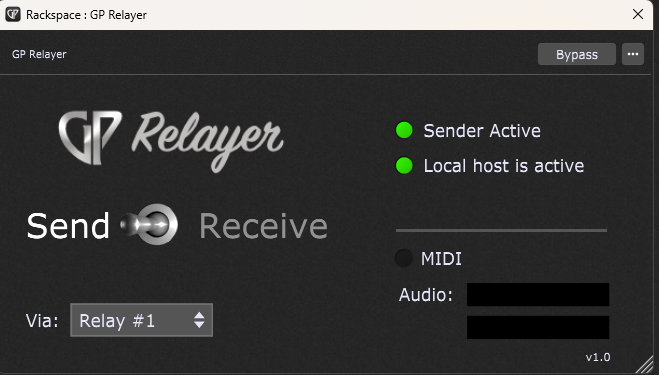
This is what GP Relayer should look like in GP 5 in send mode:
You were right on target !
I’m currently juggling between GP4 for my projects and the trial version of GP5 and while I was in GP4 I didn’t think GP Relayer could appear here ! In any case, everything works perfectly in GP5.
An unrelated comment: a new project in GP5 will also appear in the list of recent projects in GP4 and vice versa. And if you delete the list of recent projects in GP5, it also deletes all those in GP4. This is not really a problem, just a transition detail between the two versions.
I’m trying to use GP Relayer to insert into reaper. I can see you get 10 relays, can the relay channels be used bi-directionally. Eg: relay 1 send audio from reaper, GP does the FX, then return the audio to reaper down Relay 1? Or would the return need to be relay 2 (essentially giving me 5 stereo returns now 10)?
Thank you for the quick response! Thought that that might be the case but worth double checking before I give up, annoyingly I need 6 sends and returns (so one pair short) but I think I have a work around.
Yes, exactly. As soon as I switch the Reaper track recording mode to Record: output, audio from the GP Relayer plugin starts playing back through Reaper.
So I end up hearing the processed guitar twice, once directly from Gig Performer and once from Reaper’s monitoring/output path.
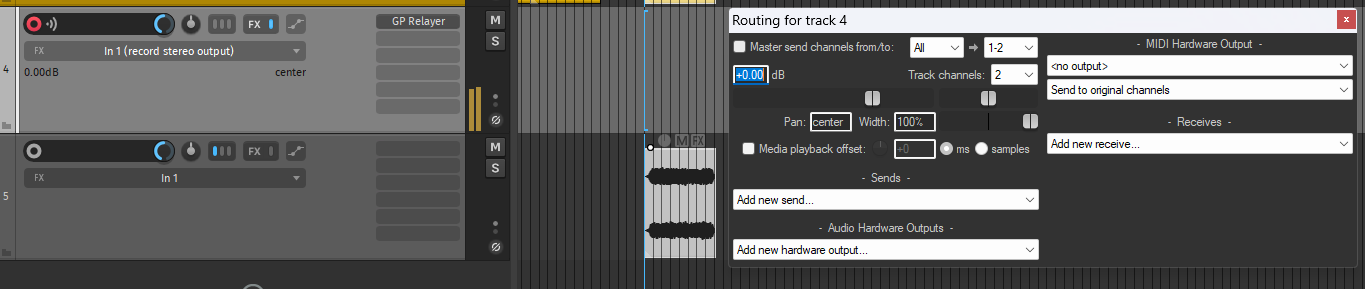
I have a feeling that the record monitoring options in Reaper may not have an effect because technically you’re not actually recording an input. GP Relayer is being inserted as a track FX and you’re recording the track output.
Reaper has got per track Send/Receive options. For me the icon is in Track Mixer (looks like ///). Sorry, not at computer to post a screenshot). In these options you can untick the option to send the track audio to the Master channel.