I’d like to toggle between piano and electric piano in my Global Rackspace, using two pads on an Arturia KeyLab Mk3 midi-controller (one to trigger piano, the other to trigger EP). What would be the best way to do that? I’m clear on how to map widgets to the pads on the midi-controller, but I’m not clear on how to setup the wiring and the widgets in such a way as to trigger piano (and deactivate the EP) with one pad, and to trigger the EP (and deactivate the piano) with the other pad.
Personally, I control all plugins in the Global Rackspace via Midi in blocks in the local rackspace for the particular songpart.
So, I usually am not triggering most of the plugins in the Global Rackpsace.
Thanks Jeffn1. I’m looking to use piano and EP with alot of different synth and organ patches. Rather than having separate piano and EP patches for each local Rackspace for each synth and organ patch, I’d like to apply them globally within whatever local synth or organ Rackspace I’m using. I’m using one controller for the piano and EP patches, and a separate controller for the organ and synth patches.
Are going to use a different instance for each “patch”?
I am just starting out and really don’t know about instances. So far, I’ve figured out how to control volume using an audio mixer block in the wiring, and mapping widgets to control the volume of each instrument, but I can’t figure out how to select a widget and thereby have the piano volume go up and the EP volume go down, and vice versa when I select the other widget.
Link the widgets together and then invert the scaling curve for one of them
How do I link the widgets together?
You read the manual. 
Ok thanks. I’ve got some reading to do. Appreciate your guiding me in the right direction.
Alright, I’ve successfully linked the two widgets together and tried inverting the scaling curve for one of them by clicking on the “reverse” button under the scaled value control in the Widget Properties menu. Unfortunately, both widgets are moving together in the same direction. Any advice as to how to get the two widgets to move in opposite directions?
They are moving in the same direction, but the Invert should work.
Another thing to check: Widget Grouping - #8 by David-san
They move in the same direction, but the actual values are reversed on one side.
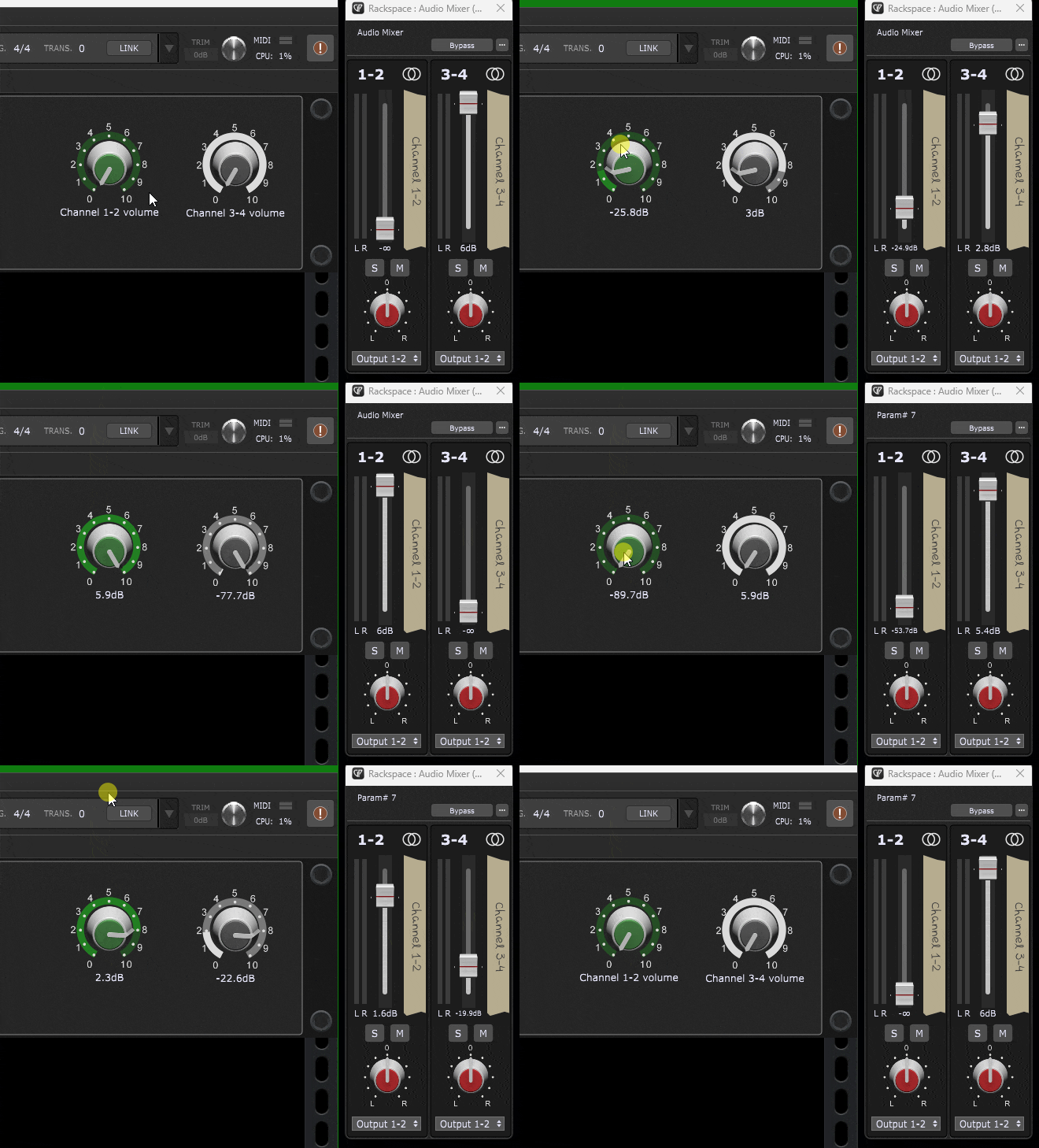
Yes!!! Success!!! You guys are great. Much appreciated.