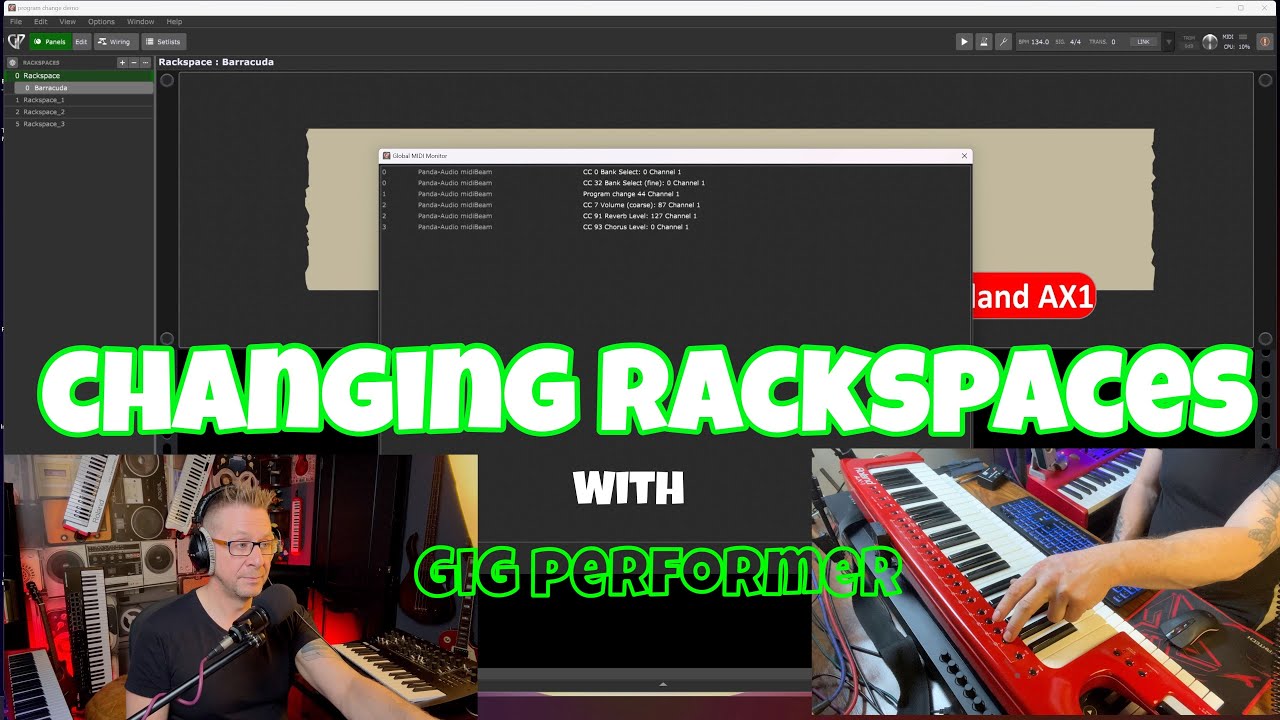
This video explains a simple, effective method for Gig Performer users to switch between rackspaces using the patch buttons on their keytar or keyboard controllers (such as the Roland AX-1).
Key Steps for Setup:
- Identify MIDI Numbers: Open the Global MIDI Monitor in Gig Performer (Windows > Global MIDI Monitor or Ctrl+M) to listen for incoming MIDI traffic (0:45).
- Press Buttons: Press the patch/preset buttons on your instrument to see the corresponding Program Change (PC) number being sent (0:53).
- Assign to Rackspaces: Double-click on your desired rackspace, and enter the specific PC number you identified to link it to that patch button (1:16).
Troubleshooting:
- If the setup does not work as expected, navigate to Options > Global MIDI and toggle “Use zero-based PC numbers” on or off (2:15). This compensates for different manufacturer standards (some use 0-127, while others use 1-128) (2:25).