I develop a custom plugin that requires two GPScript functions to work properly in GP. I’m trying to think if there’s any way to make the plugin’s GP widgets behave correctly WITHOUT these scripts.
It’s a looper, and has an internal state machine that not only takes input from the buttons, but changes its buttons’ states automatically in a few cases. The plugin’s UI works perfectly since I can control all its internal workings, but I’m not sure the best way to get GP widgets to mirror that behavior.
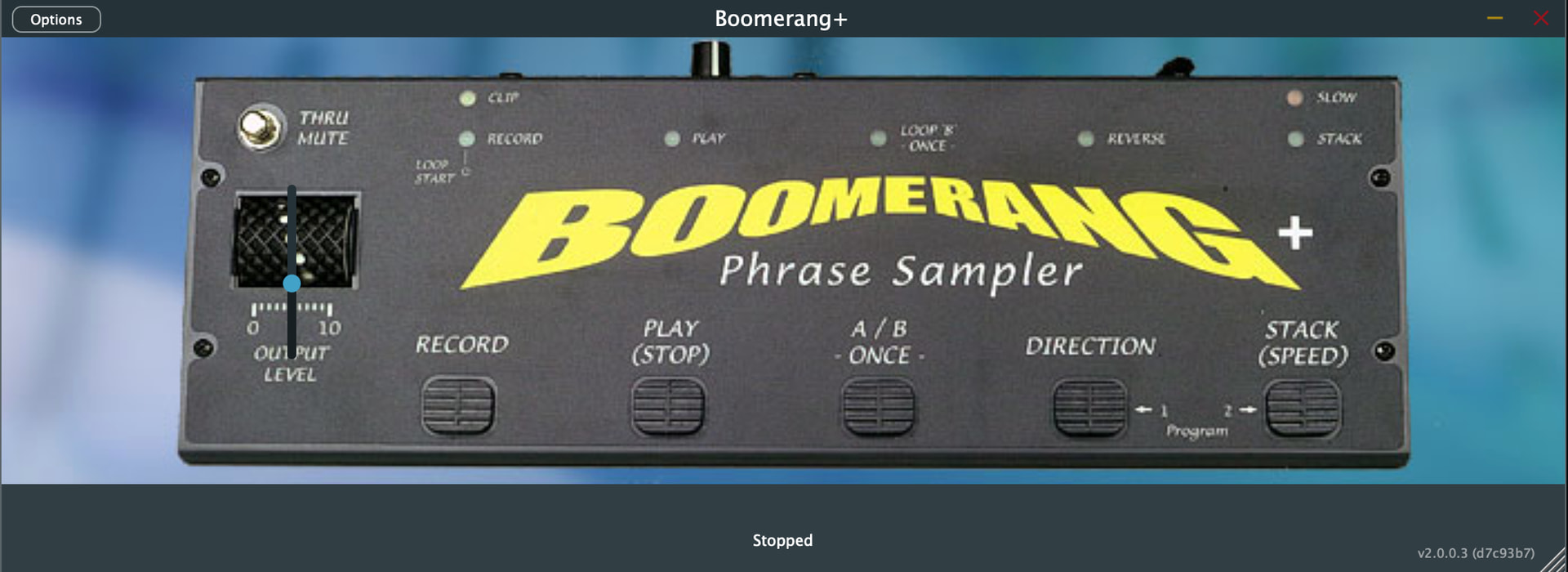
The Boomerang plugin UI
The Boomerang GP panel

The looper does a lot with only six buttons. These are two scenarios that illustrate the issue: in each, only the GP widgets are pressed, not the plugin UI.
Case 1: REC → PLAY → STOP
One button controls the state of another.
They’re not directly linked per se; the state machine updates the states based on its transitions.
From an IDLE state of ALL LEDS OFF:
- Press RECORD to start a recording → REC LED ON
- Press RECORD again to stop recording and start playback immediately → REC OFF, PLAY ON
- Press RECORD again to stop playback and start a new recording → REC ON, PLAY OFF
- Press PLAY/STOP → RECORD STOP
- IDLE
Case 2: PLAY → ONCE
The ONCE button makes the device STOP PLAYBACK when the loop currently being played ends.
If the ONCE button is pressed before playback ends, the loop restarts at the beginning and continues playing. This can create a “stutter” effect when pressed repeatedly.
From an IDLE state:
- Press RECORD to start a recording → REC LED ON
- Press RECORD again to stop recording and start playback immediately → REC OFF, PLAY ON
- Press ONCE → ONCE ON (PLAY remains ON)
- At end of loop, automatically STOP PLAYBACK → PLAY OFF, ONCE OFF
- IDLE
I haven’t written it out this way before, I don’t think. The OEM instructions are accurate but a bit wordy. I think this is clearer.
Before getting into the GPScript below, I should add that the plugin currently has an output MIDI message: ONCE_STATE, which represents whether the device is in ONCE mode.
BOOM_PLAY and BOOM_ONCE are the widgets directly linked to the PLAY/STOP and ONCE buttons, respectively.
Edit mode
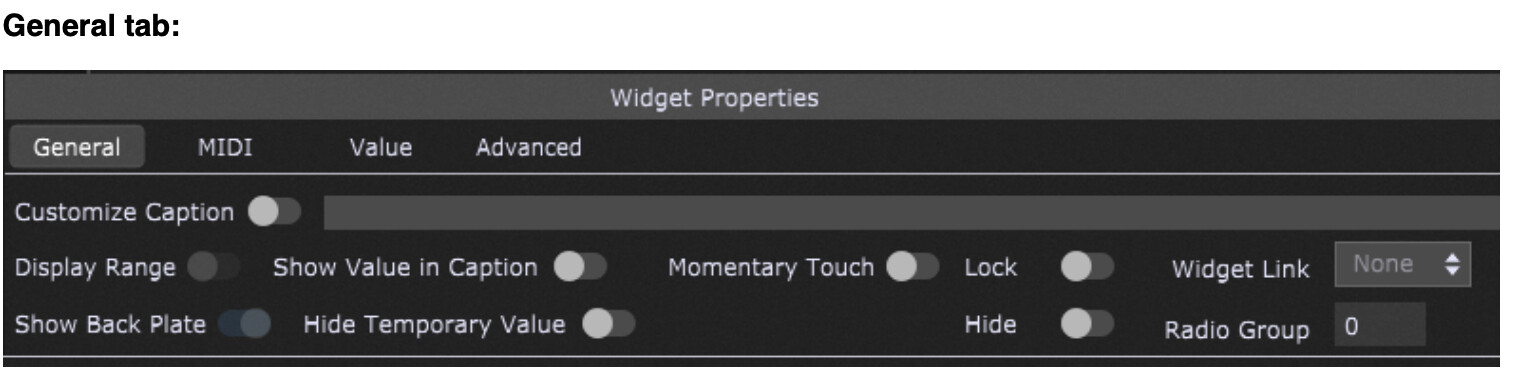
Note the Hidden ONCE_STATE (the big square one) and PLAY_STOP widgets.

Anyway, I’ve scripted it like this:
// Sync the PLAY LED, which is updated by the plugin's internal state changes, with the widget
// Turns it ON automatically when RECORD pressed the second time (ending a recording and automatically starting playback)
On WidgetValueChanged(newValue : double) from BOOM_PLAY_OUT
    //Print("The new value is " + newValue)
    SetWidgetValue(BOOM_PLAY, newValue )
End

// Sync ONCE with the plugin's internal state
// Which is really just turning it OFF automatically
On WidgetValueChanged(newValue : double) from BOOM_ONCE_STATE
    SetWidgetValue(BOOM_ONCE, newValue)
End
I believe I went this route because I found it not possible to link a widget to more than one plugin parameter. If I’m thinking about this right, the ability to map a widget to more than one parameter might make external-state-based plugins, like loopers, easier to map to GP.
To put it in different words: I am looking for a way to control a GP widget’s state with the plugin’s internal state, represented by two outgoing parameters, mapped to the PLAY and ONCE states being true. Those two parameters are mapped to widgets that are not the actual button widgets; they are hidden on the panel. The GP script creates the relationship between each button pair.
At last, here’s the question: Is there a better way to do this?
Am I missing an obvious (or not so obvious) feature that would make the scripts obsolete? There is clearly two-way communication between plugins and widgets, since one always updates the other, so why is it so hard to create a similiar behavior to buttons/LEDs that change their state without being pressed?
I did think about stacking the buttons and an approach of hiding/unhiding them based on state, but that felt more complicated, and if I did ever try it, I didn’t get very far. And started thinking about this write-up.
If there truly is no better way, but one-to-many mapping of plugins to widgets would make this more straightforward, then perhaps it is a new feature request? What do I not know that would clarify things?
Thanks!!
Max