In this video, you will learn how to use Song Master and Gig Performer to efficiently learn and practice new songs. The process is designed to help musicians move quickly from listening to a track to being performance-ready.
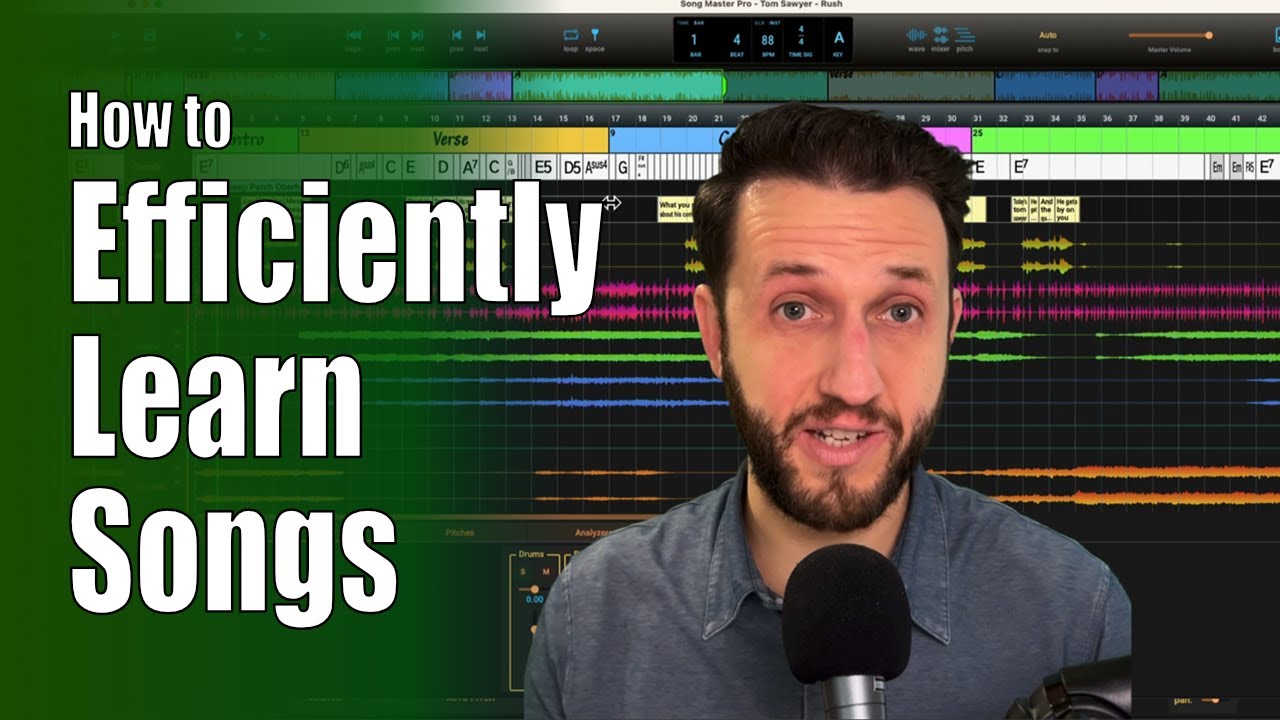
Key steps in the process:
- Song Setup: Import a track (e.g., Tom Sawyer by Rush) and allow the software to identify sections and tempo (0:45 - 1:35). You can manually label sections like “Intro” or “Verse” to improve navigation (3:03 - 3:35).
- Isolating Parts: Generate stems to isolate instruments, allowing you to mute your specific instrument part to practice along with the rest of the band (3:52 - 4:25).
- Deep Learning: Use the pitch and MIDI visualization feature to see exactly what notes are being played, which is helpful for learning complex solos (7:53 - 8:25). You can slow down sections or loop difficult passages for focused practice (1:43 - 2:02, 8:33 - 9:15).
- Sound Design & Rehearsal: Use the software to A/B your own sounds using Gig Performer against the original recording to ensure accuracy (9:26 - 10:55). Finally, build a setlist to simulate a real performance environment (13:19 - 13:49).
–
In the context of the workflow demonstrated in this video, Gig Performer is essential for the following reasons:
-
Sound Design & Accuracy: It allows the user to build and refine custom synthesizer patches (like the specific Oberheim filter sweep needed for Tom Sawyer) to match the original recording (9:26-10:28).
-
Performance Reliability: Unlike a standard DAW, Gig Performer is built for the stability required in live stage environments, ensuring sounds are consistent and glitch-free during a performance (10:08-10:20).
-
Integration for Rehearsal: It serves as the live engine where you can host your sounds, allowing you to A/B test your patches against the original audio stems in Song Master to ensure they are performance-ready (10:34-11:00).
-
Live Simulation: By combining Song Master’s practice tools with Gig Performer’s sound engine, you can simulate a professional gig environment, practicing his specific parts with the correct sounds alongside the rest of the band’s isolated tracks (11:12-12:10).