This video, presented by FoH engineer Michael Curtis, explores how audio engineers can maintain a consistent, high-quality effects palette by using Gig Performer as a virtual effects rack, regardless of the mixing console provided at a venue.
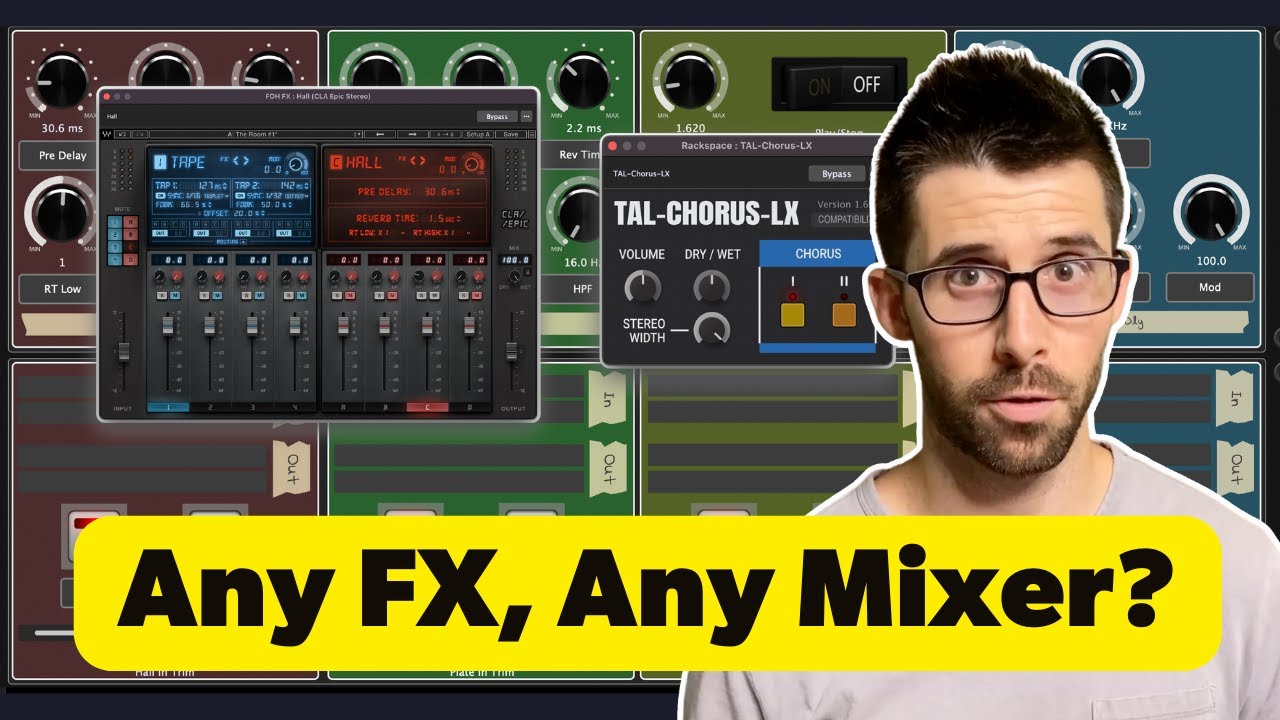
Key Takeaways:
-
Why Gig Performer: Unlike hardware servers or other software hosts, Gig Performer allows for highly efficient parameter mapping. Users can build custom GUI panels to control multiple VST parameters from a single screen, avoiding the need to toggle through complex plugin interfaces during a live show (1:05 - 2:07).
-
Routing Logic: The setup involves sending audio from the console (e.g., X32, Avantis, or PM7) into a computer via USB or digital I/O, processing it through Gig Performer, and returning the signal to the desk. This allows engineers to use studio-grade VSTs in a live environment (2:22 - 3:15).
-
Building Rackspaces: The software uses “Rackspaces” to manage effects. Michael demonstrates how to:
- Map Parameters: Connect plugin controls (like reverb time, pre-delay, or chorus depth) to custom knobs and sliders on a virtual front panel (4:07 - 5:00).
- Metering and Muting: Create input/output monitoring and mute/solo functions directly on the interface (5:15 - 6:23).
- Customization: Add visual elements like colors and shapes to organize the workspace for intuitive operation under pressure (12:55 - 14:05).
-
Real-time Control: By using variations and setlist features, engineers can trigger specific effects or change settings instantly between songs (10:37 - 11:15).
Michael concludes by demonstrating how to build a Chorus insert from scratch (11:19 - 17:00), emphasizing that this workflow is about stability and having preferred tonal colors readily available at any front-of-house position.