I play keys at my church and recently adapted my setup to be purely VST based with Arturia’s Keylab 61 Essential. I’ve been using Ableton all this time to perform live, but some limitations have been bothering me, so I decided to migrate to GP! However, I’m still unsure about the best way to achieve the workflow that I have in mind.
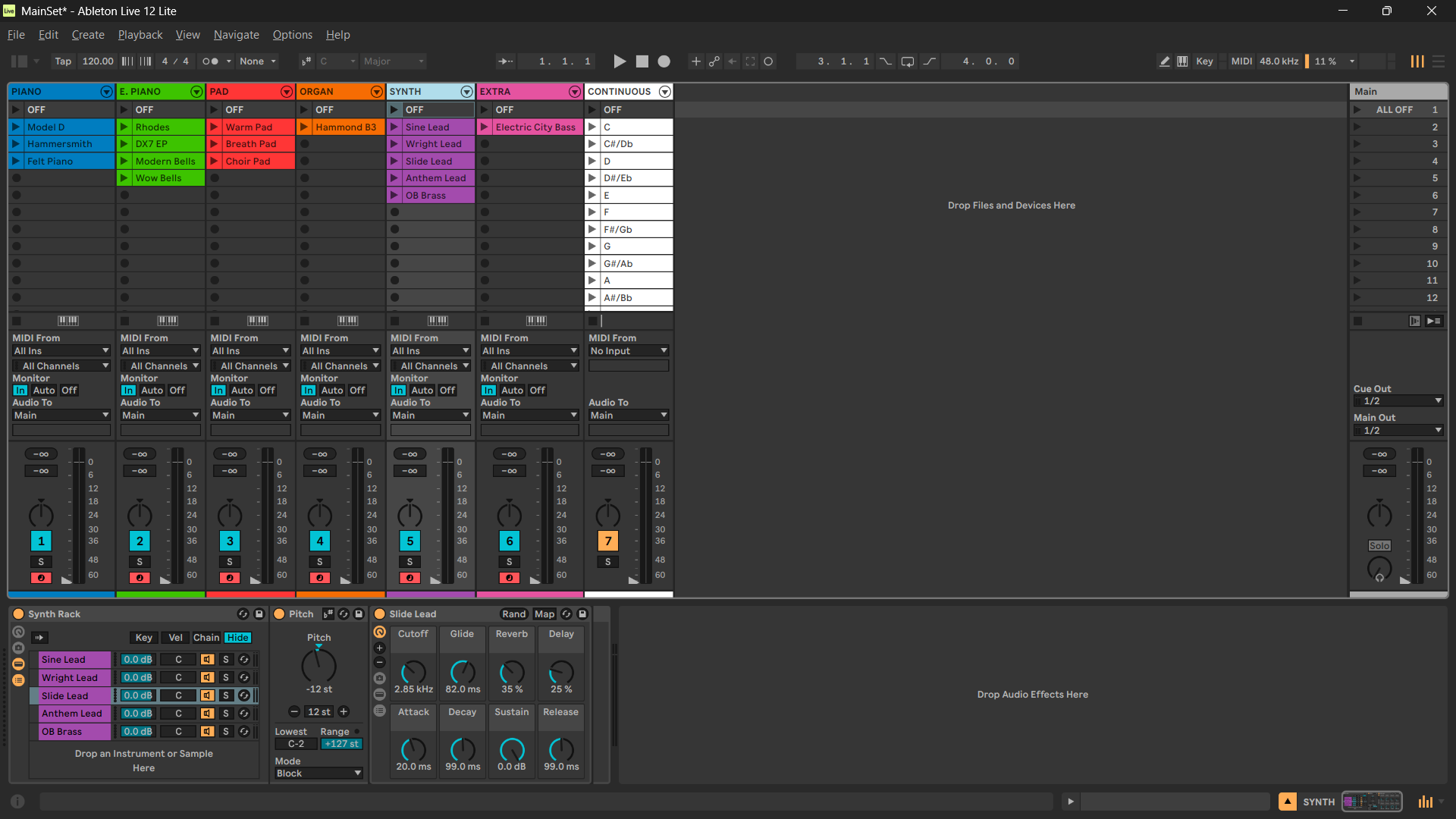
Basically in the setup I was using, I created a track for each kind of sound, and within each one, there is an instrument rack that holds each preset. From there, using MIDI clips I can change each currently selected patch, which allows me to layer all my sounds in various combinations with a lot of flexibility.
Despite this, GP really appealed to me with its panel and setlist features, and the problems with Ableton started to appear: there is no such simple way to create patches per song in this configuration that I’m using, in addition to the very low control capacity using the keyboard’s physical controls (I can practically only control the volume of each track).
In short, I would like to keep the ability to combine multiple sounds on the fly, but now incorporating those cool GP features like song patches in the setlist mode and custom panels for better controllability – like this incredible script ([Gig] Drawbars and faders switcher). Anyways, I’ve already written too much :P… any help to build up this workflow in the best way would be very welcome!
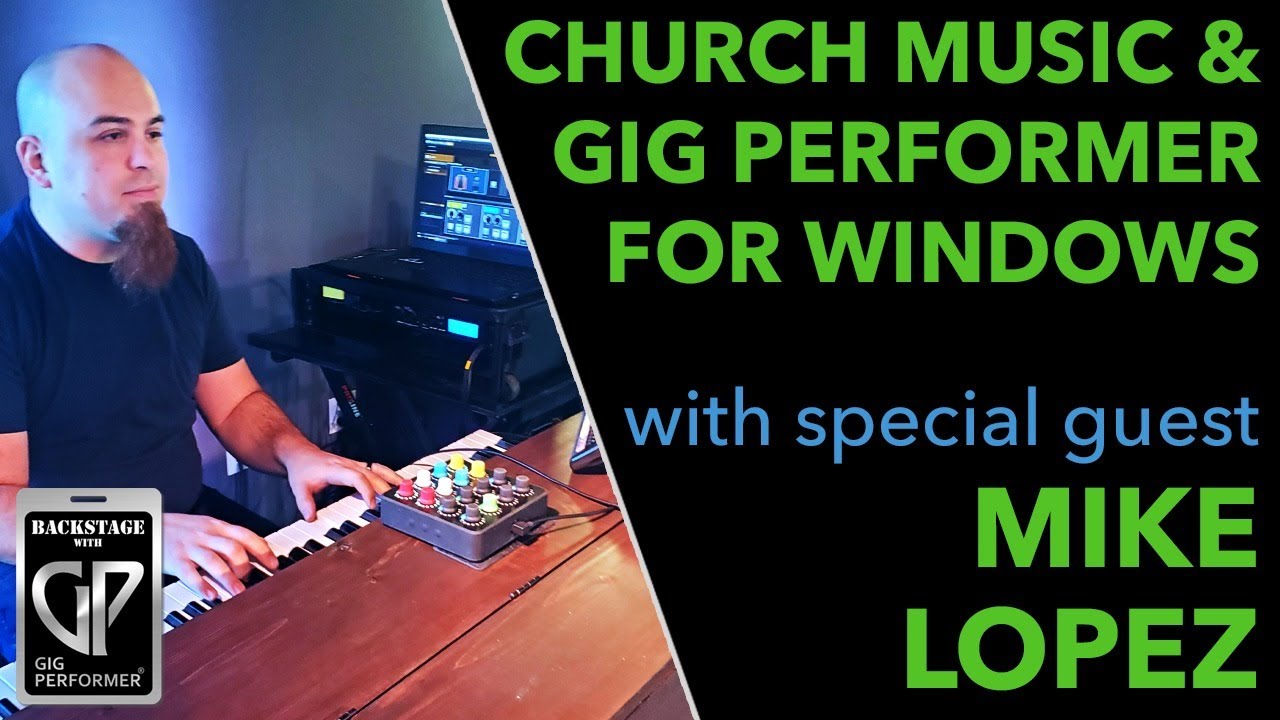
Thanks for the inspiration! Coincidentally, i saw Mike’s interview and setup yesterday right before I opened this topic :P.
I’ll watch the other video you posted too… maybe I can get some insights with it.
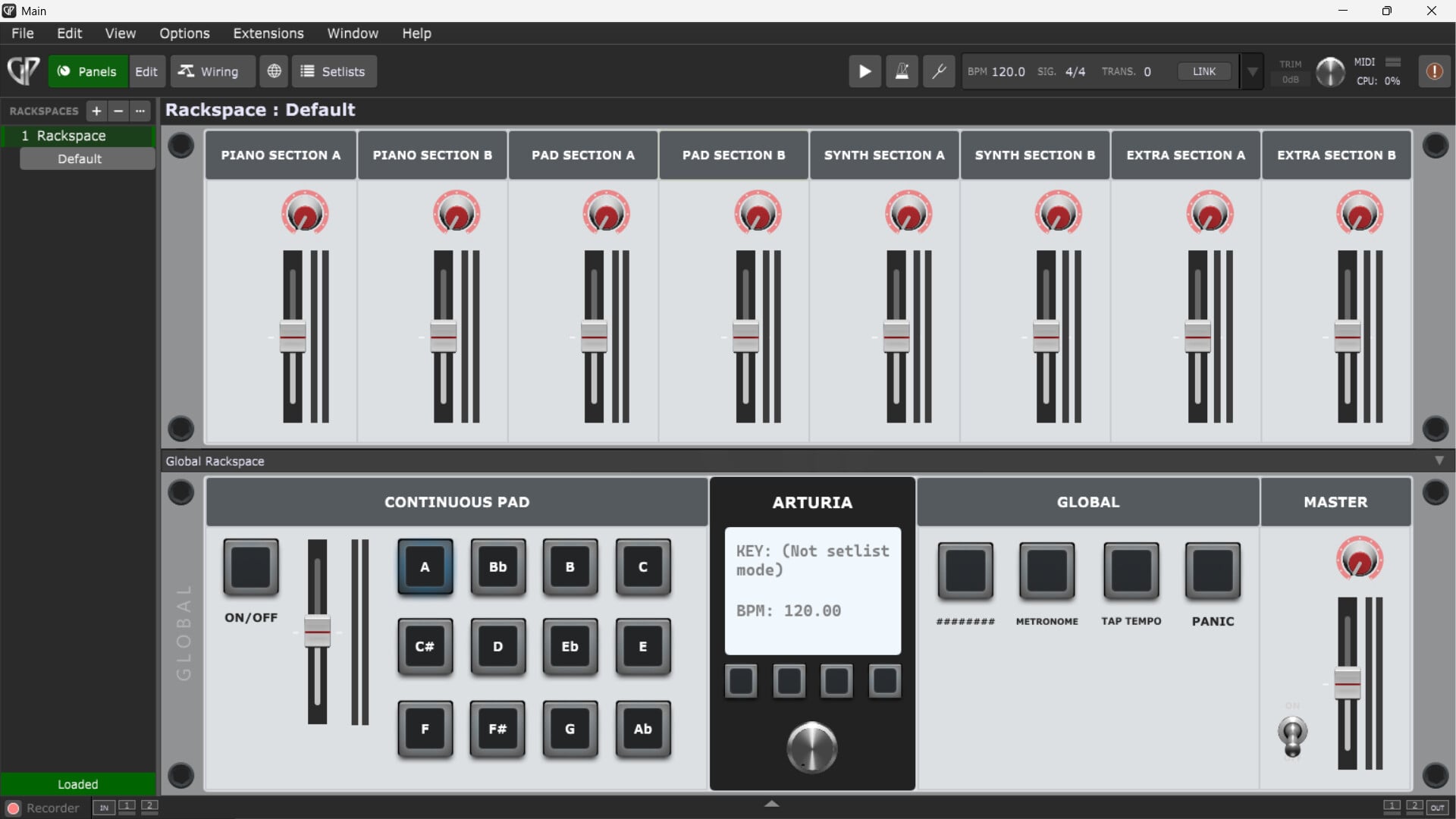
I’ve already created some panels based on the workflow I want to achieve, but I’m not sure if it’s viable. For example, how could I dynamically insert sounds within each section on that panel?
I’m wondering if it wouldn’t be better to just let go this idea and create a rackspace for each “patch” and then link it to a song preset, but it would be so useful to have that flexibility to layer sounds at any time…
I generally go the other way around. I’ll start in the wiring view, insert the plugins (synths, MIDI control, etc) that I want to use for a particular song, or part of a song and only after I have it basically working, then I will decide what parameters I want to be able to control in real time and then insert the appropriate widgets. I do end up with just a rather arbitrary collection of widgets on the panel but it gets me up and running very quickly.
I do know a lot of people prefer to design a “control” panel first and then use it everywhere but I personally find that approach too constraining because one then has to fit one’s wiring setup to a panel and that may not always be the best approach for actually performing a song.
Hi Leo,
I used the same exact way of setting up patches in Ableton Live (I think all church musicians using Ableton do )
I personally found that the best way to replicate your specific setup in Ableton over in GP is to put 4 or 5 of your most used patches in your global rackspace which you can pull in an out as needed via an external midi device. Then any less frequently used patches (i.e. song specific patch) you can use in local rackspaces and combine as needed with your global patches via song parts.
Thank you very much to all of you guys! It is so valuable to have a community like this, and I appreciate all the responses! I’ll definitely work on my GP setup based on the tips


 )
)