Another option…
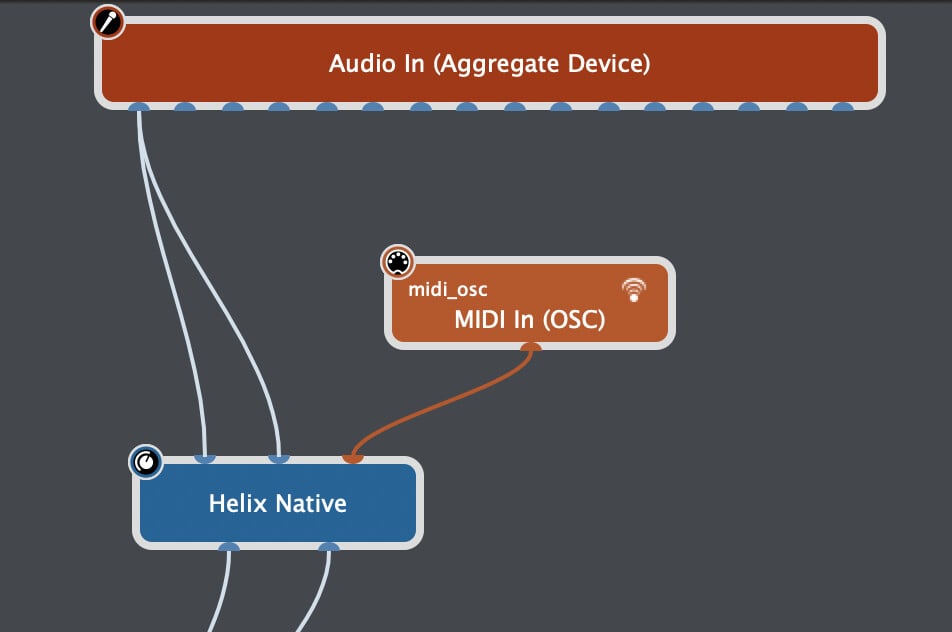
Add a MIDI In block for the the special “MIDI In (OSC)” port and connect to Native:
In a global panel, add a knob widget and map it to the “PC” parameter from this MIDI In block:
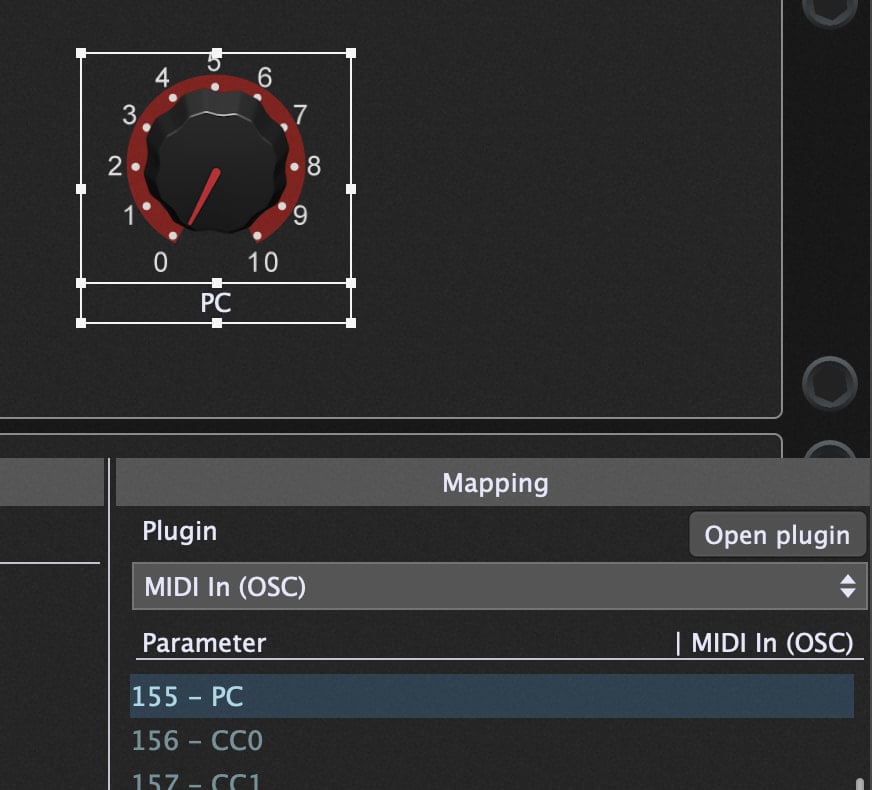
You should now be able to change the Native preset by turning the knob.
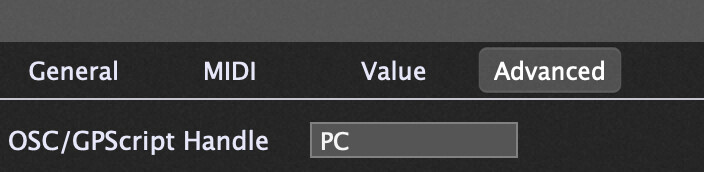
In the Widget properties Advanced tab, give the knob widget a handle of “PC”:
Now open the Global Rackspace Script Editor (Window menu) and paste in this simple script and click Compile:
Var
   PC : Widget

On Rackspace(oldRackspaceIndex : integer, newRackspaceIndex : integer)
    SetWidgetValue(PC,  MidiToParam(newRackspaceIndex))
End
Now the widget will automatically select the Native preset that matches the rackspace number e.g. the first rackspace will select Native preset 000; the second rackspace will select Native preset 001 etc.