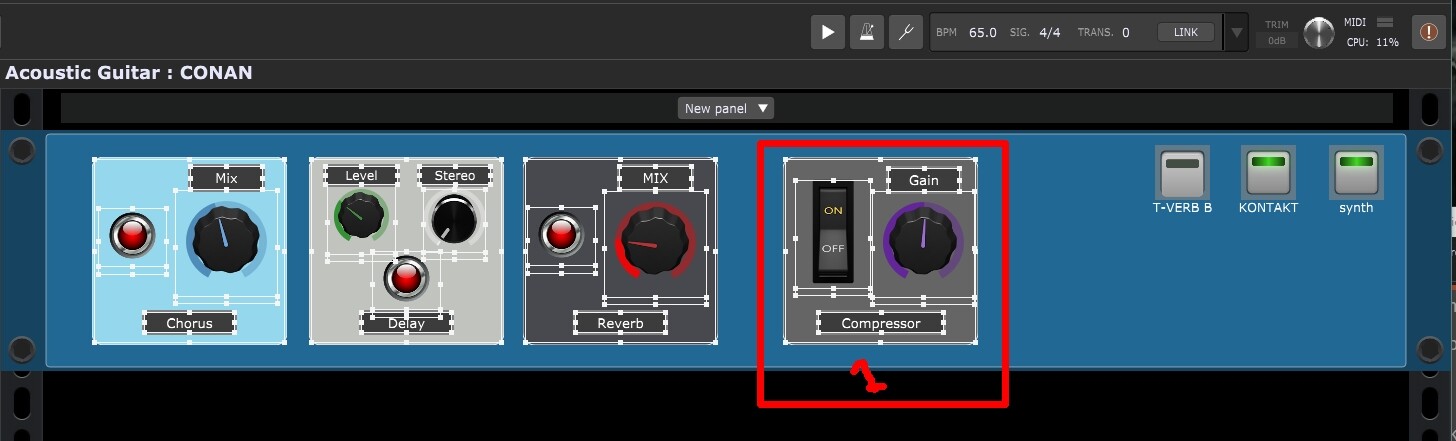
is there a way to group the UI elements? “Group Selected”
Group multiple widget design elements (not parameter values)
to move as a single object and align align with other groups. If not, what are some workflow techniques to do this?
I have this exact same question. It seems like this should be easy as it’s a basic graphics function. I create a great looking set of widget elements. I want to use it again in other rackspaces. How do I just get them to graphically group so I can move them as one thing? I feel stupid but it’s not obvious.