Hi everyone,
this is a follow up thread from this one:
It got quite crowded in a short time, so it probably would be difficult to find the new information. It’s closed now, but the files are still there, and i also left a note to this new thread… hope that’s OK.
Same Intro… 
since there were quite some questions and discussionsabout how to switch presets with widgets, scriptig, variations… i thought i could try to builld yet another rackspace to achieve these tasks.
!!! NEW !!!
This is a new version which now makes proper use of variation names to switch to a corresponding GP-preset (if available). So you should now be able to add or remove GP-presets to the plugin whithout the issue that your variation-setting is getting messed up by this!
The rackspace looks like this:
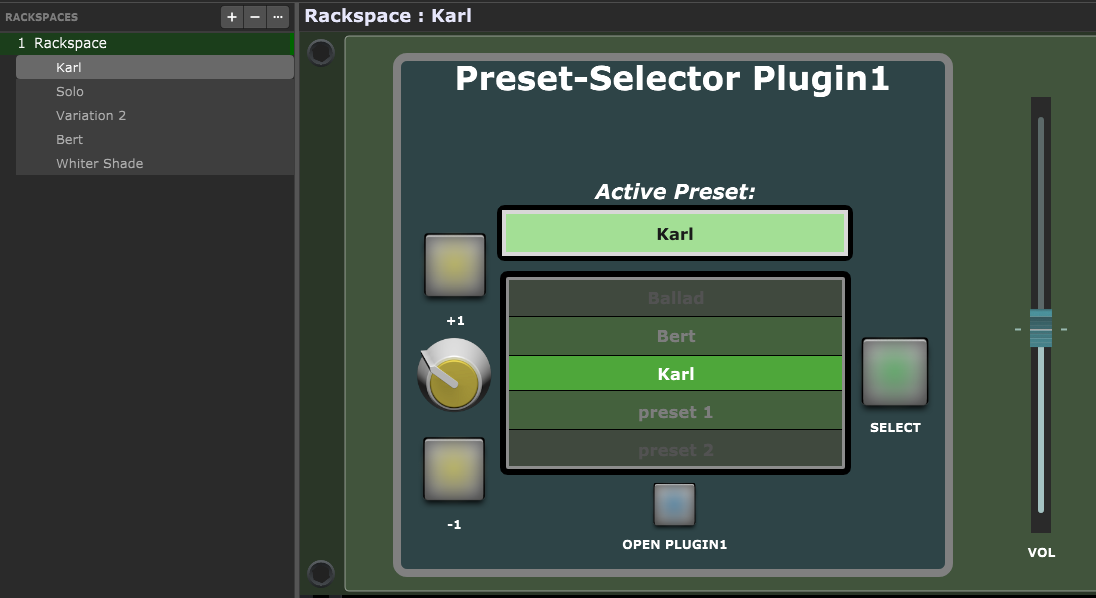
I removed the step-sequencer from the wiring view and the “Play” button from the panel.
Also i decided to use the “on board” organ plugin from LostIn70s, since this should be a common plugin for all GP-users… no need to install something new.
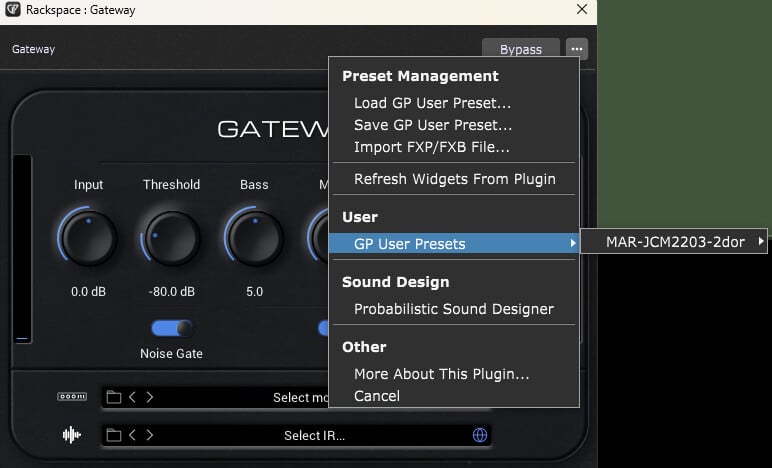
Maybe you should first save some GP-Presets from within the plugin, so there would be some content to play with!
So this is how it works:
You can step through the list of available GP-Presets by either using the +1 or -1 buttons or by turning the knob on the left. When you press the “Select” button on the right, the preset in the highlighted (middle) field will be activated/loaded. The actually active preset name will be shown in the text field on top. That’s pretty it…
You can of course save more presets (i think up to 256) or delete some from the preset-folder - the script should “catch” the changes as soon as you press a button or turn the knob.
If a variation has the same name as one of the previously saved GP-presets, the corresponding GP-preset will be called - no matter of alphabetical sorting or whatever - if it’s there, it gets called!
IMPORTANT NOTE:
If you use a variation with a name which is “unknown” in the preset list, only the knob position will be stored in that variation. This means that the connection between knob position and preset might be lost if you change the number of available presets - don’t rely on the knobs position!
It’s OK to play around and to try sounds, but if you really want to save a preset in a variation, use the before mentioned naming method!
Have fun with it:
GP-Preset-Roll-Selector(Vari).gig (290.4 KB)
Cheers!
Erik