Ok, well if a dev is reading this and has something I can pass along to Polychrome DSP devs, I have direct line of communication with Thomas and Luca there that are developing this. If there’s something they’ve got wrong, just let me know what to tell them. There’s a lot of GP users in the Polychrome community and we’d love to have Polychrome working as best as it can in GP.
Widget Refresh set to On does not help.
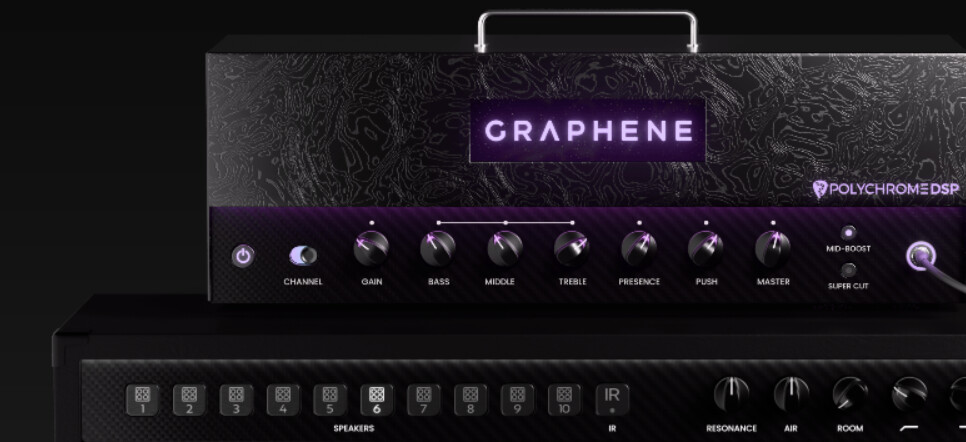
With plugin alliance this behavior is the same
Hi @MajorMotoko ,
Thank you for this report, we fixed it and it will be part of the next GP5 update.
Apparently VST3 has two ways for a plugin to notify the host of a preset change, GP handled the major way in which most plugin developers use except for a few, like the report here.
Send me the contacts and I’ll be happy to share with them the technical information of the issue and the fix.
Hi, Thanks so much for looking into it! npudar had msged me directly and I gave them contact info for Polychrome. I’m not privy to what was said, but I was made aware an issue was found and is being corrected, but the impression I was given was it was on Polychrome’s end. I’m very happy to see that this has shed some light on a possibly overlooked issue in GP as well. The further I’ve dove into this, the more widgets I found not updating in VST3 plugins when changing via presets(on mouse click), or via midi command to change the preset. Please reach out to npudar for details on that conversation they had with Polychrome.
I’d like to note, how impressed I am with your response to this issue and your professionalism and candor with me being some rando user who just appeared with what seems to be some obscure way of trying to use GP and Polychrome. And your willingness to dive into it and figure out what was going on.
Thank you again for your time figuring this issue out!