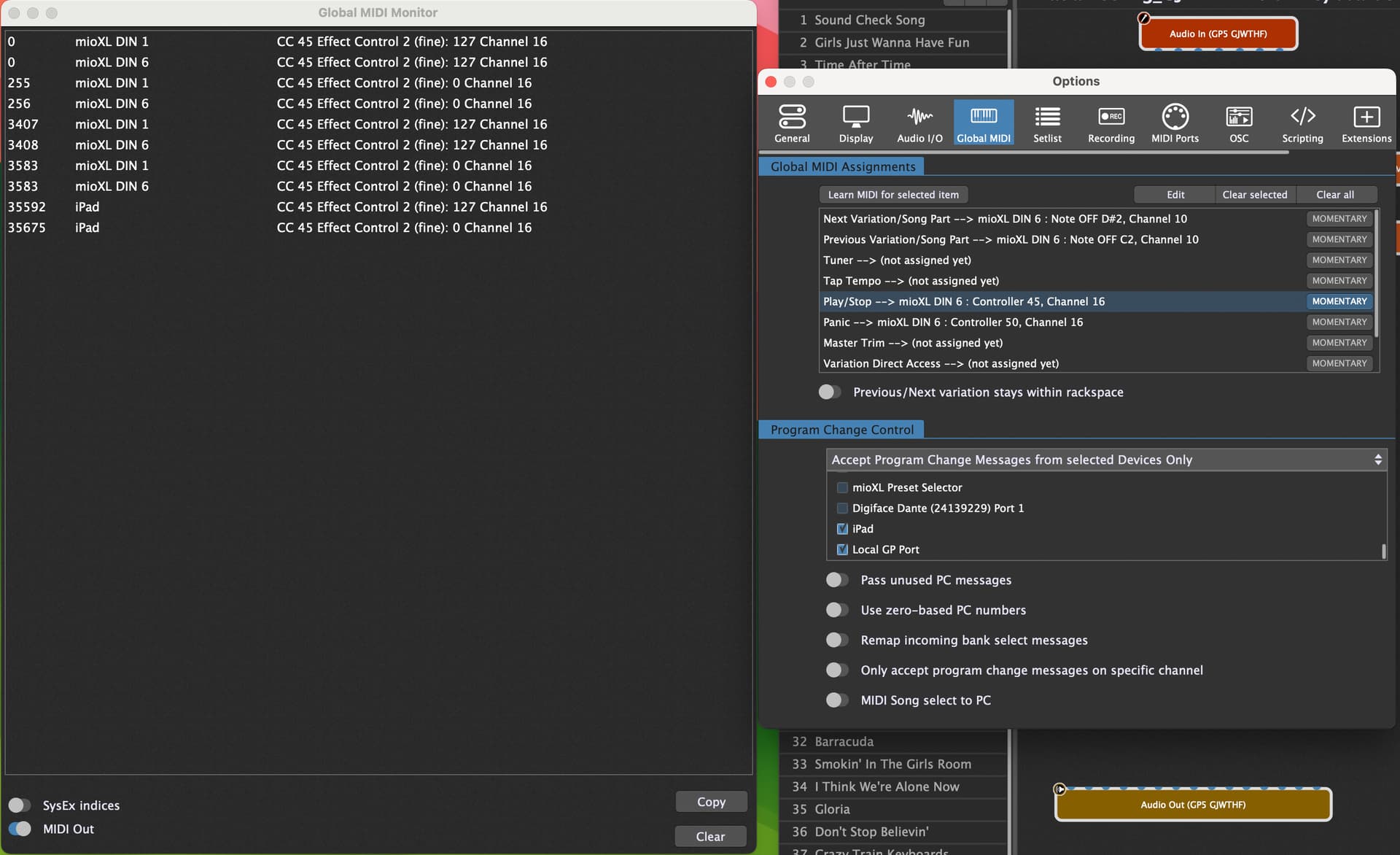
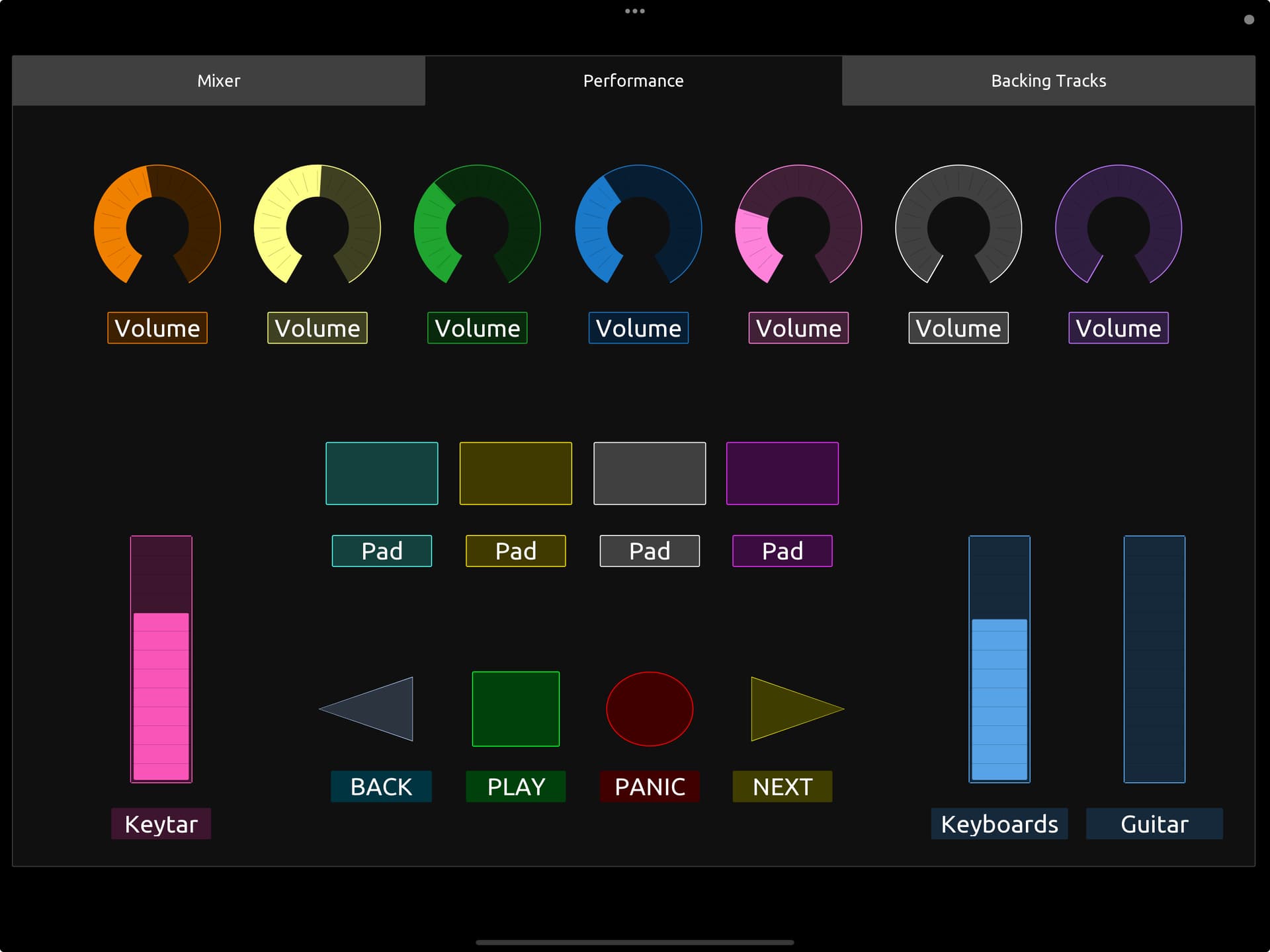
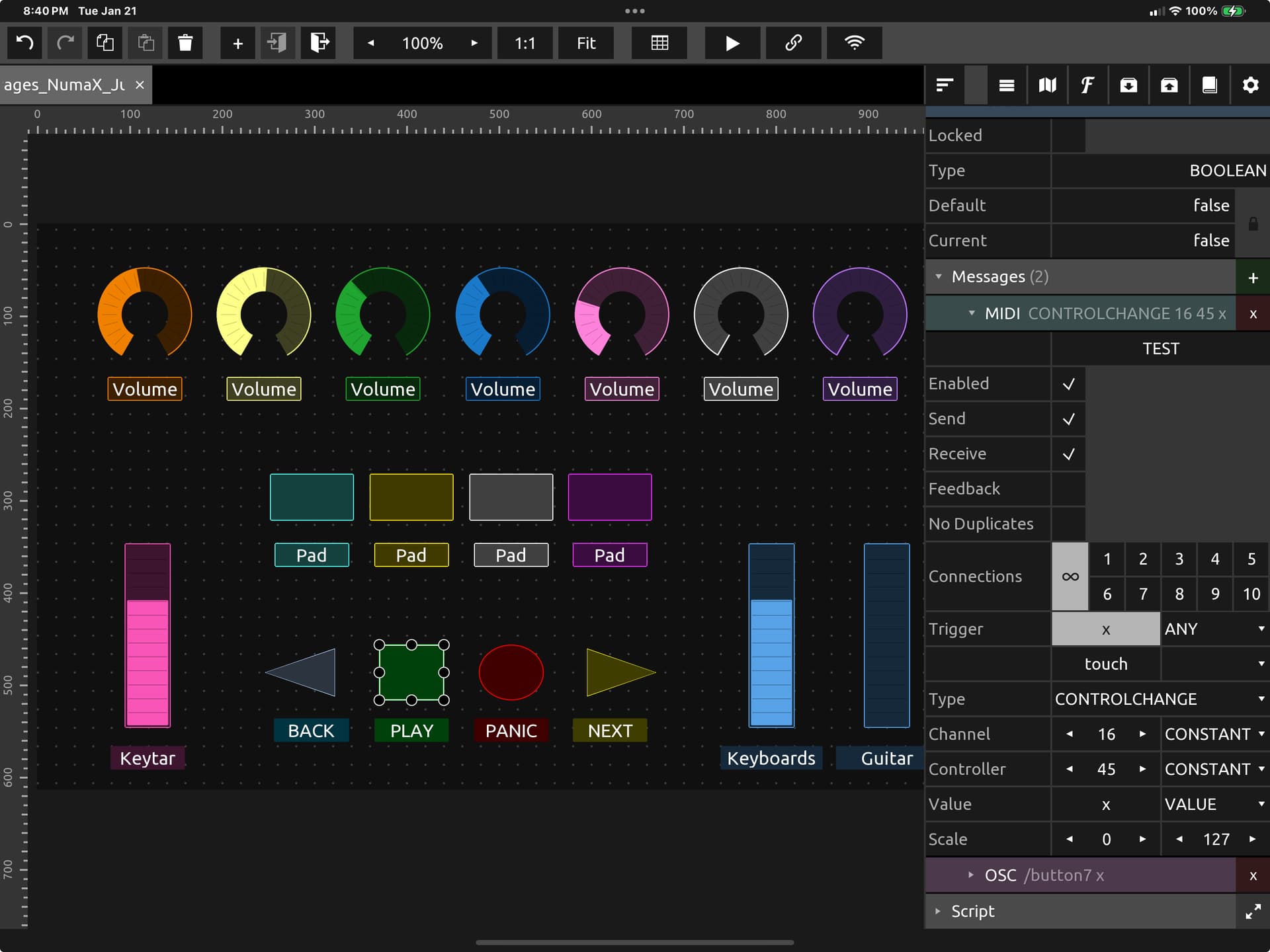
I am controlling the playhead with my Nektar Pacer. I have been able to control the playhead with a pad on my keyboard as well. I have even linked the Pacer and keyboard pad with two widgets. I am however having no luck linking my iPad to the Playhead or even the Panic. I have been trying to use TouchOSC for the longest time, with no success. But recently I was able to get TouchOSC to work with midi. Now I am trying to control basic functions with TouchOSC Midi. I can get all other functions to work, but for some reason I can’t get the Playhead, Panic or anything else in the Global MIDI section to work.
Thoughts? As you can see by the picture the Nectar and iPad are sending the same CC message and the iPad is selected in the Program Change Control section.
On another note: Is it possible to send label names to TouchOSC Midi?
You probably need to create 2 widgets and learn each one with the different controller. Then have them both execute the System Action Play/Stop. You can hide one if you don’t want to see them both.
Your iPad is sending out CC 45 127 and then CC 45 0, so when you’re learning the widget, you’re actually learning CC 45 0 (since its the last message sent) which is Stop. That’s why it appears to not work—it’s actually just triggering Stop.
I don’t use TouchOSC, but I’m guessing the button there sends out 127 when pressed and 0 when you let it go–and if that’s the case, try holding down the button when you Learn the widget in GP and then stop learning before you let the button go in TouchOSC.
In the right hand settings for the play button, there is a section called ‘Button’ that has a setting called ‘Type’. The default is Momentary, but you’ll want to change this to Toggle Press for the global playhead.