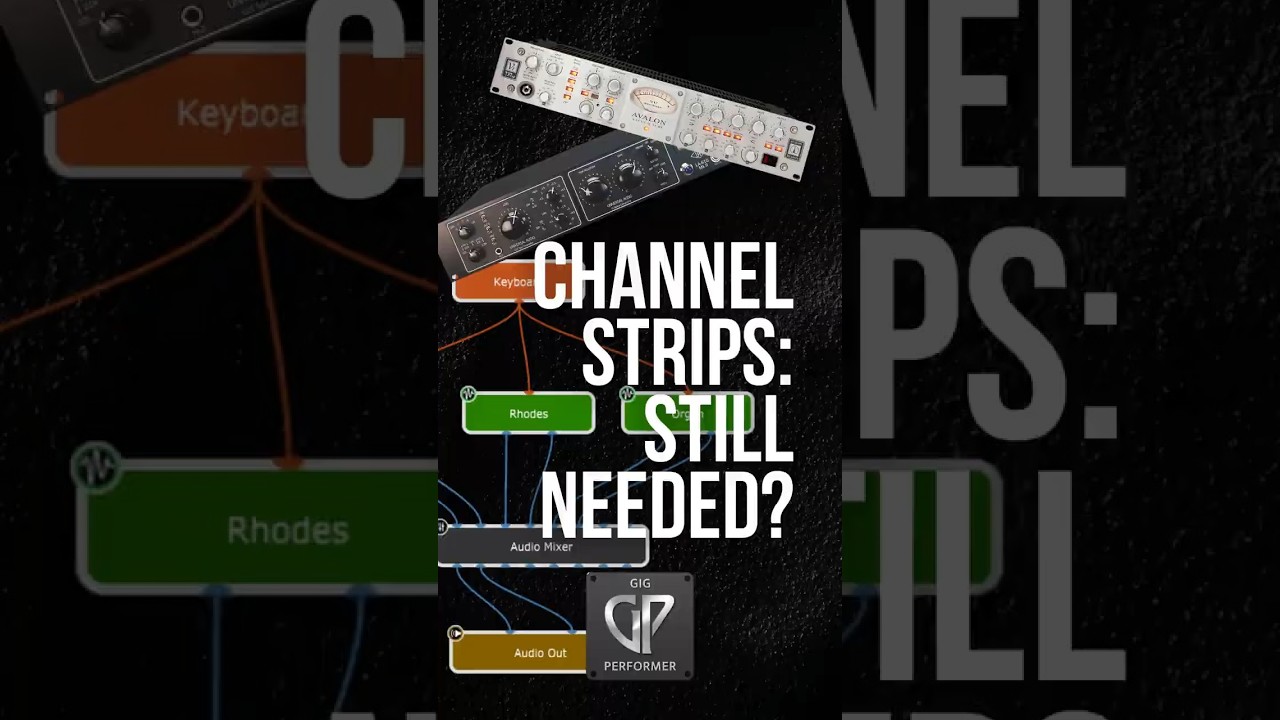
Cameron Winters: Why the Wiring view is a game changer for live performance
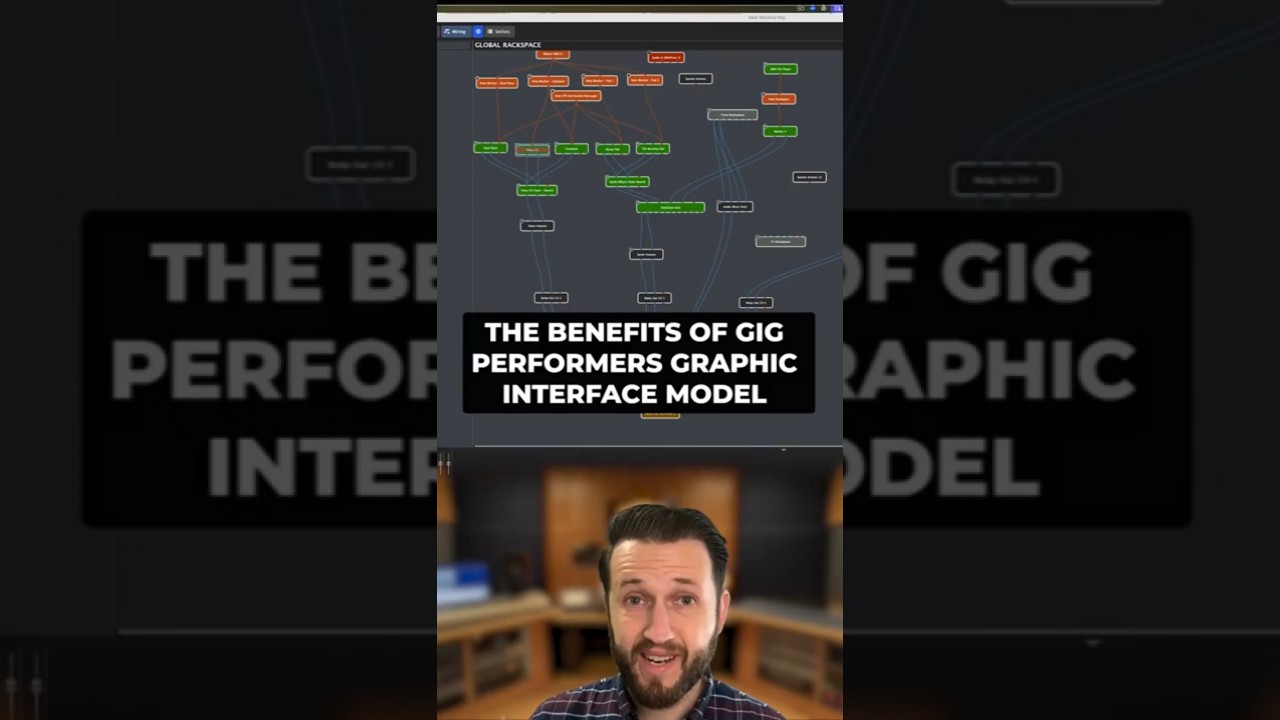
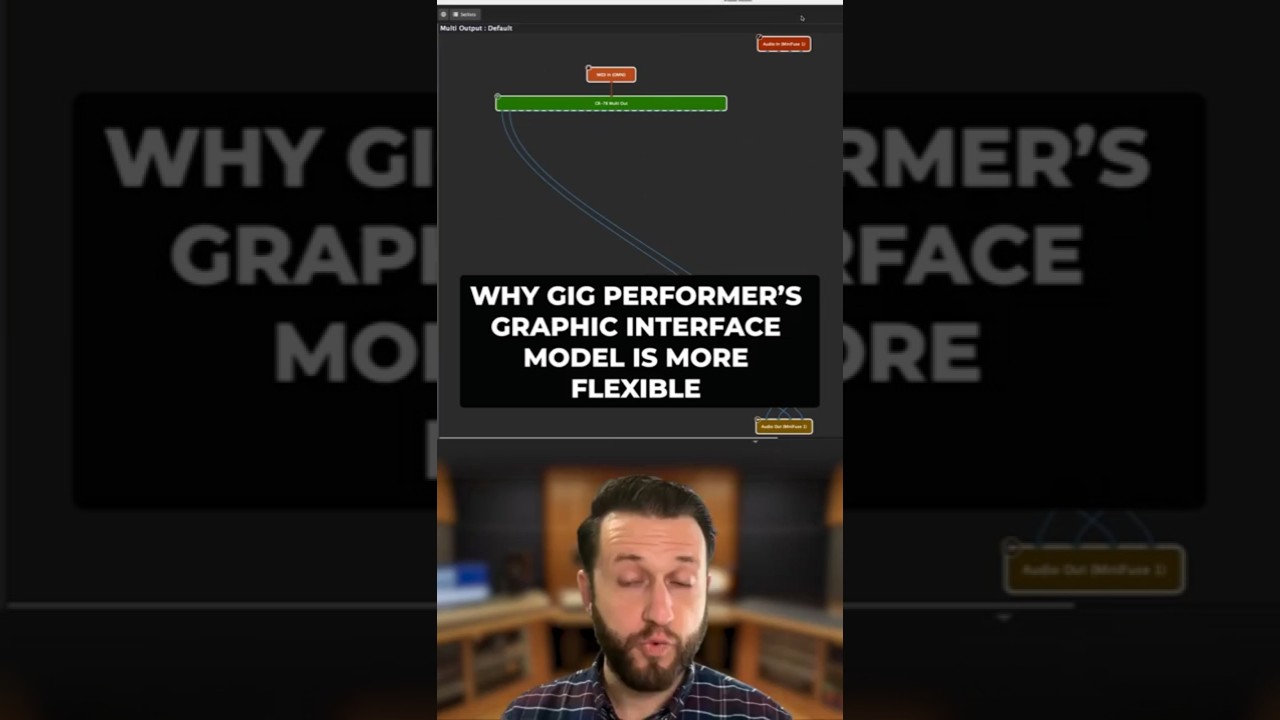
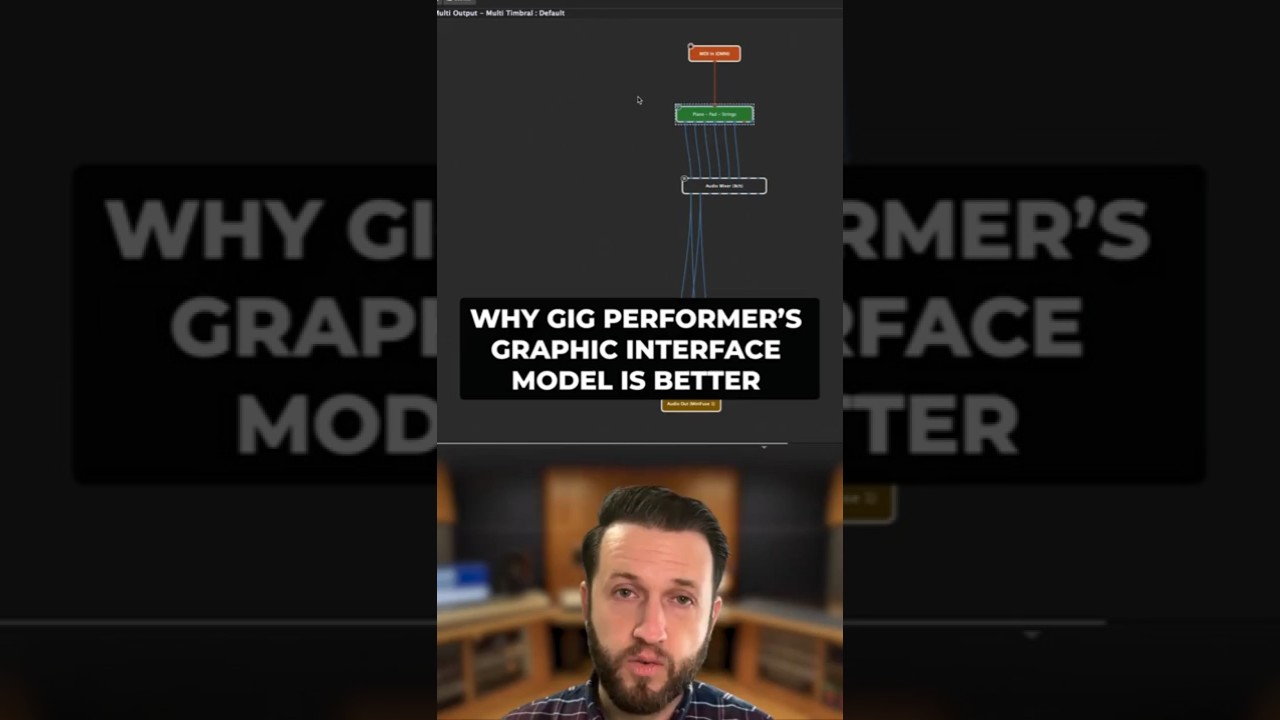
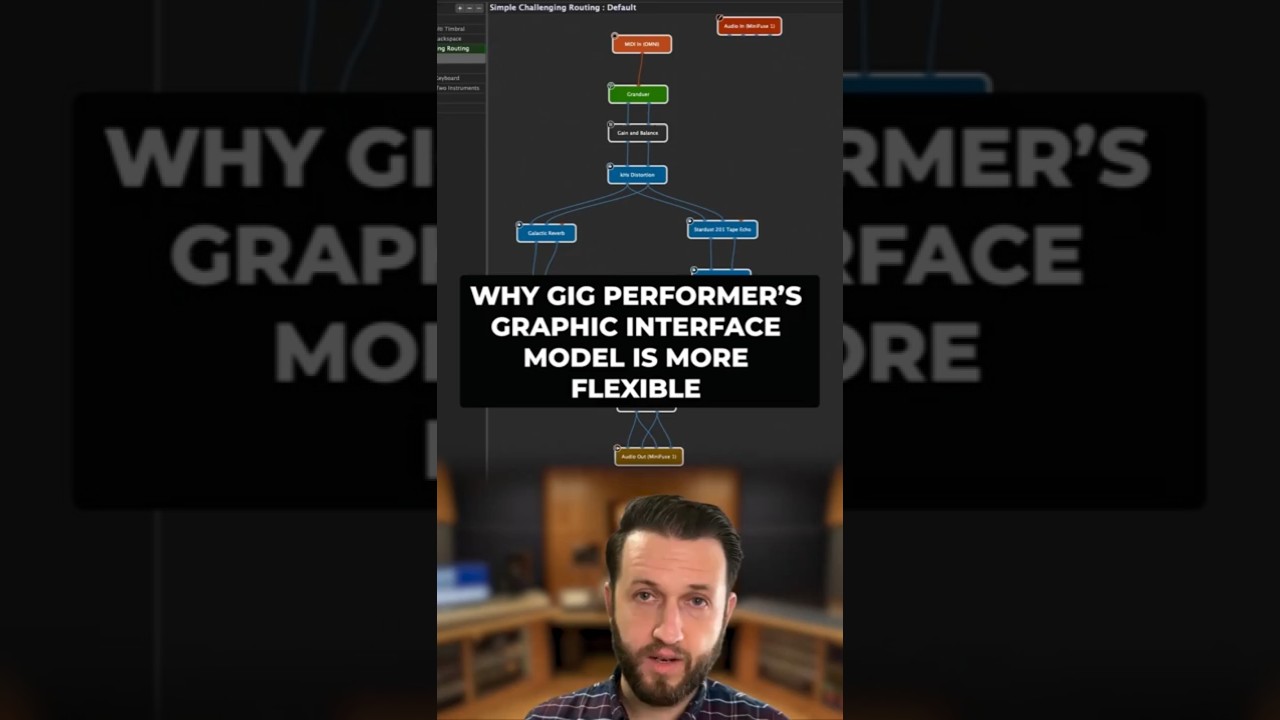
The Wiring view allows you to quickly and easily build your rig as simple or as complex as you want. You can easily add your favorite effect plugins, your favorite amp sims and just like that you are running.
I think this could be great for you analog people. Making the switch to digital using a virtual cable should be intuitive for you.
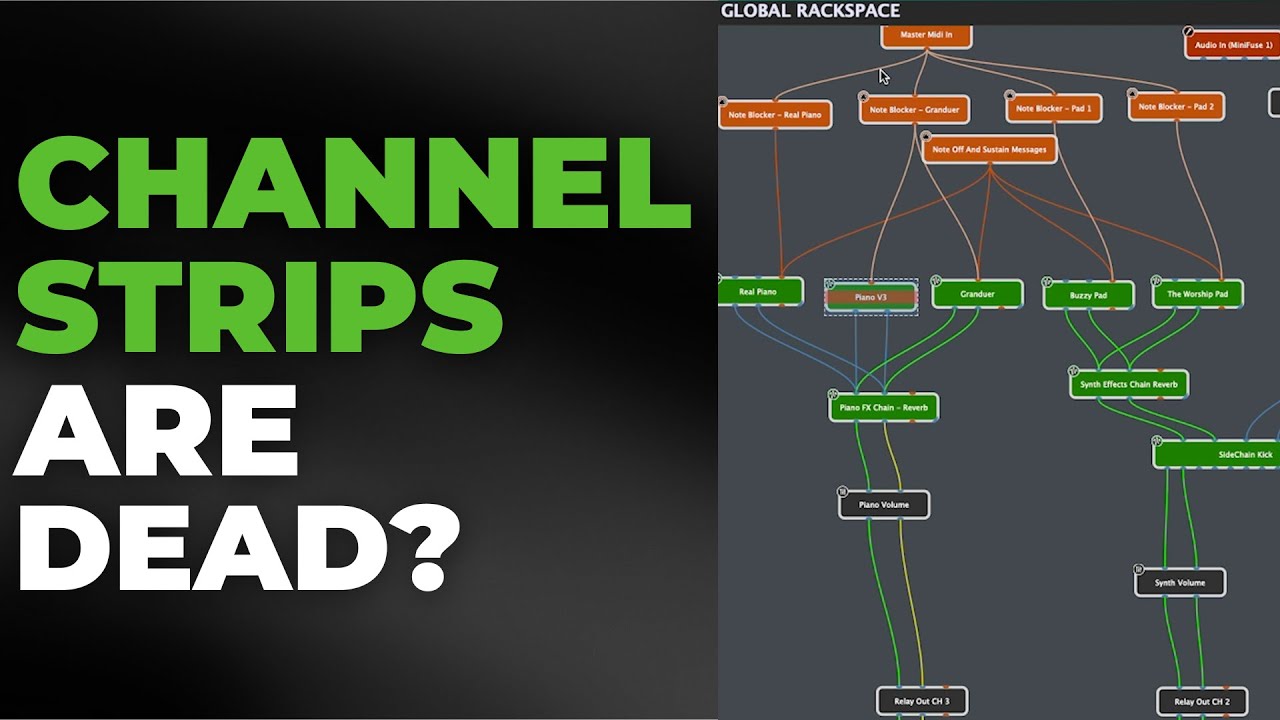
And for you digital people, I think you’re going to realize how limited you’ve been by channel strips.
Miguel Pontin: The Wiring view and the Panels view made the difference
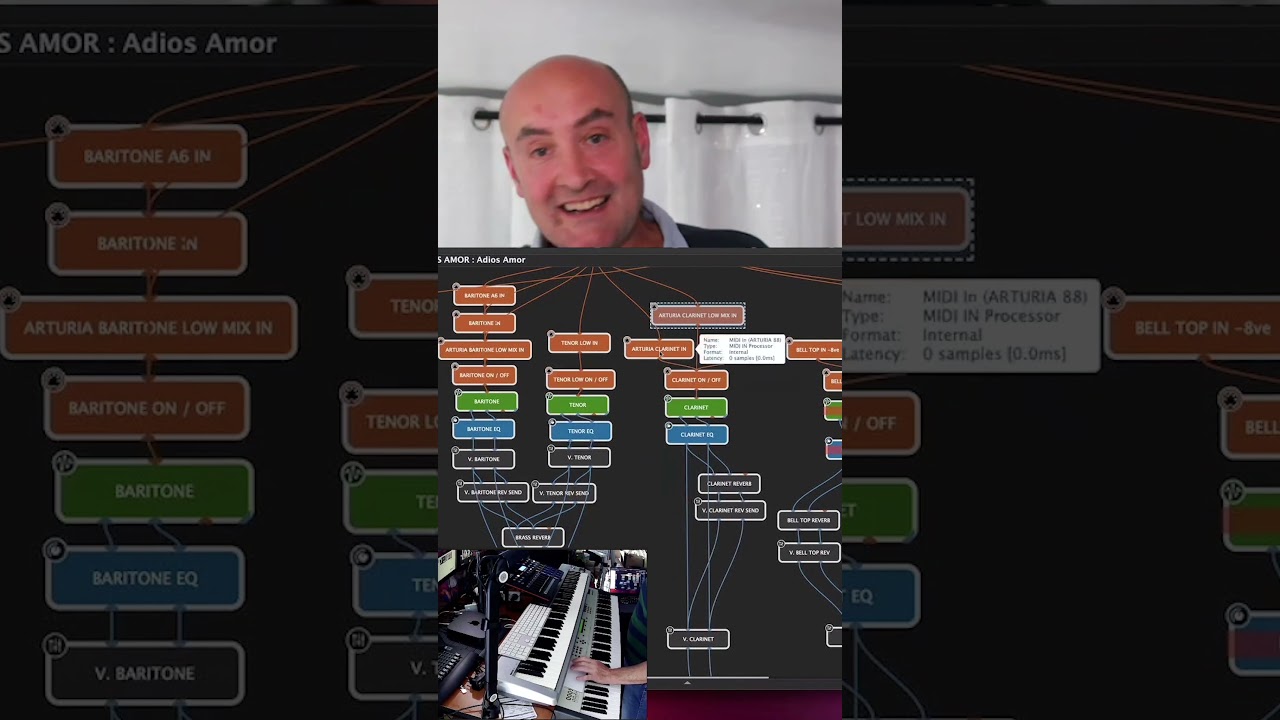
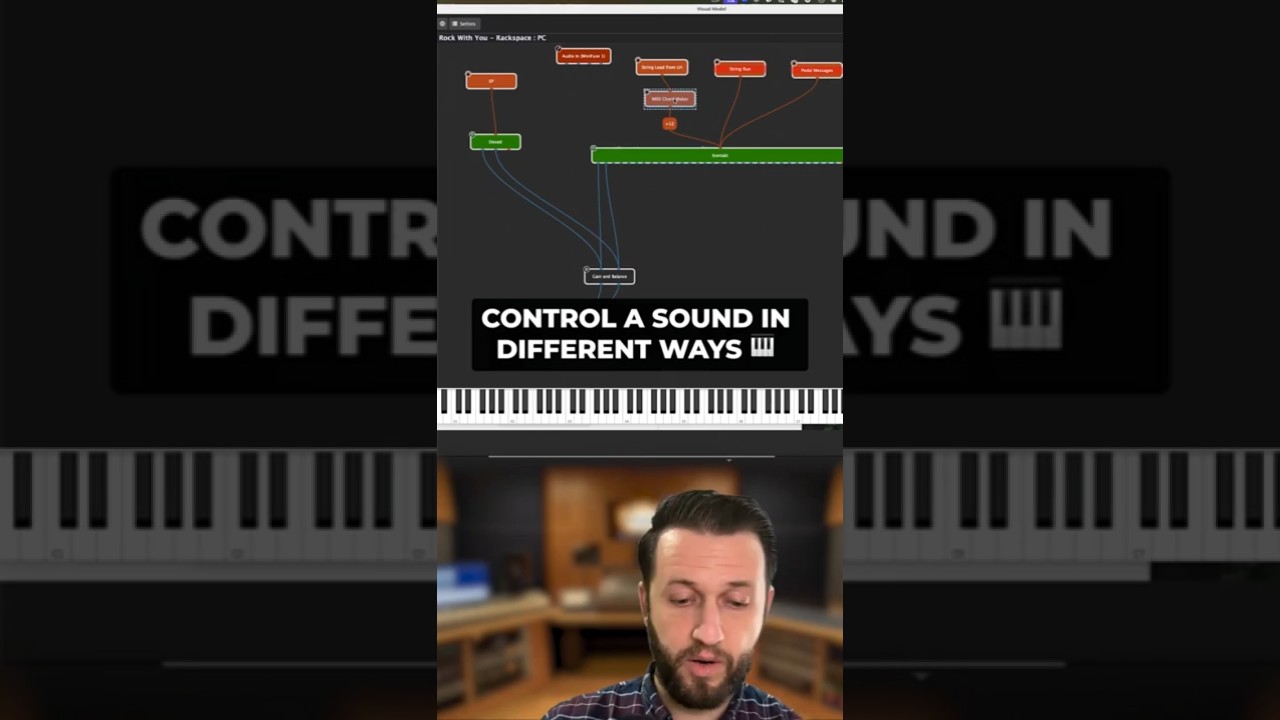
The Wiring view is what really got me, because if I need a clarinet note, just one note up there or down there, I just put a wire there. I don’t have to load the clarinet three times, because I’ve got a main clarinet. I’ve got one note of clarinet and I’ve got a load of notes of clarinet down here.
In Mainstage, for example, I’d have to load it three times, that same clarinet, in one song! This way, (i.e. in Gig Performer) you don’t have to do it; you just wire it there! That was what really got me.
And all these bits and pieces, intro Bongo for example. That’s all done with one pedal! All these widget buttons are assignable. Every single button you put on screen is totally assignable.
Dave Phillips: It just makes all the sense in the world
Once, after 10 minutes, when you get your head around it, actually it just makes all the sense in the world because one of the key things for audio engineers to be audio engineers is understanding signal flow.
Channel strip just make all of that stuff invisible.
So we just accept that it’s going on.
–
And a comment from that Short:
Totally with you on this one. Signal flow is the works and with Gig Performer you can invent ANY signal flow you can imagine and at a glance, you can see exactly what’s going on.
With channel strips you have to follow one signal to the next and verify each step, just in case you’re sending something where you don’t want to… And when you get into multiple layers of sends, channel strips become an odyssey… Whereas in Gig Performer you see everything at a glance.
Joe Luca: It’s all very visual and it’s just very easy to grasp
This is Owner of a lonely heart. It’s very visual! I’m drawing a cable from here to here, I’m drawing cables from here to here, I’m drawing cables from here to here.
There’s no click and point. It’s all very visual and it’s just very easy to grasp when you’re not worried about all of the mouse clicks.
So, that was a big beneficial part of switching and learning.
Dr David Jameson: Wiring activity lights are incredible for troubleshooting quickly
One of our users, moved from using Kurzweil hardware completely to Gig Performer and he tours with Weird Al. We pointed him at those lights (i.e. Wiring View Activity). Are the lights flashing? He watched them and basically the lights were all flashing. I said, “It’s your hardware.”
And he had a hardware audio interface. He got a replacement and never had a problem again.
So, those lights – the MIDI in lights, the Wiring light-ups and those meters at the bottom – really are incredible for diagnosing quickly. You know, if the sound stops at Front of House, you can quickly check and say it’s not me. So, those are really, really important.
If you’re a musician that plays live anyway, that’s how we think: Connecting cables into instruments and out to speakers.
So, you’re halfway there. As soon as you’ve figured out what the Gig Performer blocks do and how you connect them, you really are more than halfway there. When it comes to channel strips, that doesn’t sit well in my head.
Yes, you’ve got a list of things that are that are listed in a channel strip – but my musical brain doesn’t want to work!
That’s okay in a DAW when you’re recording things, but that’s not the way it works in a live situation.

 Short Stories Compilations: 1, 2, 3, 4, 5, 6