This video by Marty Wade serves as a rig rundown and guide on how to integrate a Roland AX1 keytar with Gig Performer software for live stage performance.
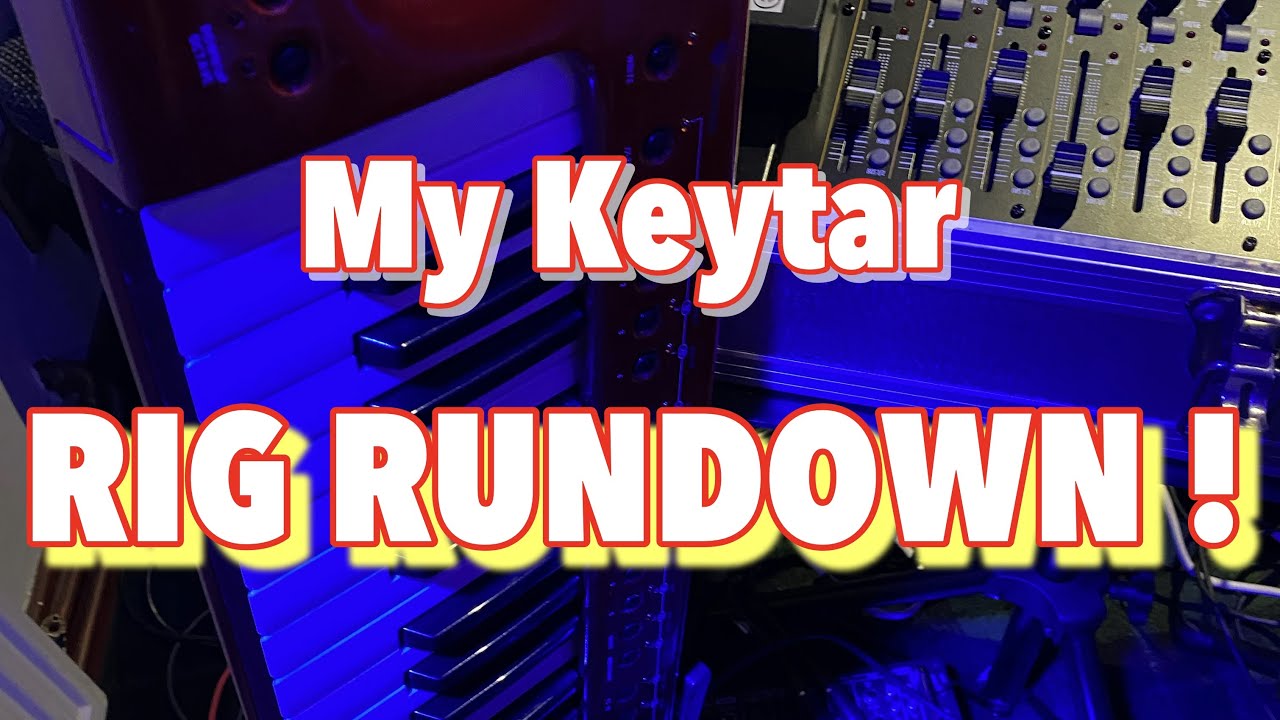
Key sections of the rig:
-
Hardware Overview (01:51): The host explains his wireless setup, which includes a Panda Midi Beam V2 transmitter, an RCF F12XR mixer, and an M-Audio M-Track Hub. This setup allows for freedom of movement on stage while consolidating connections via a single USB cable to his MacBook Pro.
-
Keytar Functionality (02:45): Details on using the Roland AX1’s ribbon controller for pitch, the modulation bar for vibrato, and assigning patch changes to its onboard buttons.
-
Using Gig Performer (04:29): The host demonstrates how he uses Gig Performer to manage patches (“rackspaces).” He shows how to map hardware controls—like the Nektar Pacer footswitch—to software functions, allowing him to change sounds or trigger effects remotely.
-
Building a Rackspace (09:31): A step-by-step tutorial on creating a new rackspace, adding a VST (like AmpliTube 5), and using “widgets” to control parameters like volume or reverb during a performance.
The host emphasizes that Gig Performer is an incredibly versatile tool that enables musicians to bring studio-quality effects and VSTs to the live stage, encouraging beginners to join the software’s community forums for support.
–
For Marty, Gig Performer is a game-changer because it bridges the gap between complex studio production and live stage performance, allowing him to use high-quality VSTs and effects in real-time without hardware limitations.
Key reasons why it is transformative for his setup:
-
Seamless Control: It allows him to map his Roland AX1 keytar buttons and Nektar Pacer footswitch to software functions (05:07-05:55), meaning he can switch sounds or toggle effects like a wah-wah pedal (07:01-07:12) wirelessly while moving around the stage.
-
Organized Patches: By using “rackspaces,” he can bundle multiple instruments and effects into custom presets that are easy to manage and navigate, keeping his performance flow smooth and professional (04:38-05:03).
-
Performance Flexibility: The software acts as a central hub, allowing him to easily integrate external plugins like AmpliTube 5 (08:42-09:03) and assign custom “widgets” to control parameters like volume or reverb on the fly (12:35-14:11).
-
Reliability and Support: He highlights the strength of the Gig Performer community and direct developer involvement as a major advantage over traditional tech support, making it an accessible tool even for those who are not tech experts (14:48-15:06).