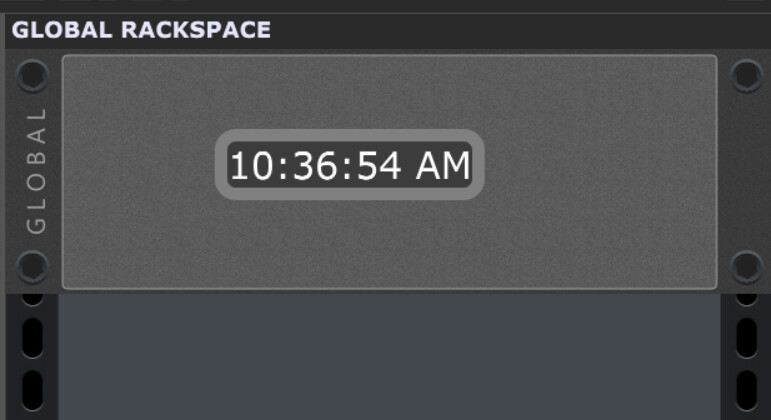
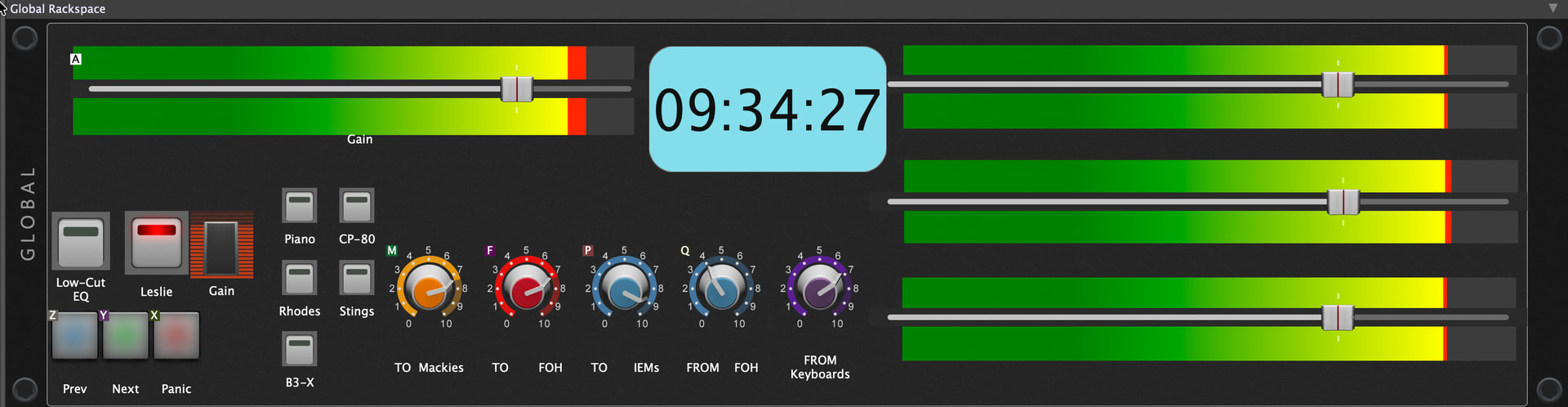
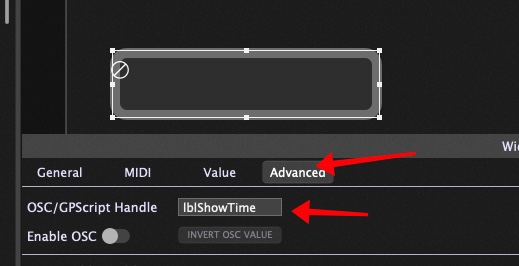
Here is a trivial Global Rackspace intended only to show how the current time can be displayed on a label in the global rackspace using a simple script.
Download and save.
Then create a new gigfile, click on the Global Rackspace button and then go to File - Import Global Rackspace to load it
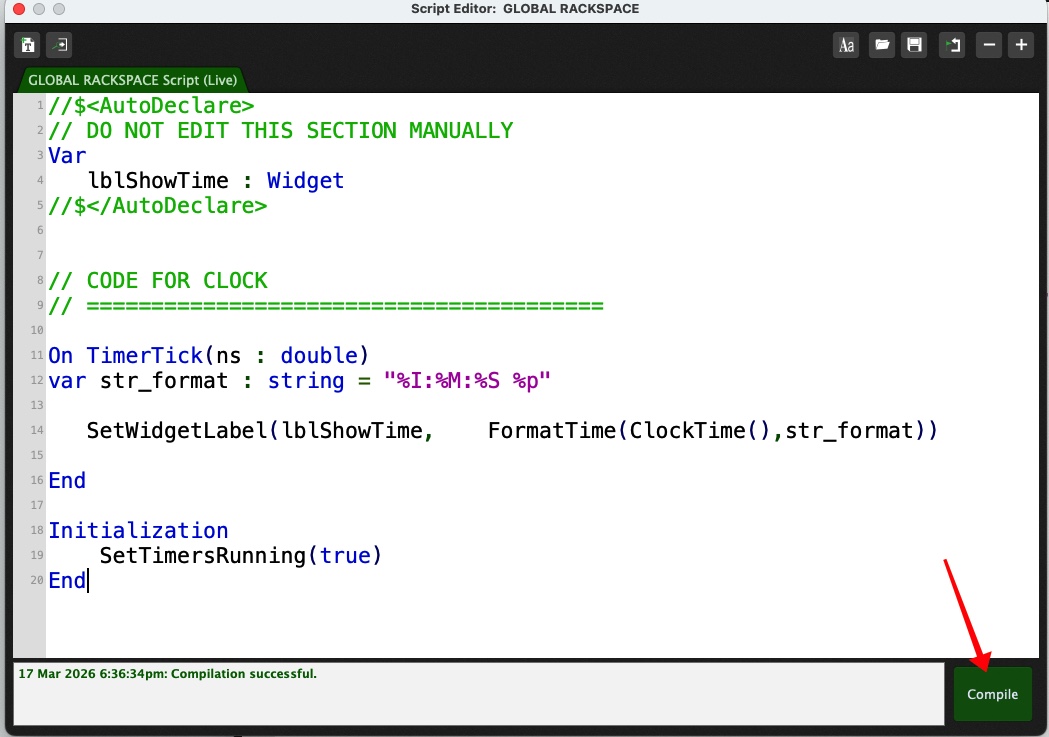
In the Windows menu, open the “Current Rackspace Script Editor” or “Global Rackspace Script editor” depending on to where you dragged your text widget and copy the code below into it.
//$<AutoDeclare>
// DO NOT EDIT THIS SECTION MANUALLY
Var
   lblShowTime : Widget
//$</AutoDeclare>


// CODE FOR CLOCK
// ========================================

On TimerTick(ns : double)
var str_format : string = "%I:%M:%S %p"

   SetWidgetLabel(lblShowTime,    FormatTime(ClockTime(),str_format))

End

Initialization
    SetTimersRunning(true)
End
Very basic scripting skills here… If I already have this in my script:
On TimerTick(ms : double)
if ms - LAST_TIME > PRESET_ACTIVATE_DELAY then
if PRESET3 <> LAST_PRESET3 then
LoadGPPreset(SANDMAN, PRESET3)
end
LAST_PRESET3 = PRESET3
SetTimersRunning(false)
end
End
Can I add your
On TimerTick(ms : double)
var str_format : string = "%I:%M:%S %p"

SetWidgetLabel(lblShowTime,    FormatTime(ClockTime(),str_format))

End
under my existing On TimerTick and if so, what about the conflicting SetTimersRunning(false) (in my script) vs the SetTimersRunning(true) here? How do I handle that? Thanks!
No, there’s only one timer tick callback - you’d have to leave it running all the time and use a boolean flag or some kind of counter to manage the two completely separate activities
You may have understood it correctly, but just to make sure, when I said “under my existing On TimerTick” I meant WITHIN my existing On TimerTick (not to create another). But of course they’re it’s still the issue of true vs false for the SetTimersRunnin.