Hello and happy new year every one
I noticed that in GP 4.8.2 the counting of measures as changed.
instead of : 1,2,3,4…
it appears : 985,1952,2899,3865,4832,5779
Would you tell me what is the reason, and how to put it straight again please ?
Help me, where did you see this 985,1952,2899,3865,4832,5779 ?
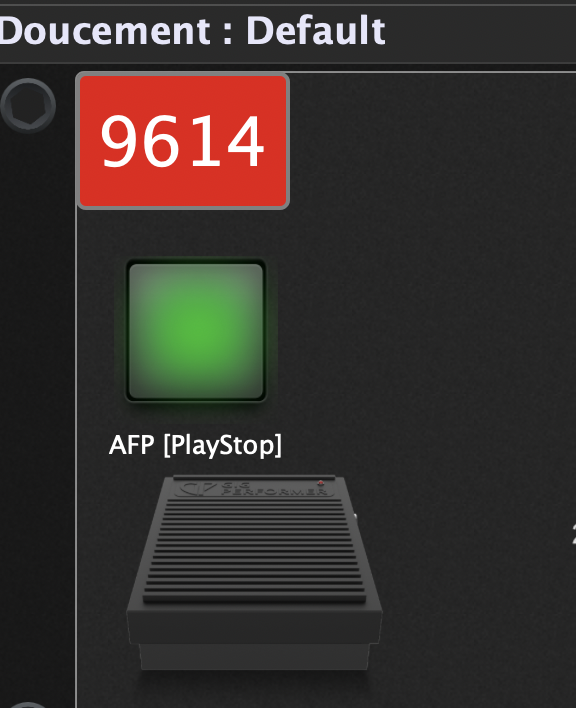
What is that?
Can you upload the rackspace?
Doucement.rackspace (165.5 KB)
here is the rackspace, but I noticed that’s the case for all the songs since the last GP version .
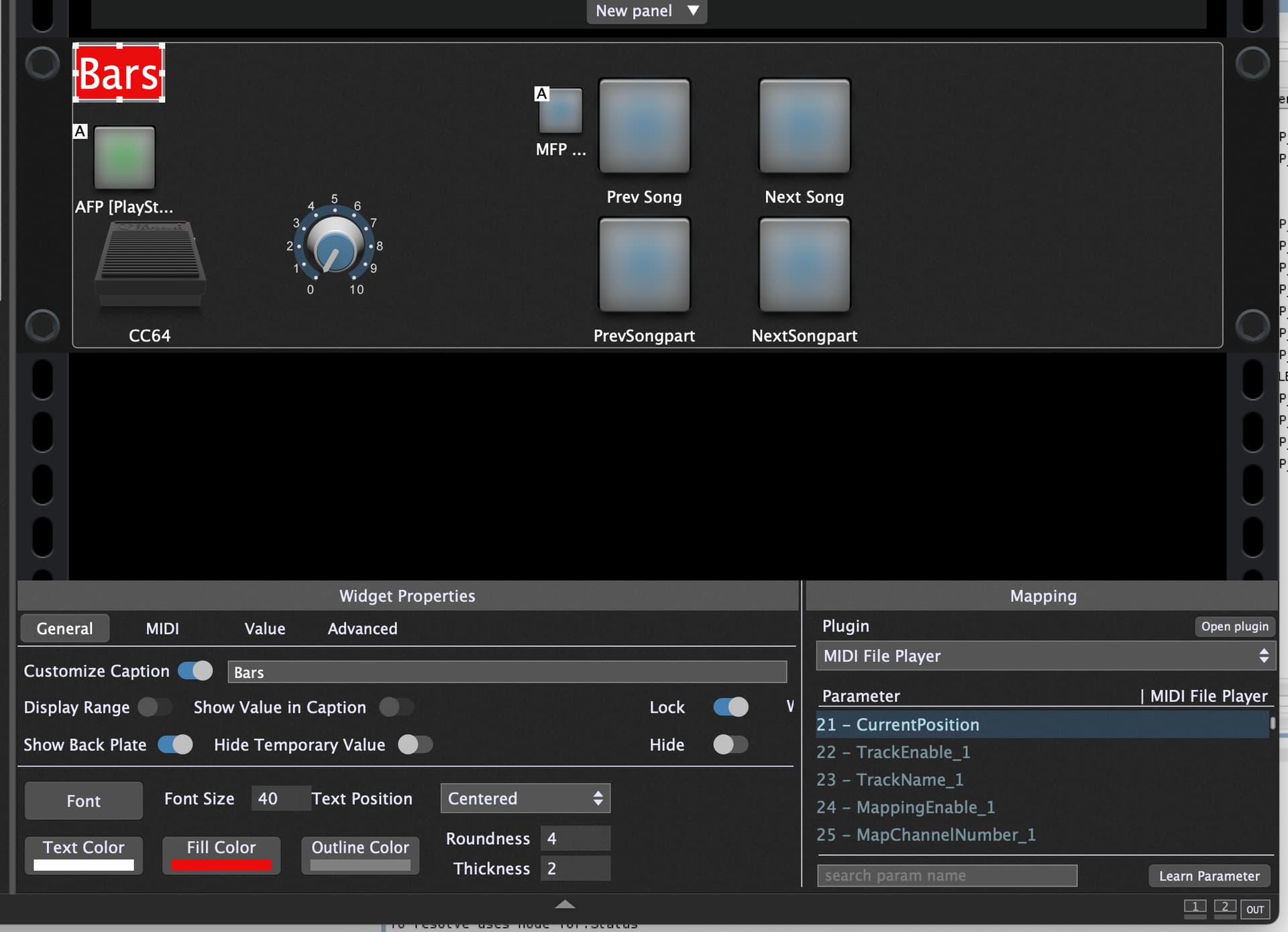

You have that label mapped to current position - not to bar/beat

nows, it’s ok, thanks
Curious, all my song changed in one step… by the past they were all in BarBeatDisplay…and now they are locked in " current position “…would it be possible to change from " current position " to " BarBeatDisplay” in one step to avoir me modifying every song ?
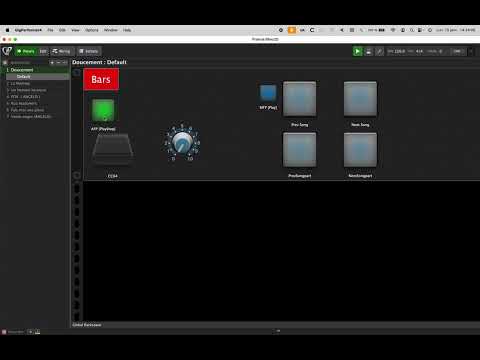
for this specific song, the count is different…not very nice
You can use the SystemActions Plugin
With a widget you active to show current bar beat and with a text widget you can show the current bar beat.
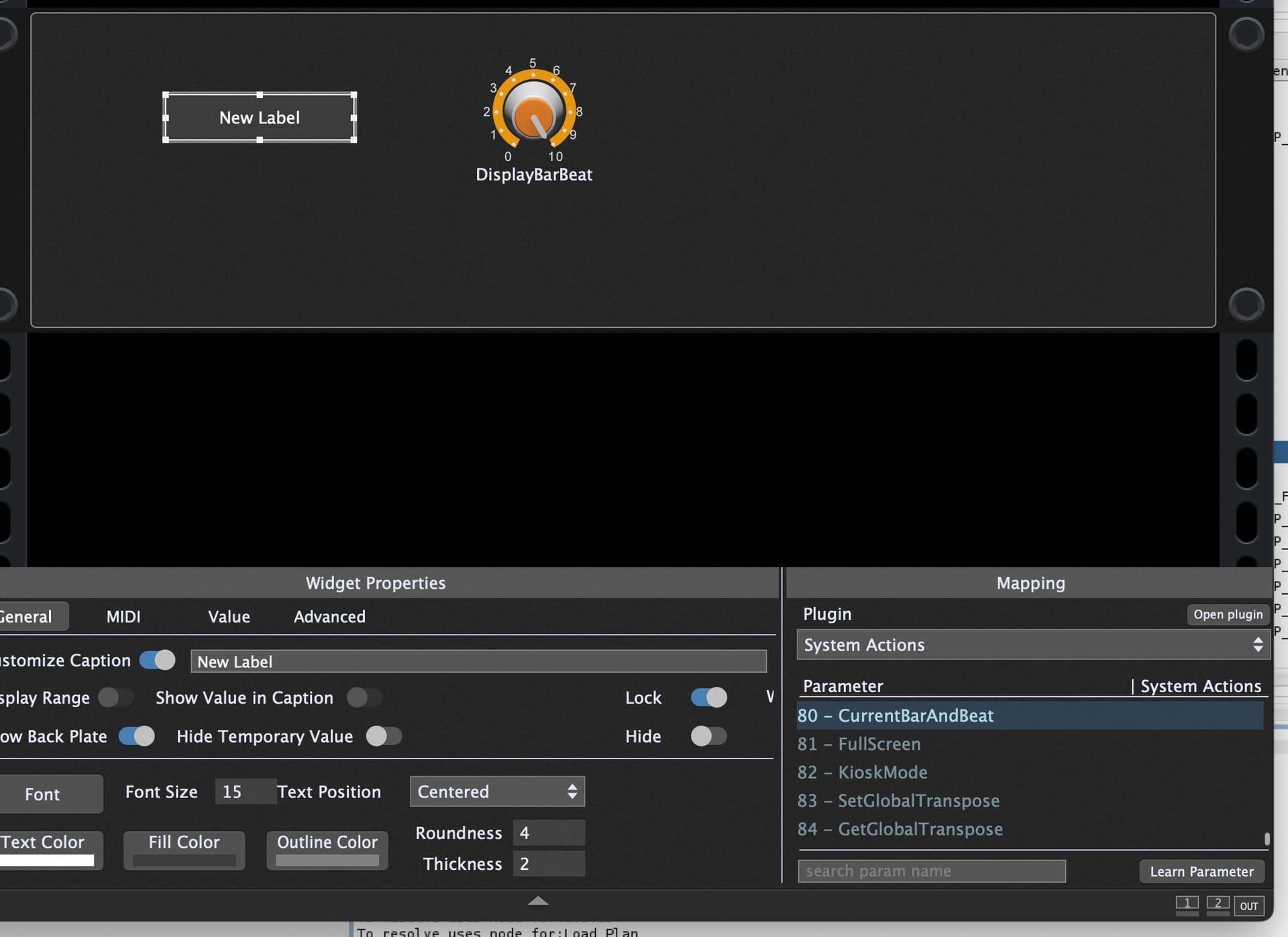
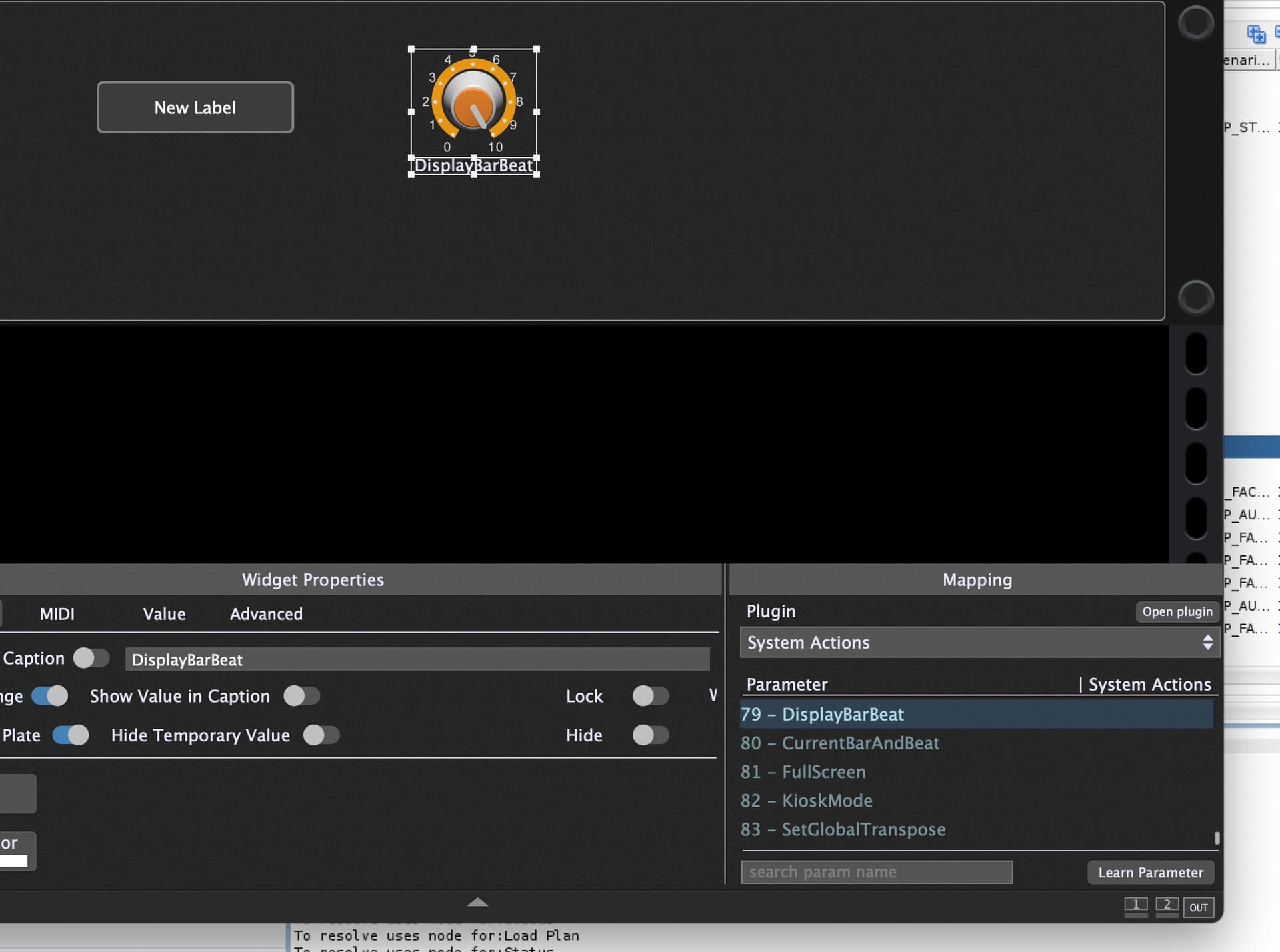
And in the MIDI File Player and Audio File Player you check “Sync” to the global play.

Did you upgrade or cross grade from an older version
Yes…crossgrade from PA…
it’s all done now,( 79,80, midi/audio player " checked on " Syns", but I can’t succeed to sync the bars and audio with the " displaybarbeat"
Please upload the rackspace
Doucement(2).rackspace (177.7 KB)
Ok I imported the rackspace, pressed global play and the bar:beat is shown correctly.
What issue do you face?
in fact I can’t sync the midi with the visual bars… from 1 to 10…how must we manage it ?
Do you have an issue with the tempo?
Yes, I have… I don’t know why I need to rotate to get the tempo…
and the tempo sync is very hard to get…quite impossible
Tout doucement.mid.zip (9.8 KB)
here you can find the midifile.