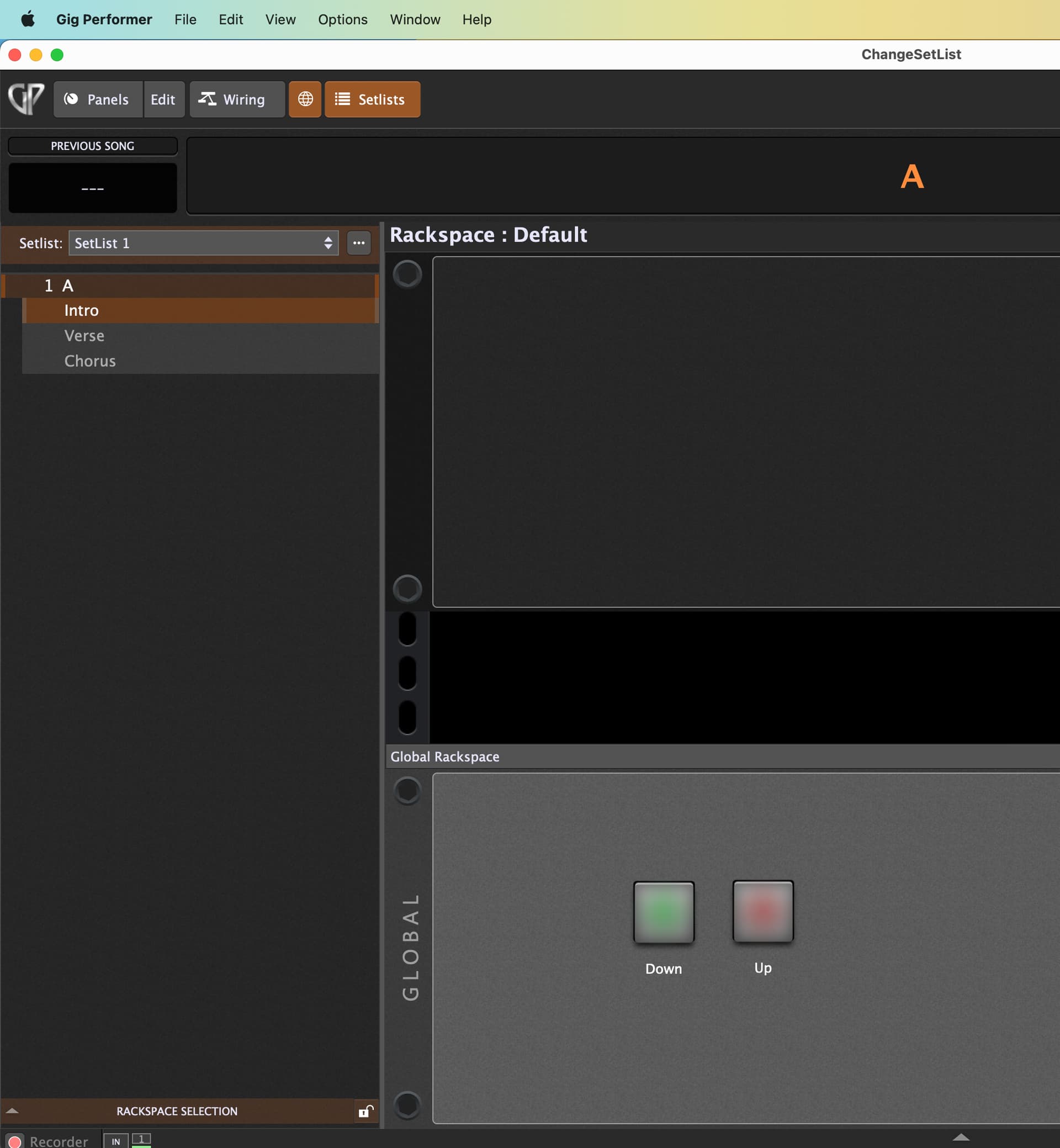
Here you find a simple Gig File with buttons to switch up or down SetLists.
Just map the widgets to your controller and you are ready to go … and can play music ChangeSetList.gig (39.4 KB)
//$<AutoDeclare>
// DO NOT EDIT THIS SECTION MANUALLY
Var
   DOWN : Widget
   UP : Widget
//$</AutoDeclare>


// Called when a single widget value has changed
On WidgetValueChanged(newValue : double) from DOWN
 if newValue == 1.0 then
  SwitchToSetlistByIndex(GetCurrentSetlistIndex()+1)
 end
End

On WidgetValueChanged(newValue : double) from UP
 if newValue == 1.0 then
  SwitchToSetlistByIndex(GetCurrentSetlistIndex()-1)
 end
End
Works very nicely (thank you) using the global widget pads, but controller mapping doesn’t work too well and its not happy with all songs? The GP extension Lyrics/Chords has a problem with it?
I’m using pads on my Novation controller which is a single push and works perfectly with songs and song parts, but with this SetList it requires a double push to get it to the next or previous SetList? Also when it gets to All Songs it bombs out?
What messages are sent from your controller and how looks your MIDI mapping?
How looks your global MIDI monitor window when you use the pads on your controller?
It’s the same setup as for the Songs and Song Parts except it wouldn’t learn from the SetList buttons in the Global rack so I had to manually set it up and it works except that it won’t work with a single pad push like others do? I have to double push to make it work like it’s looking for a change like WidgetValueChanged?
I’m sorry I’m bothering you? I’m really very happy to have this function working and it is all working barring these few things that I have mentioned. I will carry on using it as is because it’s certainly better than not having it at all. I’m new to Gig Performer and I’m finding out it’s a really fantastic program. Hopefully these things will get ironed out in the near future? Thanks so much for your time and effort. Much appreciated.
You mentioned that something is not working well but do not show how you configured?
What should be ironed out ?
I am sure there something in the mapping you made.
But how can I help when you do not give me the information I need?
My suggestion is that you give the mapping a try yourself using your test gig program and your script and send me the result telling me how to map these UP/DOWN global buttons. Thanks