A quote about Gig Performer from Mark Wingfield:
–
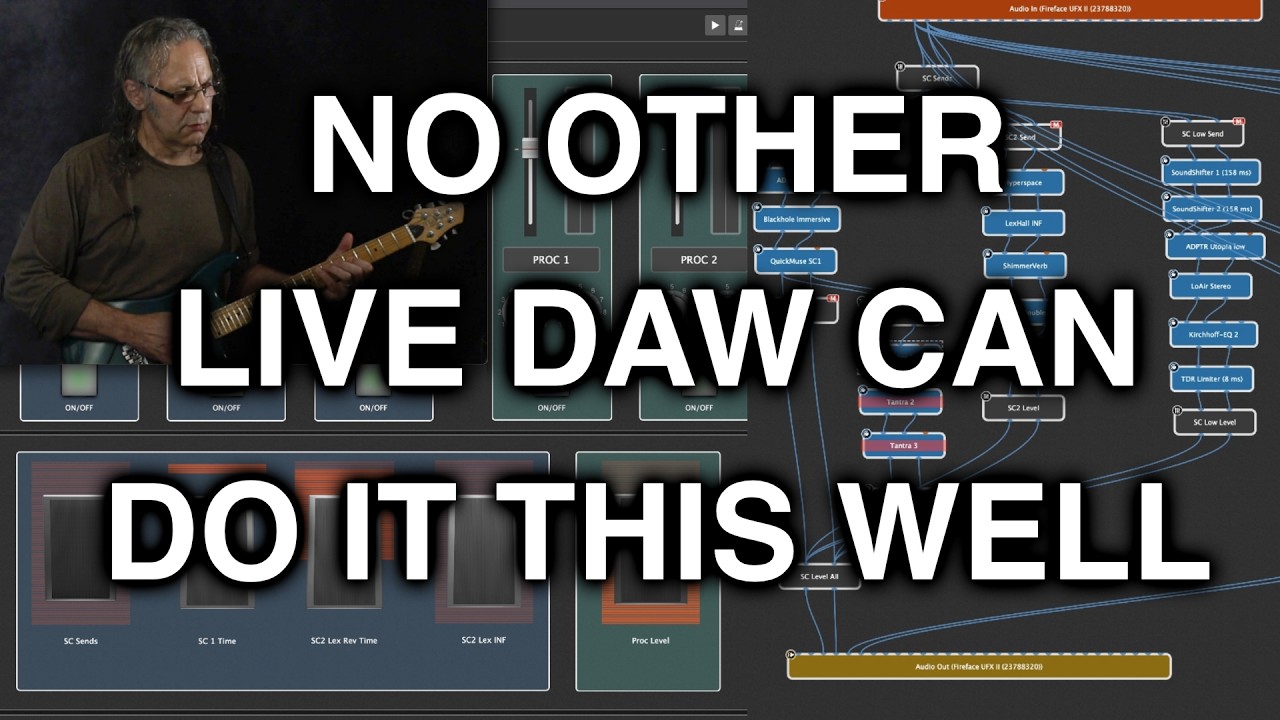
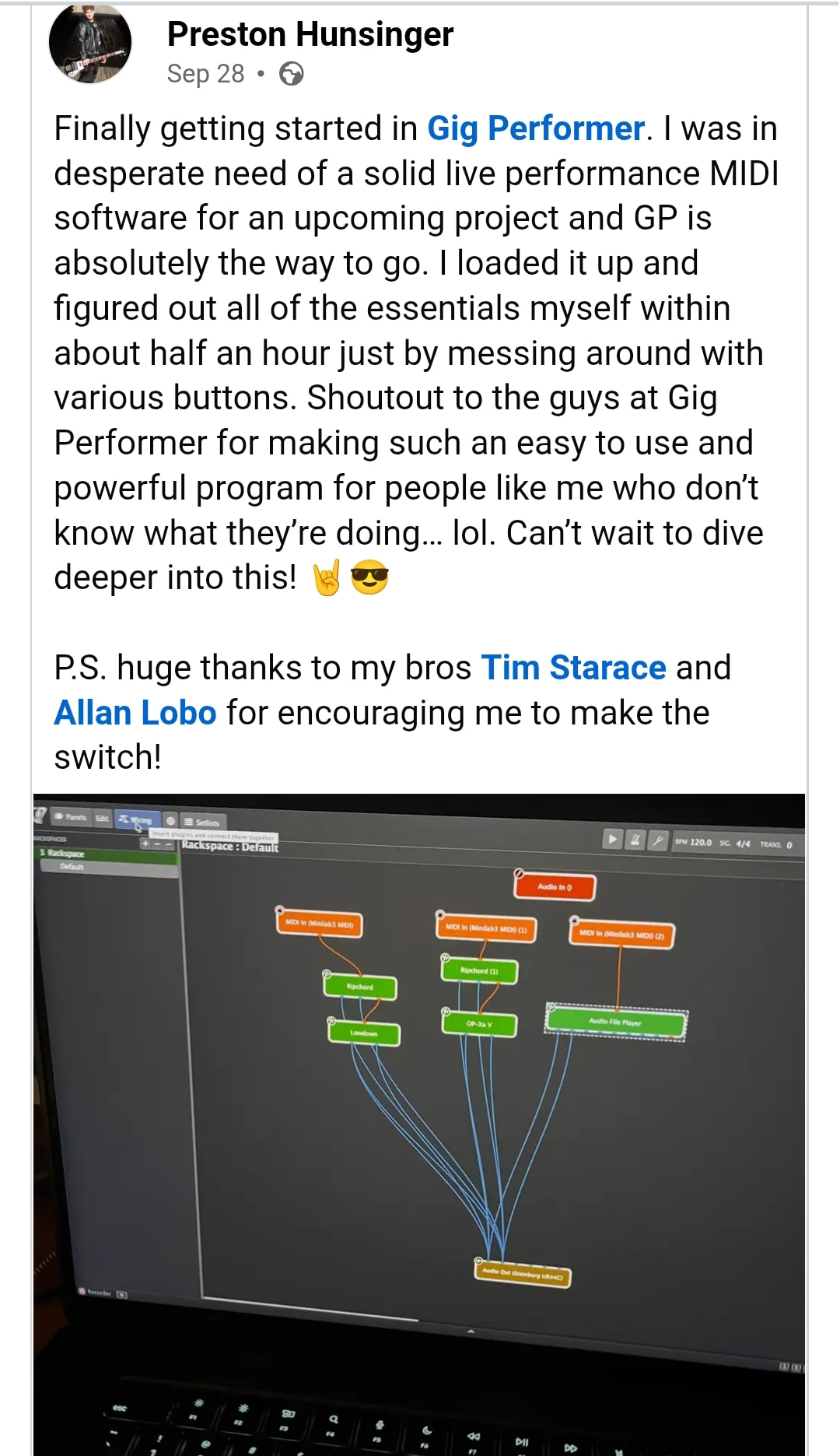
Up until recently, I’ve been using MainStage. I used MainStage from when it first came out, which was a long time ago, way over a decade ago. It was the very first version one when it very first came out. I got it and it was a revelation. It could do a lot of what at the time were completely groundbreaking, revolutionary things. The Wiring view doesn’t exist in MainStage and this feature in Gig Performer is a major major advance from my perspective in routing complex signal chains for a live performance.
Now, I know there’s Max for Live and things like that that can have similar approaches, but there’s so many great things about Gig Performer. It’s so much designed to be a easy to use live tool. No programming skill at all necessary.
So, just to finish off about MainStage, it was amazing in its day. But as time went on, it got less and less stable, pretty much on every level. Designing signal chains got more and more flaky and more and more kind of subject to things going wrong and crashing and then it just started crashing all the time.
I went through all the usual narrowing down what plugin is causing a problem etc. I could never never narrow it down to any particular plugin and there were all plugins that work perfectly well. It got to the point where I couldn’t use it anymore.
So, I was looking around for a replacement and in the meantime I was using Cubase which was rock-solid, but isn’t designed as a live tool and there’s quite a lot of limitations there which I was finding a problem. So, not limitations in Cubase as a mixing and recording DAW, but in terms of using as a live tool, it’s not really designed for that. There were things I couldn’t do that I needed to do.
So, along comes Gig Performer, which is something I’ve been aware of for quite a while, but hadn’t really had a good look at. I’ve been using it now for a little while and I am absolutely blown away by it.
It is just amazing.
It’s rock solid. And it’s there’s no flakiness. It’s really slick and really solid. Everything about it is absolutely solid and slick in terms of usability and stability.
The first reason that I think it’s the greatest live tool is flexibility. And what’s amazing in Gig Performer is you can just do it like you see it.
It’s absolutely a game changer for me.
You can create a block which is a plugin and you can create, mixers to mix these different blocks together, and send signals wherever you want them to go. You move all of this around and you literally you cable them together by just literally dragging a cable wherever you want it to go. It’s as easy as that.
It’s very quick and easy to build a very complicated rig. And it’s very easy to see and visualize what’s going on in that rig in a way that’s extremely hard to do with a mixer.
I mean, really trying to do something like this in a mixer, I literally had used to have to write out charts and see, you know, well, okay, I need this to go here, here, and here, and here. So, where would that have to go? And what bus would that have to go? What AUX would have to be sent to and then what would that AUX need to be sent to etc.
→ With Gig Performer, you don’t have to think about any of that. You just literally just drag wires where you want them to go. So, it it’s fantastic in terms of its flexibility.