I agree re cost effectiveness for sure, especially if you need a mixer with effects to also work as FOH - for that use case nothing beats it as far as I’m aware.
XR 18 supports 48k. I record 16 tracks and it does consume considerable disk space. But, the laptop I record with has a second dedicated drive with 2 TB. I can record dozens of practices and gigs and still have plenty of free disk space.
I know you can select direction for individual channels. They can be set up to send from computer to mix or from mix to computer. I do that on my Tascam Model 2400. I do not record with GP on that laptop. The mixer does alleviate the need for an audio interface as the mixer becomes that interface. I have not tested splitting in and out on the XR. And I don’t know if the channels set to send computer to mix would get included in the recording or not. If it does, you would have to make sure you avoid a feedback loop.
With the XR, I use one laptop to record and one to generate sound. Obviously, you can’t plug them both into the USB port on the mixer at the same time. And I wouldn’t be able to use my GP laptop as the recorder anyway due to length limitations on USB cables. It’s a very interesting idea. I can’t wait to see what someone comes up with. I don’t have access to the XR at the moment, so I can’t test it for myself right now.
So, your GP laptop is using USB to connect to the mixer. There is no other audio interface involved?
Yes, that is correct. Only using the XR 18 and the Recording function of GP (you can choose the INs and OUTs in GP which you like to record)
For what it is worth, there is now another possibility to record 16 tracks with a computer. The Klark Teknik DN4816U can be connected to the Ultranet port of the xr18 and then via the usb connection to another computer. Basically a second USB interface. You have to use the Ultranet/P16 routing, though. The device has StageConnect as well and can interface with something like the Behringer Wing mixing console. Sweet little tool.
I am using the XR18 as Audio Interface in Gig Performer…you can record all signals easily with Gig Performer and then import the wave files (one per channel) later to any DAW.
I used it to create live videos after the gig. Using my GoPro and DavinciResolve (the free version)….works great.
Here is an example:
@alex1974 thanks for sharing your schematic image and your live performance video! Quick question: Are you using something like this GP rackspace designed for the XR-18 to control the all out/all in function on Gig Performer? Or can you just expand on your schematic how you accomplish your all out / all in on GP to use GP’s Recording Funktion?
Hey Dennis,
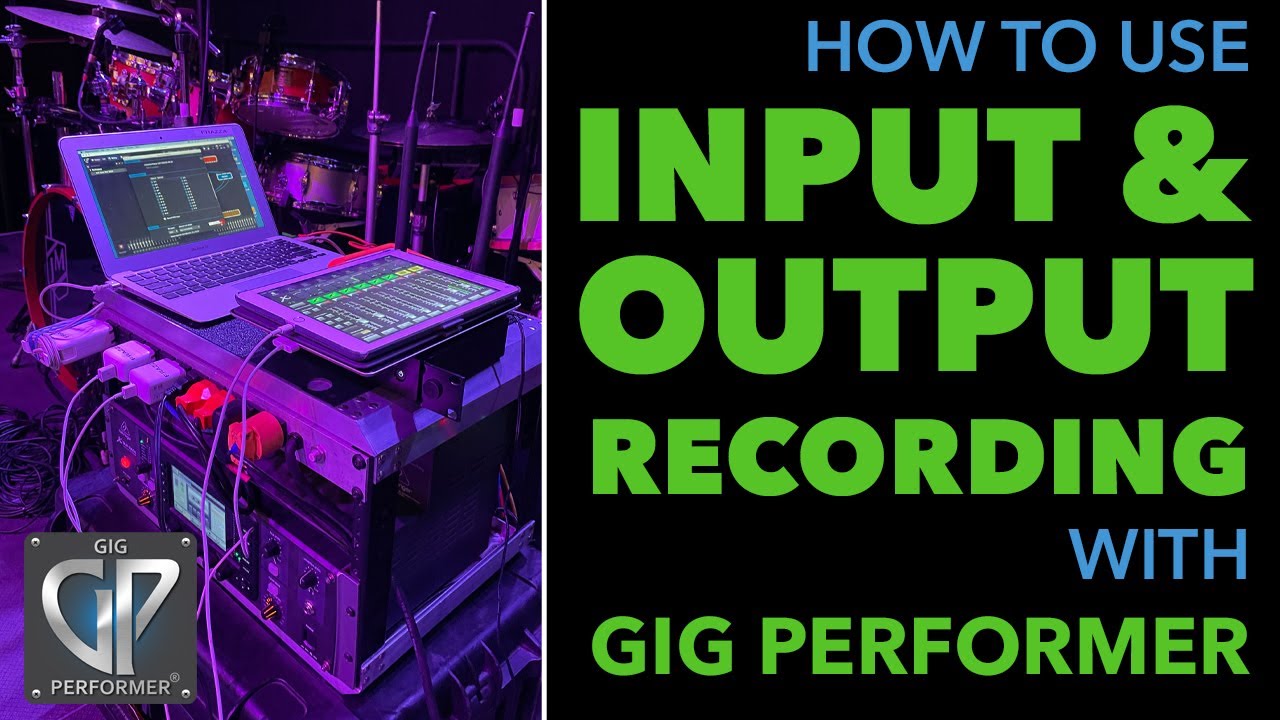
no, I am just using the GP recording function at the bottom of the screen. It has all In and Outs available from your Audio Interface and you can klick the channels you want to record. GP will create a WAV-File for each Channel. I am putting those in my DAW after the show and create a final mix for using that in my Videos.
See details here: