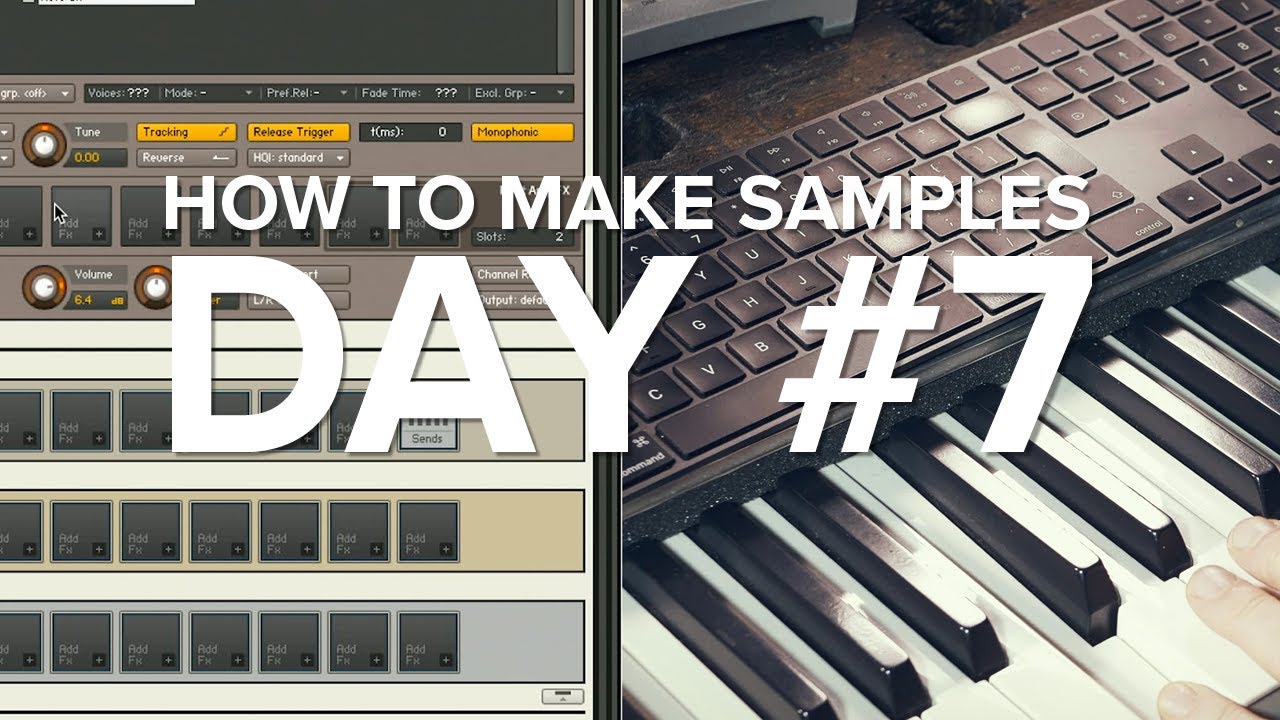
So first of all, the auto sampler function is very cool! I’ve never been into sampling, but would love to convert some of my hardware synth patches and MainStage patches. The question I have is about the release tail that sounds after a note off is issued.
This may be more of a question on how to edit in kontakt or decent sampler…not sure since I don’t know what I don’t know!
So the Auto Sampler Generator has the “Release Tail” parameter to determine how long the release portion of the sound should persist. From what I have observed, this just tells the recorder to keep recording for the specified amount of time after the note off is received. It still records a single wav file though, right?
When I load the samples in decent sampler, and play a note and then release the key, the sound just stops abruptly…I don’t hear the “release tail”. If I hold the note down without releasing it, eventually the sample plays to the end and the release tail is heard, but that is not usable really.
Sample gurus, can you point me in the right direction? Do I need to chop up all the samples to separate the “release tail” from the rest of the sample and then learn how to trigger the release tail sample when a note off is recieved?
I also assume I would need to create loop points somehow to enable the ability to sustain a note longer than the original sample?
This is probably basic 101 sample stuff but my initial searches for tutorials haven’t been to fruitful yet. Just looking to be pointed in the right direction.
Thanks!