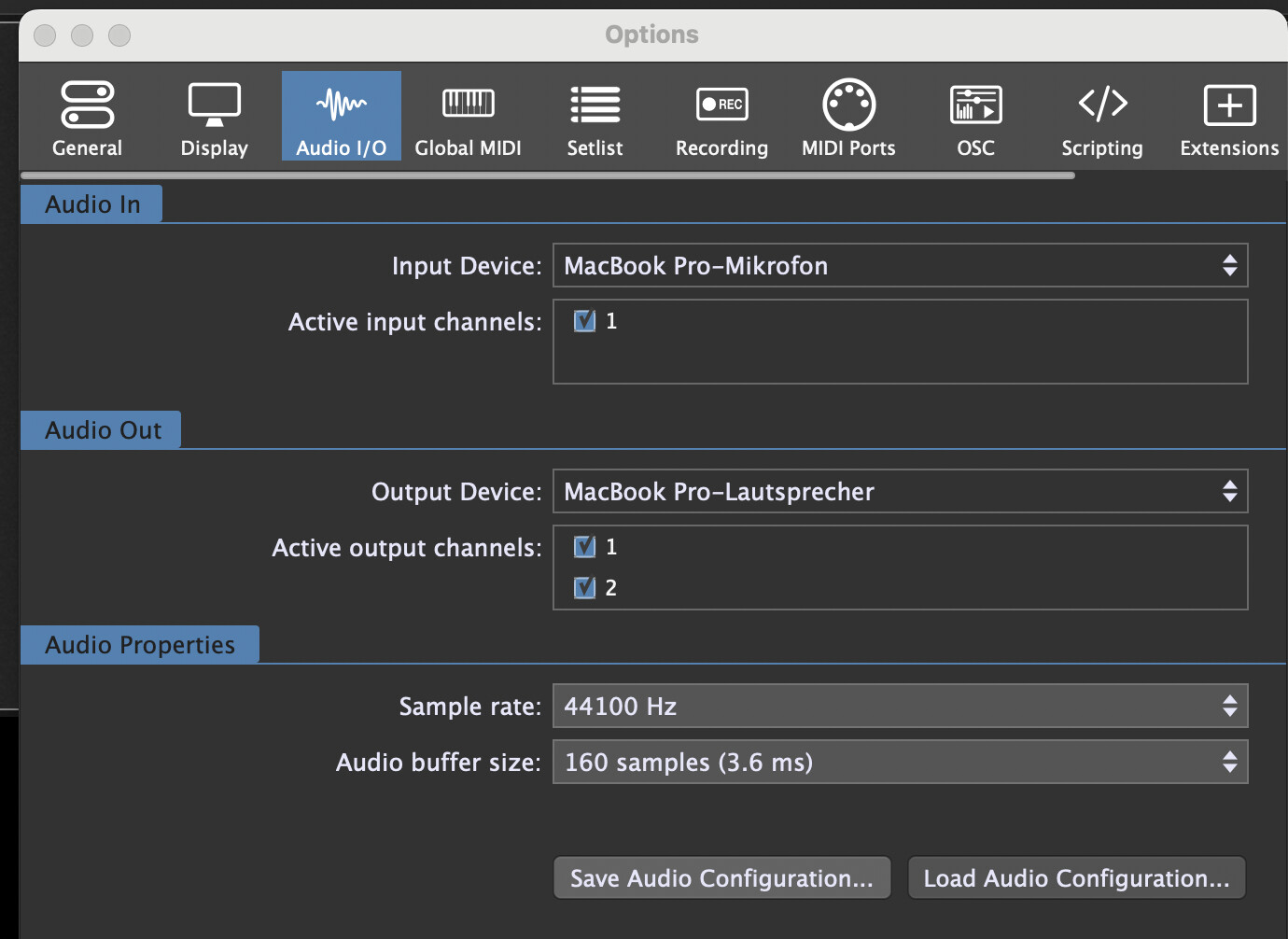
I have two audio configurations. Each is for a different location with different audio interfaces. Is there a way to start GP with the audio configuration as a param to the app? Or have it ask which saved config to use? It seems to just guess what devices to use which is never correct. Thanks
Thanks so much for the replies. @pianopaul I am using audio configurations but it is extra steps and I get crashes because usually the plugins can’t use the audio devices that gig performer defaults to like the macs onboard mic and speakers. So I have to load a default gig file and change the audio config and then load my actual gig file @Florian In one place I am setting up the gig file and in the other I am using the gig file. Is that what you are referring to when you say instance, or am I missing something. I am new to gig performer. @npudar I’ll have to look into macOS aggregation, maybe that is a solution to my use case, not sure.
Hi Rob, multiple instance support is a unique feature of Gig Performer Pro that lets you run the application multiple times at once.
Typical use cases are distributing the CPU load, giving each musician their own independent Gig Performer on the same machine, or creating different universes for rehearsal, home or stage with all the global settings stored individually.