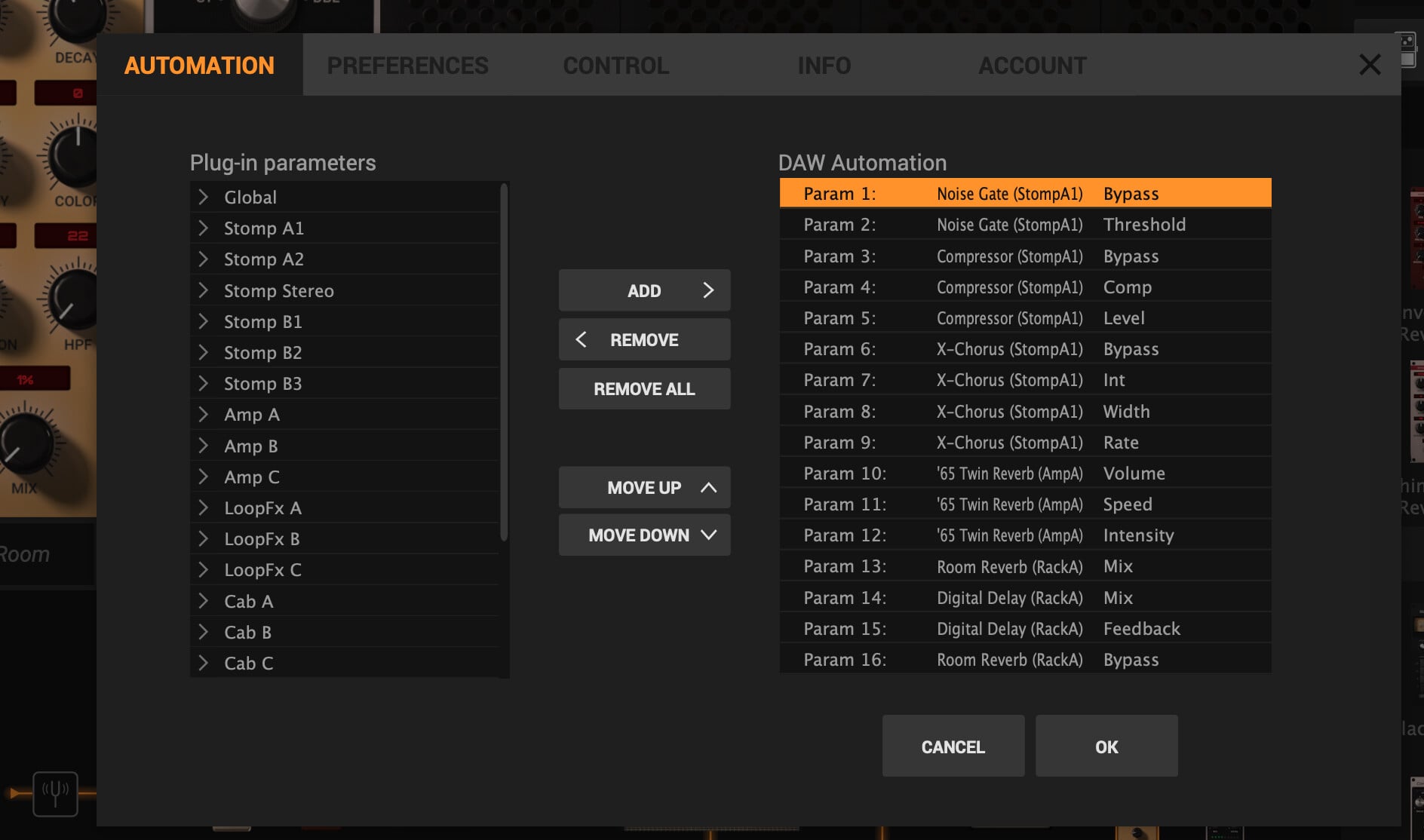
I am trying to build some rigs with Amplitube and have a few issues controlling Amplitube from my GP rackspace…
-
Foot Pedal Effect Enable Buttons - These didn’t work correctly, but I saw on this forum that you could narrow the range around 50 to make the enables go on and off properly.
-
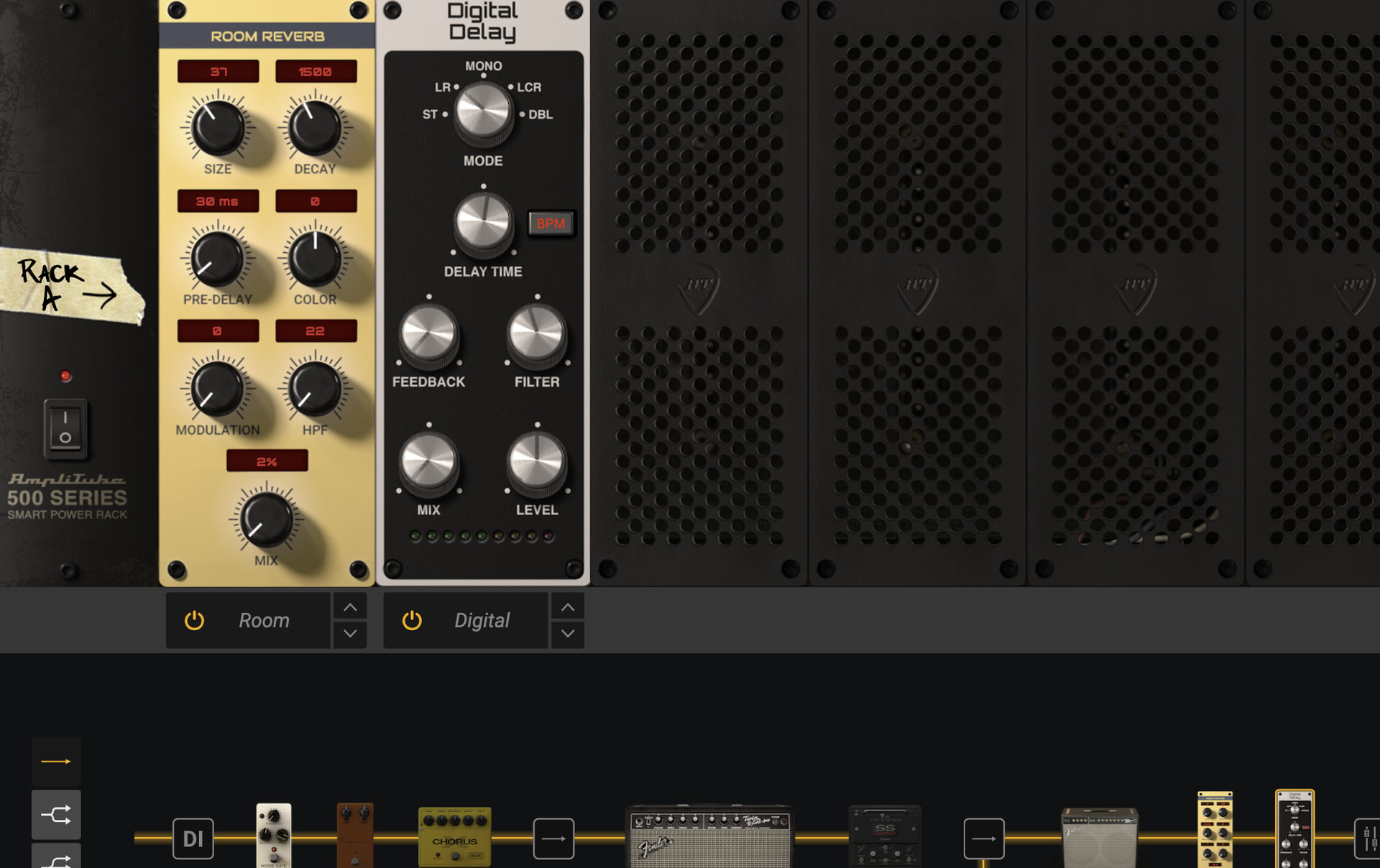
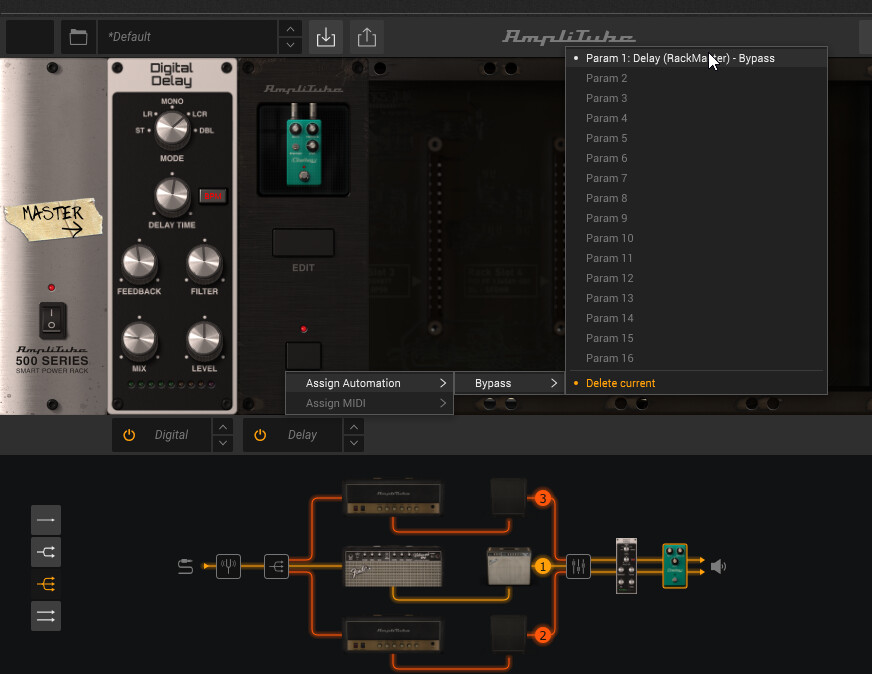
Amplitube Rack - I can’t figure out how to map the enable buttons for the rack effects (Room Reverb and Digital Delay power buttons). Anyone have a clue?
-
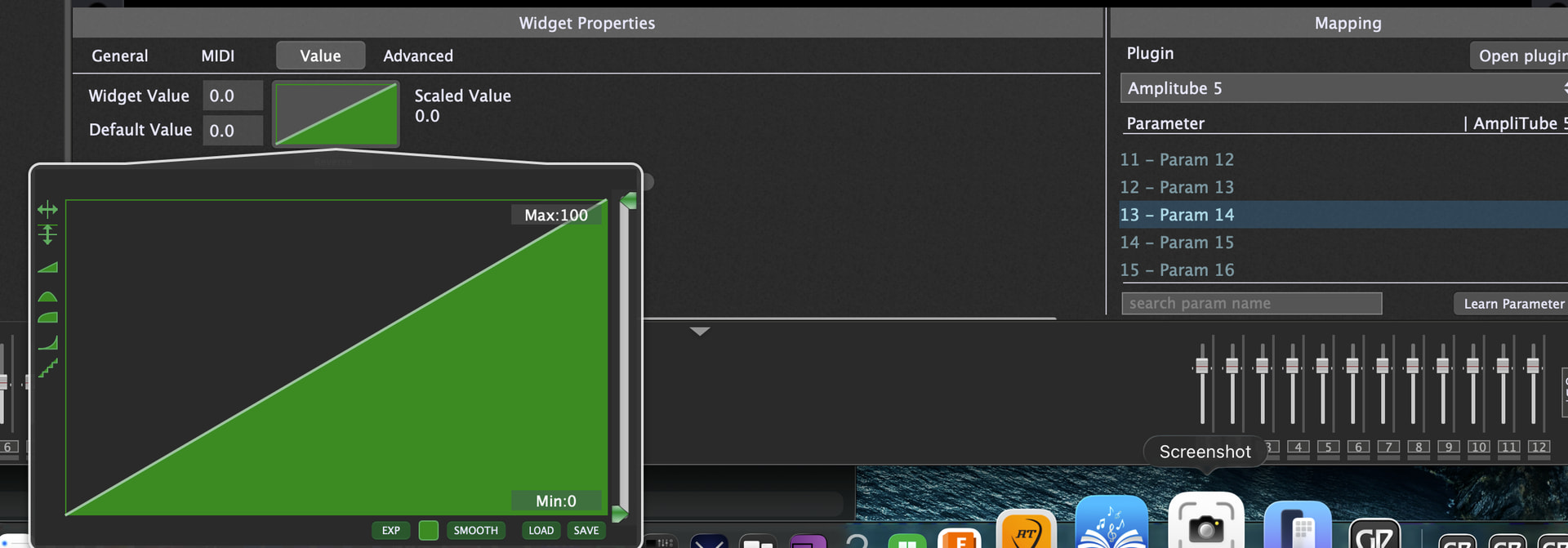
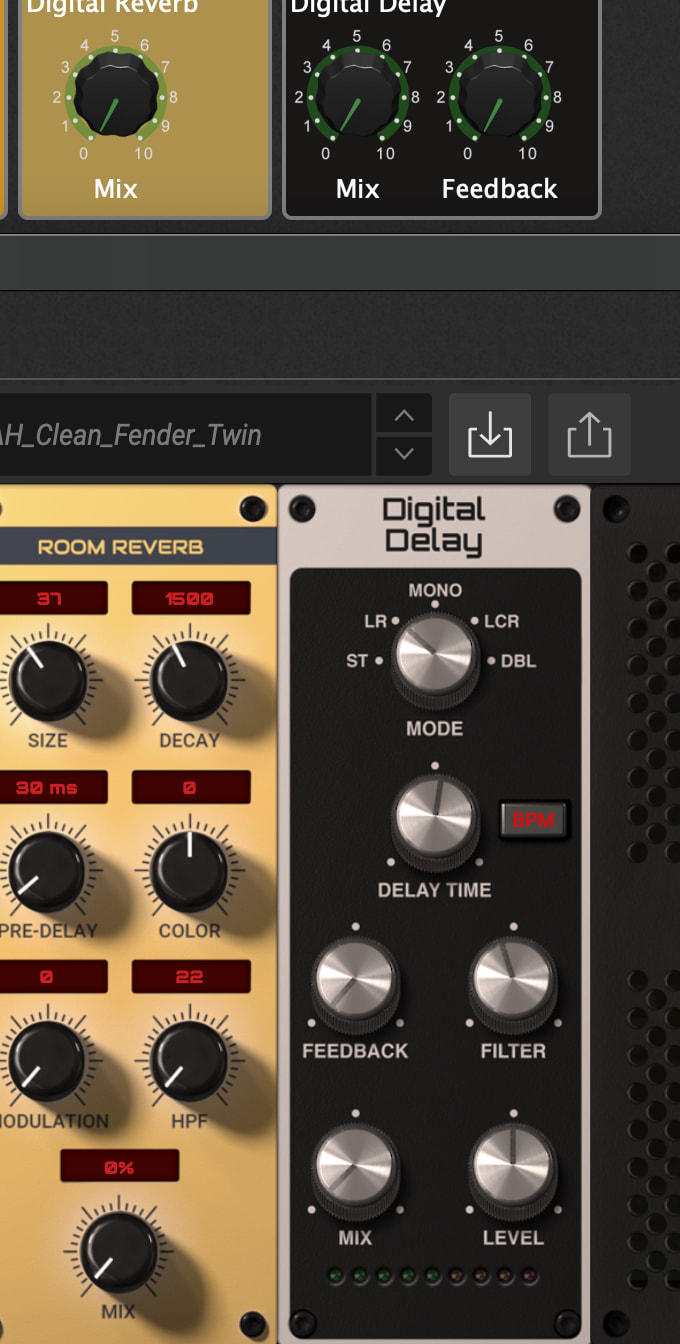
In absence of being able to map the amplitube rack effects, I figure I’d map the mix to some knobs on my GP rack. When I don’t want something like the Delay, just dial its mix down to zero. While I can do that manually in Amplitube, the mappings from GP don’t seem to have a consistent range. They seem to spin, but I noticed they never reach zero (so I still hear the delay). As I use them, they seem to vary in the minimum value achieved. The image below has me spinning the knob mapped to the Digital Delay Mix. While it reaches 0 on GP, it never reaches 0 on Amplitube (this time it was 1%, a few cycles through and it varies between 1-5% kind of randomly). Is there something special I should be doing in that ramp??