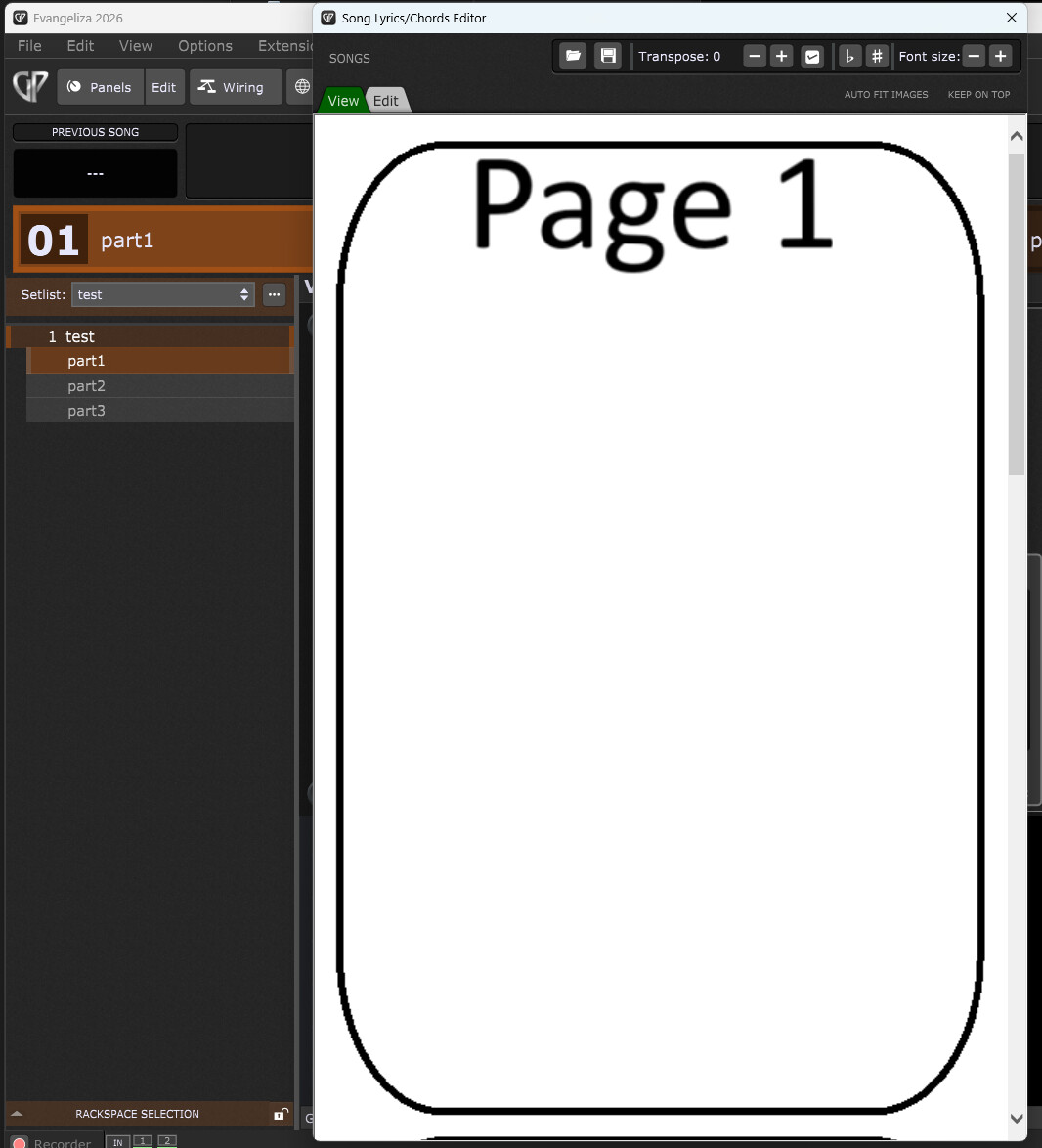
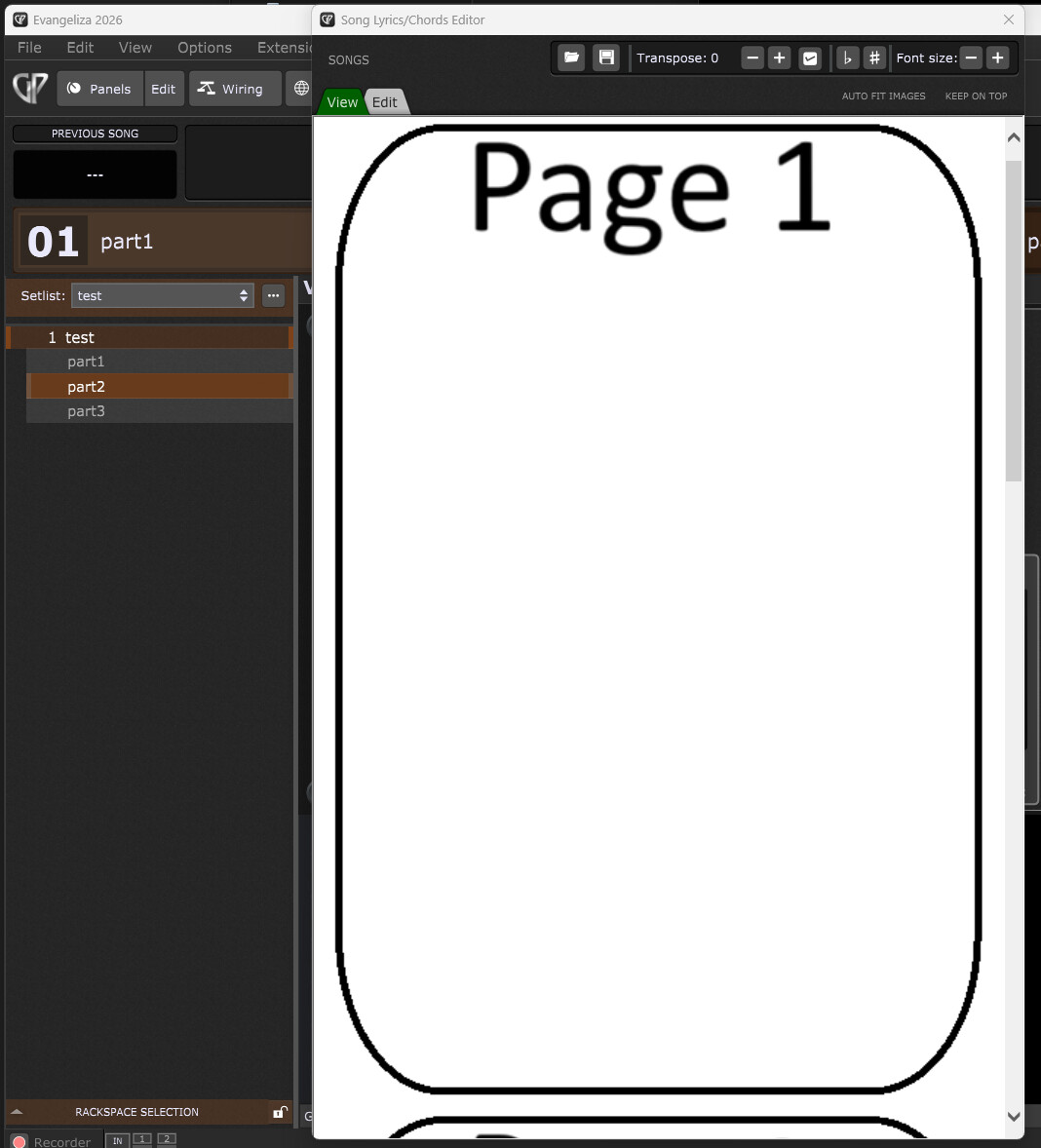
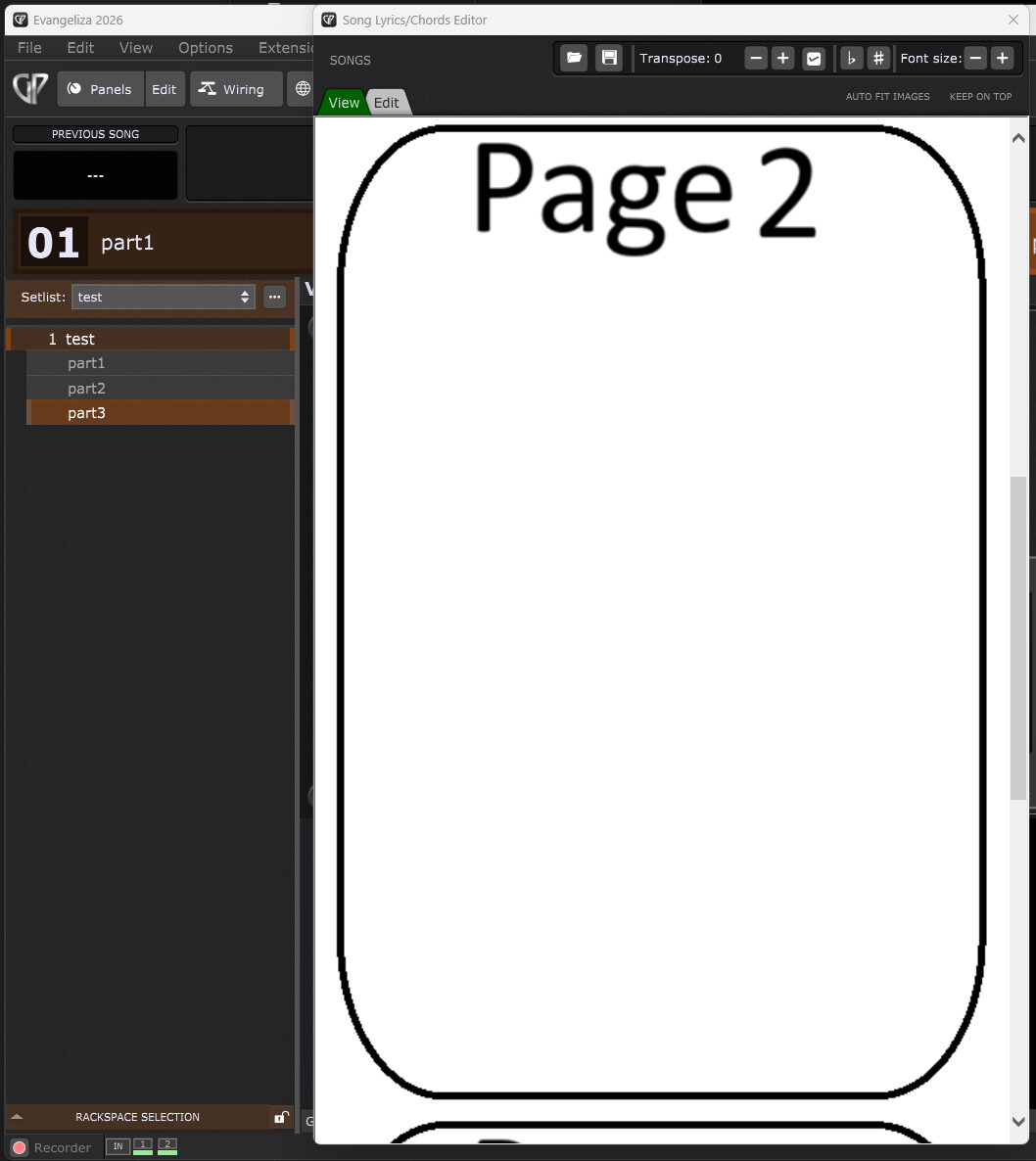
Hi. I’m trying to add score images to the Song/Lyrics/Chords editor sync’d to song parts, but there’s an scrolling problem. When the part is selected the image is made barely visible at the bottom of the viewer instead of bringing it to the top.
I’m using Windows 11. Is there a way to make it scroll the viewer so the image associated with the part is wholly visible?
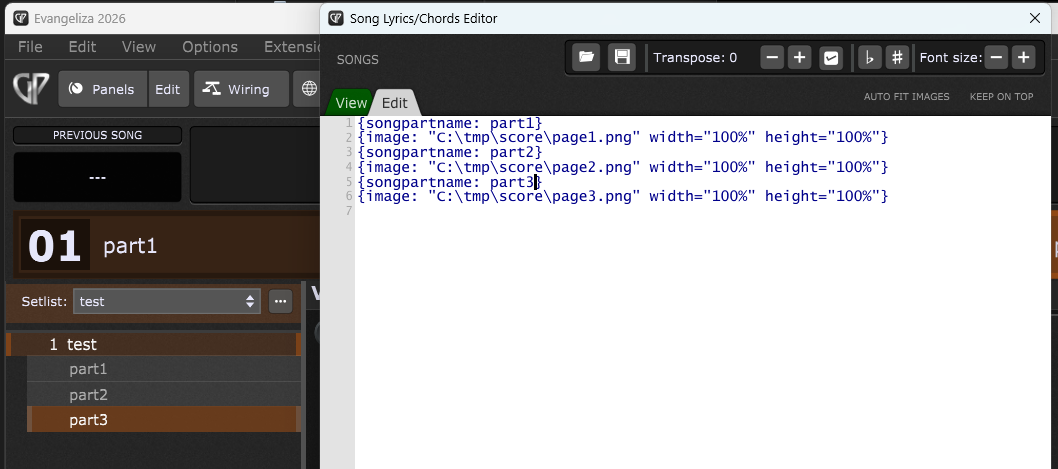
I just found out that it works if I add the image reference before the part name. But that’s the opposite of what PDFToGPChordPro generates and the documentation says. Like this: {image: “C:\tmp\score\page1.png” width=“100%” height=“100%”} {songpartname: part1} {image: “C:\tmp\score\page2.png” width=“100%” height=“100%”} {songpartname: part2} {image: “C:\tmp\score\page3.png” width=“100%” height=“100%”} {songpartname: part3}