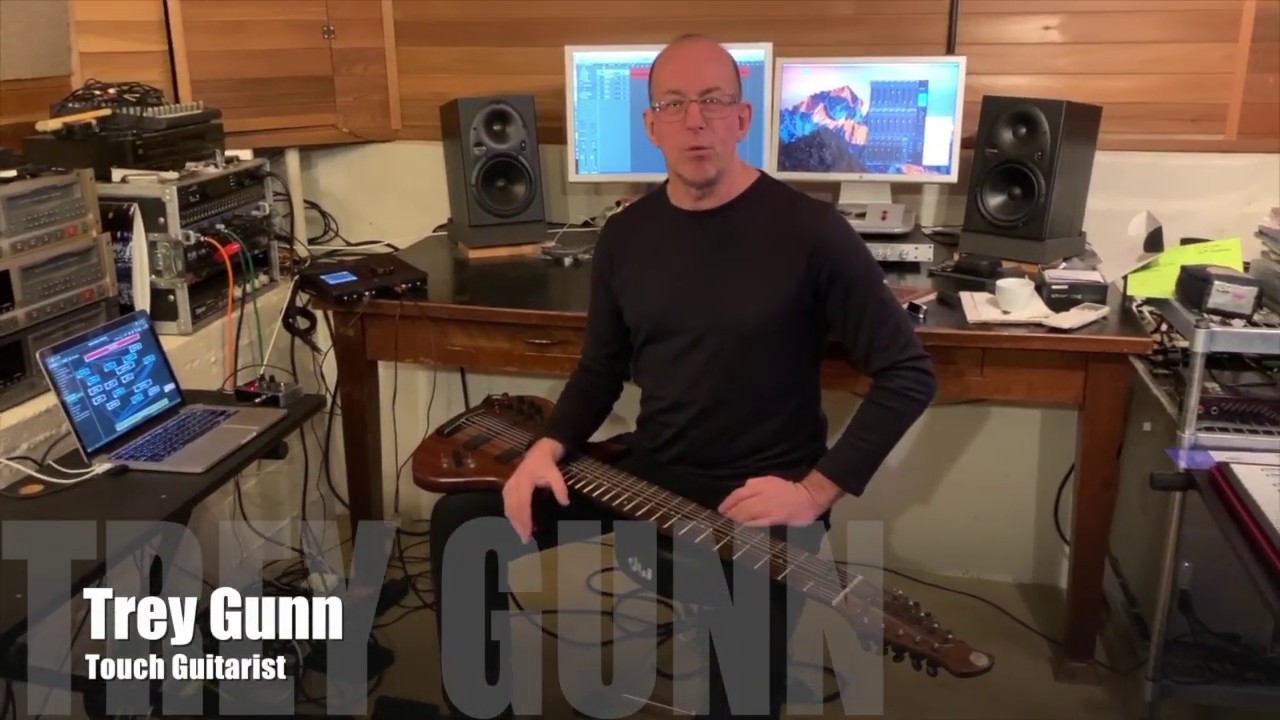
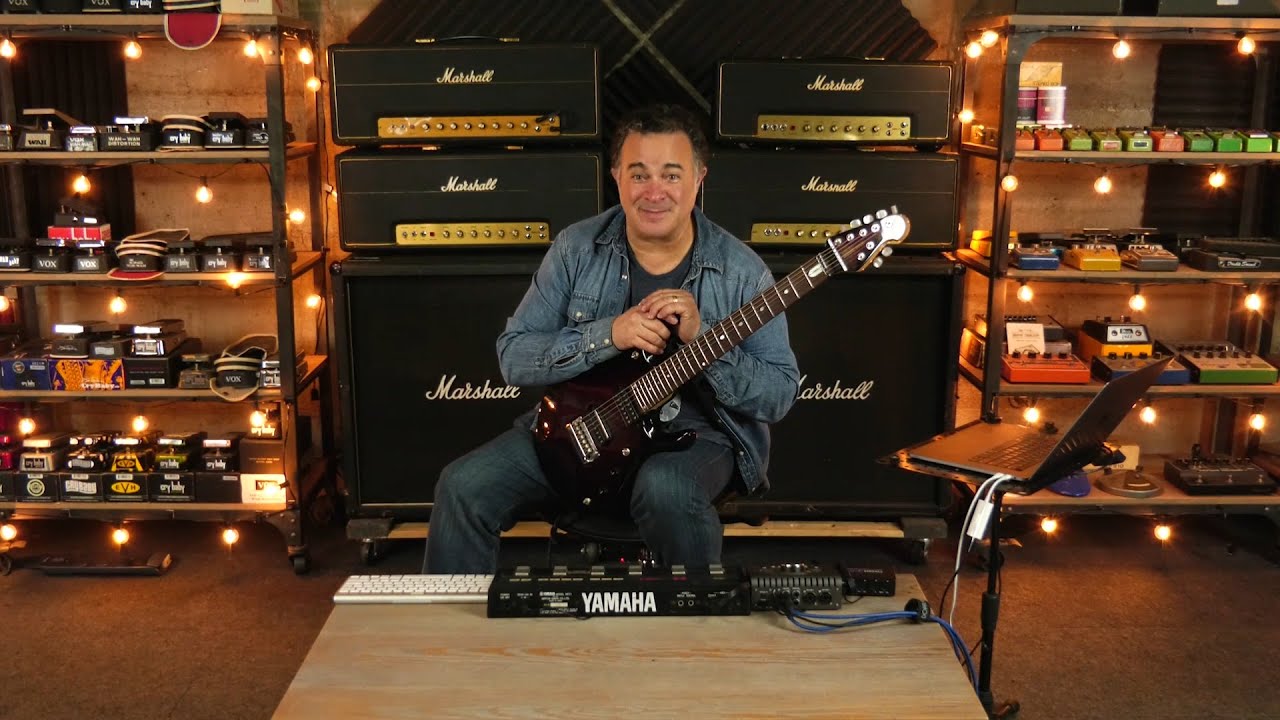
In this video, touch guitarist Trey Gunn (King Crimson) demonstrates his live and studio setup using the plugin host software Gig Performer. By relying on a Mac-based rig instead of analog gear, he achieves a highly complex, flexible soundscape for his performance of Peter Gabriel’s Family and the Fishing Net.
Key components of his setup include:
Signal Splitting:Trey explains how he separates his bass and guitar signals, processing them with various plugins like Mark Studio for bass (1:04) and three different Dirt Machine distortion plugins for his guitar (1:47).
Advanced Routing: He uses multiple mixers within Gig Performer to blend parallel effects, including S-Gear for his main guitar tone (2:30) and various pitch-shifting and phaser effects (2:54).
Dynamic Control:Trey details his MIDI controller setup, showing how a single expression pedal can manipulate multiple parameters simultaneously, such as pitch, volume, and phaser intensity (4:46).
External Effects Loops: He demonstrates how he routes his signal to external analog hardware—specifically a feedback-based effect called Freak Out—by utilizing his audio interface’s loop capabilities, which he controls via momentary switches for spontaneous sonic textures (7:07).
Throughout the demonstration, Trey highlights the software’s ability to create complex “patch cables” and routing configurations that replace traditional racks of gear, allowing for a highly expressive solo performance (9:06).
–
For Trey Gunn, Gig Performer acts as a central hub that transforms his entire live and studio performance into a compact, software-based rig. It is a game changer for him for several key reasons:
Elimination of Analog Gear: By using Gig Performer on his Mac, Trey no longer needs traditional, bulky analog equipment. All his professional-grade sounds are generated via software plugins, relying only on his instrument, an audio interface, and a MIDI controller (0:04–0:33).
Complex Routing Flexibility: The software allows Trey to create intricate signal paths, such as splitting his bass and guitar inputs, running multiple parallel distortion plugins, and blending sounds using virtual “patch cables” that would be incredibly difficult to replicate with hardware (1:00–4:15).
Instant Sound Access:Gig Performer provides reliable, instantaneous access to complex sound patches on stage, which is vital for high-pressure live performances like his solo on Peter Gabriel’s “Family and the Fishing Net” (0:08–0:13).
Dynamic Expression: He uses MIDI controllers to manipulate multiple parameters simultaneously. For example, a single pedal can control volume, pitch-shifting, and phaser intensity all at once, allowing for a highly expressive, hands-free solo (4:46–6:02).
Hybrid Integration: It allows him to seamlessly integrate external analog effects, like his Freak Out feedback pedal, directly into his digital signal chain through his audio interface loops, giving him the best of both analog texture and digital control (7:07–8:47).
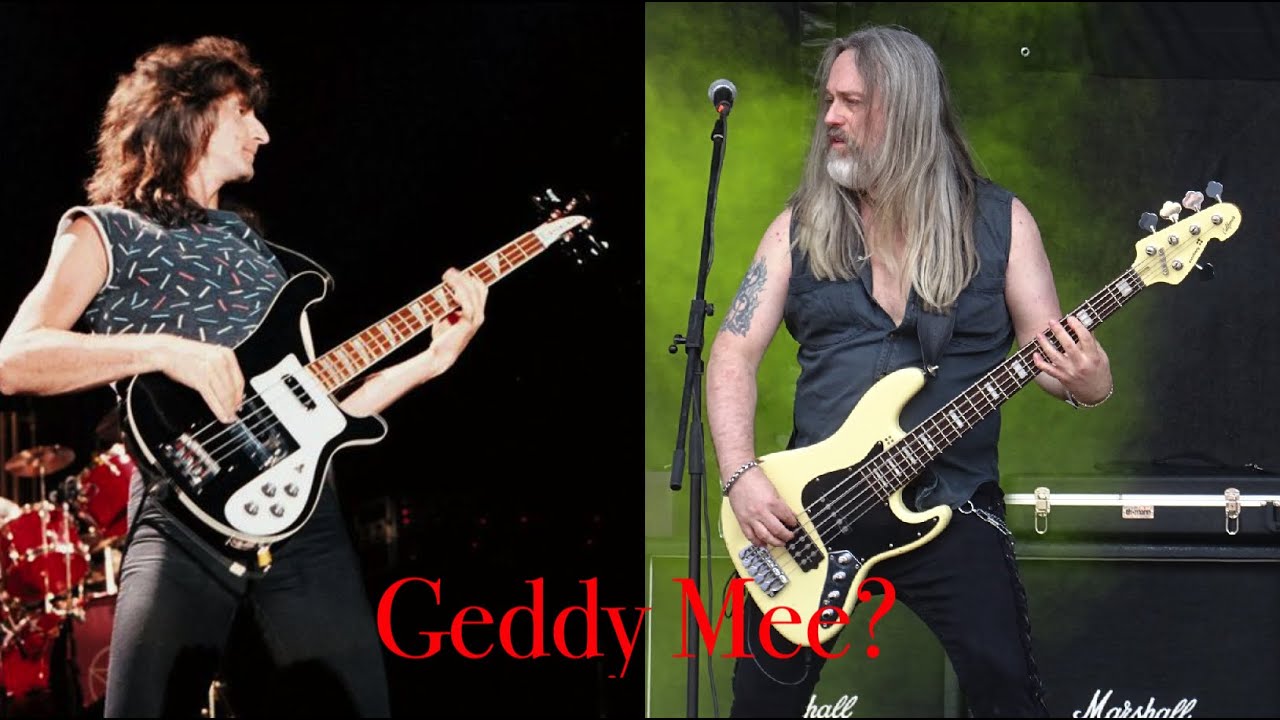
In this video, bass player Dennis Ward demonstrates how he uses Gig Performer to recreate the iconic bass tone of Geddy Lee from the band Rush.
Key steps in creating the tone:
Signal Chain Setup: Dennis routes his bass into an EasyMix plugin, then into an Ampeg B15N amplifier simulation (0:56 - 1:17).
DI Signal Processing: He adds a separate DI (Direct Input) signal for better attack and clarity, using SSL channel strip plugins for compression, EQ, and saturation (2:00 - 2:58).
Latency Management: A critical part of his process is correcting phase issues between the amplifier mic signal and the DI signal. He uses the Waves InPhase plugin to delay the DI signal by 2.12 milliseconds to ensure both signals align perfectly without a “hollow” or “honking” sound (3:39 - 5:27).
Mixing: He balances his final sound by using primarily the amplifier signal with about 50-60% of the processed DI signal (5:38 - 6:09).
Practical Application:
Live Playing: Towards the end, he demonstrates the resulting sound by playing along to a track called “Tom’s Lawyer” within the Gig Performer environment (6:14 - 7:51).
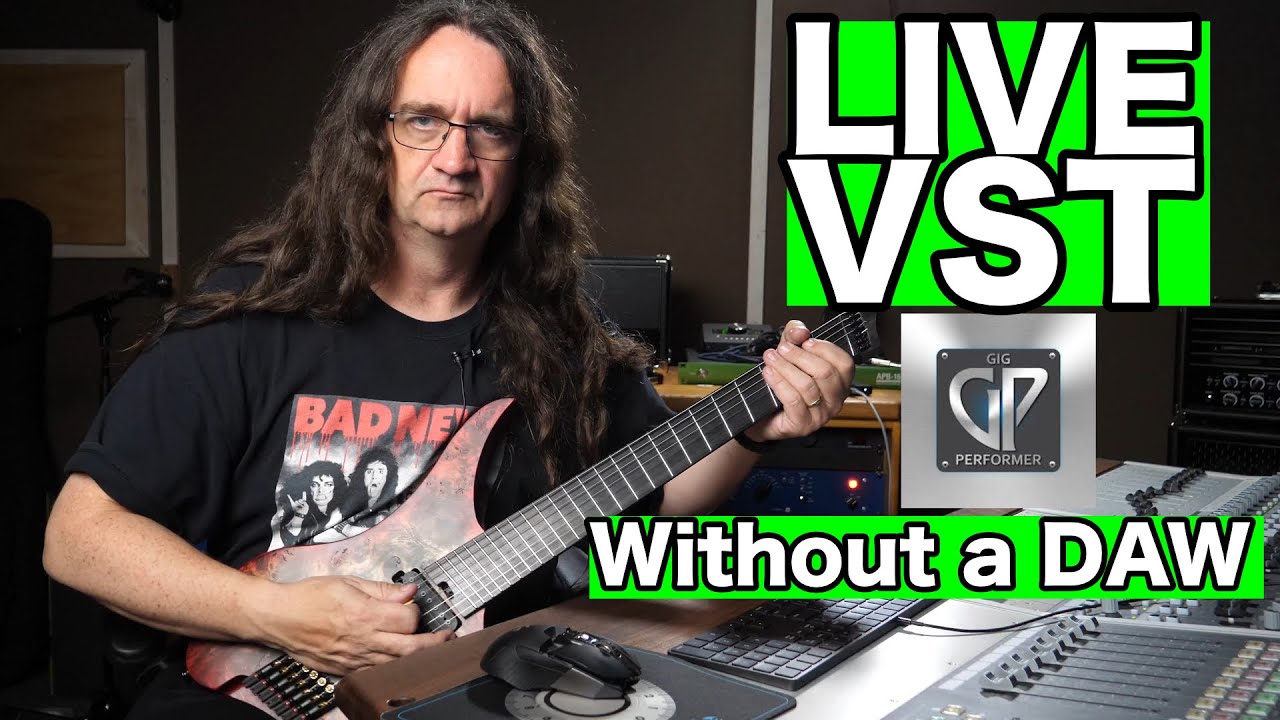
In this video, Glenn Fricker of Spectre Sound Studios provides a comprehensive look at Gig Performer, a software solution designed to bridge the gap between studio-quality VST plugins and live performance environments. Unlike a traditional Digital Audio Workstation (DAW), which can be resource-heavy and unstable for live use, Gig Performer is optimized for rock-solid reliability, low CPU overhead, and seamless control.
Key takeaways:
Simplified Live Control: The software allows musicians to build custom, stripped-down panels, hiding complex routing and focus only on the parameters needed during a show (1:39 - 2:29). This minimizes the risk of accidental changes while using a laptop on stage.
Advanced Routing:Gig Performer features highly flexible audio routing (3:24 - 4:40). Fricker demonstrates how to route signals separately for different purposes—such as applying a mastering limiter to monitor mixes while keeping a clean signal for the main PA feed.
Integration for Various Musicians:
Guitarists:Fricker tests the software with Brainworx amp simulators like the VH4. He demonstrates how easy it is to swap out cabinets, add effects like overdrives (e.g., Green Screamer), and use noise gates, all of which integrate seamlessly into a live workflow (5:11 - 6:46).
Vocalists: It serves as a powerful tool for live vocal processing, allowing for quick adjustments to compression, EQ, and de-essing (3:39 - 5:10).
Performance Management: The software includes a “setlist” mode, which helps musicians organize their patches and program changes for an entire show, facilitating quick, seamless transitions between songs (10:53 - 11:15).
Stability:Fricker emphasizes that throughout his testing, he experienced high stability. He discusses the importance of using a laptop (due to its internal battery) as a safeguard against power fluctuations at a venue (11:18 - 12:04).
Ultimately, Fricker suggests that the versatility and robust design make it a compelling option for any musician looking to bring their studio sound to the stage without the overhead of a full DAW.
Gig Performer is a live performance software and host for VST instruments.
Wiring View – Rear View: Signal routing via visual connection blocks (VST plugins, audio inputs/outputs, and MIDI inputs).
Panels View – Front Panel: Customizable user interface for assigning widgets (knobs, faders, buttons) mapped to software parameters.
Song / Setlist View: Organizes rackspaces into specific setlists or songs, dividing them into song sections.
Key Features & Functions
Rear Routing: Drag and connect wires between MIDI inputs, VSTs, audio effects, volume controls, and hardware audio outputs.
Widget Creation & Layout Tools: Drag single or multiple widgets onto the front panel, use grid shortcuts (e.g., press 3 to drop 3 widgets horizontally or vertically), and utilize auto-alignment/resizing options.
Parameter Mapping: Map widgets using the “Learn Parameter” feature by selecting any control within a VST.
Song Mode & Midi Controls: Assign sections to different rackspace sounds and map global MIDI controls (e.g., up/down buttons) to switch song sections on the fly.
Variations: Create preset variations within a single rackspace (e.g., toggling an instrument volume off) and preview changes using the compare button.
Step-by-Step Example: Building a Keyboard Split
Setup MIDI Splits: Create two separate MIDI input blocks—one capped at key C2 for the left hand and another starting from C#2 for the right hand.
Add VST Plugins:
Left Hand: Connected to Reason Rack’s Radical Piano.
Right Hand: Connected to Reason’s Thor Synthesizer with modulation effects.
Transpose Notes: Adjusted the right-hand synth block pitch up by 2 octaves for better playability.
Front Panel Control: Mapped two vertical faders on the front panel to independently control the piano and synth volumes using parameter learning.
Create a Variation: Created a “No Synth” variation where the synth fader is turned down by default.
This video features Doug Doppler demonstrating Gig Performer, a native, near-zero latency live plugin host designed for musicians and front-of-house mixers. The software functions as a virtual rack, allowing users to run studio-grade effects and amplifier simulations live on stage using just a computer and an audio interface.
Key Highlights:
Performance & Flexibility: The software runs at 32 samples of latency and allows for seamless, real-time switching between complex plugin setups using MIDI controllers (2:15-2:57).
Component-Level Modeling:Doug emphasizes the realism of Brainworx amp emulations (such as the Diezel VH4 and Friedman BE100), noting they respond to playing dynamics just like real tube amplifiers (6:49-7:15).
Versatility: The demo covers a wide range of applications, including electric guitar, bass (demonstrated with an Ampeg B15 model), and acoustic guitar processing using classic console emulations like the Neve VXS (3:24-3:57).
Access:Gig Performer was formerly available through the Plugin Alliance MEGA Bundle or as an unlocked version compatible with any VST/AU plugin (0:39-1:03). Now it is available exclusively through the official Gig Performer Store.
Doug concludes by highlighting how this high-fidelity, resource-efficient workflow encourages better musical creativity and performance (5:45-5:52).
In this video, touch guitarist Trey Gunn demonstrates how he uses the software Gig Performer to manage his complex live and studio guitar rig. He explains that Gig Performer acts as his primary VST and audio unit host, allowing him to replace traditional analog gear entirely (0:05-0:33).
The setup for Peter Gabriel’s “Intruder”:
Key takeaways from his setup include:
Dual-Signal Processing:Trey splits his instrument’s signal into separate bass and guitar paths, each with its own dedicated processing chain (0:58-1:25).
Bass Side (1:29-2:45): He uses a parallel processing approach, combining the Mark Studio bass plugin with BIAS FX distortion. He utilizes a compressor for parallel compression and uses a MIDI expression pedal to control volume and toggle effects variations, such as clean and crunch sounds.
Guitar Side (2:47-4:12): The guitar signal is split into three paths. He processes the signal through S-Gear for distortion, while also incorporating a clean chorus sound with EQ. These signals are balanced in an eight-channel mixer to achieve a blend of distorted aggression and clean definition, all controlled by an expression pedal.
Ultimately, Trey emphasizes the flexibility Gig Performer provides, allowing him to handle intricate routing and sound management instantly during live performances.
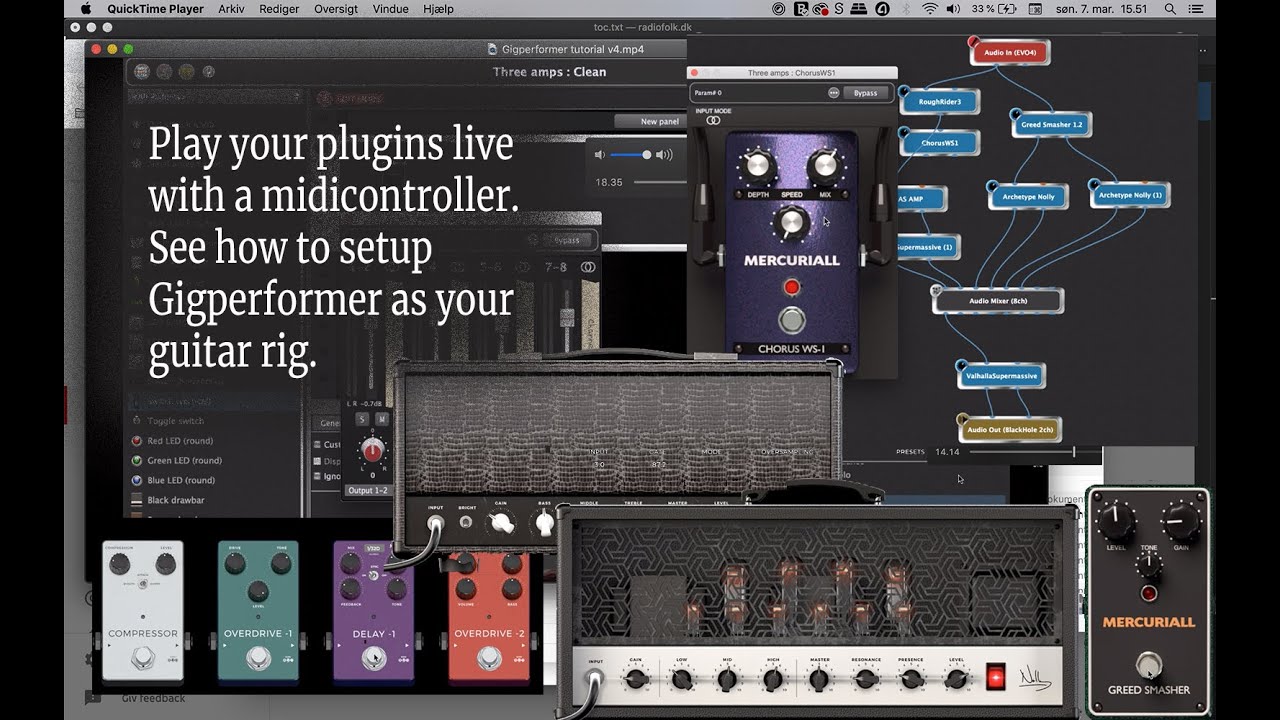
This video serves as a comprehensive guide on using Gig Performer as a main guitar rig for live performances. The creator demonstrates two distinct approaches for building amp and effects chains using various plugins.
Key Setup Methods:
Dual Rackspace Method (0:29 - 11:29): This approach uses separate rackspaces for different sounds. The creator shows how to set up the Positive Grid Bias Amp 2 (0:29) for clean tones and the Neural DSP Archetype: Nolly (3:27) for distorted tones, utilizing rack panels and variations to switch between effects and amp settings (5:36).
Single Rackspace with Audio Mixer (12:10 - 28:55): A more integrated approach using one rackspace to house three different amplifiers. An Audio Mixer (15:44) is used to blend or toggle between these amps, with additional effects like the Mercuriall Greed Smasher and Valhalla Supermassive integrated into the signal path (18:10).
Advanced Control:
Rack Panels: The creator emphasizes using the front panel view to assign controls, such as mute switches and volume faders, to specific plugin parameters (6:40, 18:10).
MIDI Integration: The final section covers mapping MIDI CC commands to your controller, allowing you to toggle effects (like chorus or delay) on and off without needing to trigger a full program change (28:55).
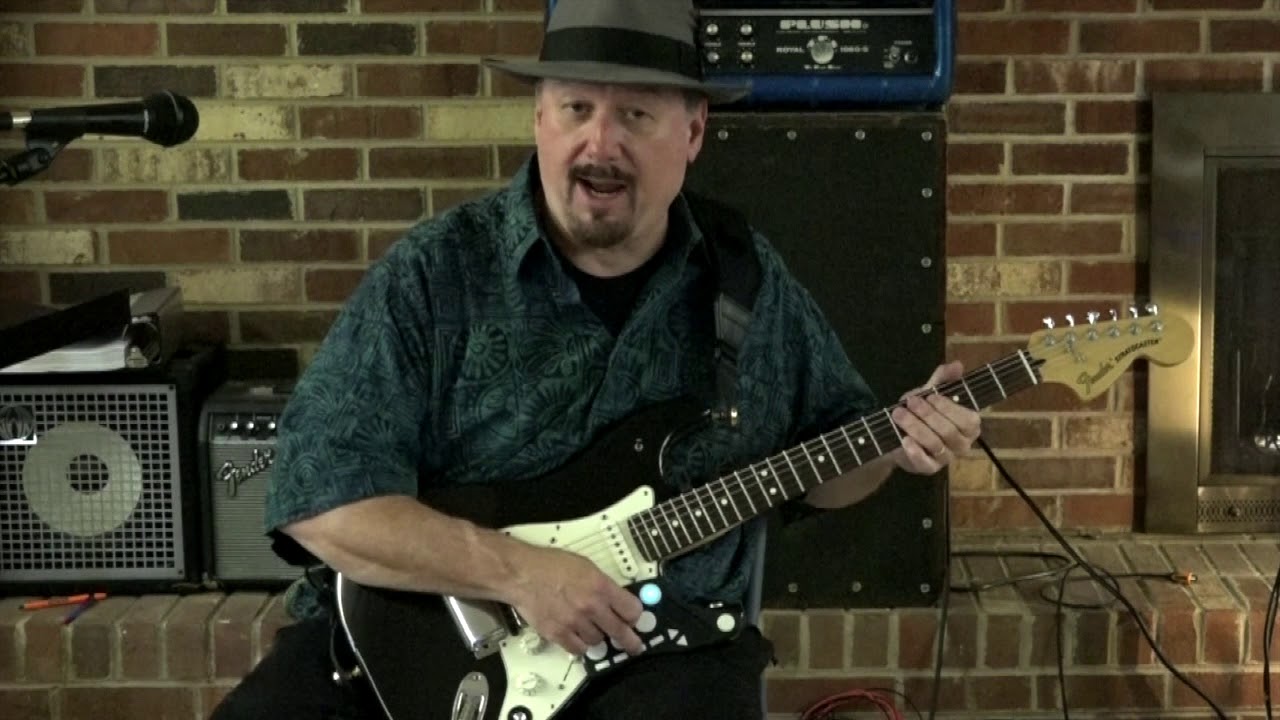
This video demonstrates how Bruce Moore integrates the Livid Guitar Wing MIDI controller with Gig Performer live VST host to manage live guitar synth sounds.
Key features and usage:
Patch Management: The controller allows for instant switching between guitar and synthesizer patches, as well as navigating through different parts within a song, which is essential for quick transitions during pop cover sets (0:15 - 2:23).
Control Capabilities: Bruce uses the controller for various tasks, including:
Lighting: Sending MIDI signals to black out lights (2:44).
Audio Tracks: Triggering backing tracks (e.g., vocal samples) during songs like Thriller (2:58).
Utilities: An ‘all stop’ button to fix hung MIDI notes and a dedicated button to toggle the Leslie effect for organ sounds (3:15 - 3:37).
Sound Shaping: Using a boost function (approx. 5dB) and blending guitar and synth signals simultaneously (3:43 - 4:13).
Bruce explains that while the controller includes sliders, they aren’t used in this setup, as some units are physically embedded into the guitar’s pickguard (4:41 - 4:51).
This video showcases the capabilities of Gig Performer for guitarists who want to achieve high-quality, low-latency amp sounds on stage or in the studio.
Key takeaways from the demonstration include:
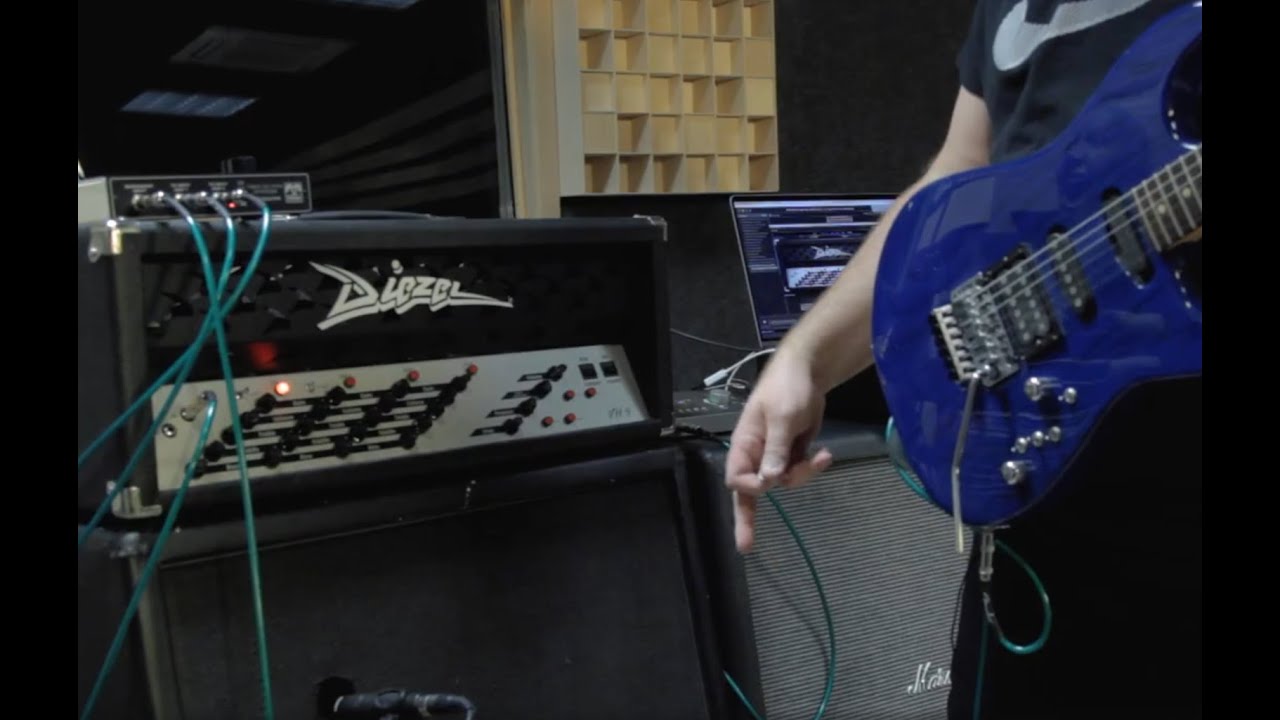
Authentic Amp Modeling:Dirk Ulrich performs a “shoot-out” between the real Diezel VH4 hardware and its Brainworx plugin counterpart (0:18), demonstrating that the plugin is virtually indistinguishable from the actual tube amp (0:42).
Hybrid Setup: The system allows musicians to run plugin-based amps through traditional, high-quality gear like real 4x12 guitar cabinets using a standard power amp and audio interface (0:21-0:33).
MIDI Switching:Gig Performer enables players to use a standard MIDI board to instantly switch between different amp models and channels during a performance, providing the flexibility of digital gear with the physical “air-moving” feel of real speakers (1:59-2:11).
Versatility: While demonstrated with guitar, Dirk notes that the same setup works equally well for bass players (3:00-3:06).
The video concludes by encouraging musicians to use this technology in rehearsals and live performances for a professional, consistent sound (3:06-3:15).