I spoke too soon. The option has vanished from the Win power options. Not sure what happened.
It could be running in the background
I spoke too soon. The option has vanished from the Win power options. Not sure what happened.
It could be running in the background
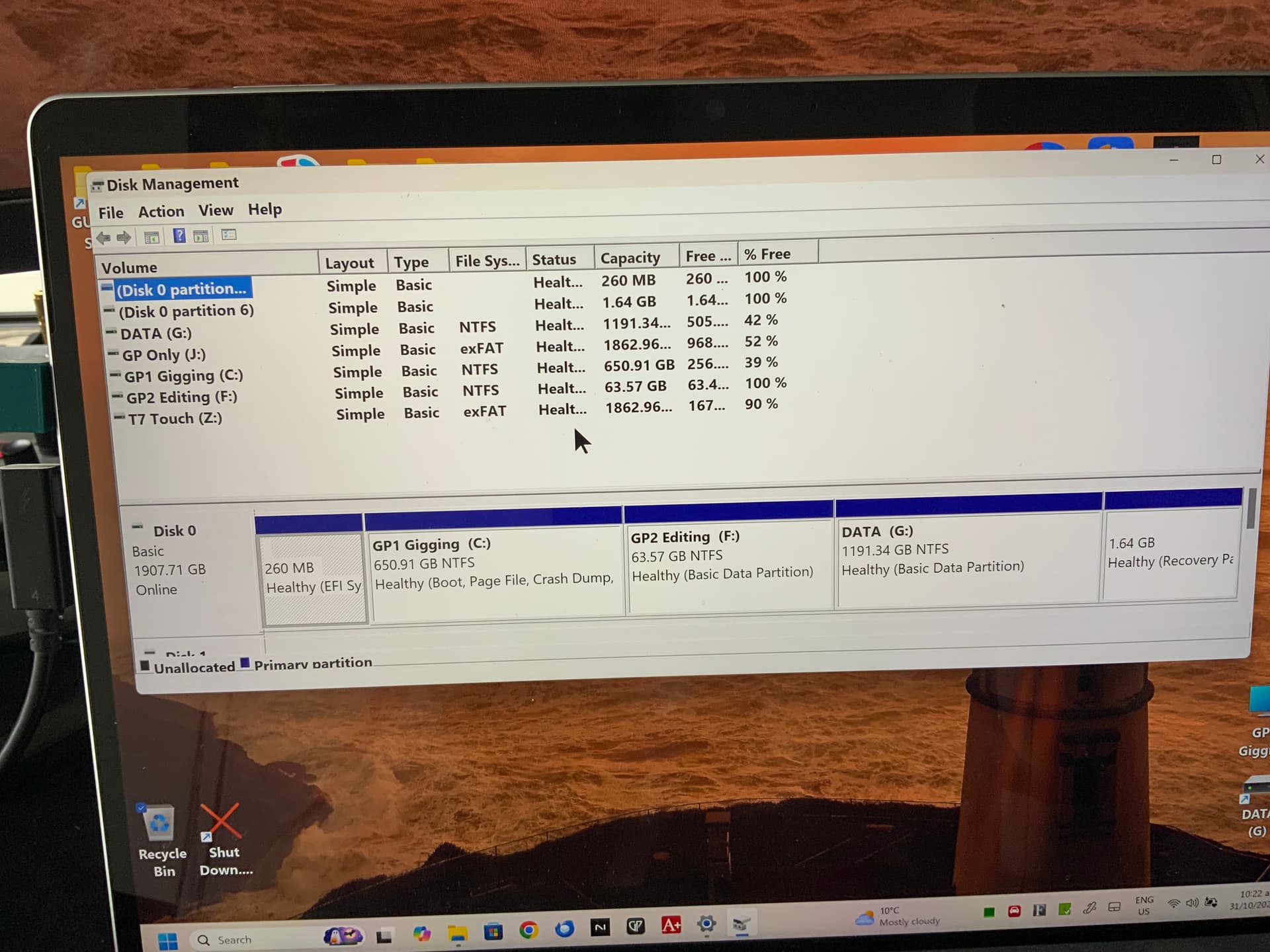
But can you please post a screenshot of the full diskmanager window without the dialogs. It could be the case that the drive letters are assigned to cdrom drives. Your screenshot is not showing what is interesting (although it clarifies what you mean, so it’s not useless)
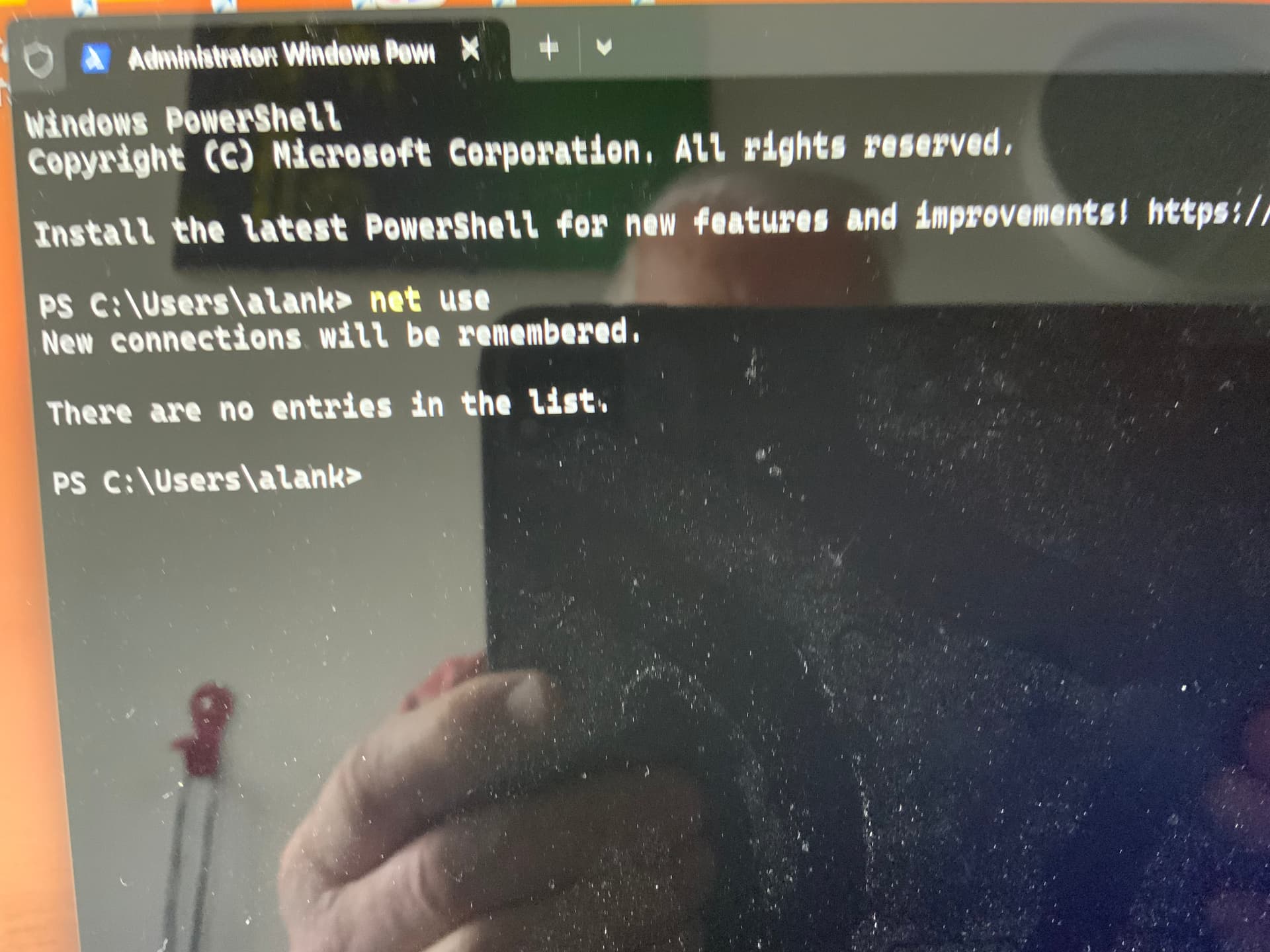
About shares: in a cmd box please enter net use. That should list the shares and their drive letters
Almost. There are (possibly) more drives in the lower half the window. You can go there using the scrollbar on the right
(No network drives, so that’s not the problem).
(btw, I’m off to sleep. So it might take 18 hours (including my time at work) before I’m ready to look further into this)
Happy dreams. You are a champ Frank.
Top of the class Frank. The missing drive letters were assigned to something hidden at the bottom.
So I changed them and got back the use of D and E. Cheers my friend.