512 samples is too laggy for me.
How many songs are in your gig file, and is predictive loading enabled?
512 samples is too laggy for me.
How many songs are in your gig file, and is predictive loading enabled?
Without knowing more about your machine, audio interface and the plugins you’re running, it is hard to say what might be happening.
If you’re getting crackling, what does the GP CPU number display?
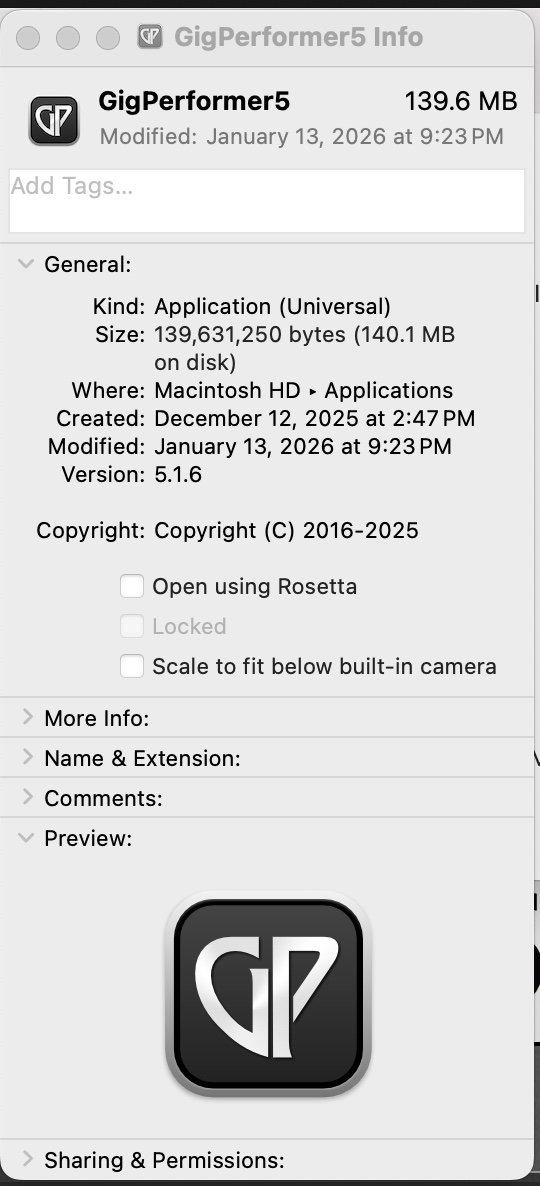
Just to make sure: all plugins are native plugins and not intel/x86? Otherwise Rosetta gets activated. The people on this forum who use mac can point out how to check that.
I have about 40 songs currently in the gig file.
I did list my hardware in the original post. GP CPU number display is currently between 30-35% while playing in GP.
Then the crackling is unlikely to be due to too low a buffer size
Someone also mentioned Rosetta. I am searching the forum to see how I can check this…
There are three possibilities
You are running the Intel version of GP
You are running the Universal version but you checked the box to indicate that it should run under Rosetta
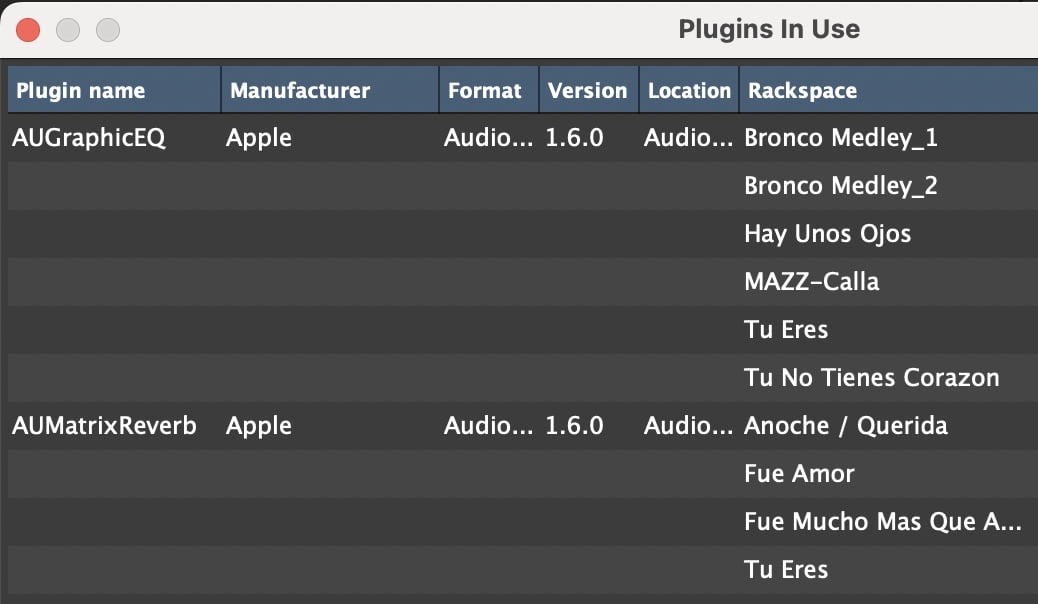
You are loading Intel only AudioUnits which Apple then runs under Rosetta.
If you use VST plugins, Intel ones just won’t work (Apple only addresses AU plugins with their hack)
That seems too little to me for the RAM to be insufficient. You could try loading the crackling song into a separate gig file. If it still crackles, then it can’t be due to insufficient RAM.
Does it crackle with the inbuilt sound card also?
An m4? That’s supposed to be way more power than my M1 Pro which I run 64 samples at 48k w no issues, I’m running kontact x 6 - one for each string on guitar synth,
I’d guess you have something running in the background like backup, virus or something you can find in settings- general- login items.
I use a Presonus 1824c at 44.1 and 196. Absolutely no hassle at all.
Are you using a hub or is the sound card direct to the laptop? What sort of hub? I have everything through a Ugreen pro powered hub and all goes like a dream.
Look at GP audio CPU meter… what does it read when you get the cracking?
I’d rather avoid apple plugins… I’ve had issues with au plugs
M4 Air 32gb 1tb
I had the exact same issues at one point.
I could only run 44.1 512 without popping.
Start disabling vst’s one at a time and see if stops.
In my case it was Youlean loudness meter running in the background.
Now I’m at 44.1 128 with zero issues.
I have this running on my Global rackspace. I will disable.
I keep it bypassed. After all I only need it whilst building a song.
Also make sure it’s updated!
Keep us posted.