If I remove kontakt I will have no problems, but then I will loose most of my favourite patches.
Anyway, I have anothe doubt about purging kontakt samples:
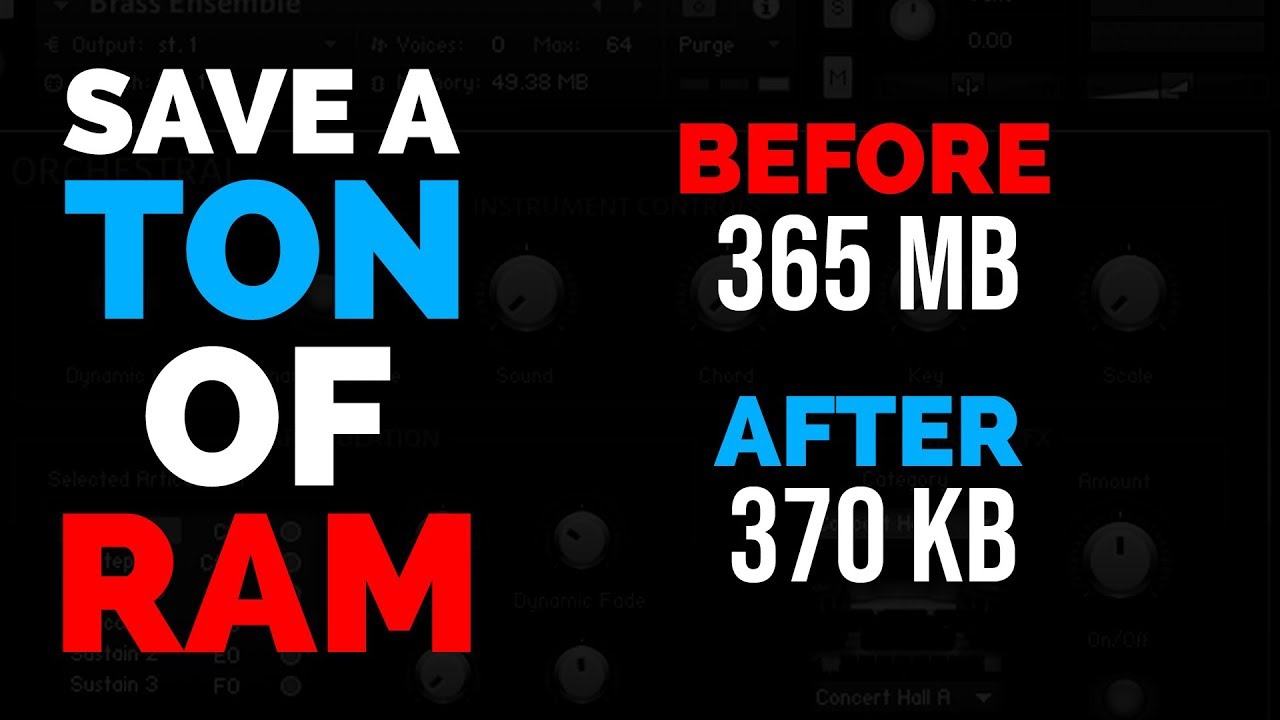
After purging all samples and play in the disered keyboard region (with different velocities) when I save the “new” instrument, should I save “patch only” or “patch and samples”?
I watched the vídeo. There is no info about the moment you save your “new” (purged) instrument. I need to know if I should save “patch only” of “patch + samples”.
If you go for a system with 32 GB of RAM make sure it is upgradeable, you might need more.
My gig-file is about 80 MB, with about 70 rackspaces (also using session horns pro). On windows you can find the required memory via ‘resource monitor > memory tab > commit column’. In my case the loaded gig file required 40 GB, so last week I happily upgraded to an i9 / 64 GB Lenovo Yoga .
On my previous (16 GB system) I had to use predictive loading to prevent cracks and glitches like you. Now, on 64 GB without predictive loading, everything is running smooth.
My intention here is not to descredit other comments but I speak from my experience, and you are right about those but they dosn’t gonna replace a Horns library like he needs or a String library. What Physical modeling VST doesnt eat CPU for that kind of sounds that you know?
Does multi-core only do something if you are using multiple Kontakt “instruments” within a single instance of Kontakt? (Instead of just having several instances of Kontatk in a rackspace, which is what I usually do).
One thing I have done is change the DFD setting in kontakt to “Sampler”, and re-save the programs with custom names so the factory ones are still available. I’m pretty sure this loads all the samples used into RAM, so switching between rackspaces doesn’t need to load the instruments, and kontakt doesn’t stream the samples from the drive when playing. I think this helps in case you have a slower hard drive, and enough RAM.
FWIW, I would “think” in most use cases this is not a good idea. DFD is one of the best tools you have for dealing with large sample-based libraries. It seems like it would be an especially poor alternative if you are using a solid state hard drive to hold samples.
(Though maybe it’s better in some use cases? If you have lot of ram, slow sample-based drive, maybe smaller samples?).
I agree with @jeffn1: Loading all samples into memory will add a lot of memory pressure. If you run out of memory, your system will have no other option than swapping to disk, which will not change things for the better. But as I cannot speak from experience, think it through carefully
For live performance, I don’t not load the larger libraries. They are trimmed down with the purge function, or resampled as a new “lighter” instrument with less velocity layers/articulations in most cases. This allows my gig files to fit nicely into my RAM footprint without any worry.
I keep the full libraries if I’m tracking for a project.
 .
.