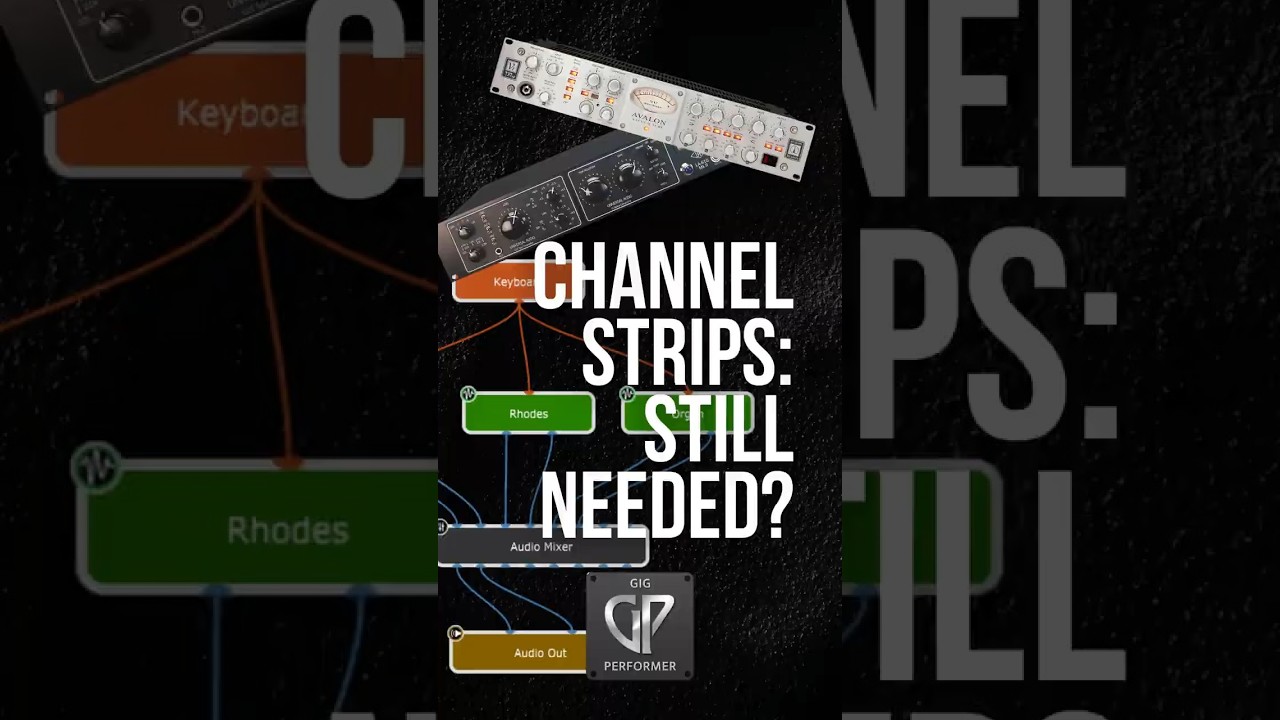
I was not being able to trust Mainstage, basically. I mean, I was trying to use it on on live shows and it just crashed on me too many times and I just couldn’t rely on it doing what I needed it to do.
In theory, it was a good idea. And in theory, the control of it and the layout of it was mostly everything I needed. It just wasn’t reliable. And that was really the death of it. And I was using Mainstage and using the Logic iPad app for control, for touch control, which was also a little buggy and not necessarily that reliable.
So going to Gig Performer and using a Stream Deck was the solution to replacing MainStage. And I haven’t had a single crash. It’s been totally solid every day of this tour. It’s been great.
– Short Stories compilation No 6 → LINK Short Stories compilation No 4 → LINK Short Stories compilation No 3 → LINK Short Stories compilation No 2 → LINK Short Stories compilation No 1 → LINK
I did try to use Mainstage. I used Mainstage. It didn’t work out because the host itself, Mainstage itself, requires so much CPU. So, I couldn’t use the soft synths I wanted to use. I couldn’t use Prophet. I couldn’t use Omnisphere. I couldn’t use Keyscape – and I’m a big Keyscape lover.
Plus, Mainstage crash at the Wembley Stadium → LINK
When I tried to work out how to do echo and reverb tails. So, I wanted it when I switched away from my delay sound, that the delays that were already happening would continue. I wanted to do that and the only way to do that was with some really confusing routing using buses. Especially when the sound from the echo was then going into a reverb as well. So, I just couldn’t picture it with sliders of buses.
Just visualizing how to get the signal to go where I wanted to was mind crushing in Mainstage.
So, in Gig Performer, it was the visual routing combined with the ability to get like reverb tails when you switch patches? Yeah. That was was the first thing. Once I had the program, you realize just how much you could do.
I needed flexibility and on the other side I wanted to play backing tracks, click tracks, mix in-ear monitor and do a lot of stuff. At some point I decided the computer is the way to go.
I tried with Mainstage and doing the the thing I wanted to do in that paradigm of channel strips didn’t work for me. So, I gave Gig Performer a try and here I am.
Gig Performer is just the Wild Wild West! I mean, anything you can imagine you can connect and build with Gig Performer, whereas Mainstage was much more restrictive in what you were actually able to put together to execute the whatever setup you wanted, whatever sounds you wanted.
I first became aware of Gig Performer May 2021. That’s when I first got it. I didn’t get rid of Mainstage, but I thought: Oh man this is really interesting! Look at how freely you can connect things and build things and imagine things and different ways to do things! And that was very appealing to me.
–
I’ll tell you what the thing that really first sold Gig Performer to me was discovering that it was not just created by a bunch of geeky tech heads – it was working musicians that were also technically brilliant guys who conceived of this thing, designed it, built it, and are constantly improving it! So that’s like, okay I’m sold!
I bought a couple of the guitar VSTs and then suddenly realized I actually need to try and figure how I use these out in a live situation. The only software I had at the time was Ableton Live. And me being a dinosaur, even more so back then, I literally thought it was a matter of putting a guitar sound in each in each track and just use and just arm those tracks. But I quickly found out that because of the memory types of organization in inside DAWs, you quickly run out of puff.
And more like seven or eight sounds in and latencies creeping in and all that kind of stuff. So that was ditched. And it was ridiculously complicated to try and put up those chain selectors. I YouTubed that for a day and a half. My brain turned to smoosh! I went, “Nope, that’s not for me.”
I then switched to MainStage. Took another month to figure out concert level and all that malarkey. I got a few sounds set up and first rehearsal it crashed on me twice. So that was chucked out immediately!
Then I found Gig Performer and have never looked back.
–
If you’re a musician that plays live anyway, that’s how we think: Connecting cables into instruments and out to speakers.
So, you’re halfway there. As soon as you’ve figured out what the Gig Performer blocks do and how you connect them, you really are more than halfway there. When it comes to channel strips, that doesn’t sit well in my head.
Yes, you’ve got a list of things that are that are listed in a channel strip – but my musical brain doesn’t want to work!
That’s okay in a DAW when you’re recording things, but that’s not the way it works in a live situation.
 Short Stories compilation No 6 → LINK